Netstat Command To Display Only Open Connections How To Use The Netstat Command To Display Active TCP Connections And Windows Netstat Windows 20 Netstat Command Examples In Linux Cheat Sheet GoLinuxCloud Match The Command To The Function Ping Displays IP Settings On Host How To Find Listening Ports With Netstat And PowerShell First just open a command prompt window and type netstat an The a parameter lists all the computer s connections and listening ports while the n parameter displays addresses and port
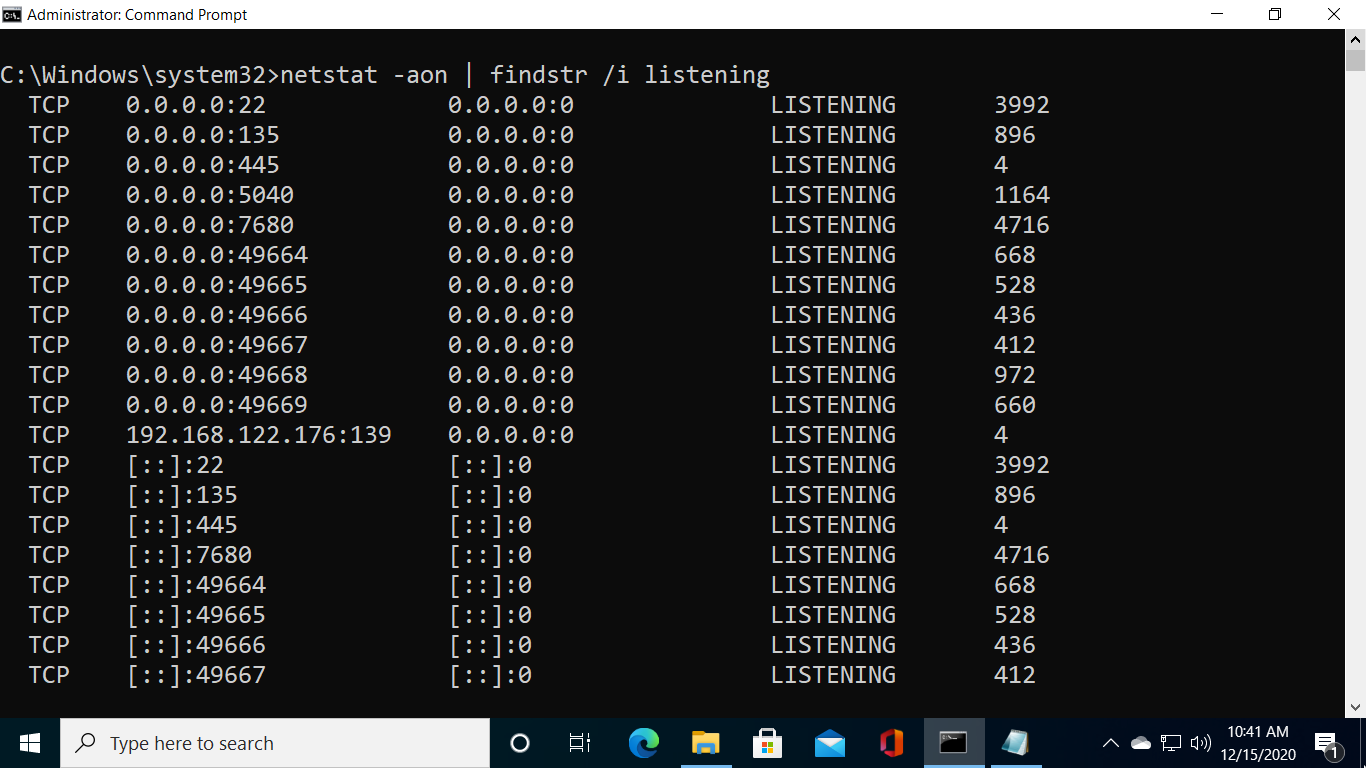
Administrators can run the following command to show opened ports only without all other details netstat aon findstr i listening One important point is that the Windows Firewall may block a port even if it is in the listening state Path The path of the socket file 3 2 List Only HTTP Connections We can use the netstat command with grep to list all the open HTTP connections The n option shows the numerical addresses and port numbers instead of trying to determine the symbolic host port or username
How To Find Listening Ports With Netstat And PowerShell How To Use Netstat Command On Windows 10 Windows Central How To Use The Windows Netstat Command To Discover Open And Connected Linux Grep All Files In Directory With Find Maininriko 20 Netstat Command Examples In Linux Cheat Sheet GoLinuxCloud Netstat Command In Linux With Examples 01 DevopsRoles Free 1 Netstat Command Windows Usage And Examples Devops Junction Solved What s The Netstat Command To Get The Process 9to5Answer Windows 10 netstat 0x
Netstat Command To Display Only Open Connections
 Netstat Command To Display Only Open Connections
https://cdn.whatismarkdown.com/1666588672336.jpg
The output from the netstat command can be used to display the current state of all of the connections on the device This is a very important part of configuration and troubleshooting At its
Templates are pre-designed files or files that can be utilized for different purposes. They can save time and effort by supplying a ready-made format and layout for producing different sort of material. Templates can be used for personal or expert tasks, such as resumes, invitations, leaflets, newsletters, reports, presentations, and more.
Netstat Command To Display Only Open Connections
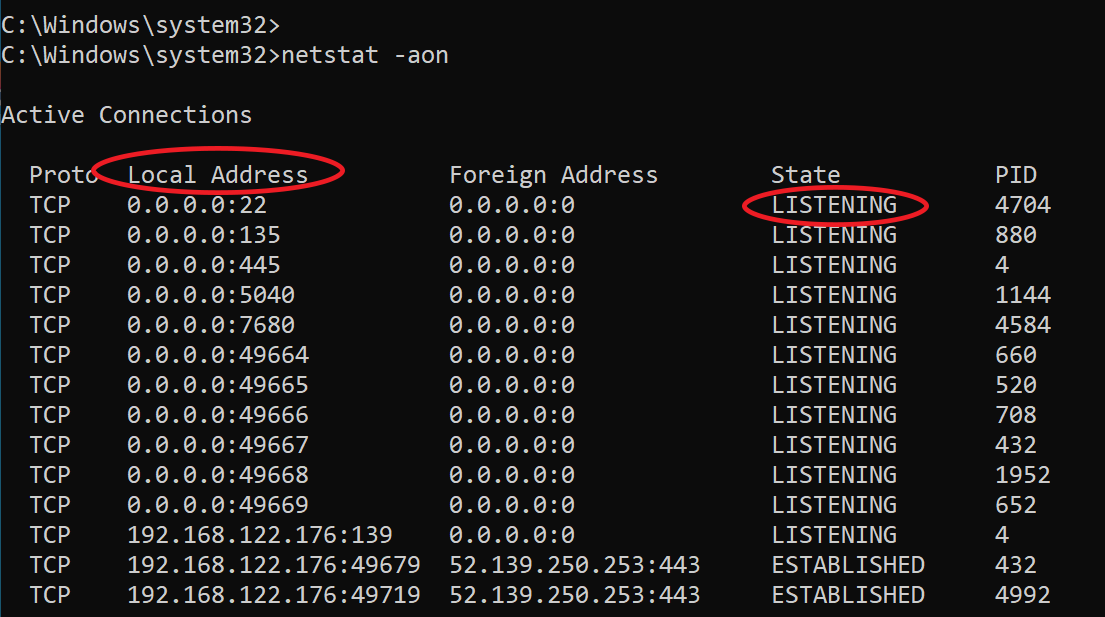
How To Check Which Ports Are Open Pausebear

How To Use Netstat Command On Windows 10 Windows Central
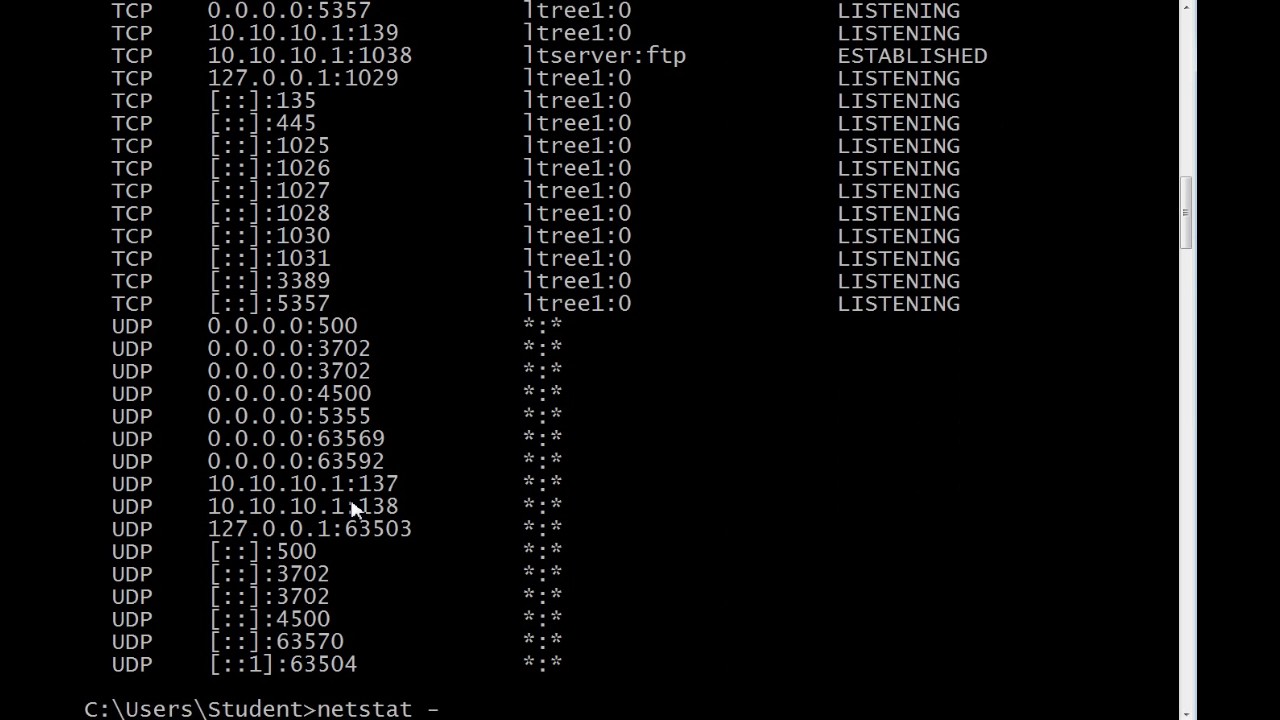
How To Use The Windows Netstat Command To Discover Open And Connected

Linux Grep All Files In Directory With Find Maininriko
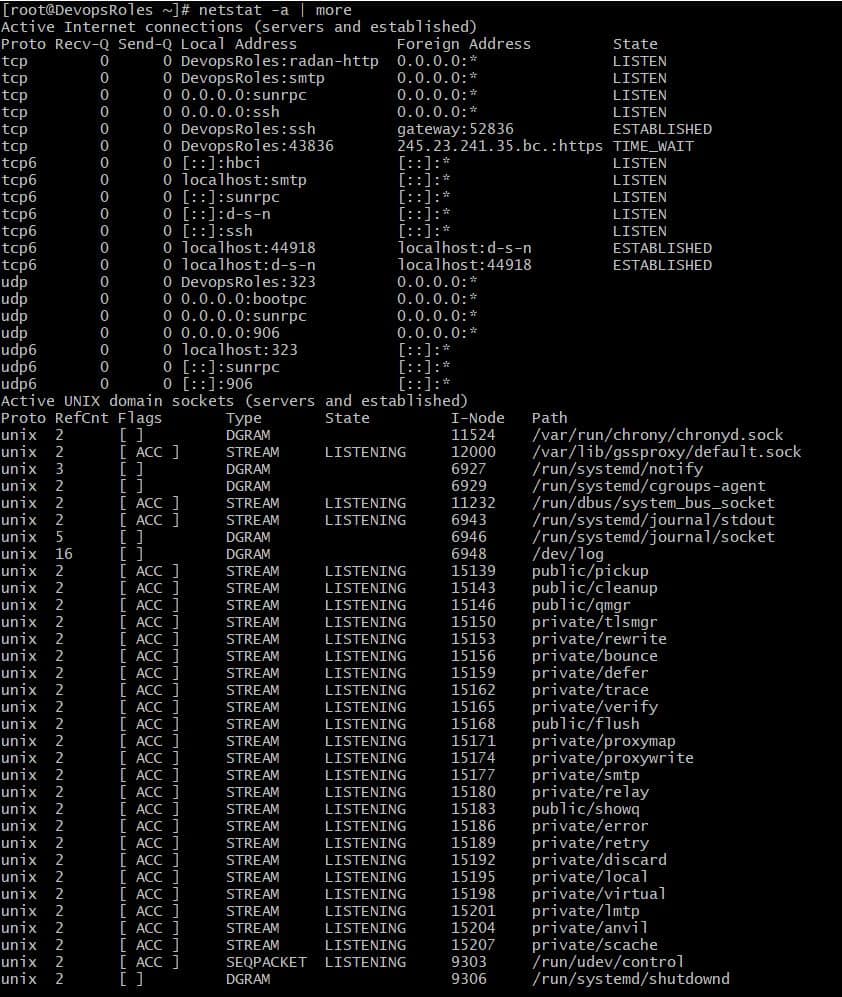
Netstat Command In Linux With Examples 01 DevopsRoles Free 1
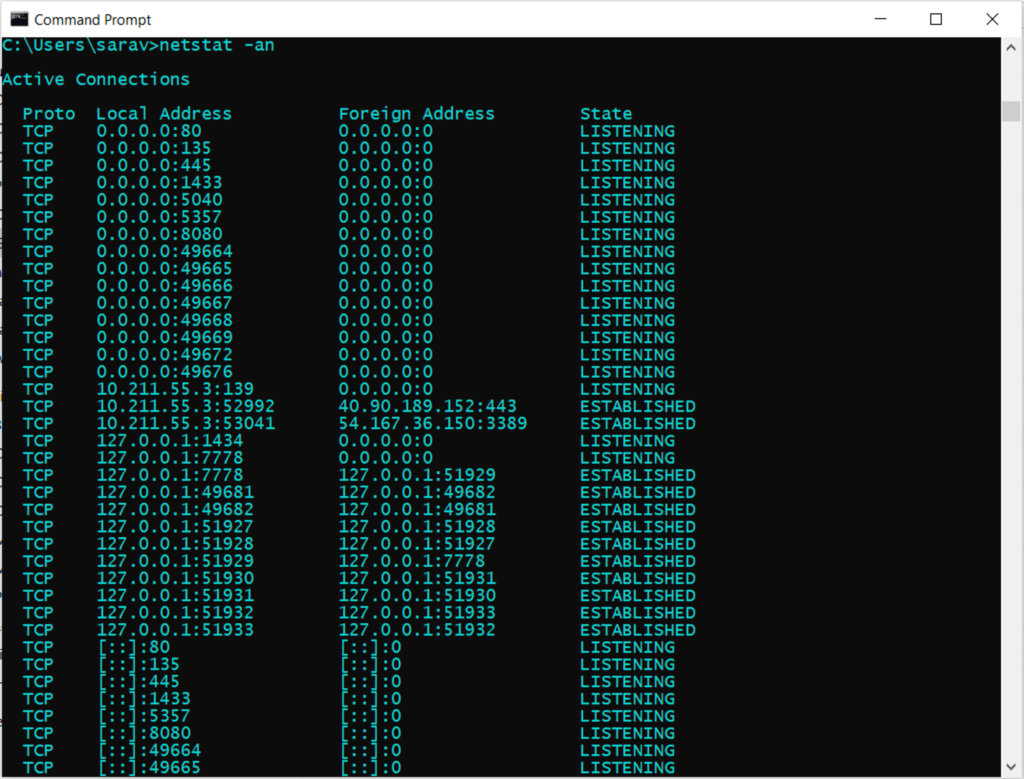
Netstat Command Windows Usage And Examples Devops Junction

Open Start Search for Command Prompt right click the top result and select the Run as administrator option Type the following command to show all active TCP connections and press
Go to the start menu or press Win r and skip to step 3 If on XP click Run If on vista or later search for cmd in the search box and skip to step 4 type cmd after cmd opens type netstat a a list of all open connections with their ports will be displayed

To display active TCP connections and the process IDs using numerical form type netstat n o Command Line Syntax Key Feedback Reference article for the netstat command which displays active TCP connections ports on which the computer is listening Ethernet statistics the IP routing table IPv4 statistics and IPv6 statistics
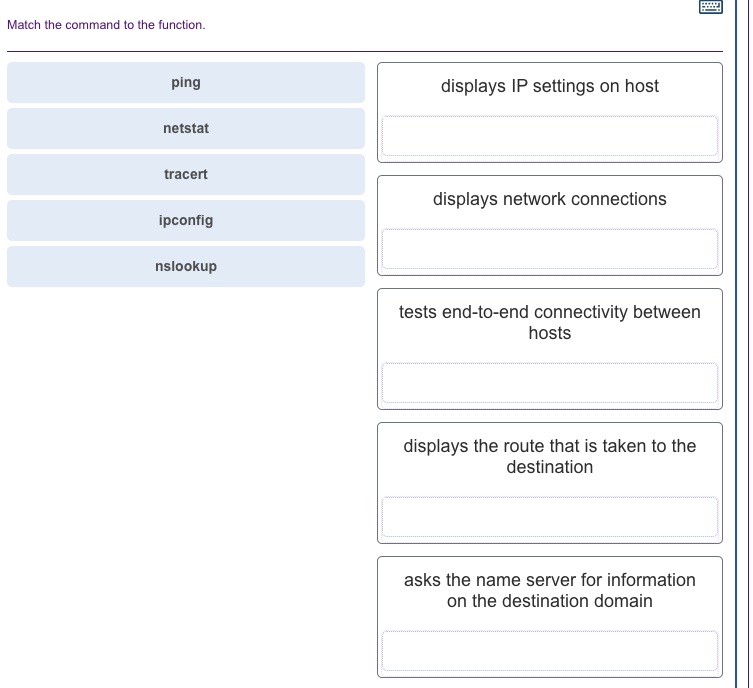
Netstat is a command line network tool that is a handy troubleshooting command Its cross platform utility means you can use it on Linux macOS or Windows netstat can be very handy in the following Display incoming and outgoing network connections Display routing tables Display number of network interfaces Display network protocol statistics
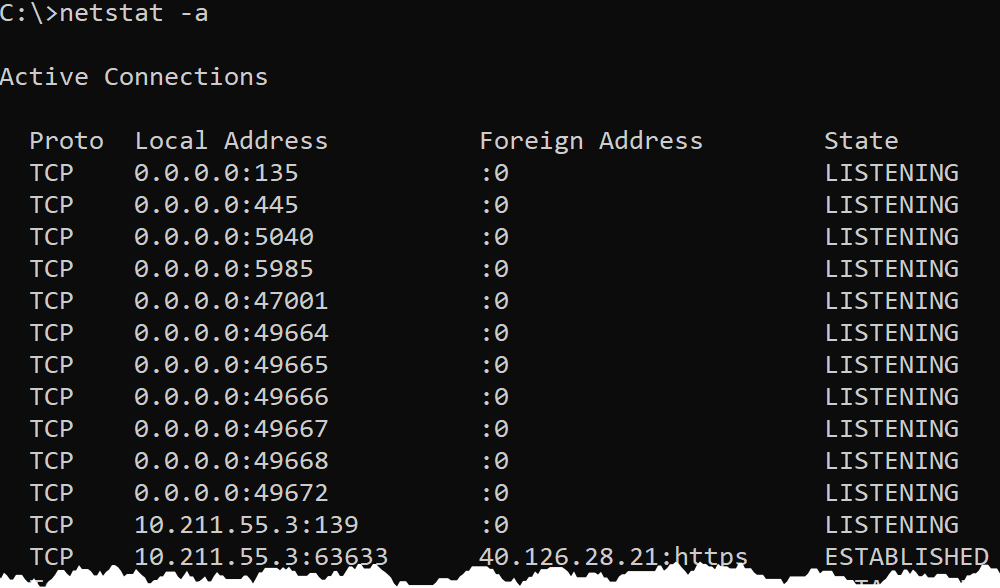
Netstat Command List Option Explanation netstat Execute the netstat command alone to show a relatively simple list of all active TCP connections which for each one will show the local IP address your computer the foreign IP address the other computer or network device along with their respective port numbers as well as the TCP state a This switch displays active TCP connections
This option will display the executable name in at the bottom with the component it called on top repeated until TCP IP is reached The b option can be time consuming and will fail unless you have sufficient permissions Once you re on the network you can do a command called NetStat Network Status and it lists all the connections The netstat command provides information about network connections ports in use and the processes using them Netsat can take arguments to filter out unneeded information and only show the specific details you re looking for Run sudo netstat i to list your network interfaces
On its own the netstat command displays all established connections You can use the netstat options above to specify the intended output further For example to show all listening and non listening connections use the all a for short option