Netbeans Java Examples Easily Creating A GUI In Java Using Jframe In NetBeans 8 0 SpinSpire Java GUI In Netbeans YouTube Creating First Java Swing GUI Application With NetBeans IDE YouTube Create First GUI Application In Java Using NetBeans IDE CodeSpeedy Netbeans Java YouTube This learning trail is focused on Java SE applications A Java SE application is an application written to the Java Platform Standard Edition Java SE The same unmodified Java SE applications can be run on almost any computer whether that computer uses the Microsoft Windows Solaris Linux or OS X operating systems
NetBeans IDE Basics It is not necessary to learn every feature of the NetBeans IDE before exploring its GUI creation capabilities In fact the only features that you really need to understand are the Palette the Design Area the Property Editor and the Inspector We will discuss these features below This tutorial demonstrates how to create a faculty that adds a sample toward the New Project wizard The sample could function any as an example to the user or more a new project template that stipulates this basic files needed to receiving starter working the a technology of some kinde
Netbeans Java YouTube Contoh Program Java Menggunakan Array Kelas Programme Vrogue co Hello World In Java Using NetBeans YouTube Hello World For The NetBeans IDE The Java Tutorials Getting JAVA Tutorial How To Design Login Form Using Netbeans IDE Custom Programming In Java Netbeans A Step By Step Tutorial For Beginners Sample Java Application In Netbeans YouTube Netbeans Java Creating A New Java Project In Netbeans IDE Aristides S Bouras
Netbeans Java Examples
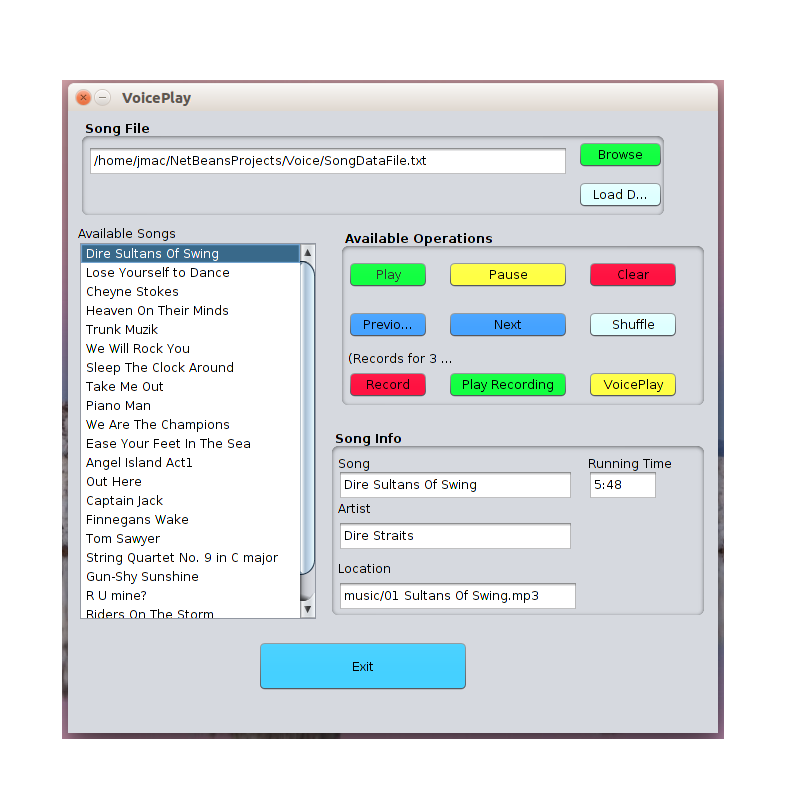 Netbeans Java Examples
https://spinspire.com/sites/default/files/field/image/MyJFrame.png
The NetBeans IDE has many features and tools for each of the Java platforms Those in the following list are not limited to the Java SE platform but are useful for building debugging and deploying applications and applets Source Code Editor Syntax highlighting for Java JavaScript XML HTML CSS JSP IDL
Pre-crafted templates provide a time-saving service for producing a varied range of documents and files. These pre-designed formats and layouts can be made use of for different individual and professional tasks, including resumes, invites, flyers, newsletters, reports, presentations, and more, improving the material creation process.
Netbeans Java Examples

Employee Management System Java Project Naadock
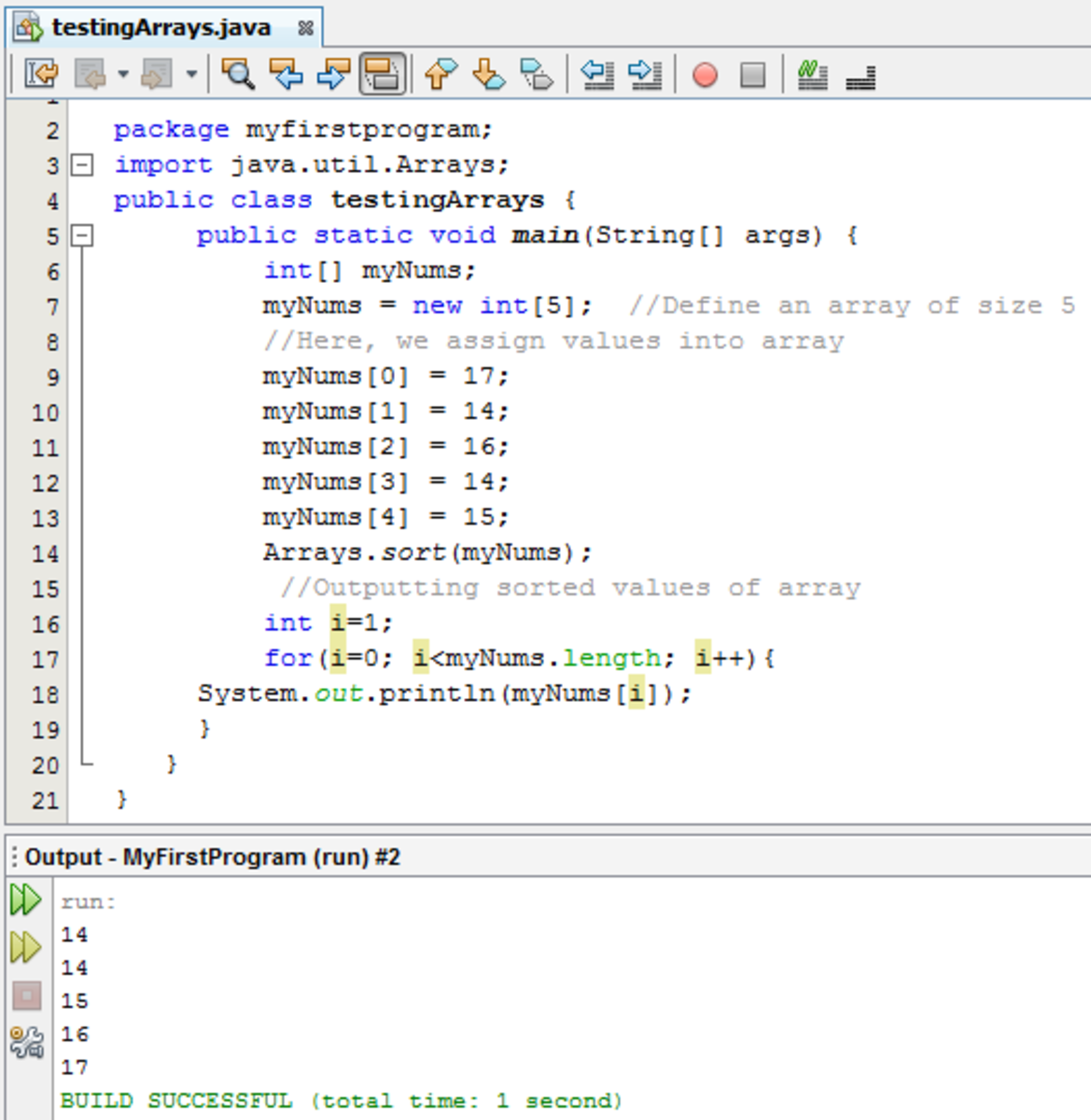
Contoh Program Java Menggunakan Array Kelas Programme Vrogue co
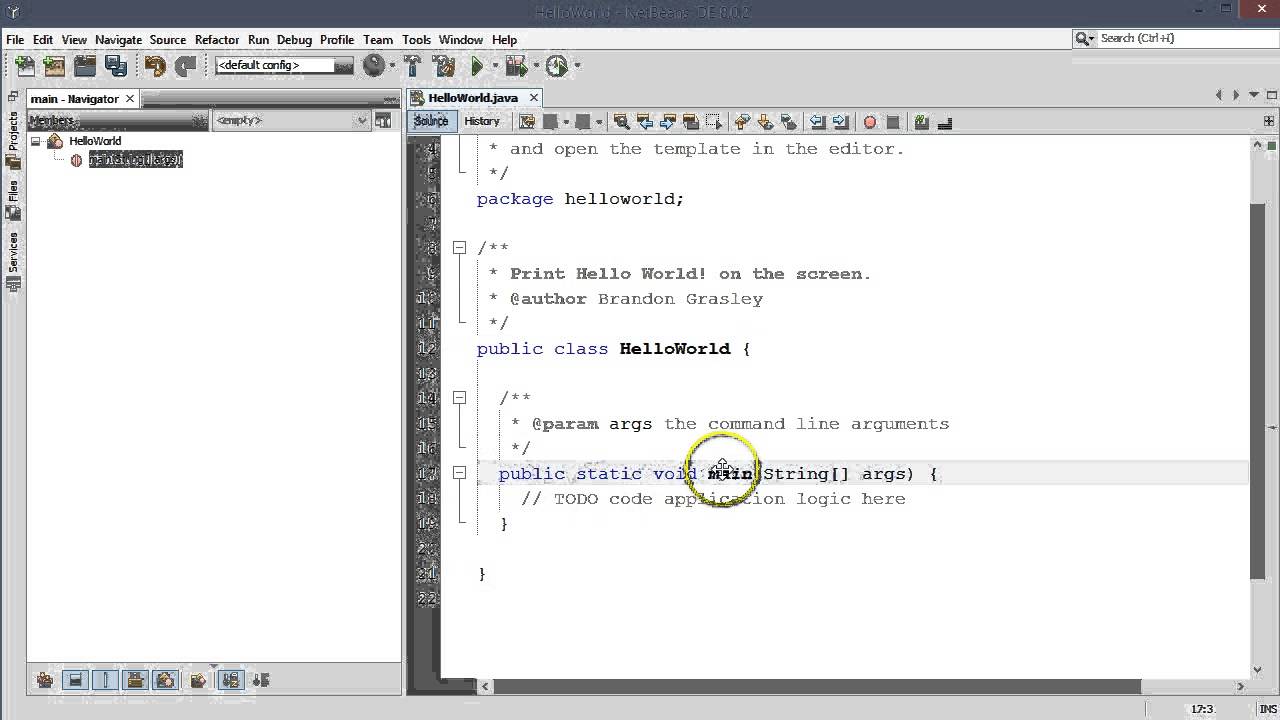
Hello World In Java Using NetBeans YouTube
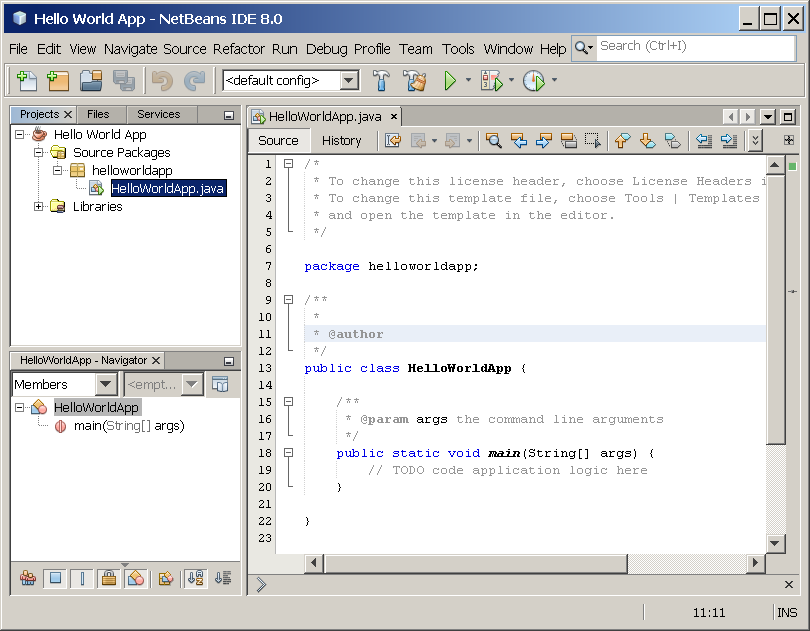
Hello World For The NetBeans IDE The Java Tutorials Getting
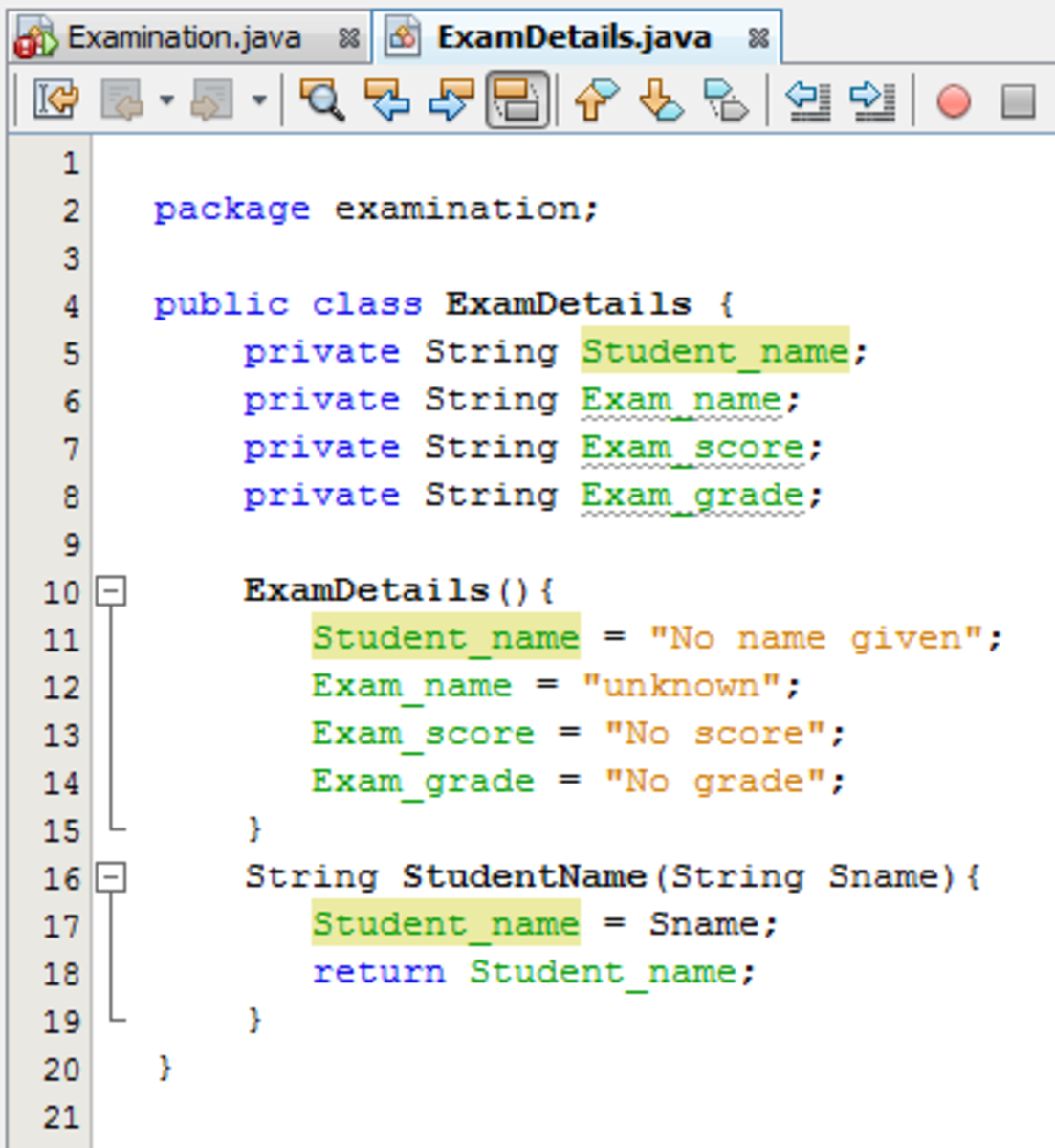
Programming In Java Netbeans A Step By Step Tutorial For Beginners

Sample Java Application In Netbeans YouTube
Individual examples are available in the Example as NetBeans IDE Project column on the various example index pages such as the Using Swing Components Examples index page You can download all of the examples as part of the Java Tutorial bundle See the Download the latest Java SE Tutorials link on the front page of the tutorial

Netbeans IDE features tutorials and howto examples advantages and is used for Java developer Netbeans IDE is a popular Source code Editor and IDE for most java languages It supports with below languages Base IDE for the below type of frameworks and tools Java SE Java EE Javascript and HTML Php JavaFX

The Java SE Development Kit JDK 7 has been selected in this example For Microsoft Windows Solaris OS and Linux Java SE Downloads Index page For Mac OS X developer apple The NetBeans IDE For all platforms NetBeans IDE Downloads Index page Creating Your First Application
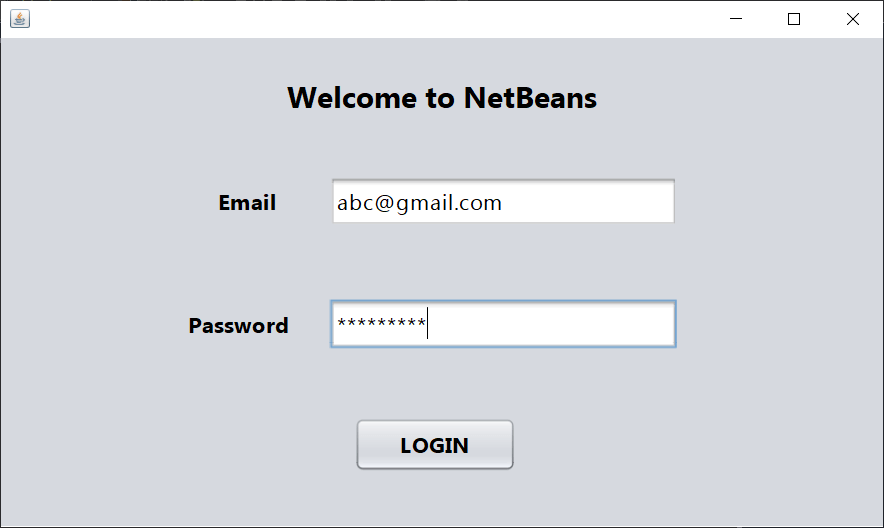
The best way to learn Java programming is by practicing examples The page contains examples on basic concepts of Java You are advised to take the references from these examples and try them on your own All the programs on this page are tested and should work on all platforms

NetBeans Tutorials This tutorial needs a review You can edit it in GitHub following these contribution guidelines
Apache NetBeans provides editors wizards and templates to help you create applications in Java PHP and many other languages Cross Platform Apache NetBeans can be installed on all operating systems that support Java i e Windows Linux Mac OSX and BSD NetBeans IDE is a free and open source integrated development environment for application development on Windows Mac Linux and Solaris operating systems The IDE simplifies the development of web enterprise desktop and mobile applications that use the Java and HTML5 platforms
For example for the class MyClass java the default name of the test class is MyClassTest java Usually it is best to keep the default name but for this tutorial you will change the name because you will also create JUnit 4 tests in the same package and the names of the test classes must be unique