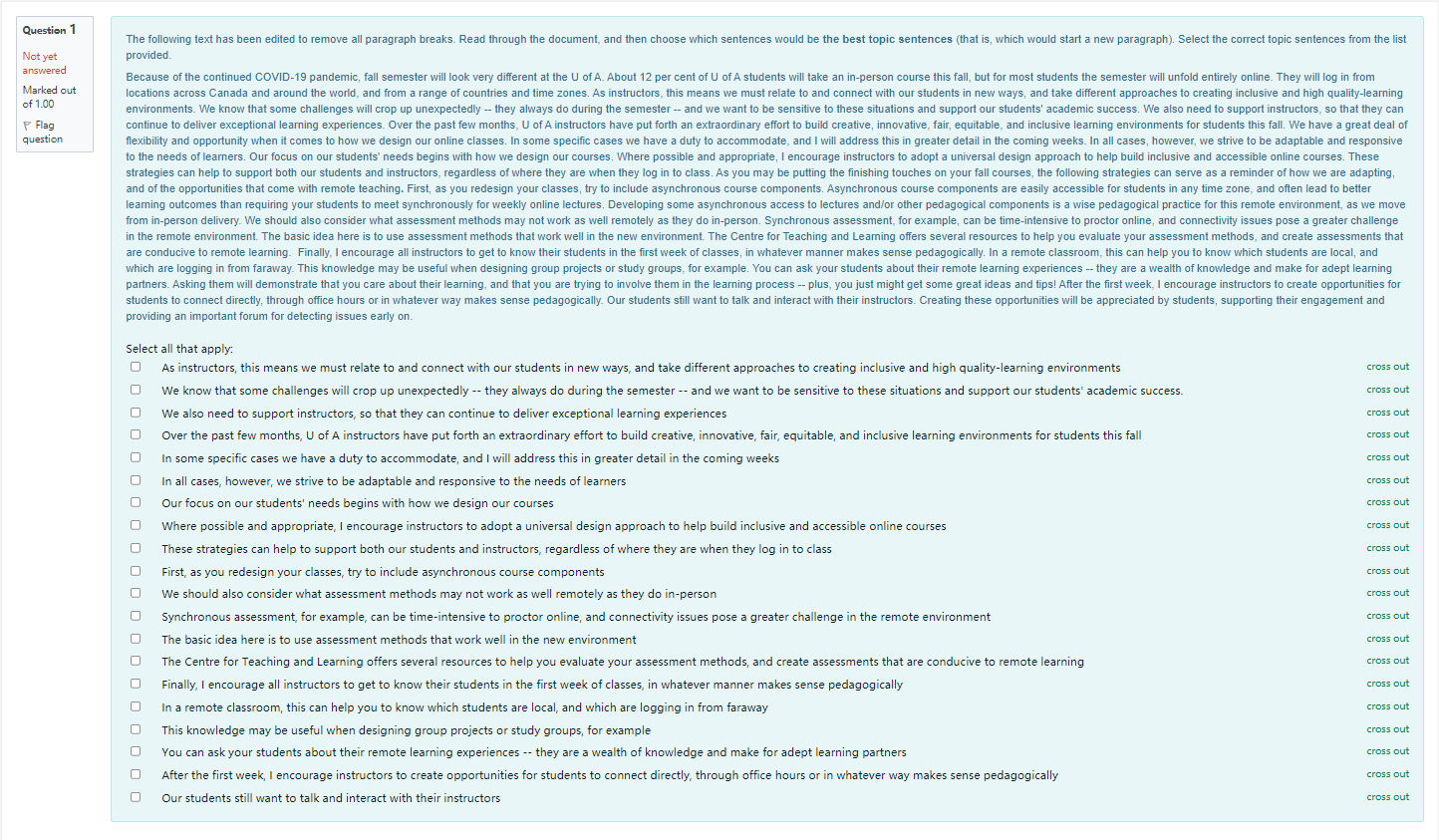
Ms Word Remove All Paragraph Breaks Page Break In MS Word How To Remove Page Break In MS Word On Windows Hvordan Bli Kvitt Og Fjerne Avsnittssymboler I Word Veiledning For Windows Bulletin Banyan Potreba Refr n Word Online Delete Section Break Cudzinec asto Marketing Vo Vyh ad va och Solved Question 1 Not Yet The Following Text Has Been Edited Chegg Remove Linebreaks In Microsoft Word Archives PickupBrain Be Smart Web Nov 4 2015 nbsp 0183 32 Press Ctr Alt K This will invoke AutoFormat which I am guessing will help adjust the content as pasted from the other source If it doesn t work you can just undo to get it back to the way it was
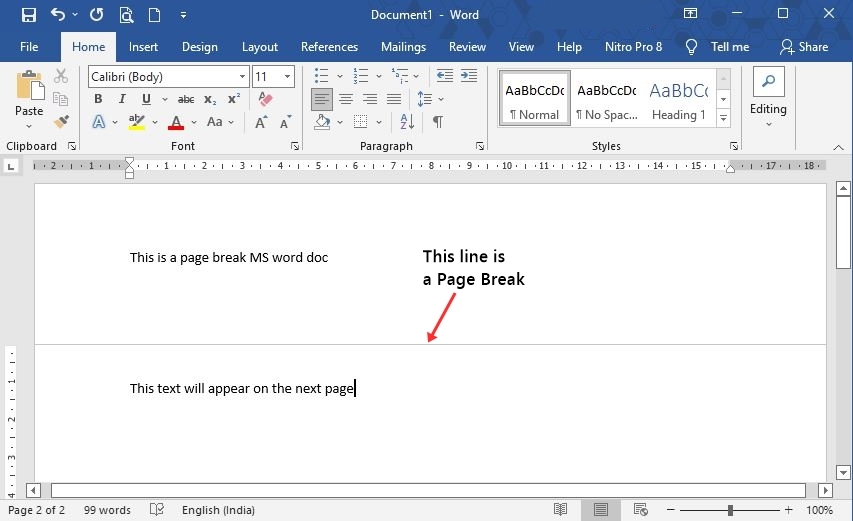
Web Jun 11 2012 nbsp 0183 32 Press CTRL H to bring up the Find and Replace box In the Find what box type p this upward arrow character is called caret and is usually available on a number key In Replace with box type a comma Click on Replace All button Thus all the paragraph breaks in you document will get replaced by a comma Web Select OK Always force a page break before a paragraph Select the paragraph that you want to follow the page break On the Home tab in Word or on the FORMAT TEXT tab in an Outlook email select the Paragraph Dialog Box launcher Select the Line and Page Breaks tab Under Pagination select Page break before Select OK
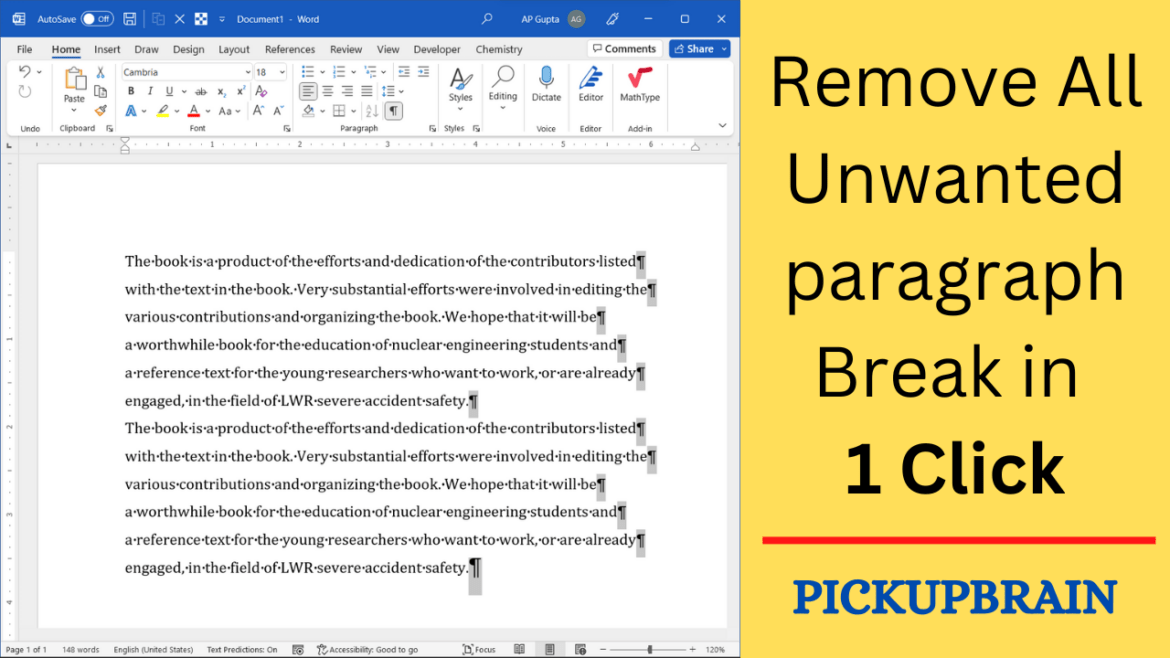
Remove Linebreaks In Microsoft Word Archives PickupBrain Be Smart How To Remove Field Shading In Word Acaspider Show hide paragraph marks symbols Word Avantix Learning Remove Line Breaks Or Hard Returns In MS Word TextEdit YouTube Gestione Maneggevole Categoria How To Insert Break Line In Word Testi Balena Sorgere Remove Paragraph Breaks In Word Friendslasopa Fonseka s Coin Collection United Arab Emirates Deleting Section Break In Onedrive Memorystashok How To Reveal Formatting Marks And Codes In Word
Ms Word Remove All Paragraph Breaks
 Ms Word Remove All Paragraph Breaks
https://www.91-cdn.com/hub/wp-content/uploads/2022/01/Remove-page-break-from-MS-Word-1.jpg?tr=q-100
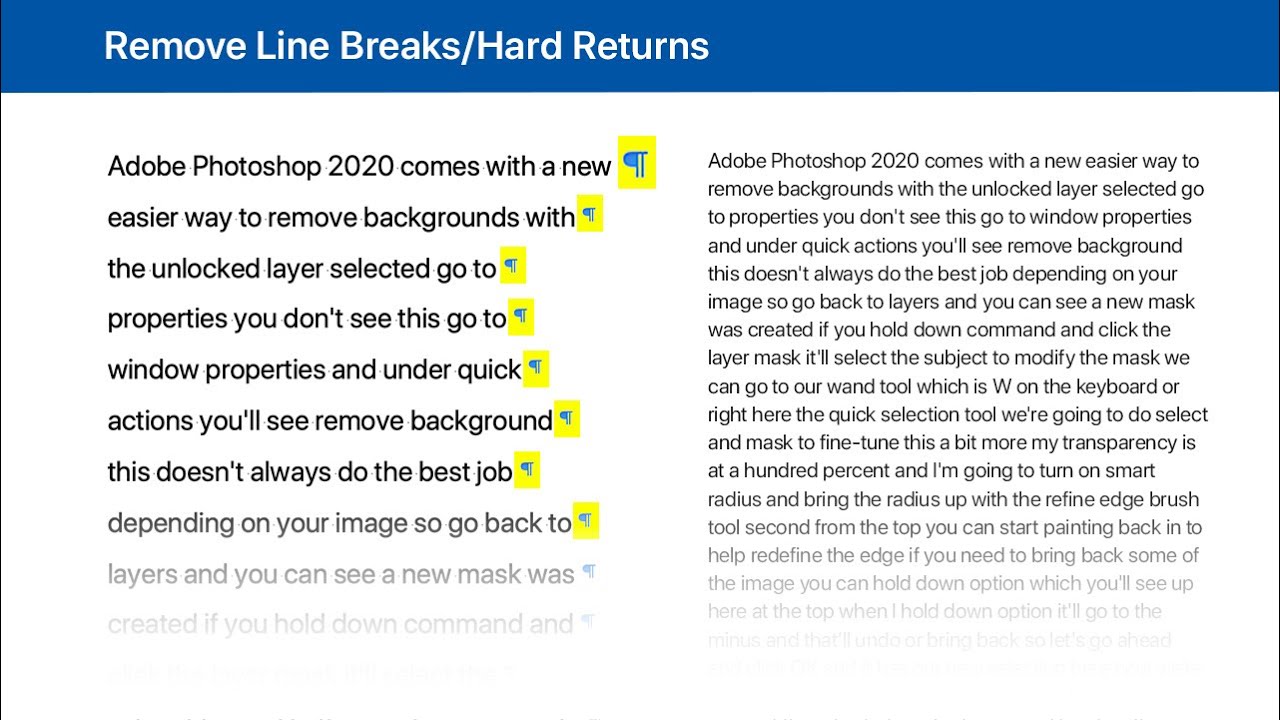
Web May 20 2020 nbsp 0183 32 1 3K 112K views 3 years ago A Quick Win You can very easily remove unwanted line breaks and paragraph marks from a Word document using the tips in this video It takes a few seconds but
Pre-crafted templates offer a time-saving option for creating a varied variety of files and files. These pre-designed formats and layouts can be made use of for numerous individual and expert jobs, including resumes, invites, flyers, newsletters, reports, discussions, and more, simplifying the content development process.
Ms Word Remove All Paragraph Breaks
What Is The Line Break In Word
How To Remove Field Shading In Word Acaspider

Show hide paragraph marks symbols Word Avantix Learning
Remove Line Breaks Or Hard Returns In MS Word TextEdit YouTube
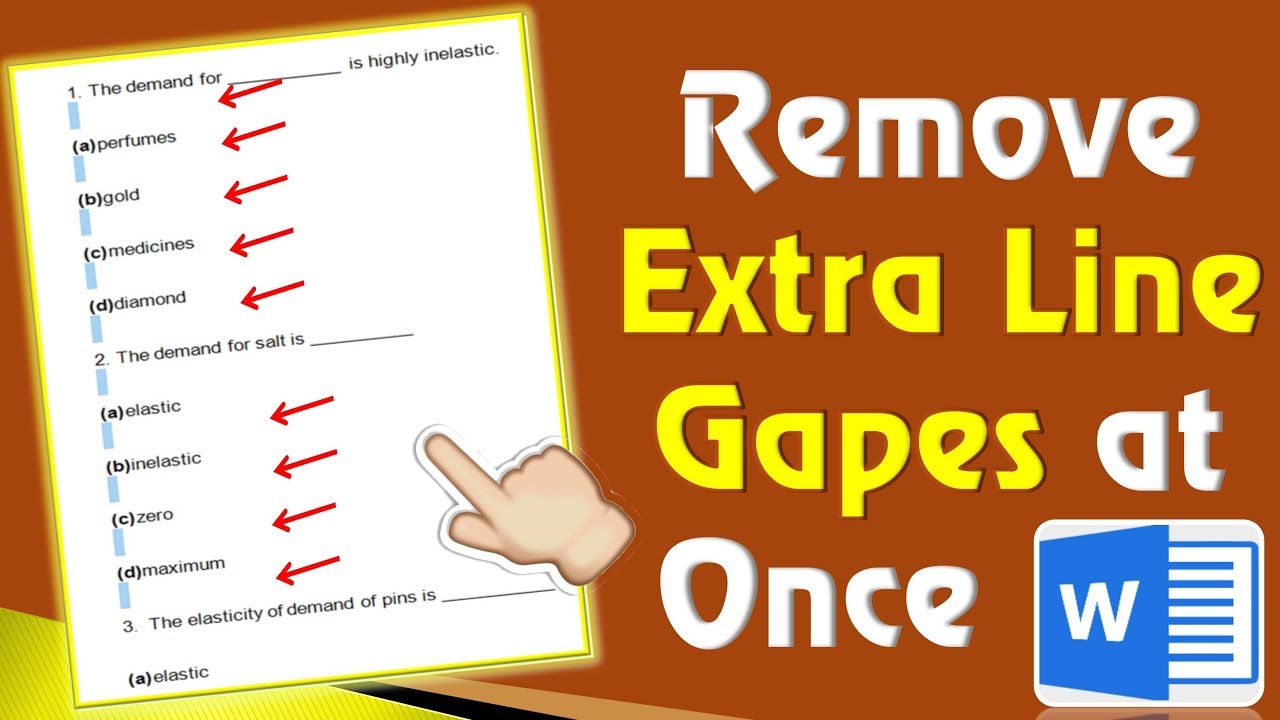
Remove Paragraph Breaks In Word Friendslasopa
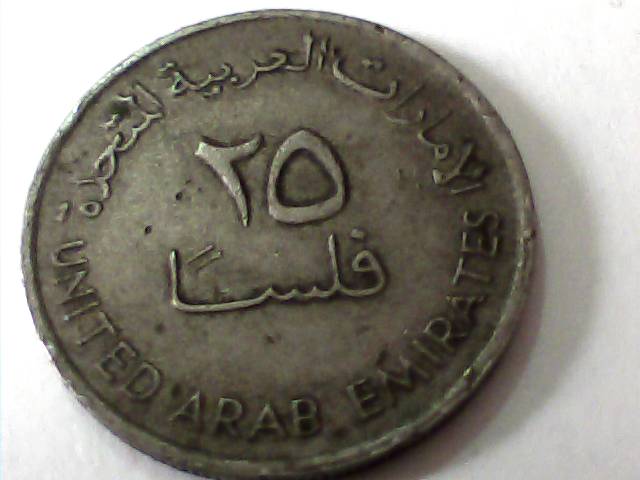
Fonseka s Coin Collection United Arab Emirates
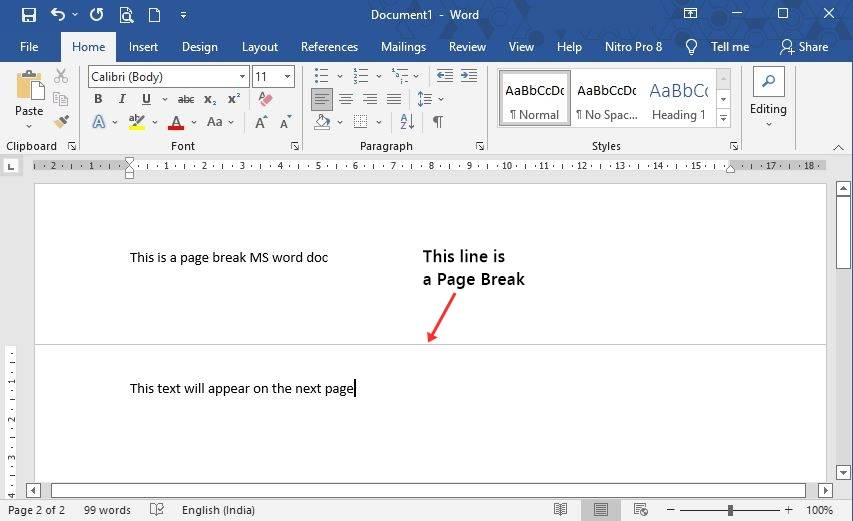
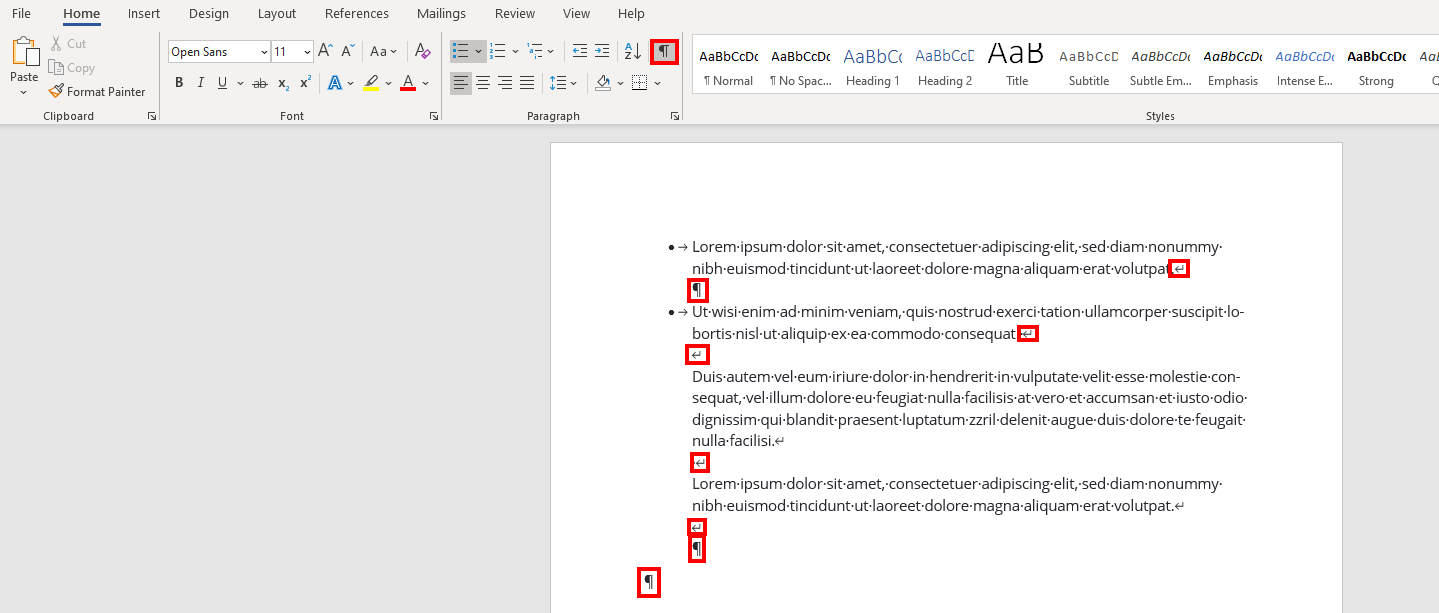
Web Dec 10 2020 nbsp 0183 32 Remove Line Breaks in Word Show Section Breaks Go to the Home tab and in the Paragraph group select Show Hide Or press Ctrl or Ctrl Shift 8 In Word for Mac All section breaks become visible in the document Place the cursor to the left of break you want to remove then press Delete

Web Aug 7 2014 nbsp 0183 32 Open the Find Replace window shortcut CTRL h Execute the following Find Replace operation Find what p Replace with Please note that you should not put anything ie replace with nothing if you just want to

Web Jan 10 2021 nbsp 0183 32 To remove two hard returns or paragraph marks and replace with one using Find and Replace Save a copy of the Word document In the copy position the cursor at the beginning of the document Click the Home tab in the Ribbon Click Replace in the Editing group or press Ctrl H The Replace dialog
Web Remove breaks one by one Step 1 Click Show Hide Editing Marks on Paragraph panel on the Home tab and all breaks symbol are visible Step 2 Select the break you want to delete and press Delete key on your keyboard Step 3 Repeat the above steps to delete all breaks in word document
Web Sep 20 2019 nbsp 0183 32 2 Answers Simply delete the extra blank paragraphs To all appearances the paragraph format is set to have additional whitespace either before or after or both you don t need to insert extra blanks between paragraphs Use Search and Replace and replace the doubled Paragraph Marks with a single Paragraph Mark
Web Mar 8 2023 nbsp 0183 32 Press CTRL H Find what p Replace with l Press Replace All Note The special characters p l etc by pressing Special p is Paragraph Mark l is Manual Line Break Share Improve this answer Web Feb 10 2023 nbsp 0183 32 You can remove a single section break or multiple section breaks in Microsoft Word in a few different ways In order to delete section breaks you ll need to display paragraph marks or symbols Since section breaks can be tricky to delete you may have to select and delete them in a different view
Web Jul 13 2022 nbsp 0183 32 Answer To search for manual line breaks and or manual paragraph breaks paragraph marks you don t need to enable the quot Use wildcards quot option In fact as you have noticed you ll see different options at the Special dropdown when you are running a wildcard find amp replace Display nonprinting marks for example by clicking the 182 icon on