Ms Lists App MS Lists App Not Working Or Available In Teams Mobile App Microsoft What Is Microsoft Lists And How Do You Use It Getting Started With Microsoft Lists Create Or Change The View Of A How To Install Microsoft Lists On Your PC Microsoft 365 App Tutorial Microsoft Lists IOS Icon Gallery Jul 21 2020 nbsp 0183 32 Microsoft Lists icon Availability update In July 2020 Microsoft Lists began roll out to Targeted Release TR customers in Microsoft 365 We released the Lists app for Microsoft
Jan 25 2021 nbsp 0183 32 Going beyond the out of box experience doesn t always require coding or separate tools With Microsoft Lists you can further customize forms and Dec 6 2023 nbsp 0183 32 Microsoft Lists cannot add new item We have a SharePoint list and when we go to the list via SharePoint we are able to use the quot New quot button without issue the form loads
Microsoft Lists IOS Icon Gallery Microsoft Lists Icon Logo Symbol 48971801 PNG 7 Ways To Organize Your Workflow Using Microsoft Lists 7 Ways To Organize Your Workflow Using Microsoft Lists The New Microsoft Lists App Rolling Out This Month MSPoweruser Sharepoint List Opening In Microsoft Lists Printable Online Retirement Of Microsoft Lists Mobile Apps Topedia Blog Windows Microsoft To Do List TaiwanJuli Microsoft Lists Icon Logo Symbol 48971801 PNG
Ms Lists App

https://filestore.community.support.microsoft.com/api/images/2f15b296-41dc-4e4f-9947-f7d226aace8f?upload=true
May 19 2020 nbsp 0183 32 Microsoft Lists is a Microsoft 365 app that helps you track information and organize your work Lists are simple smart and flexible so you can stay on top of what
Pre-crafted templates provide a time-saving solution for creating a diverse range of files and files. These pre-designed formats and layouts can be made use of for various individual and expert projects, including resumes, invitations, flyers, newsletters, reports, presentations, and more, simplifying the content creation process.
Ms Lists App
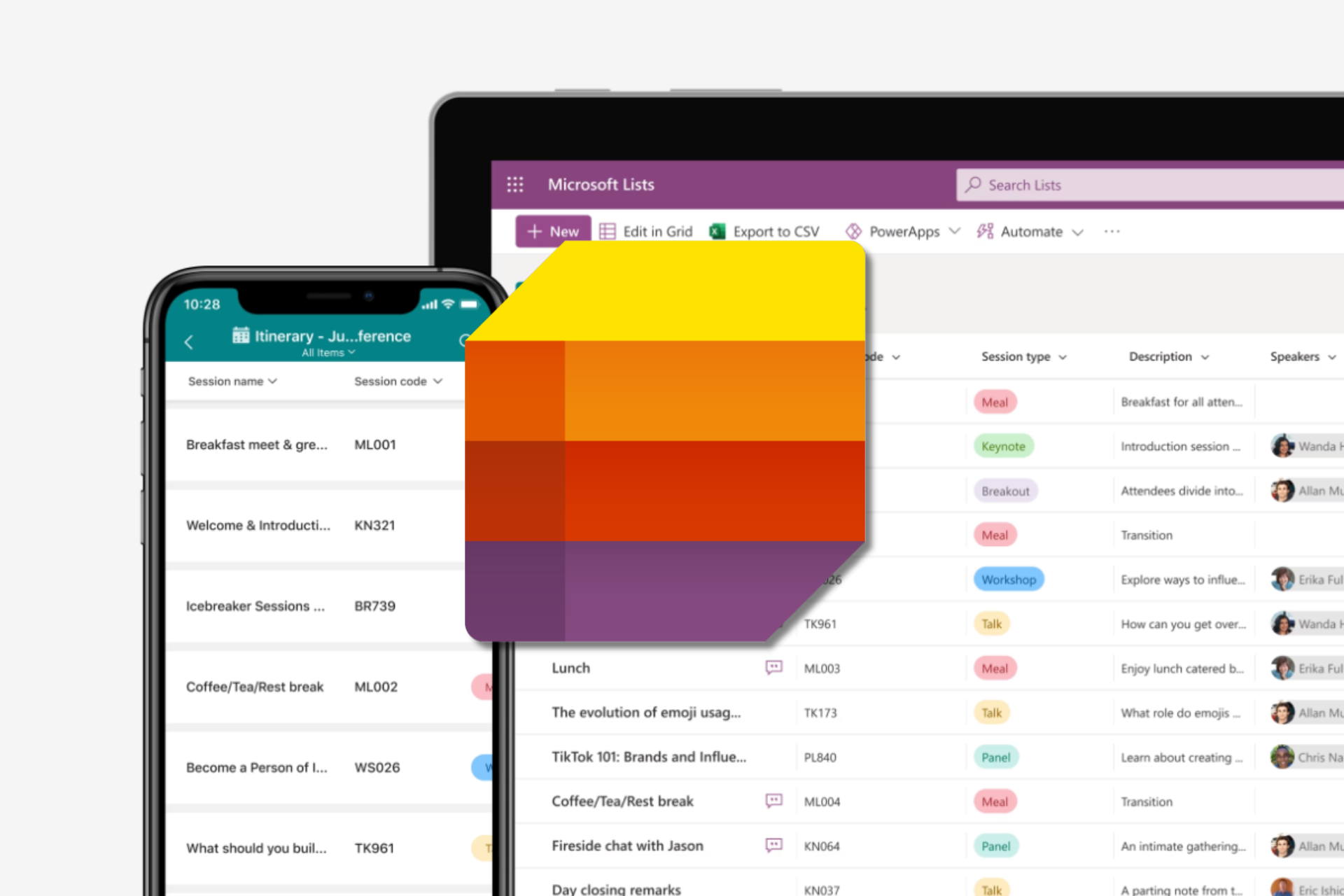
Lists Microsoft 365

Microsoft Lists Icon Logo Symbol 48971801 PNG
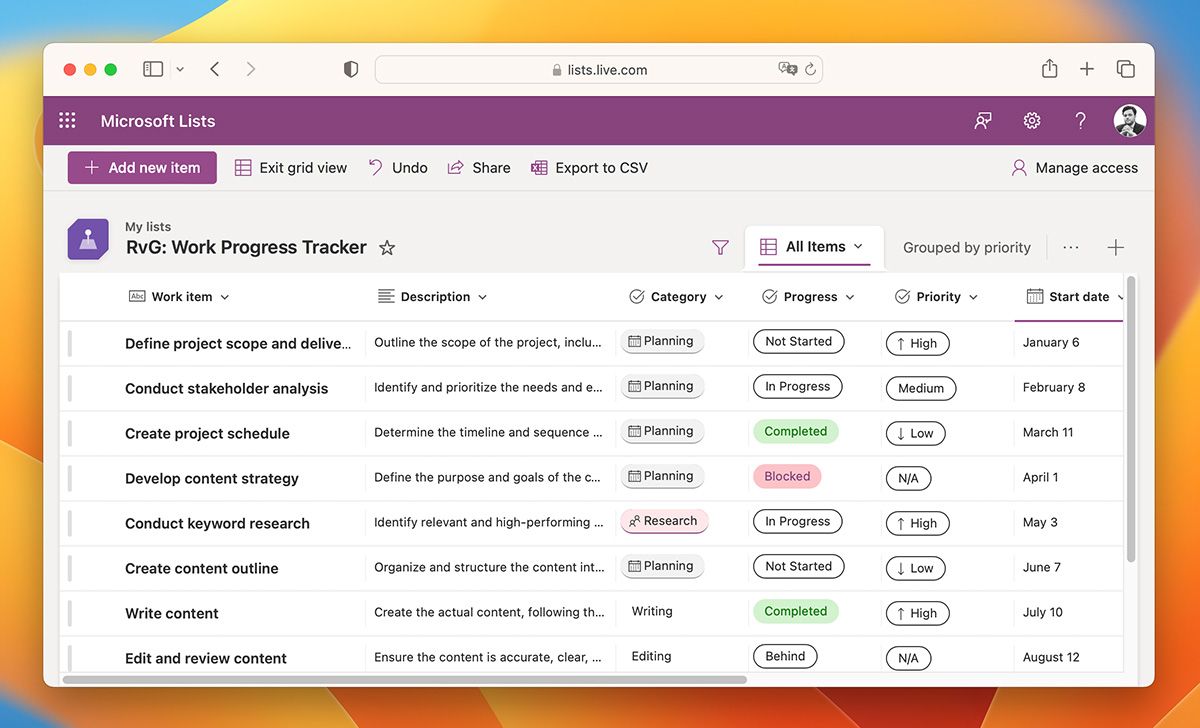
7 Ways To Organize Your Workflow Using Microsoft Lists
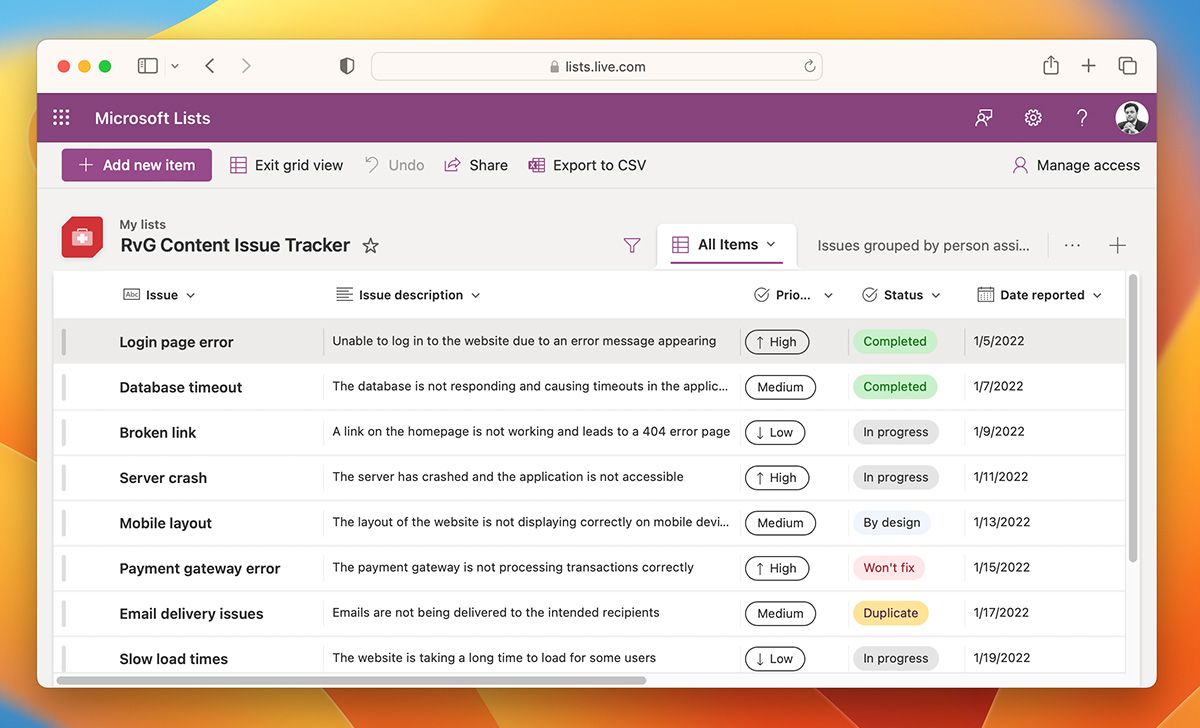
7 Ways To Organize Your Workflow Using Microsoft Lists

Sharepoint List Opening In Microsoft Lists Printable Online

Retirement Of Microsoft Lists Mobile Apps Topedia Blog

Feb 5 2025 nbsp 0183 32 List does not open in MS Lists app cannot apply conditional formatting Hello I am test driving a Teams Group channel and associated sharepoint I have created a list in the

Jan 26 2021 nbsp 0183 32 Microsoft Lists There was a problem reaching this app I ve created lists in a Team and added them to a tab I tried to share those lists with another team adding Direct Access

Avoiding AT and using an Enterprise funded App saves companies thousands Worth noting bet there s a whole other list of things AirTable can t do that SharePoint Lists does For example

Jul 10 2022 nbsp 0183 32 Hi everyone we have lists on Microsoft lists but they have lots of options so we would like to freeze the first column so it always stays on the screen I ve searched through

Feb 10 2025 nbsp 0183 32 What is Microsoft Lists Microsoft Lists is a powerful and intuitive tool within the Microsoft 365 suite that helps you stay organized manage data and track projects with ease
[desc-11] [desc-12]
[desc-13]