Ms Forms To Ms Lists Microsoft Lists MSA Preview Available Online To Try Windows 10 Forums Microsoft Lists Resources Microsoft Adoption Lists Microsoft Teams Microsoft Learn How To Store MS Forms Multiple Choice To SharePoint List Gopenly In MS Forms Tab In MS Teams Display Issue With Likert Question 2 2K 158K views 3 years ago MicrosoftForms MicrosoftLists MicrosoftForms MicrosoftLists Microsoft Forms is a great tool for creating simple input forms for scenarios such as
Microsoft 365 Portal For these 3 tools they all start by going to portal office and sign in All apps Then select All Apps Forms Lists and Power The new List Forms experience makes it easier to collect and gather information directly into your lists Microsoft Lists or SharePoint Lists saving you
MS Forms Tab In MS Teams Display Issue With Likert Question MC312481 Microsoft Lists Board View PUPUWEB MS Forms Danesfield School MS Forms da Anket Yan tlar n Kaydet Ve D zenle Microsoft Lists Informatie Die Je Wil Volgen ESC BV Ms Shape How To Use Microsoft Lists With Teams Step by Step Guide NBold MS Forms Delete Response responses Microsoft Community Hub 6 6 MS Forms 7
Ms Forms To Ms Lists
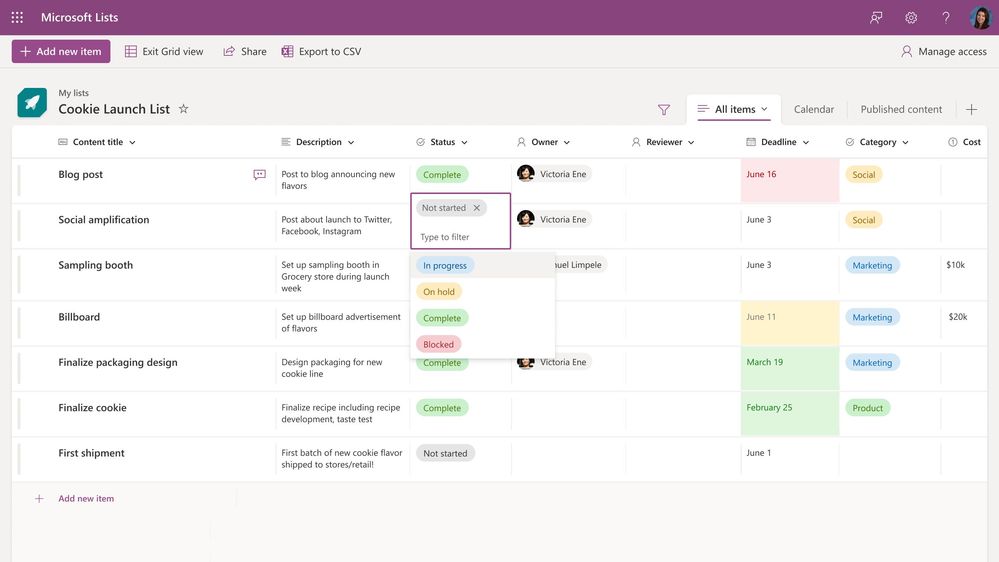
https://techcommunity.microsoft.com/t5/image/serverpage/image-id/343476iC233D00CD057A9F6/image-size/large?v=v2&px=999
Setting up your Microsoft Lists feed with Microsoft Forms How to create a flow using Power Automate How to update your list in Microsoft Lists Putting it all
Pre-crafted templates provide a time-saving service for producing a diverse variety of documents and files. These pre-designed formats and designs can be used for various individual and professional projects, consisting of resumes, invites, leaflets, newsletters, reports, discussions, and more, improving the material development process.
Ms Forms To Ms Lists
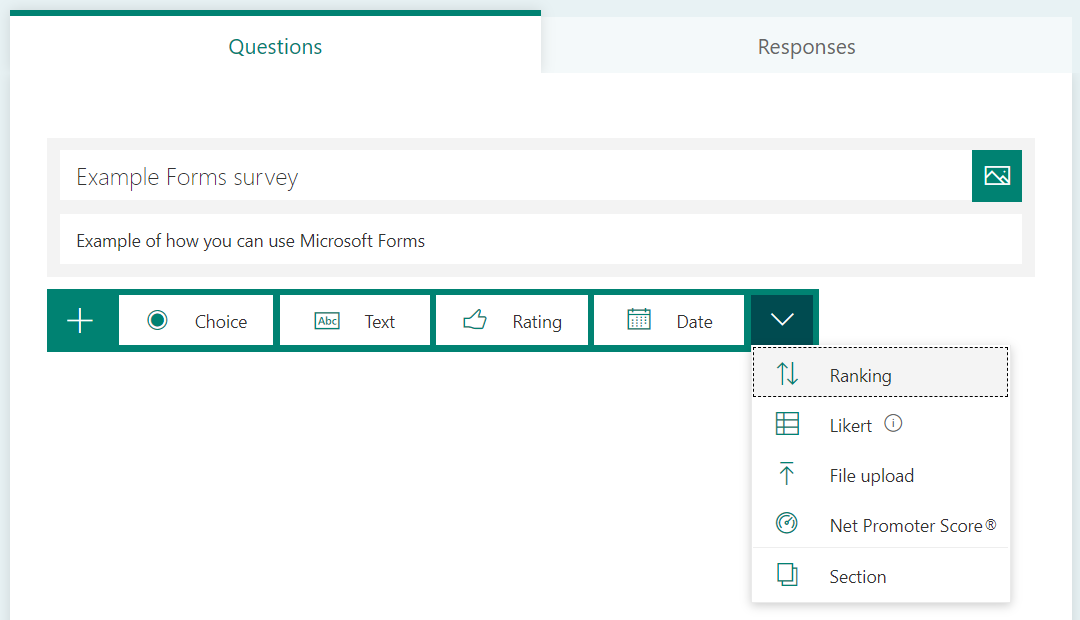
MS Forms Create A Form Blackboard Help For Staff University Of
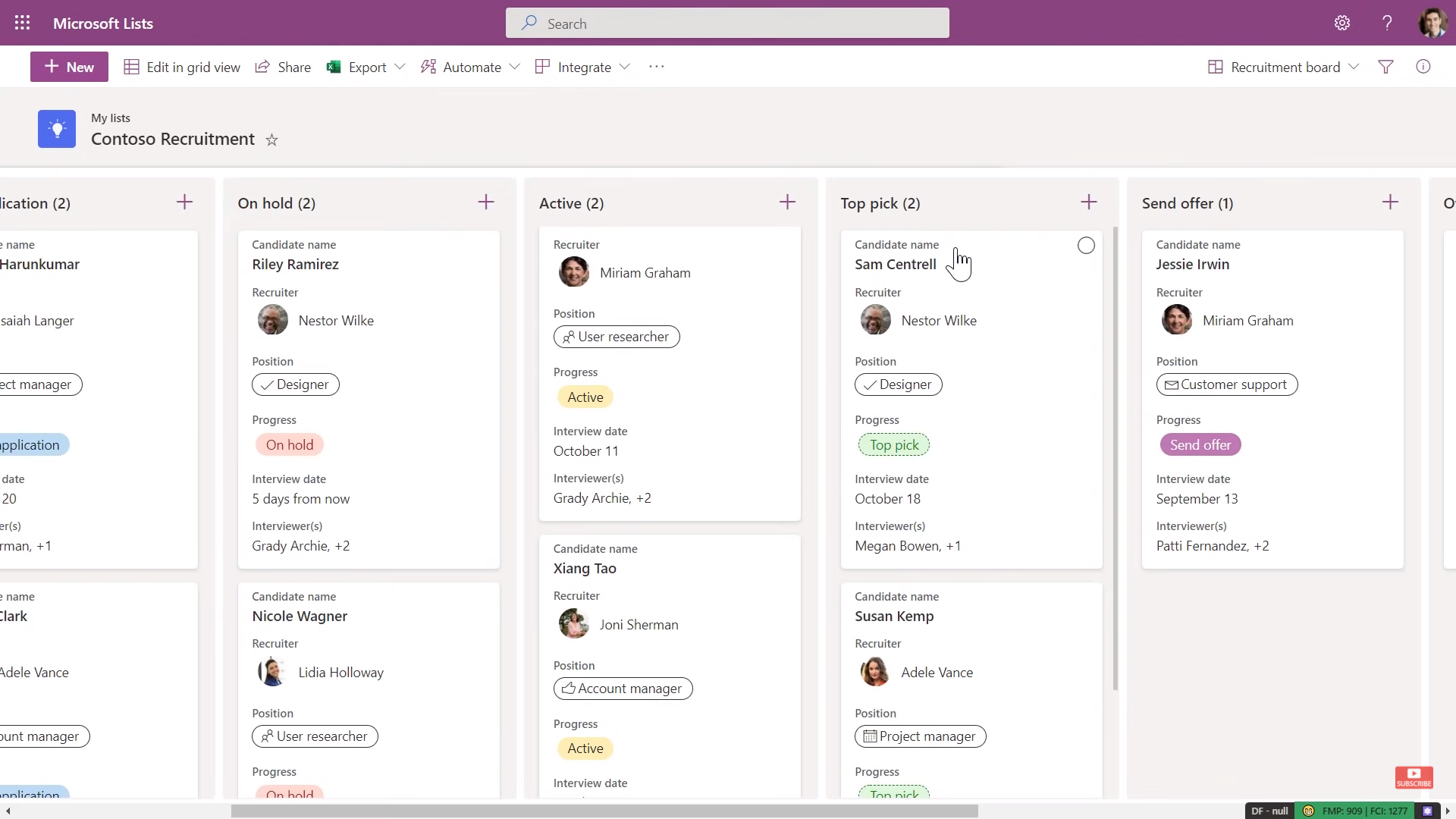
MC312481 Microsoft Lists Board View PUPUWEB

MS Forms Danesfield School

MS Forms da Anket Yan tlar n Kaydet Ve D zenle

Ms Shape

How To Use Microsoft Lists With Teams Step by Step Guide NBold

Get responses from Forms to Microsoft Lists using Power Automate Norm Young In this blog post I will outline how to get
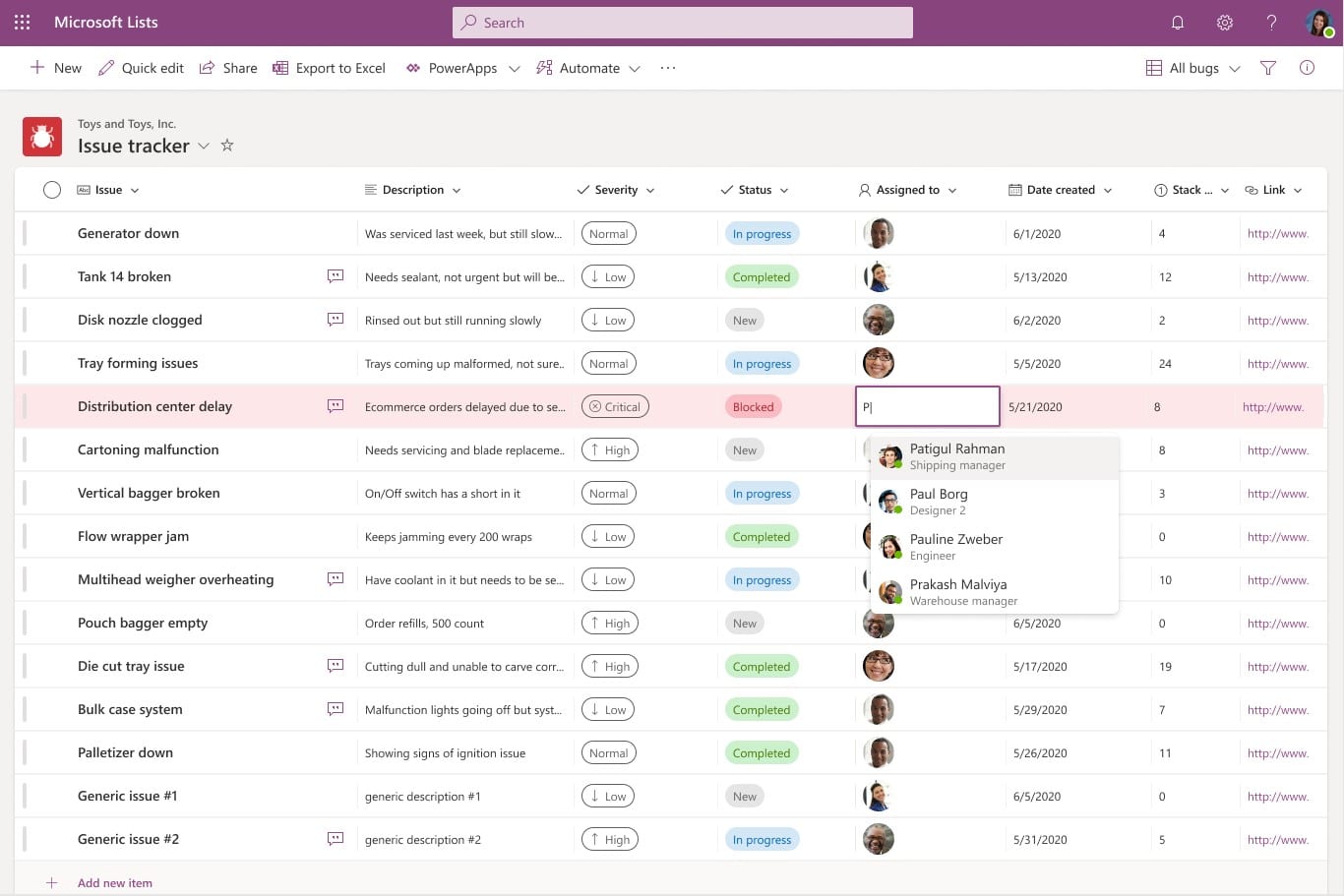
The new Forms experience in Microsoft Lists showing how you add and edit columns as segments to collect various pieces of information Take advantage of the

1 64K subscribers Subscribed 1 8K 100K views 2 years ago powerautomate microsoftforms microsoftlists In this video we will demonstrate

Forms is another excellent tool for citizen developers in the Microsoft 365 toolbox Getting Forms response data and attachments into Microsoft Lists provides so many opportunities for business process

Microsoft Form The Form has a Single Question with a Multi Choice Input The Data Source for the Form is OneDrive for Business Excel The Data in Excel is save in the Format below SharePoint List
The new Microsoft Lists Forms brings a fresh perspective to data collection within Microsoft Lists offering a range of customization options and user centric To create a form or access existing forms select Forms on the command bar at the top of a list When you create a new form the form builder opens and uses
125 11K views 1 month ago REDMOND We are excited to announce the new forms experience in Microsoft Lists within Microsoft 365 work and school Our