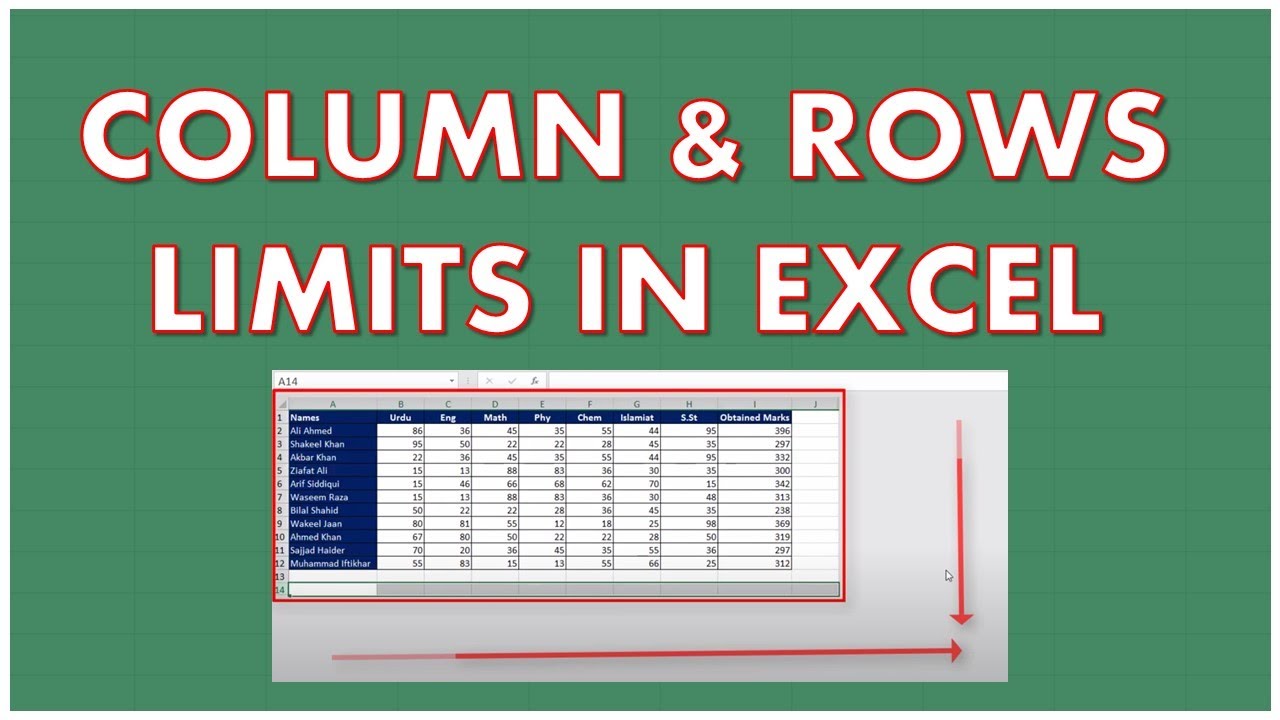
Ms Excel Group Rows By Column Value Excel Group Rows And Sum Automatically 3 Methods 2020 YouTube How To Group Columns In Excel Filter Table Rows By Column Value JQuery Tablesearch js Free JQuery How To Group Rows With Same Value In Excel 6 Useful Ways Set Column Rows Limits In Excel 2016 YouTube 2 Answers Will return the average of the values in B2 B7 where the corresponding value in A2 A7 is 1 That works great for average Figured it out for maxif MAX IF B 2 B 4988 G1 C 2 C 4988
Grouping in Excel works best for structured worksheets that have column headings no blank rows or columns and a summary row subtotal for each subset of rows With the data properly organized use Method 1 Group Rows in Excel Using the Group Option In this method we will look at the Group Rows option in the ribbon in Excel to group rows containing similar data As an example we will use the following
Set Column Rows Limits In Excel 2016 YouTube How To Use Group And Outline In Microsoft Excel Group Rows And Columns How To Group Rows By Cell Value In Excel 3 Simple Ways ExcelDemy Excel Group Rows And Column Dynamically Excel Indirect Function YouTube EasyXLS Blog Archive Export Excel File And Grouping Rows Or Columns How To Sort Rows By Column In Excel 4 Easy Methods Pandas Filter By Column Value Spark By Examples How To Sort Rows By Column In Excel 4 Methods ExcelDemy Excel Group Rows By Value And Cell With Data Stack Overflow
Ms Excel Group Rows By Column Value
 Ms Excel Group Rows By Column Value
https://i.ytimg.com/vi/YrV0VjIXb0k/maxresdefault.jpg
Select the rows you wish to group and then in the Menu go to View Group Group rows the row numbers selected are shown Similarly select the
Pre-crafted templates use a time-saving option for producing a diverse series of files and files. These pre-designed formats and layouts can be used for various personal and professional projects, consisting of resumes, invitations, leaflets, newsletters, reports, presentations, and more, improving the content creation procedure.
Ms Excel Group Rows By Column Value
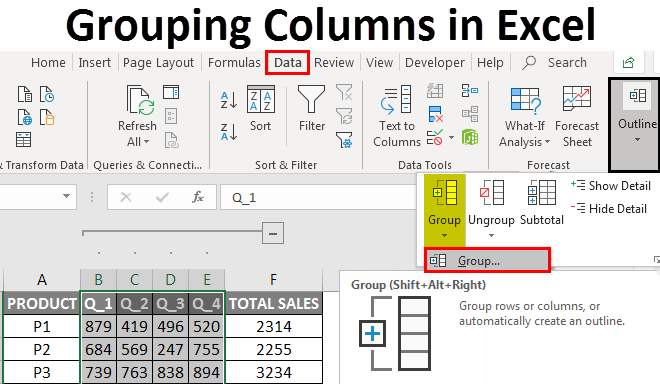
Grouping Columns In Excel

How To Use Group And Outline In Microsoft Excel Group Rows And Columns

How To Group Rows By Cell Value In Excel 3 Simple Ways ExcelDemy
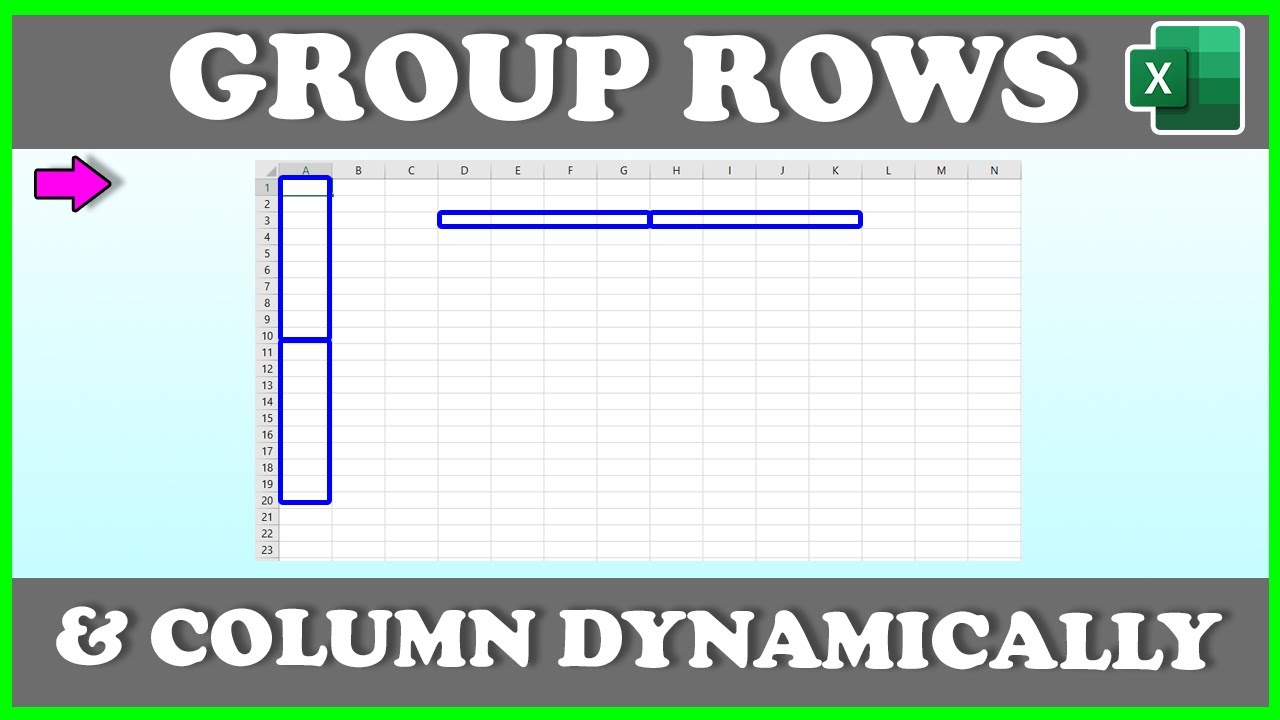
Excel Group Rows And Column Dynamically Excel Indirect Function YouTube
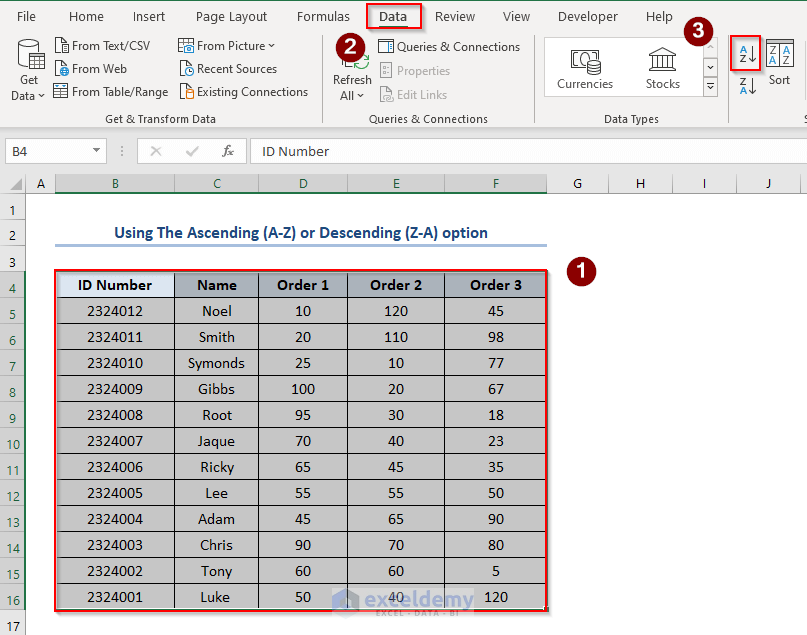
How To Sort Rows By Column In Excel 4 Easy Methods

Pandas Filter By Column Value Spark By Examples
GROUPBY row fields values function field headers total depth sort order filter array A column oriented array or range that contains the values which are used
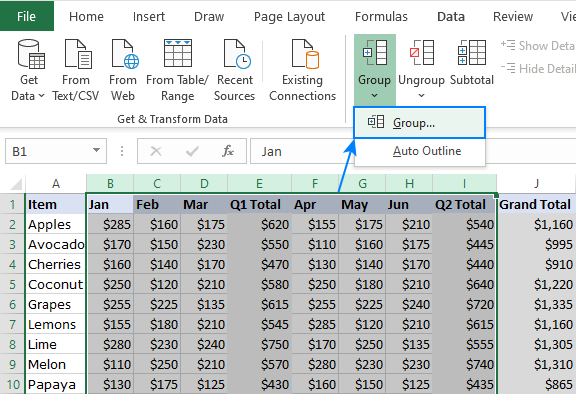
Use an outline to quickly display summary rows or columns or to reveal the detail data for each group You can create an outline of rows as shown in the example below an outline of columns or an outline of
In the Query Editor you can group the values in various rows into a single value by grouping the rows according to the values in one or more columns Power Query has two types of Group By operations

To group by rows in Excel start by selecting the adjacent rows you want to use You can do this by dragging your cursor through the row headers or by selecting
To group rows based on a cell value in Excel follow these steps Select the rows containing the cell values you want to use for grouping Go to the Data tab in the
You re analyzing weekly sales data and decide to group data week by week quickly Select Weekly Data Highlight the rows for Week 1 Shortcut Grouping Press How to group columns in Excel Grouping columns in excel is the same as grouping rows It is used when your data extends from left to right instead of top to
Grouping rows in Excel based on values in a column I m new to Excel and working with large groups of data I ve been given a data set of 8 000 entries to sort