Mikrotik Switch Manual Instalace Dom c S t Mikrotik Routerboard 750 Manual Berricle Rings Router Mikrotik Manual Reset MikroTik Wiki Mikrotik Cloud Router Switch CRS106 1C 5S Complete 5 SFP Ports Plus 1 Mikrotik Cloud Switch CSS326 24G 2S RM PROXNet View and Download MikroTik CRS125 24G 1S 2HnD IN setup manual online Cloud Router Switch series CRS125 24G 1S 2HnD IN network router pdf manual download Also for Crs125 24g 1s in Crs125 24g 1s rm h ttp rma mikrotik Manual T his m anual i s p rovided as i s w ithout a w arranty o f a ny k ind e xpressed o r i mplied i
Basic use cases and configuration examples for Cloud Router Switch features Warning This article applies to CRS1xx and CRS2xx series switches and not to CRS3xx series switches For CRS3xx series devices read the CRS3xx series switches manual The device is ready to use as a switch Quick start Mount unit or place on the flat surface please see Mounting paragraph for instructions Choose your powering solution please see Powering section for possibilities The Initial connection has to be done via the Ethernet cable using the MikroTik Winbox utility
Mikrotik Cloud Switch CSS326 24G 2S RM PROXNet MikroTik RB260GS MikroTik 16 Port SFP 10GbE Switch Being Prepared For The Homelab Homelab Mikrotik s New Cloud Router Switch CRS354 48G 4S 2Q RM Has 48 X 1G RJ45 MikroTik Routers And Wireless Products CCR2004 1G 12S 2XS Ritmikus M gneses Kalandor Mikrotik Switch Vlan Mode Egy jszaka Cloud Router Peatix SETING MIKROTIK SECARA MANUAL UNTUK PEMULA BLOG ANAK KAMPOENG Mikrotik Cloud Switch CSS326 24G 2S RM PROXNet
Mikrotik Switch Manual
 Mikrotik Switch Manual
https://www.wispmax.com/media/catalog/product/cache/1/image/9df78eab33525d08d6e5fb8d27136e95/1/0/1040_l.jpg
Manual Interface Bridge Manual Interface Applies to RouterOS v3 v4 Warning This manual is moved to https help mikrotik docs display ROS Bridging and Switching Contents 1 Summary 2 Bridge Interface Setup 2 1 Properties 2 2 Example 3 Spanning Tree Protocol 3 1 Per port STP 4 Bridge Settings 5 Port Settings 5 1 Example 6 Interface lists
Pre-crafted templates provide a time-saving service for creating a diverse range of documents and files. These pre-designed formats and layouts can be utilized for different individual and expert projects, including resumes, invitations, flyers, newsletters, reports, presentations, and more, streamlining the content production procedure.
Mikrotik Switch Manual
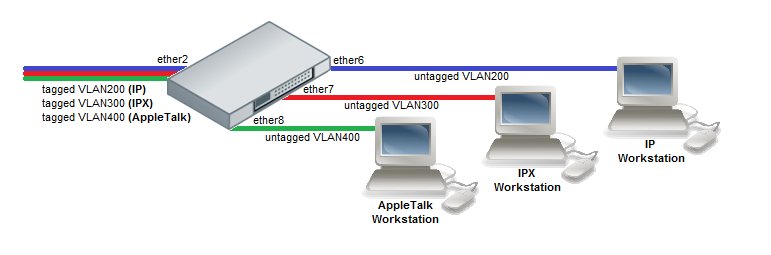
Triazs Que Es Hardware Offload Mikrotik

MikroTik RB260GS

MikroTik 16 Port SFP 10GbE Switch Being Prepared For The Homelab Homelab
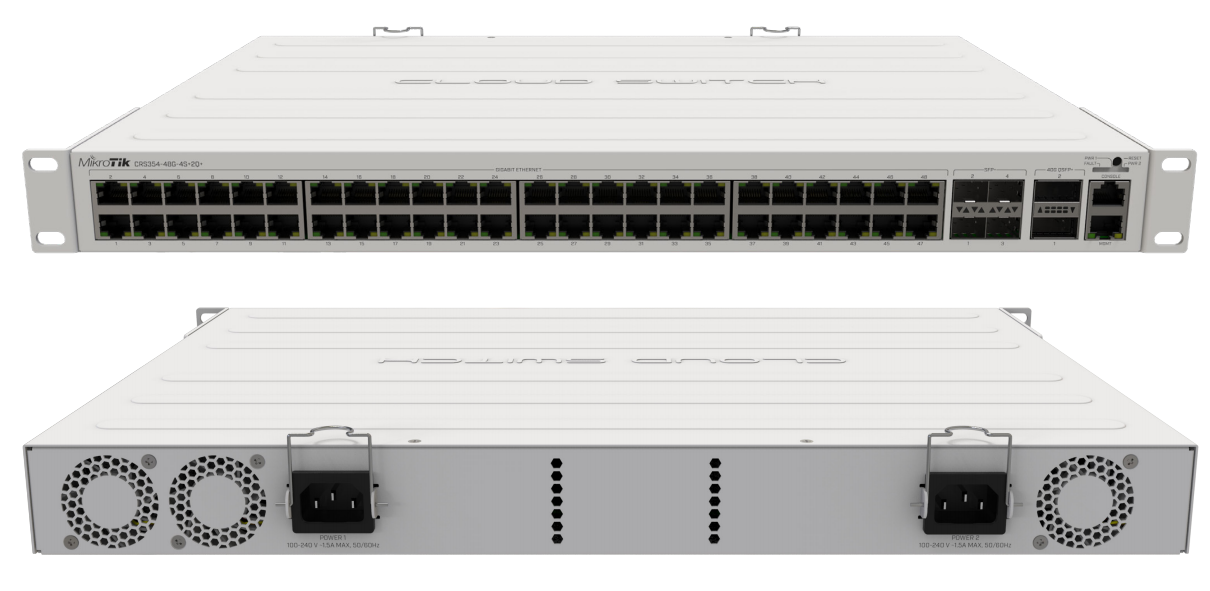
Mikrotik s New Cloud Router Switch CRS354 48G 4S 2Q RM Has 48 X 1G RJ45
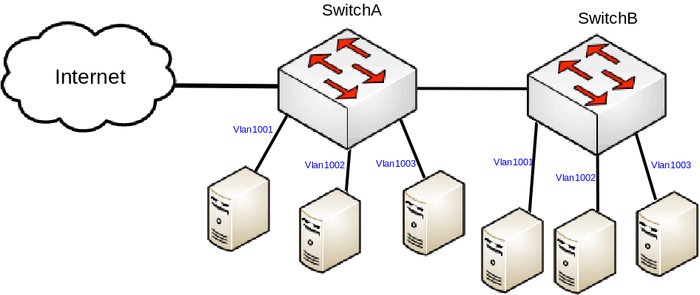
Ritmikus M gneses Kalandor Mikrotik Switch Vlan Mode Egy jszaka

Cloud Router Peatix

User Manuals Switches CRS series 8 port device series models CRS109 8G 1S 2HnD IN CRS212 1G 10S 1S IN The CRS is a highly configurable switch powered by RouterOS Several models are available in the 8 Gigabit port series CloudRouterSwitch 109 8G 1S 2HnD IN CloudRouterSwitch 112 8G 4S IN CloudRouterSwitch 210 8G 2S IN
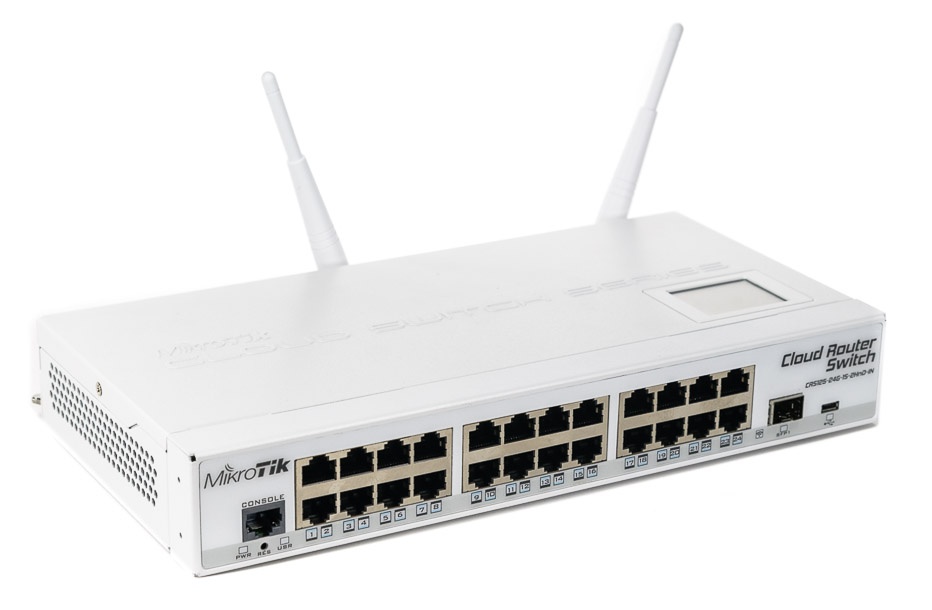
Switches RB260 series RB260GS RB260GSP The CSS106 is a network switch with five Ethernet ports and one SFP it is powered by the SwOS operating system It is already configured with all ports switched together We recommend you to set up a password to secure your device CSS106 1G 4P 1S has PoE output capabilities on four of it s Ethernet ports

Switches CRS112 8P 4S IN CRS112 8P 4S IN The CRS112 is a network switch with eight gigabit Ethernet ports and four SFP ports It is already configured with all ports switched together We recommend you to set up a password to secure your device This unit is compatible with 1 25G SFP modules
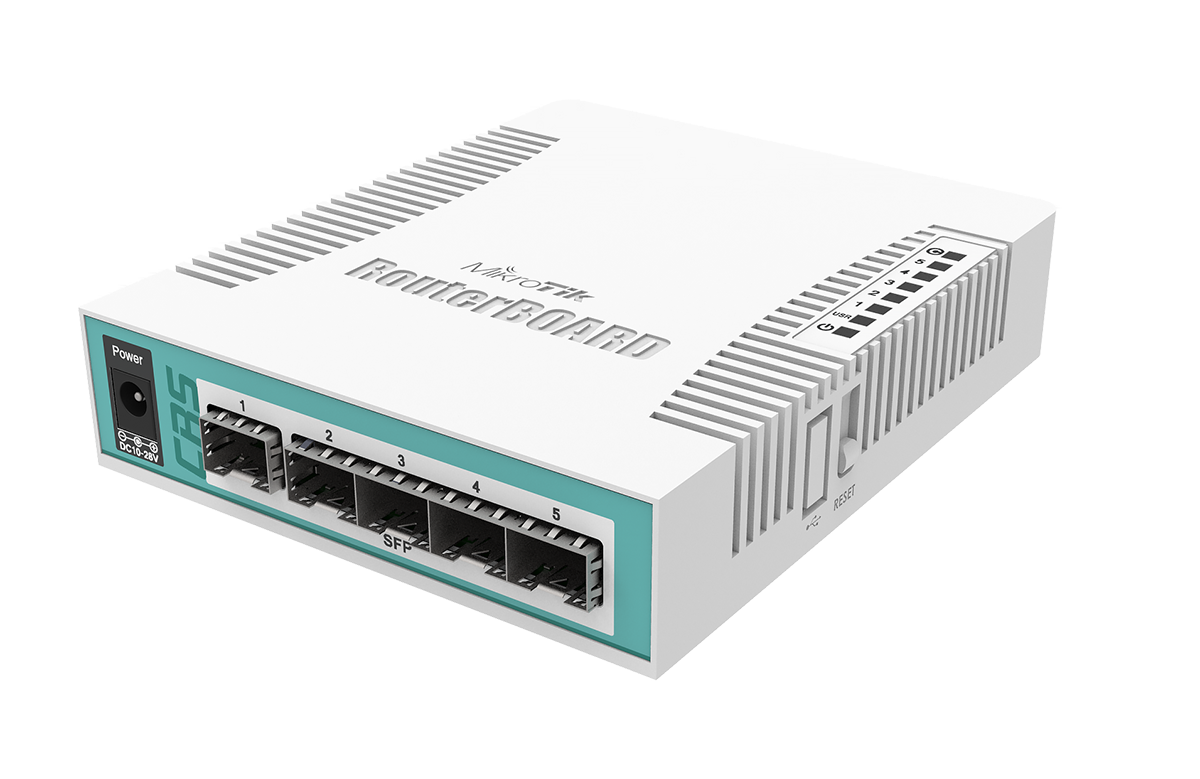
Switches CRS309 1G 8S IN Pages User Manuals Switches CRS309 1G 8S IN CRS309 1G 8S IN This device is a network switch with eight SFP ports and one gigabit port It is already configured with all ports switched together Safety Warnings
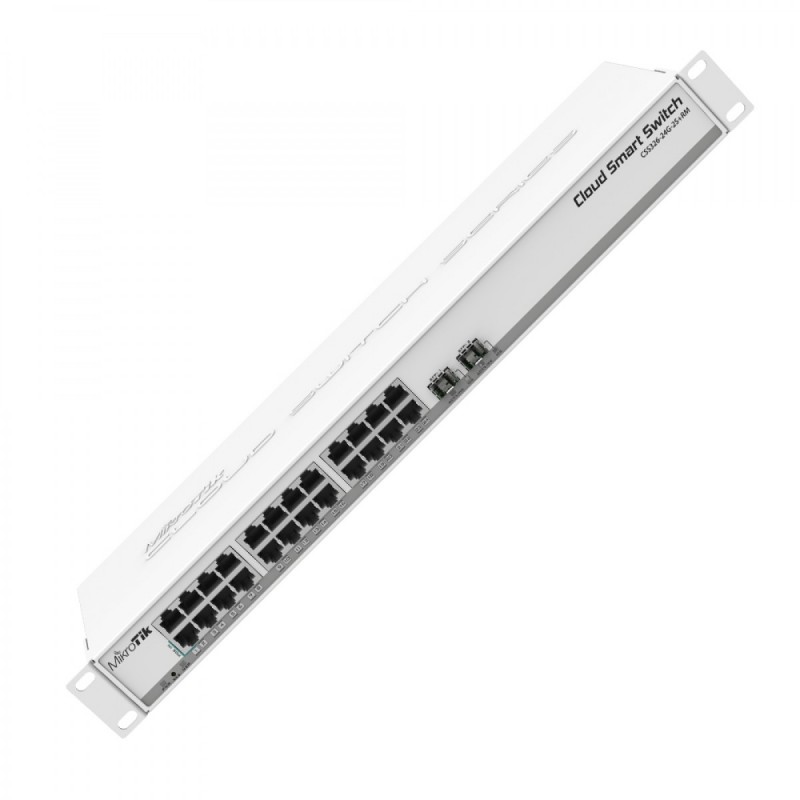
Quick start Mount unit in a rackmount cabinet or place on the flat surface see Mounting Connect two powering units to the AC source using power cords The Initial connection has to be done via the Ethernet cable using the MikroTik Winbox utility
Summary SwOS is an operating system designed specifically for administration of MikroTik switch products SwOS is configurable from your web browser It gives you all the basic functionality for a managed switch plus more allows to manage port to port forwarding broadcast storm control apply MAC filter configure VLANs mirror traffic Manual TOC Note Our new documentation site can be found here help mikrotik docs wiki mikrotik is no longer being updated Bridging and switching Multicast Wireless Interface IP IPv6 Routing MPLS System Tools
To manually update the device go to our download page https mikrotik download Choose your architecture ARM and download the latest packages from any channel to your PC Open Winbox and upload packages in the Files menu Reboot the device Updating software will ensure the latest security fixes and regulations set by local law