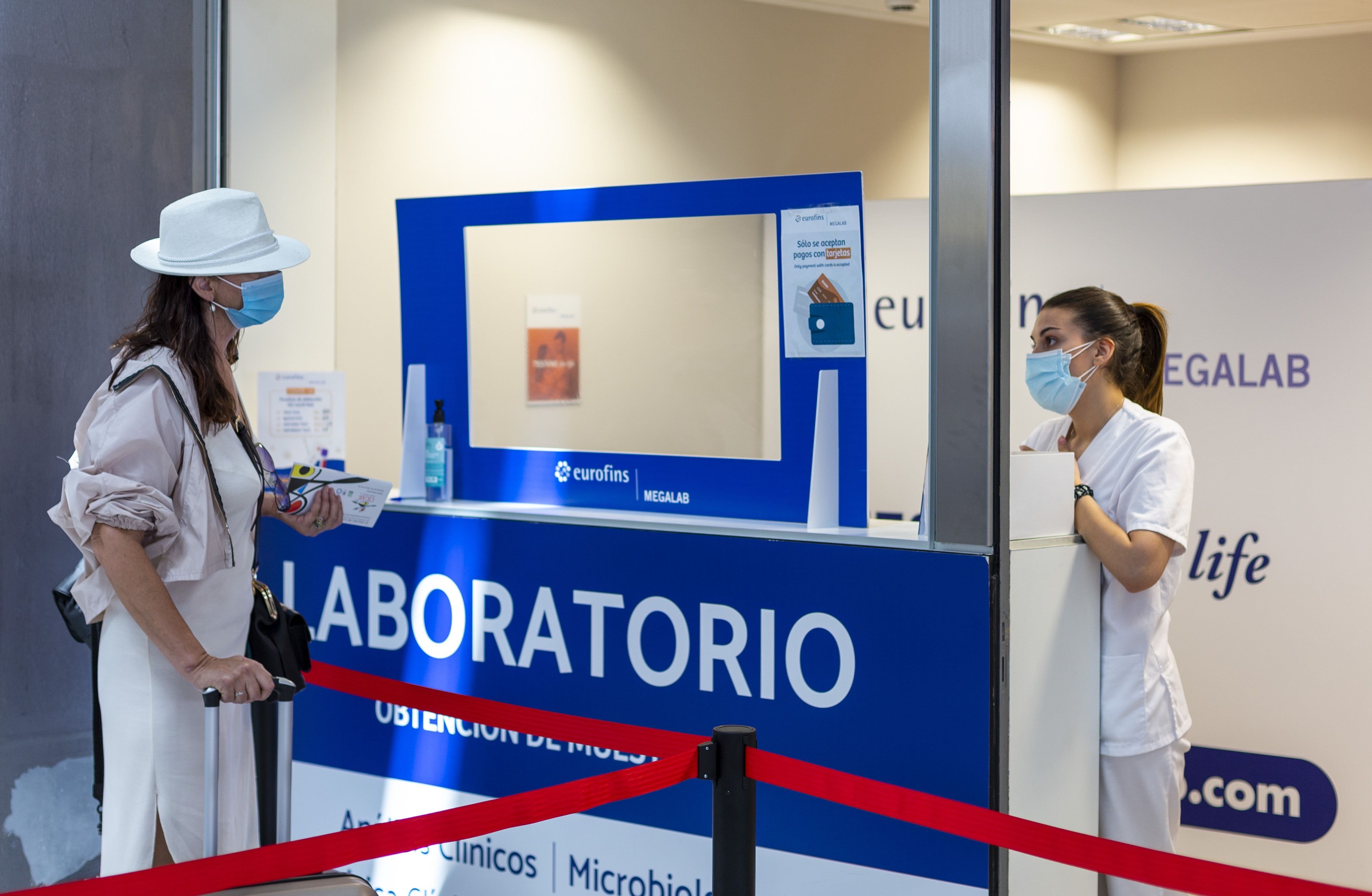
Mighty Networks Que Es Semana 6 Cultura Y Diversidad Que Es La Salud Reproductiva Y Sexual Image To U La Fiebre Del Mannequin Challenge El Desaf o Viral Que Es Furor Entre Gallery El Correo Europeo Eurofins Megalab Y Globalia Firman Un Acuerdo Que Updates to the default screen and sleep settings now help you use energy more efficiently and extend battery life You can find efficiency settings in Windows 11 at Settings gt System gt
Set the power mode for best energy efficiency Set the screen brightness for best energy efficiency Put my device to sleep after 3 or 10 minutes Turn off my screen after 3 or 10 minutes Help Your Surface screen automatically adjusts to optimal brightness and contrast levels to maximize battery life You can customize this option if needed
El Correo Europeo Eurofins Megalab Y Globalia Firman Un Acuerdo Que Multi Bladder Air Chuck Mighty Engitech Intel Julkaisee 5G modeeminsa Jo Ensi Vuonna TechRadar Wi Fi 6 Another Step In The Evolution Of Wireless Networks New Qu Es Una Secuencia Did ctica MWC 2024 Ameca El Robot M s Avanzado Del Mundo TechRadar Que Es La Metodologia Scrum Image To U QuimicaInformatica I DESCRIPCI N DE LA TABLA PERI DICA INFORMACI N Que Es Un Sueldo Y Salario Image To U
Mighty Networks Que Es
 Mighty Networks Que Es
https://www.lifeder.com/wp-content/uploads/2021/11/cultura-min.jpg
Select Apply all or individually adjust settings that are likely to use more power than average such as screen brightness screen saver and how long your device can be inactive before it goes to
Templates are pre-designed documents or files that can be used for various functions. They can save time and effort by offering a ready-made format and layout for developing different sort of material. Templates can be used for individual or professional projects, such as resumes, invitations, flyers, newsletters, reports, presentations, and more.
Mighty Networks Que Es
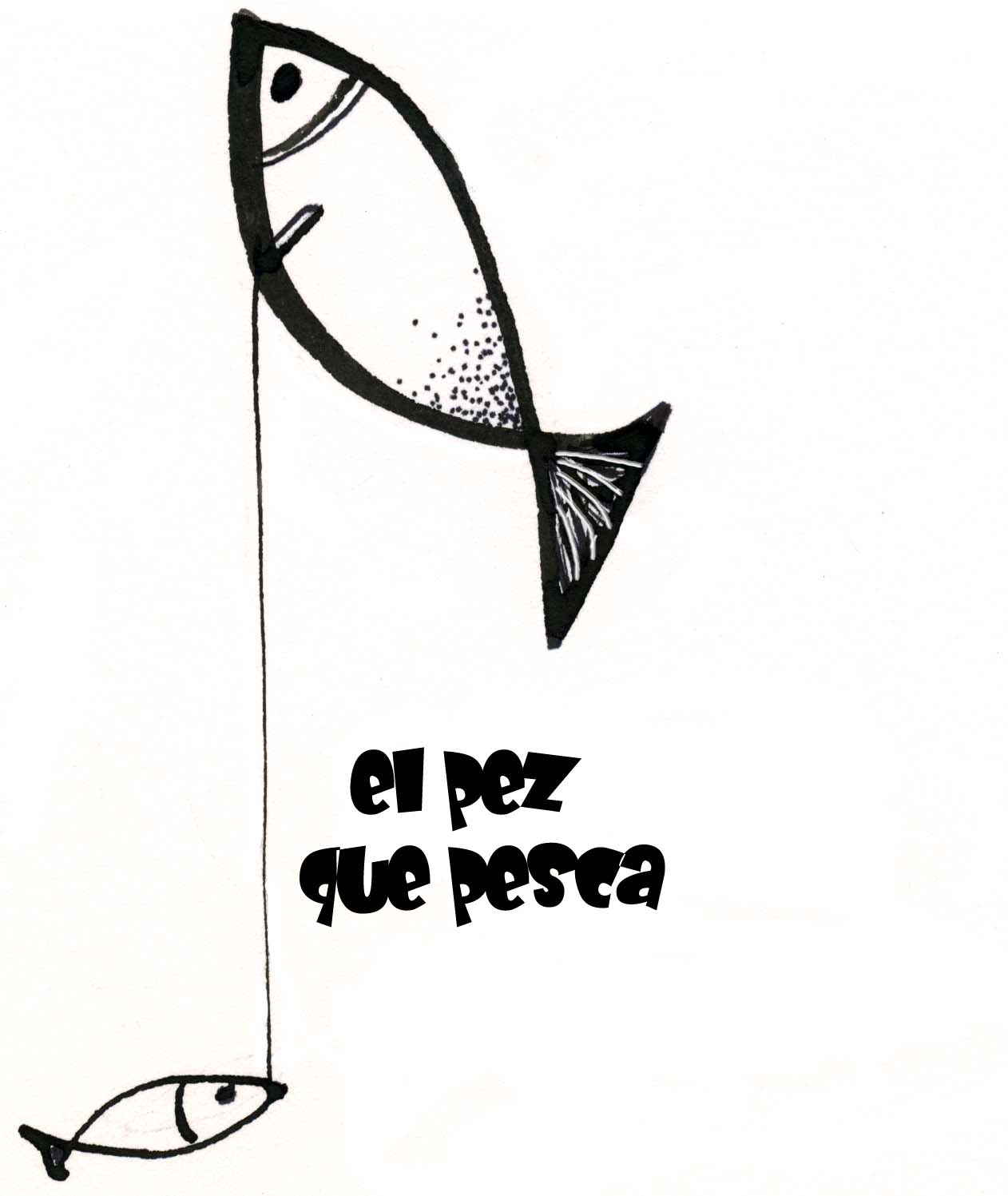
El Pez Que Pesca

Multi Bladder Air Chuck Mighty Engitech
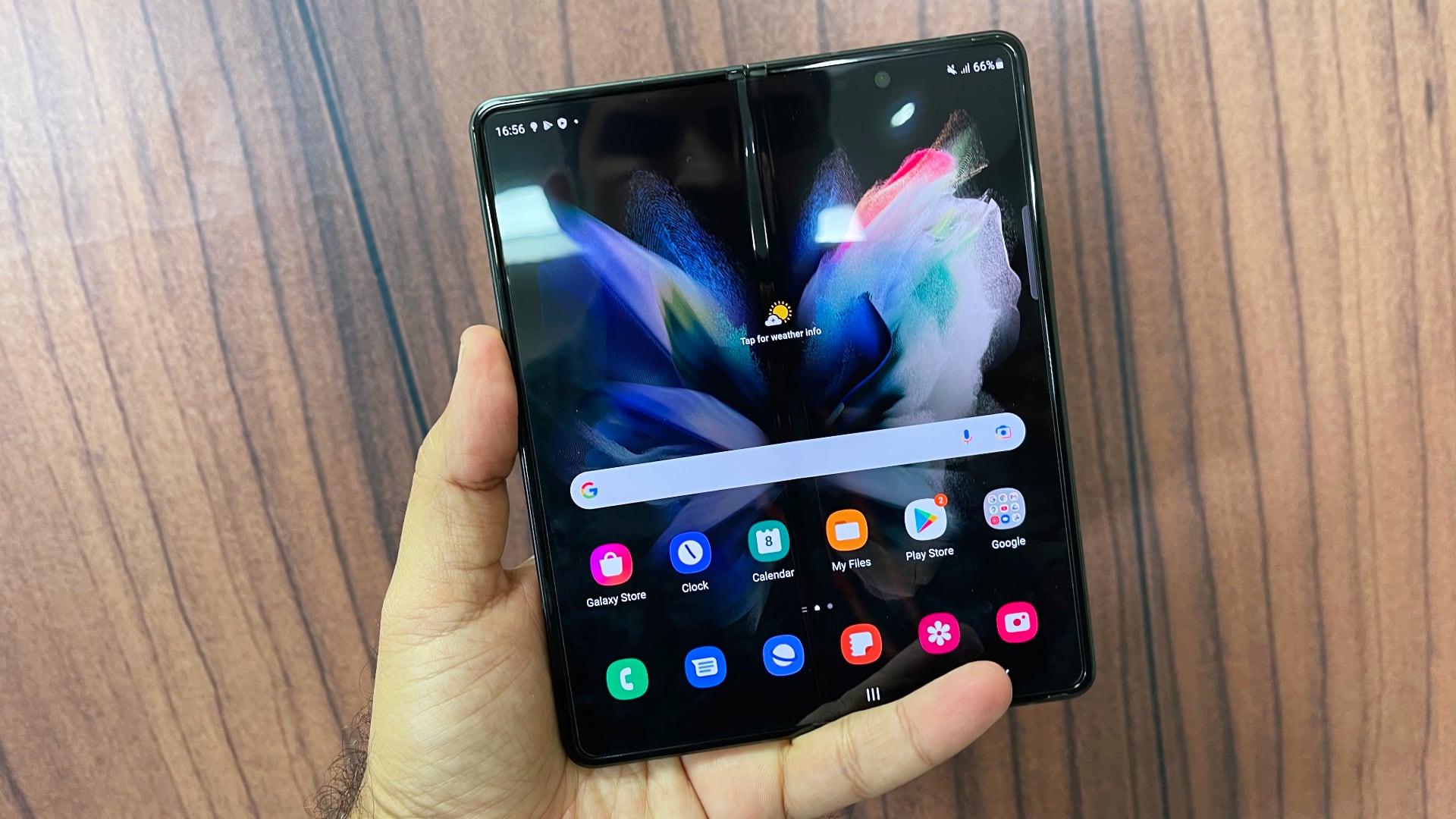
Intel Julkaisee 5G modeeminsa Jo Ensi Vuonna TechRadar

Wi Fi 6 Another Step In The Evolution Of Wireless Networks New
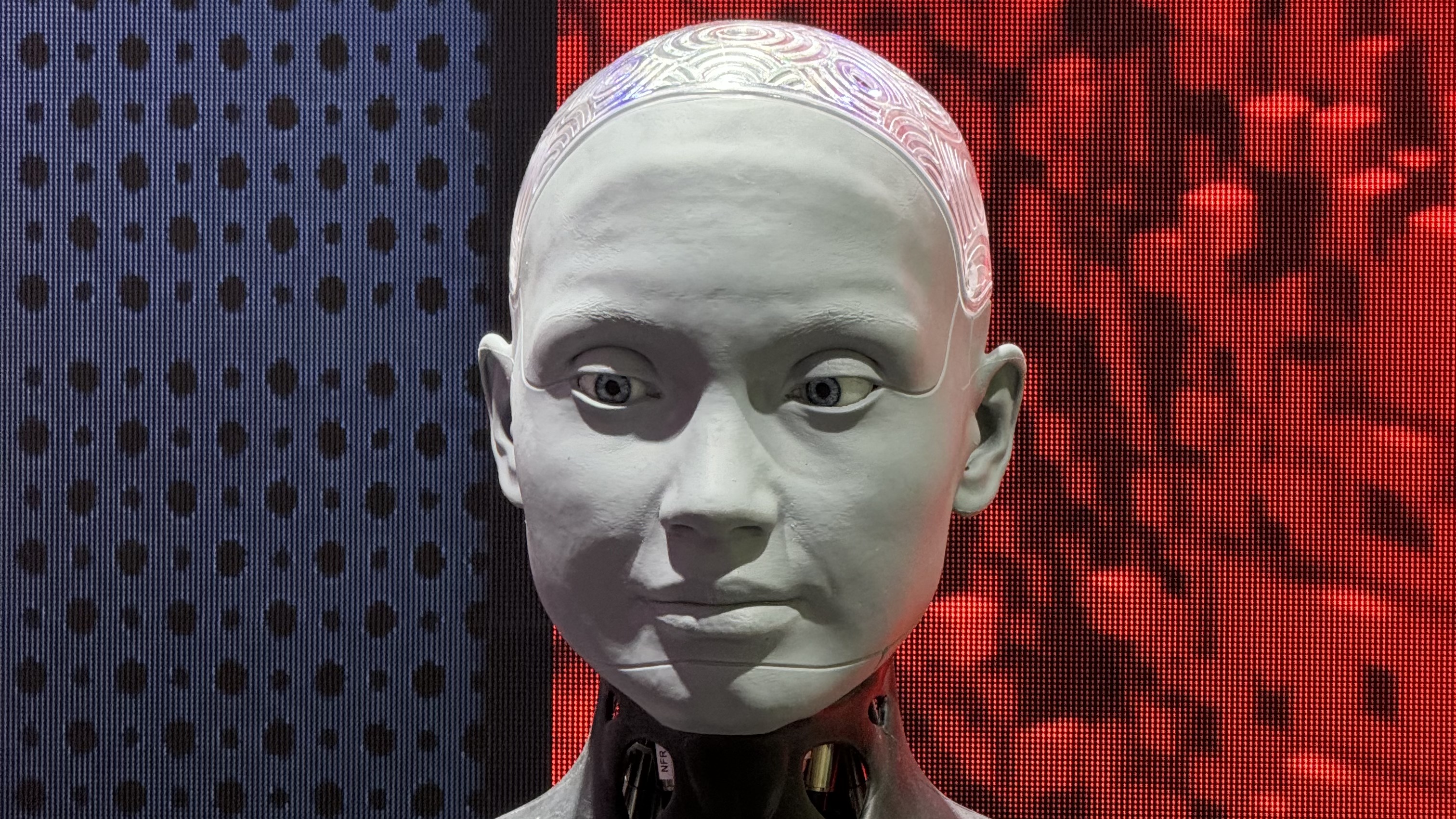
MWC 2024 Ameca El Robot M s Avanzado Del Mundo TechRadar

Que Es La Metodologia Scrum Image To U

Windows Windows

Adjust the relative brightness of a picture contrast and sharpness of a picture
Dalam artikel ini Menyesuaikan kecerahan tampilan Cahaya malam Manajemen profil warna Menggunakan HDR Menyesuaikan kecerahan tampilan Mengelola kecerahan layar dapat

On a laptop with an HDR capable built in display and Play HDR games and apps turned off the display brightness isn t set correctly after you restart shut down or wake your PC from sleep
You can adjust parameters such as brightness color effects and synchronization options Configure individual devices When connected compatible devices show up as cards along the
[desc-11] [desc-12]
[desc-13]