Microsoft Word Delete Section Break Mac How To Delete Section Break Mac Word Sunriseulsd Delete A Section Break Microsoft Word Mac Sterclever Word Delete Section Break Mac Updategera Word Delete Section Break Mac Updategera How To Delete Section Break Mac Funbinger You can remove a single section break or multiple section breaks in Microsoft Word in a few different ways In order to delete section breaks you ll need to display paragraph marks or symbols Since section breaks can be tricky to delete you may have to select and delete them in a different view
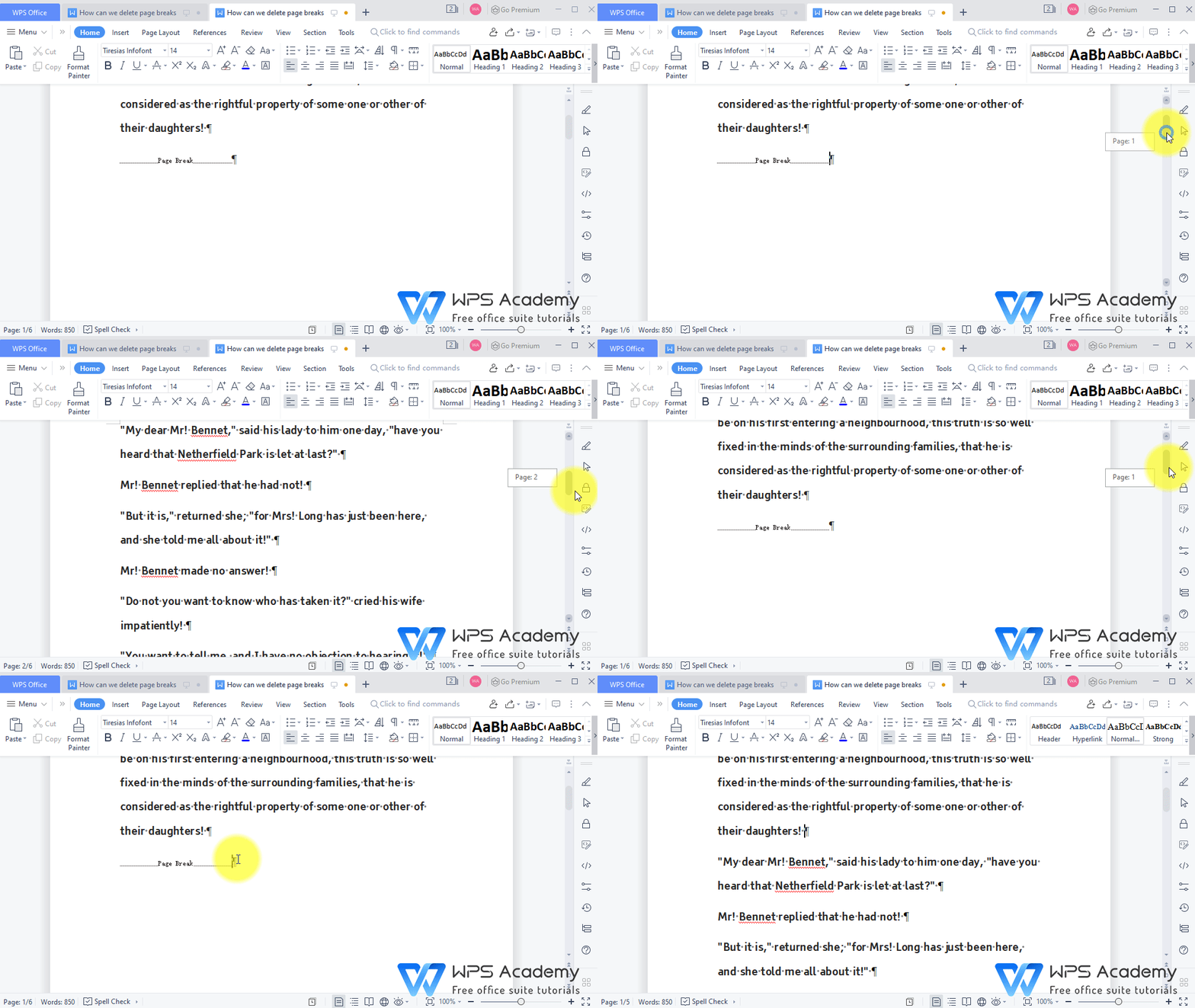
Open Word document you need Click on Paragraph symbol The first way is the easiest Put your mouse pointer in front of Section break and press How to Delete a Page Break and Section To add a new blank page or page break to your document click Pages on the Insert tab and then choose either Blank Page or Page Break If you choose Page Break all subsequent content after your insertion point will be moved onto the next page Delete a page
How To Delete Section Break Mac Funbinger How Do You Delete A Section Break In Word For Mac Choicestoo How To Delete A Section Break In Microsoft Word 2016 Support Your Tech How To Delete Section Break Mac Monstersenturin How To Delete The Entire Section Break In Word Banyan Potreba Refr n Word Online Delete Section Break Cudzinec asto How To Remove Blank Page In Microsoft Word Section Break Page Break How To Delete A Section Break In Microsoft Word 2016 Support Your Tech Labels SOFTWARE TIPS WINDOWS WORD
Microsoft Word Delete Section Break Mac
 Microsoft Word Delete Section Break Mac
https://d3mkpw26g447am.cloudfront.net/images/5fd2d47518d0b3756386acb366d44b52.gif
Delete a section break You can use these steps to delete an individual section break in Word for Windows Open Windows on your device and then open the document you want to work on Locate the menu ribbon at the top of the screen From the ribbon select Home followed by Show Hide
Templates are pre-designed documents or files that can be used for different purposes. They can conserve effort and time by offering a ready-made format and layout for developing different type of content. Templates can be used for personal or professional tasks, such as resumes, invites, flyers, newsletters, reports, discussions, and more.
Microsoft Word Delete Section Break Mac

How To Delete Section Break Mac Word Sunriseulsd
How Do You Delete A Section Break In Word For Mac Choicestoo

How To Delete A Section Break In Microsoft Word 2016 Support Your Tech
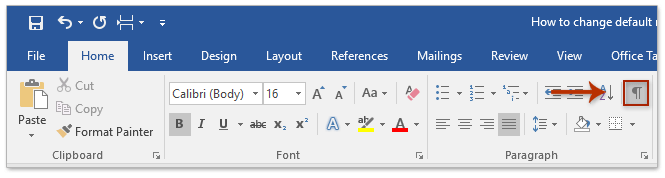
How To Delete Section Break Mac Monstersenturin
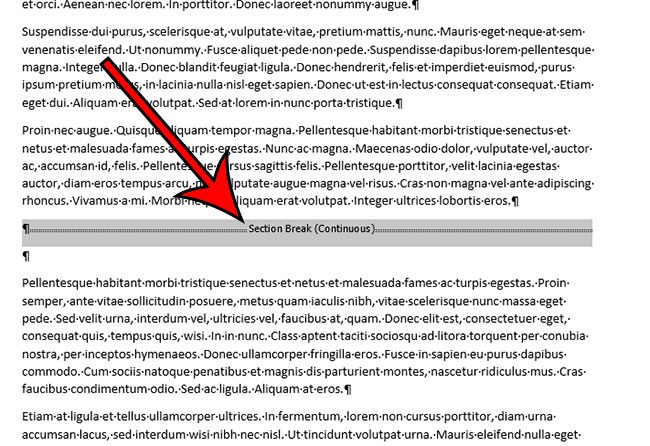
Banyan Potreba Refr n Word Online Delete Section Break Cudzinec asto
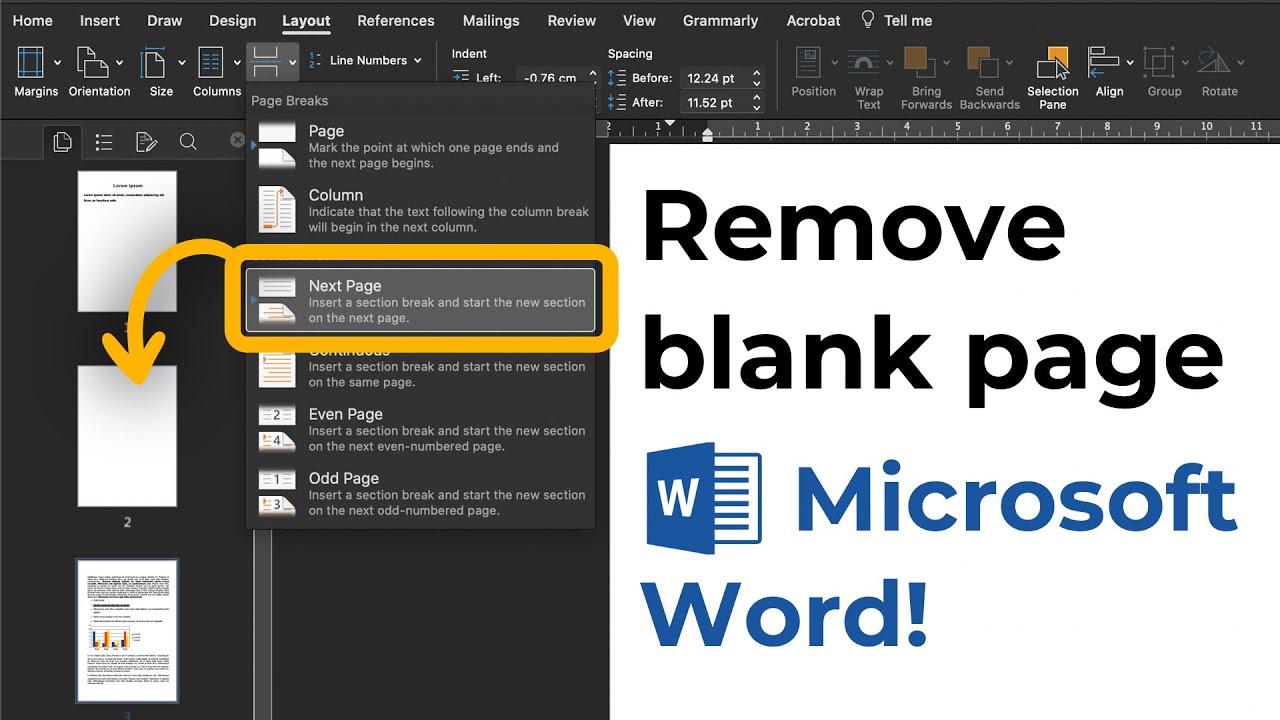
How To Remove Blank Page In Microsoft Word Section Break Page Break
Warning When you delete a section break Word combines the text before and after the break into one section The new combined section uses the formatting from the section that followed the section break If you want the section to use the formatting headers or footers from before the section break use Link to previous instead of removing the section break

On your Mac open the Word document that contains the section and or page breaks that you d like to delete You re going to need to be able to locate the exact location of the breaks so click the Show Hide icon in the ribbon of the Home tab The section and page breaks will now be visible

How to remove the section break on the Mac If you have inserted a section break in Word under macOS follow the same procedure as under Windows to remove the section break Click on Start in the menu bar Activate the formatting character Place the cursor immediately before the line with the section break Press the delete key until the

Find the section break you want to remove from the document and select it Place the cursor before the section break Hold the left button and drag the mouse to select the section break If you have an older version of Microsoft Word you can double click the section break to select it Press Delete on your keyboard
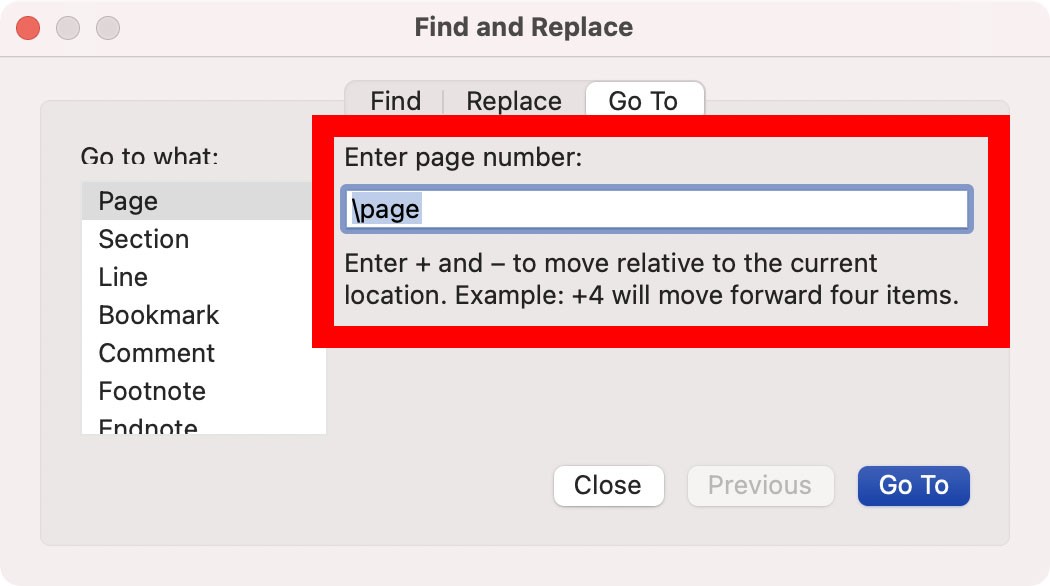
1 Select the Home tab if it isn t already selected for the document 2 Select Show Hide to show the section breaks in your document 3 Click the area just before the section break you
Delete a section break Windows macOS Web If not showing select Home Show Hide to show section breaks Section breaks look like this Note The type of section break shown above is a Continuous section break there are other types of section breaks Place your cursor just before the section break and press Delete Warning How can I delete a section break from Word for Mac 2008 How can I delete a section break from Word for Mac 2008 Show more Less MacBook Pro Mac OS X 10 2 x Posted on Apr 2 2013 7 45 AM I would suggest that you ask in Microsoft s own forums or consult Microsoft s documentation for Word 2008 Regards Show more Less Reply Link User
How to Remove a Section Break in Word for Mac Removing a section break in Microsoft Word for Mac is a slightly different process compared to its Windows counterpart For Mac users it s important to understand this process to maintain the desired document layout and formatting Here is a detailed guide on How to Remove a Section Break in