Microsoft Word Definition List Sosyal Bilgiler Kelime Tablosu Kuvak sikirjoitus By Tr examples Microsoft Word What Is Microsoft Word Definition Uses l Osta Paperitonta Matelijaa Tied El imen Alkuper Suomen Microsoft Word Logo Valor Hist ria PNG Microsoft Word Definition And Function Microsoft Word Glossary Alignment Alignment refers to the position of lines in a paragraph in relation to the document s left and right margins i e whether they are left aligned centered right aligned or justified evenly spaced Applying Styles
To get started position the cursor where you want the glossary to appear Then click the References tab and then click Insert Table of Authorities in the Table of Authorities group In the Define a new bullet Do any of the following Change the bullet to a symbol Select the text or bulleted list you want to change On the Home tab in the Paragraph group click the arrow next to Bulleted List and then click Define New Bullet Click Symbol and then click the symbol you want to use Click OK Change a bullet to a picture
Microsoft Word Definition And Function Windows 12 Preview Member Appreciation Autumn Guest Special The Quiviran Microsoft Word Definition History Functions And Benefits Best In Blank Vocabulary Worksheet Template Microsoft Word Features File Microsoft wireless mouse jpg Wikipedia Hudora Skeittilauta Wolf Instinct Abec 1 Lastentarvikekauppa fi Wallpapers Box HP Aqua Blue Splash High Definition Wallpapers
Microsoft Word Definition List
 Microsoft Word Definition List
https://sbt.blob.core.windows.net/storyboards/tr-examples/sosyal-bilgiler-kelime-tablosu.png
Widow Line the last line of a paragraph that appears at the start of a page on its own WordArt a tool within Microsoft Office that allows you to manipulate text in a variety of different graphical ways Word Processing the process of creating editing and printing a computer written text document
Pre-crafted templates provide a time-saving solution for developing a diverse series of files and files. These pre-designed formats and designs can be used for numerous personal and expert jobs, including resumes, invitations, flyers, newsletters, reports, discussions, and more, enhancing the content production process.
Microsoft Word Definition List
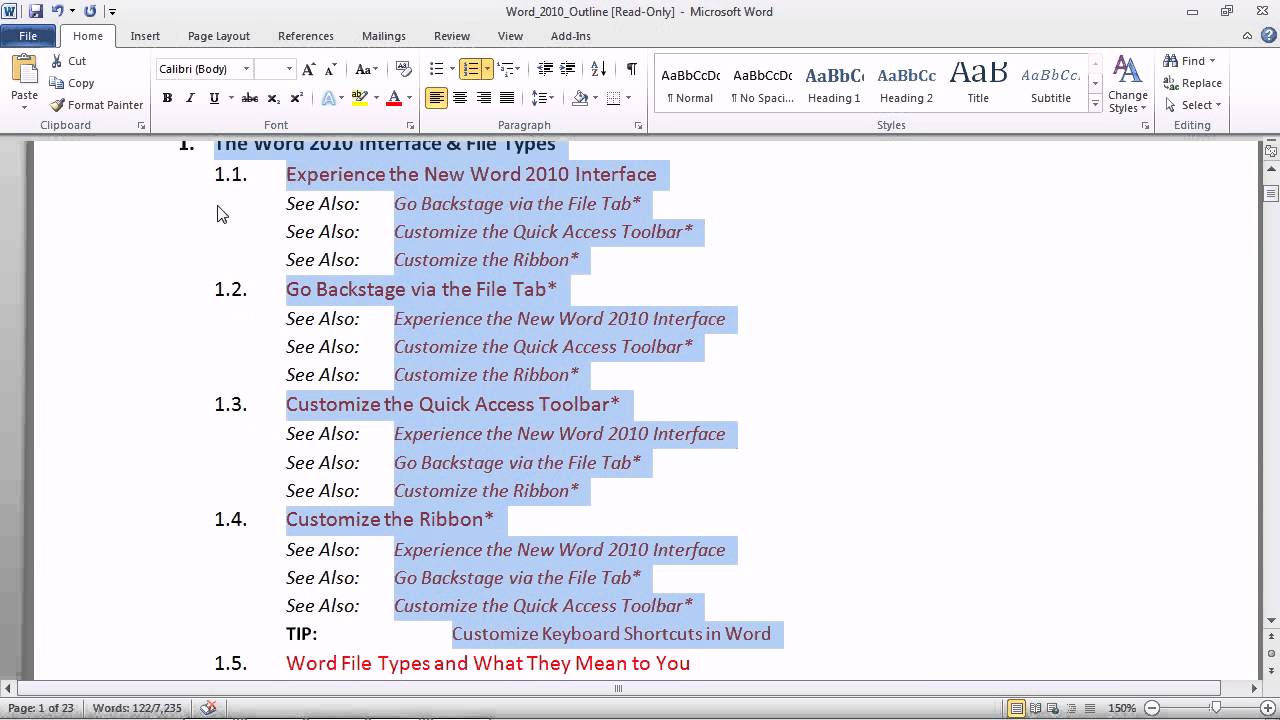
Word 2010 Format A Multi Level List YouTube
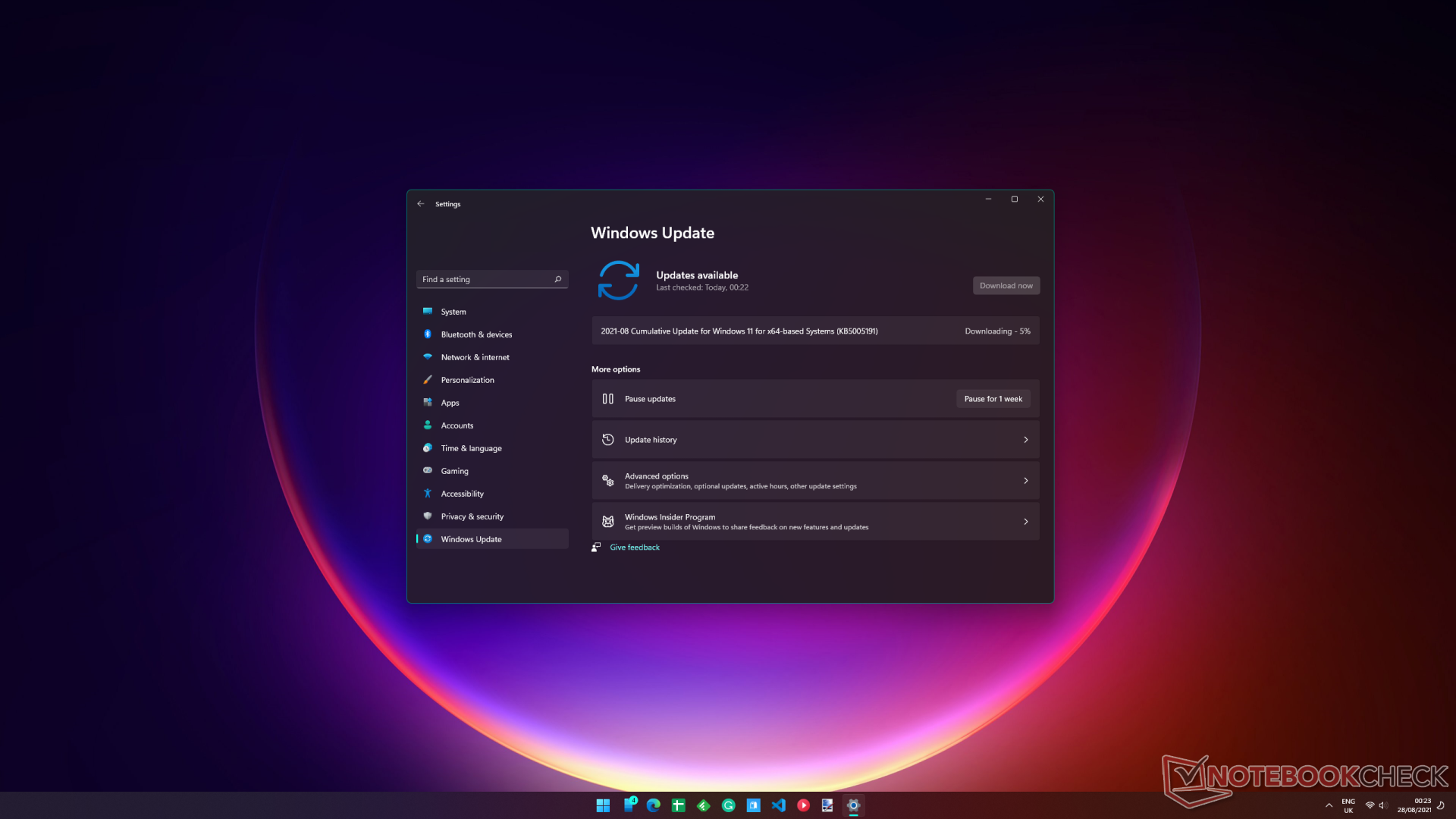
Windows 12 Preview

Member Appreciation Autumn Guest Special The Quiviran
Microsoft Word Definition History Functions And Benefits Best In

Microsoft Word Features
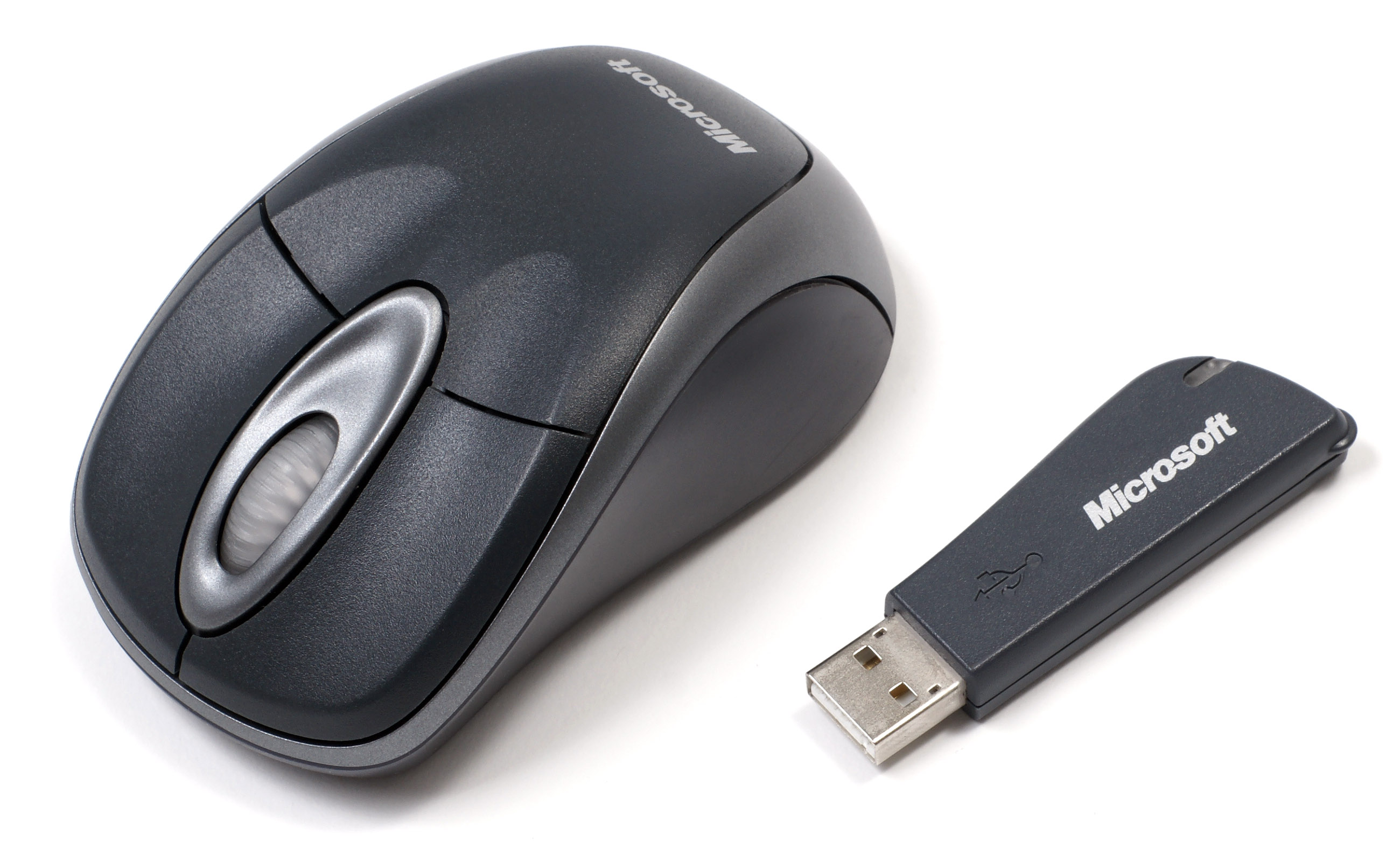
File Microsoft wireless mouse jpg Wikipedia
On the Home tab select Editor In the Editor pane under Refinements note the number next to Acronyms If there are any acronyms indicated there click Acronyms to see them in your text Word will take you to the first instance of any acronym in the document and select it

Including a list of definitions I m writing a technical manual and I d like to define technical terms when they are used for the first time and include them in a glossary in an appendix at the end of the document I know how to do this manually no pun intended and also how to use hyperlinks but it strikes me that there must be an easier

1 Answer I simulated this behavior by creating two styles TermStyle and DefinitionStyle I formatted them as desired and then set the following style option for TermStyle to DefinitionStyle and vice versa This lets me enter alternating terms and definitions without needing to do any manual formatting

If you want to install a dictionary or see definitions and you have Word for the desktop click Open in Word and follow the steps in Check spelling and grammar To add words to a dictionary see Add words to your spell check dictionary If you don t have Word you can try it or buy it with the latest version of Office Need more help

2 Answers An easy solution is to make use of captions and cross references For a caption type you can assign a numbering that is based on the headings of the chapter you add the caption to This can be found in the References tab of the ribbon HIGHLIGHT The text you want to appear in your appendix
Writing Glossary Definitions The most important rule of writing definitions for your glossary terms don t use technical words to define a term For example if you want to include the term tandoori chicken in your glossary a definition that reads chicken that is cooked in a tandoor is unlikely to help a reader understand the term any better Microsoft Word is a word processing software developed by Microsoft X Microsoft 365 Defender provides XDR capabilities for end user environments email documents identity apps and endpoint and Microsoft Defender for Cloud provides XDR capabilities for infrastructure and multi cloud platforms including virtual machines databases
Microsoft Word software produced by the microsoft compnay to produce text document such as letters essays resumes reports etc ribbon an area at the top of an office program window that contains commands for working with the open file the commands are organized under tabs blank document A new blank document opens each time you start word