Microsoft Word Default Template Location Word 365 Default Template Location Microsoft Community Word 365 Default Template Location Microsoft Community How To Find And Change Default Save Location Of Excel Templates Change Default Template In Microsoft Word YouTube 5 Options You ll Want To Re Set In Word Legal Office Guru Web Jan 24 2021 nbsp 0183 32 Jan 24th 2021 at 6 36 AM Check if that will help source https www dummies software microsoft office creating and managing word 2019 templates To keep all your templates in one place either move them to the C Users Username Documents Custom Office Templates folder or tell Word where you
Web May 5 2022 nbsp 0183 32 How to change the location in which templates are saved Start Word If you are using Word 2007 click the Microsoft Office Button and then click Word Options On the left pane select Advanced Under General select File Locations Select User templates and then select Modify In the Modify Web Public Sub FileSaveAs Dim dlg As Dialog Dim strSaveFolder strSaveFolder Application Options DefaultFilePath wdDocumentsPath Select Case ActiveDocument AttachedTemplate Name Case quot Woodworking dot quot Application Options DefaultFilePath wdDocumentsPath quot C Woodworking quot Case
5 Options You ll Want To Re Set In Word Legal Office Guru Change The Microsoft Word Default Template Tech Stumped Microsoft Word Default Settings Change Lokasintry Change The Microsoft Word Default Template Tech Stumped Microsoft Word Default Settings Centimeters To Inches Stashokmu Change The Microsoft Word Default Template Tech Stumped HEFCE Word Default Template Change The Microsoft Word Default Template Tech Stumped Restoring Microsoft Word Default Settings Jabetta
Microsoft Word Default Template Location

https://filestore.community.support.microsoft.com/api/images/2d16916c-a0e8-48da-96d9-ec15bad728df
Web Oct 2 2015 nbsp 0183 32 The Custom Office Templates folder is under the Options gt Save dialog a default location to save new user templates The User Templates folder is the location that is where the normal dotm template is stored created In earlier menu versions of Word 97 2003 it was also the default location where new templates would be saved
Templates are pre-designed files or files that can be utilized for different functions. They can save time and effort by offering a ready-made format and layout for producing various type of content. Templates can be used for personal or professional projects, such as resumes, invites, leaflets, newsletters, reports, presentations, and more.
Microsoft Word Default Template Location
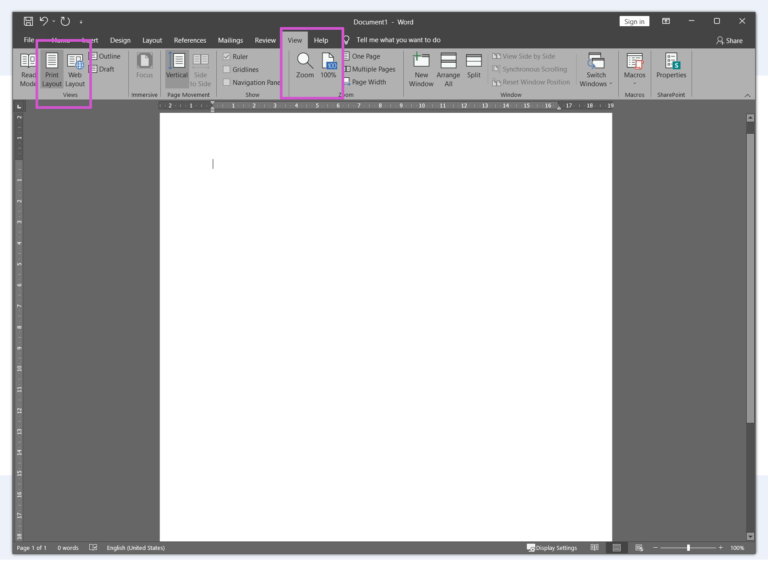
Change The Microsoft Word Default Template Tech Stumped
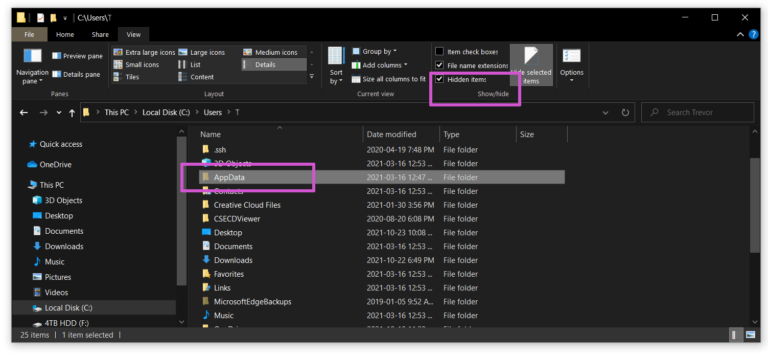
Change The Microsoft Word Default Template Tech Stumped
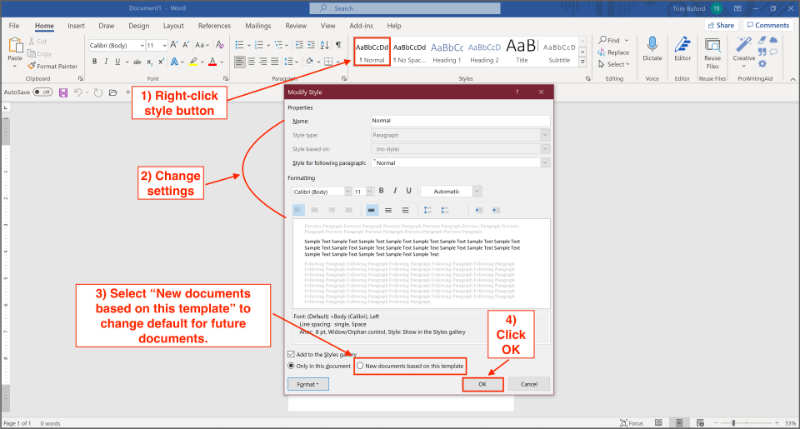
Microsoft Word Default Settings Change Lokasintry
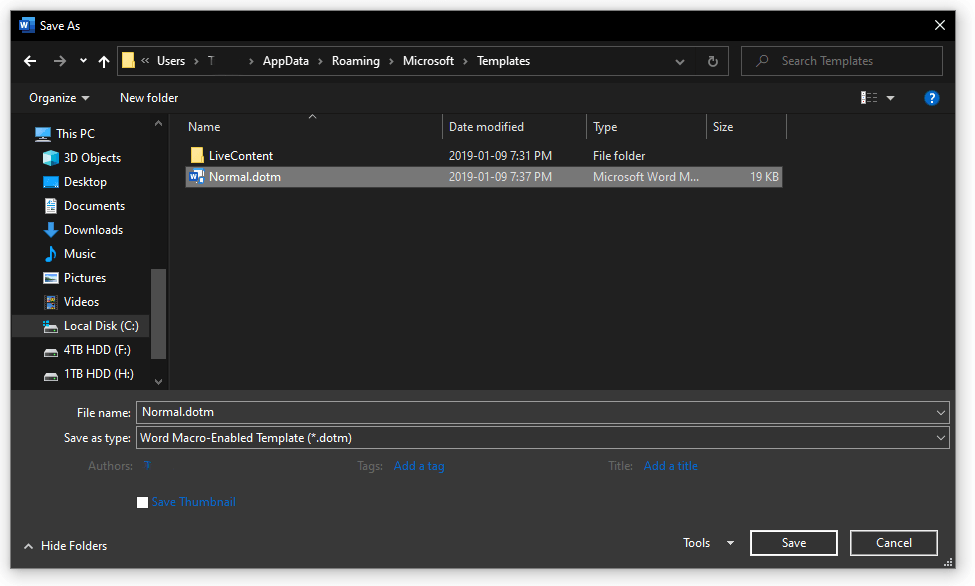
Change The Microsoft Word Default Template Tech Stumped
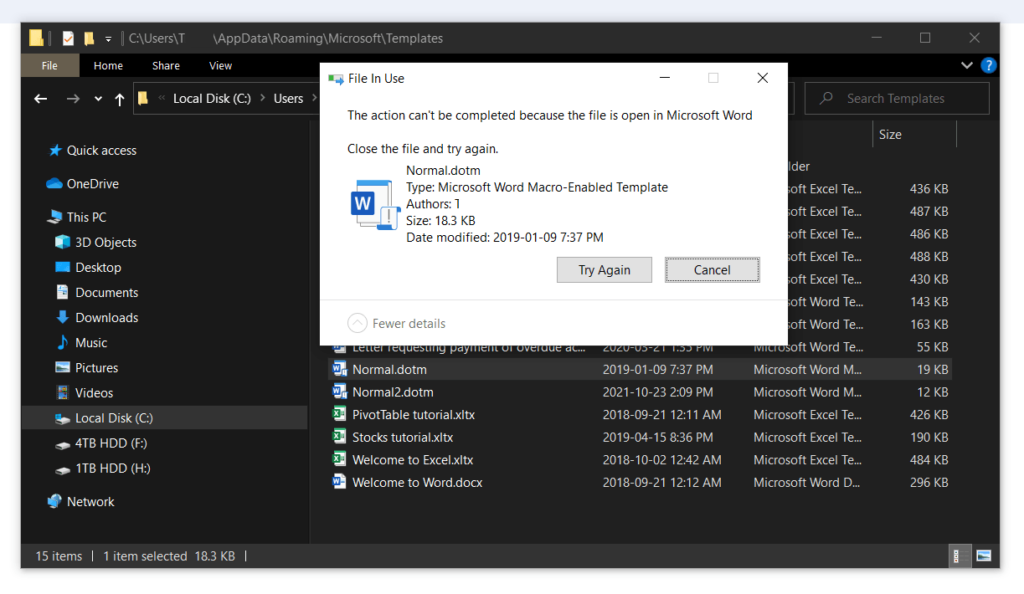
Change The Microsoft Word Default Template Tech Stumped

HEFCE Word Default Template
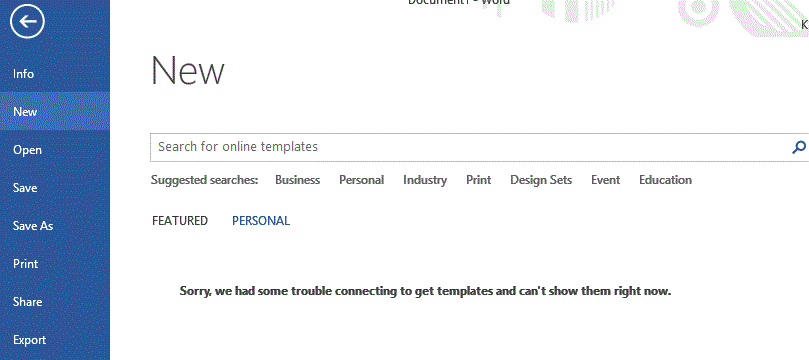
Web Aug 24 2015 nbsp 0183 32 And it will be populated with templates from the folder that you nominate under File gt Options gt Advanced gt General gt File Locations gt User Templates The default location for that folder is C Users User Name AppData Roaming Microsoft Templates
Web Change the Normal template Normal dotm On the File tab click Open Go to C Users user name AppData Roaming Microsoft Templates Open the Normal template Normal dotm Make any changes that you want to the fonts margins spacing and other settings You can use the same commands and features
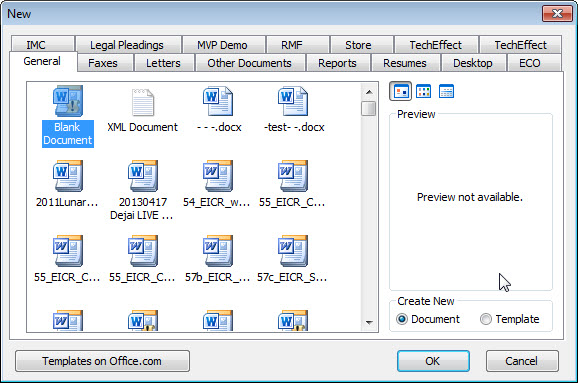
Web Apr 30 2021 nbsp 0183 32 Default Personal Template Location in MSWord M365 2019 showing docx files I ve added a network directory address as a Default Personal Template Location in MSWord M365 2019 Problem is when I go to open a New document based on a Personal template I don t have just dotx options to choose from but also docx files

Web Open the template or a document based on the template whose default settings you want to change On the Format menu click Font and then click the Font tab Make any changes that you want and then click Default Note Most
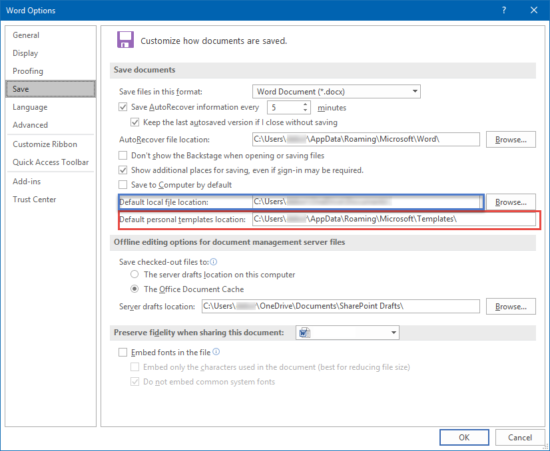
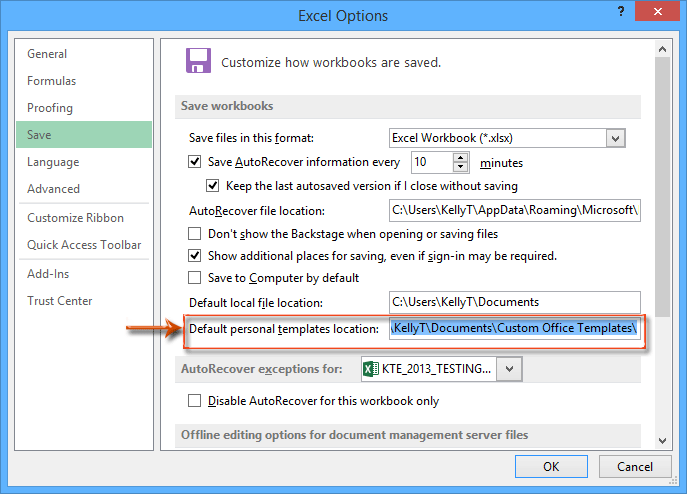
Web Jan 16 2023 nbsp 0183 32 To change the location of the Customs Office Templates in Microsoft Office Professional Plus 2019 You can follow the steps below gt Open Office App gt Click File gt Select Option gt Select Save in the left pane of the Word option gt In the default personal template gt Click on Browse to change the location
Web Apr 13 2022 nbsp 0183 32 Normally you can modify the template location of Word for Mac via Word gt Preferences gt File Location According to your description for but it is not treated as a template may I know more details about it Web Mar 7 2020 nbsp 0183 32 Fortunately the template folder is now a default quot place quot in the hierarchy shown at the left side of the Save As dialog box Click Templates or Custom Word Templates depending on which version of Word you are using in the hierarchy and the file will be saved in the proper templates location the same one you saw in the File
Web Apr 28 2021 nbsp 0183 32 I do a test as you said after entering the path of a folder in File gt Options gt Save gt Default personal templates location I also find the docx files which are located in that folder if I create a new document in Word app I suggest you just save template files in template folder