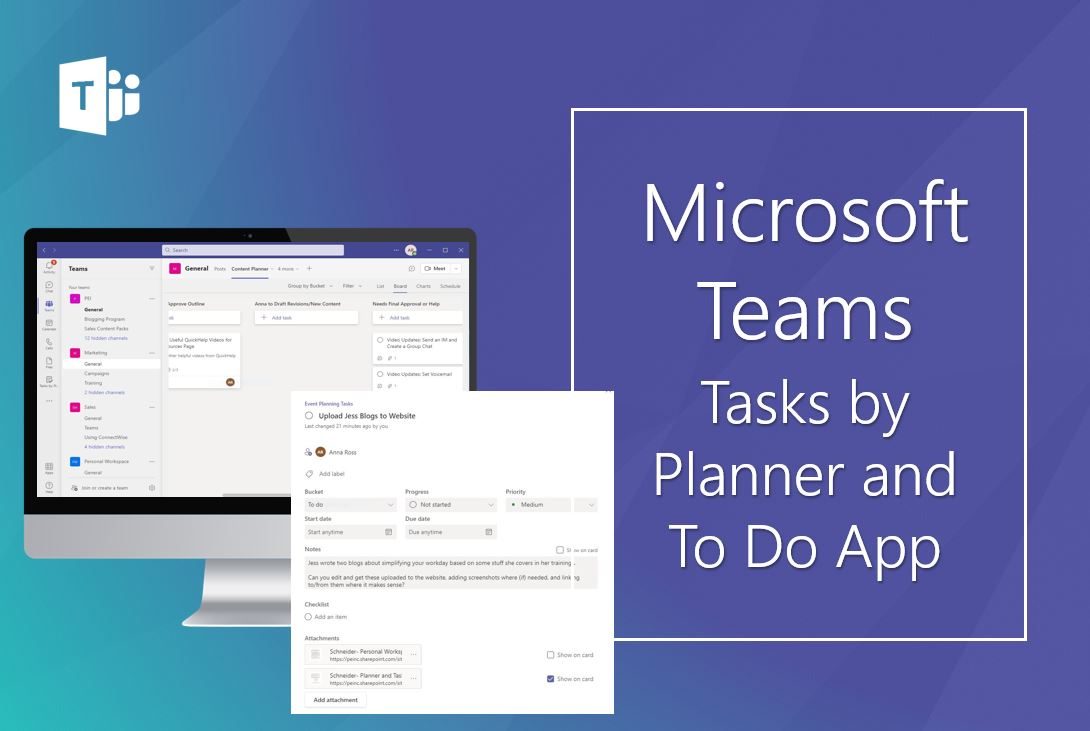
Microsoft Teams Planner Export Tasks To Excel Export Planner Tasks To Excel Power Platform Community Export Sub tasks To Excel How To Export Tasks From Outlook To Excel Exporting Tasks To A CSV Spreadsheet Or PDF House Flipping Videos Guide To Simplifying Microsoft Teams With Tasks By Planner PEI In your team channel select Add a tab In the Add a tab dialog box choose Tasks by Planner and To Do In the Tasks by Planner and To Do dialog box choose Create a new task list to make a new Planner plan and add it as a tab to this channel Use an existing task list to choose an existing Planner plan to add to a tab in this channel
1 Open Microsoft Planner To start first navigate to the Microsoft Planner app and open the app 2 Open the drop down menu Now click the three dots at the top of the screen as shows Join 400 000 professionals in our courses here https link xelplus yt d all coursesLearn how to seamlessly integrate Microsoft Excel with Planner us
Guide To Simplifying Microsoft Teams With Tasks By Planner PEI Next Go To The Dropdown Menu In The Top Left Right Next To Your Planner Teams How To Use The Export To Excel Feature Riset Asana Export Tasks And Subtasks To Excel And CSV Export Tasks Microsoft Planner Export To Excel Microsoft Planner Export To Excel Export Planner Tasks List To Excel get All Inform Power Platform
Microsoft Teams Planner Export Tasks To Excel

https://powerusers.microsoft.com/t5/image/serverpage/image-id/415983i4465CE68DDF20AAA?v=v2
Step 4 Exporting the Planner In the options menu you will find the Export to Excel option Click on it to initiate the export process Microsoft Teams will generate an Excel file containing all the tasks checklists due dates and other relevant information from the Planner Step 5 Saving the Exported File Once the export is
Templates are pre-designed documents or files that can be utilized for numerous functions. They can conserve effort and time by supplying a ready-made format and design for producing various sort of content. Templates can be utilized for personal or expert projects, such as resumes, invitations, leaflets, newsletters, reports, presentations, and more.
Microsoft Teams Planner Export Tasks To Excel

Microsoft Planner Export To Excel
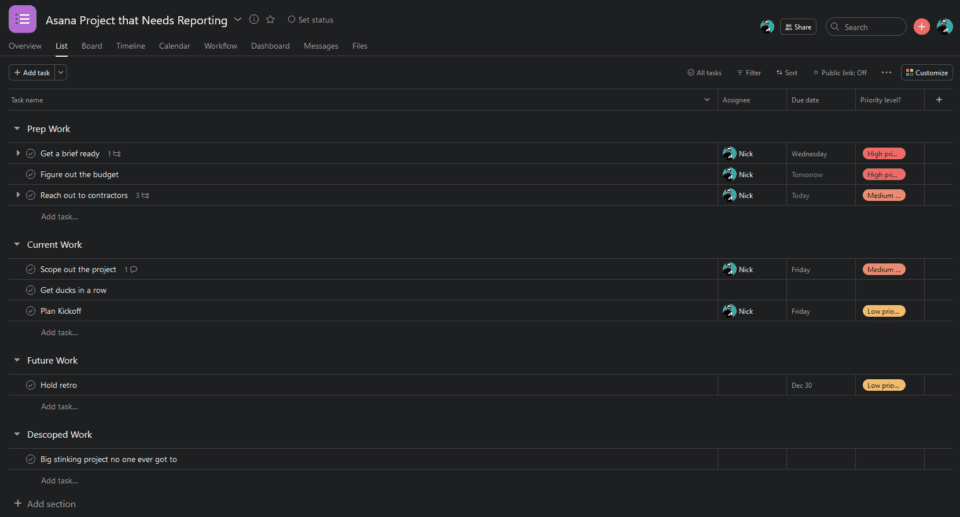
Next Go To The Dropdown Menu In The Top Left Right Next To Your
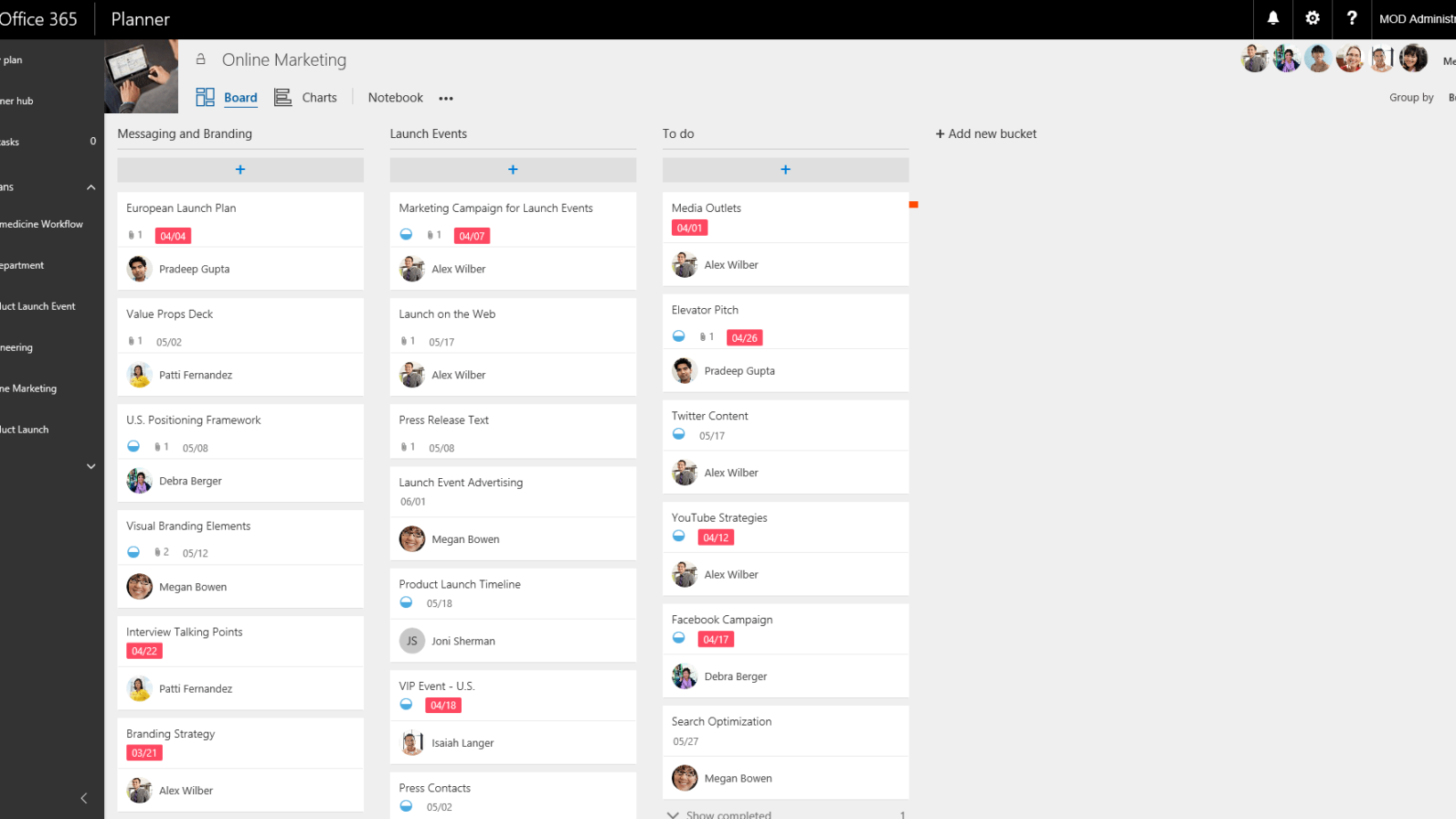
Planner Teams

How To Use The Export To Excel Feature Riset
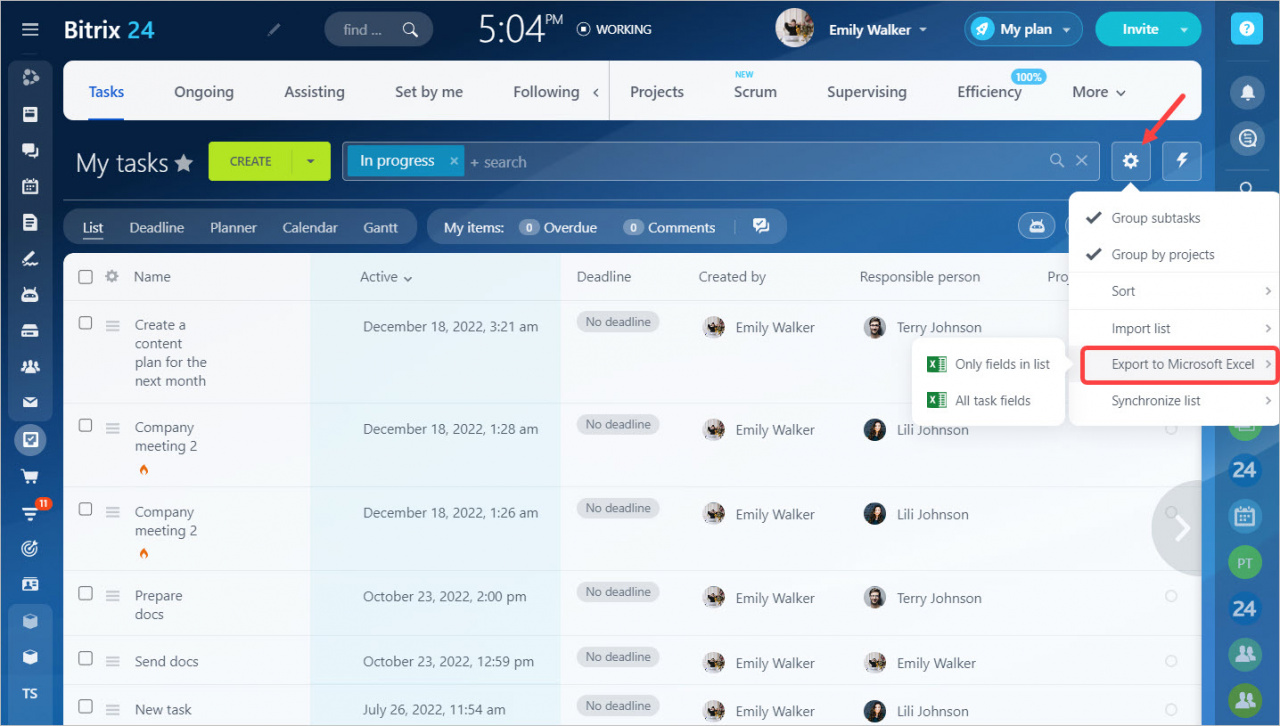
Export Tasks

Microsoft Planner Export To Excel

Within the Planner web app click the at the top of the screen then select Export plan to Excel And you re done Your plan will automatically download as an Excel file to your machine

MS Teams Export PLANNER Tasks into EXCEL Office Tutorials 14 1K subscribers Subscribe Subscribed 64 Share 16K views 1 year ago Teams Are you needing to export Teams planner

1 ACCEPTED SOLUTION v jefferni Community Support 02 16 2022 07 22 PM Hi HendrikV2603 You can save all new tasks in Excel worksheets using simple flows automatically like below and store worksheets in SharePoint Library OneDrive for business Google Drive or any other cloud storages
Get started with filtering in Excel Sort You can sort your Excel data on one column or multiple columns You can sort in ascending or descending order Get started with sorting data in an Excel worksheet Conditional formatting Highlight cells with a certain color depending on the cell s value Apply conditional formatting in Excel
How to Export Teams Planner to Excel YouTube 0 00 1 53 Intro How to Export Teams Planner to Excel KeaPoint Tech Tips 9 47K subscribers Subscribe 240 32K views 3 years ago
To open a task list in Project click Tasks on the Quick Launch to view the Tasks page On the List tab in the Connect Export group click Open with Project Note When you open a task list in Project you can work on your project in both locations and maintain the data However if you later decide to invest in Microsoft Project Server 2013 Automatic exportion from Planner to Excel 01 29 2020 11 33 PM Hey I was wondering if anyone here have been able to make a flow where they created a scheduled trigger every day and it exports everything from every plan into a Excel list With this I want to export it further into PowerBI Solved Go to Solution Labels Flow Admin Issue
Additionally I found that there is a workaround to meet your requirement that you can try to use Microsoft Automate to create flows here is a thread which has the same query as yours for your reference Creating Planner Tasks from Excel However if you encounter problems when creating the flow we recommend that you could post on dedicated