Microsoft Teams Lists Verwalten Der Listen App F r Ihre Organisation Microsoft Teams Configure Room Lists For Microsoft Teams New Lists App In Microsoft Teams Is Now Generally Available Onmsft Com Microsoft Lists App 365 Atwork Www Office Com setup Activation Process Microsoft 365 Planner Vs To Do Vs Lists Vs Tasks ProCloud AG Web View your team s lists Teams Microsoft Teams After a list is created by a team member on the desktop the list can be viewed and edited on both the desktop and mobile devices Desktop Mobile There are two main ways to view your Teams lists in a standard list format and as a gallery
Web Microsoft Lists help amp learning Create a list in minutes Build and share lists to help you track issues assets routines contacts inventory and more Start the training Explore Lists Create list in Teams Create or change a view Create a list from a template Share a list Trending topics List templates in Microsoft 365 Web Microsoft Lists help you organize collaborate and share the information you care about You can create and share lists that help you track issues assets routines contacts inventory and more Start from the Microsoft Lists app Microsoft Teams or SharePoint using a template Excel file or from scratch
Microsoft 365 Planner Vs To Do Vs Lists Vs Tasks ProCloud AG Microsoft Lists 2Gen Microsoft Lists In Microsoft Teams Is Now Available How To Use It Best To Do List App Microsoft Teams Lists In Microsoft Teams Usecases ThomasJuhlOlesen dk The Best Free Task Manager App Lasopachoose Lists Microsoft s Latest In Tracking Team Collaboration Primary Website Microsoft Visual Studio Team System 2008 How To Use Microsoft Lists With Teams Step by Step Guide NBold
Microsoft Teams Lists
 Microsoft Teams Lists
https://learn.microsoft.com/de-de/microsoftteams/media/lists-create-list.png
Web What is work tracking Work tracking is the process of tracking and managing your tasks projects and hours You can do this manually or through an app software or online tool Microsoft To Do Stay on top of your individual to do items and work tasks Learn more Microsoft Lists
Pre-crafted templates offer a time-saving option for creating a diverse range of files and files. These pre-designed formats and designs can be made use of for numerous individual and professional tasks, consisting of resumes, invites, flyers, newsletters, reports, presentations, and more, streamlining the content creation procedure.
Microsoft Teams Lists
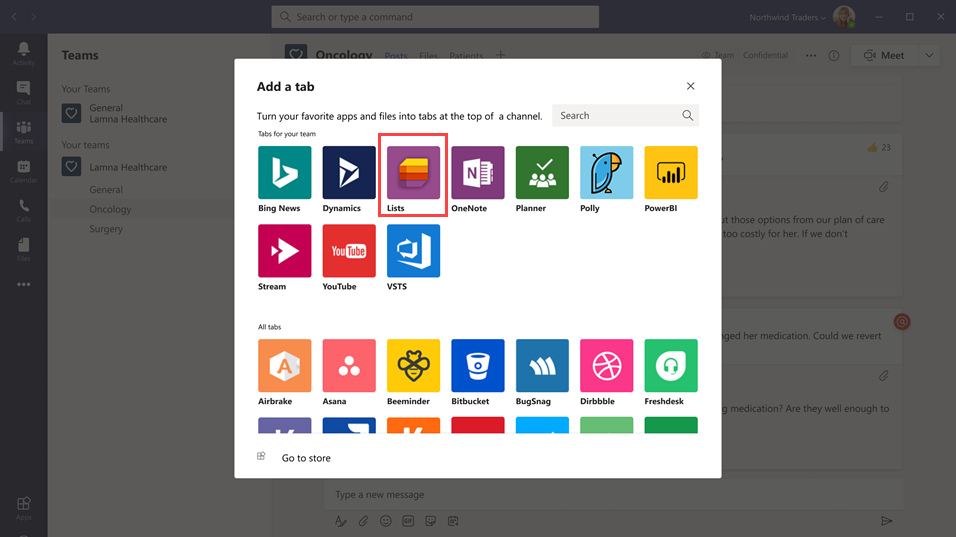
Manage The Lists App For Your Organization Microsoft Teams
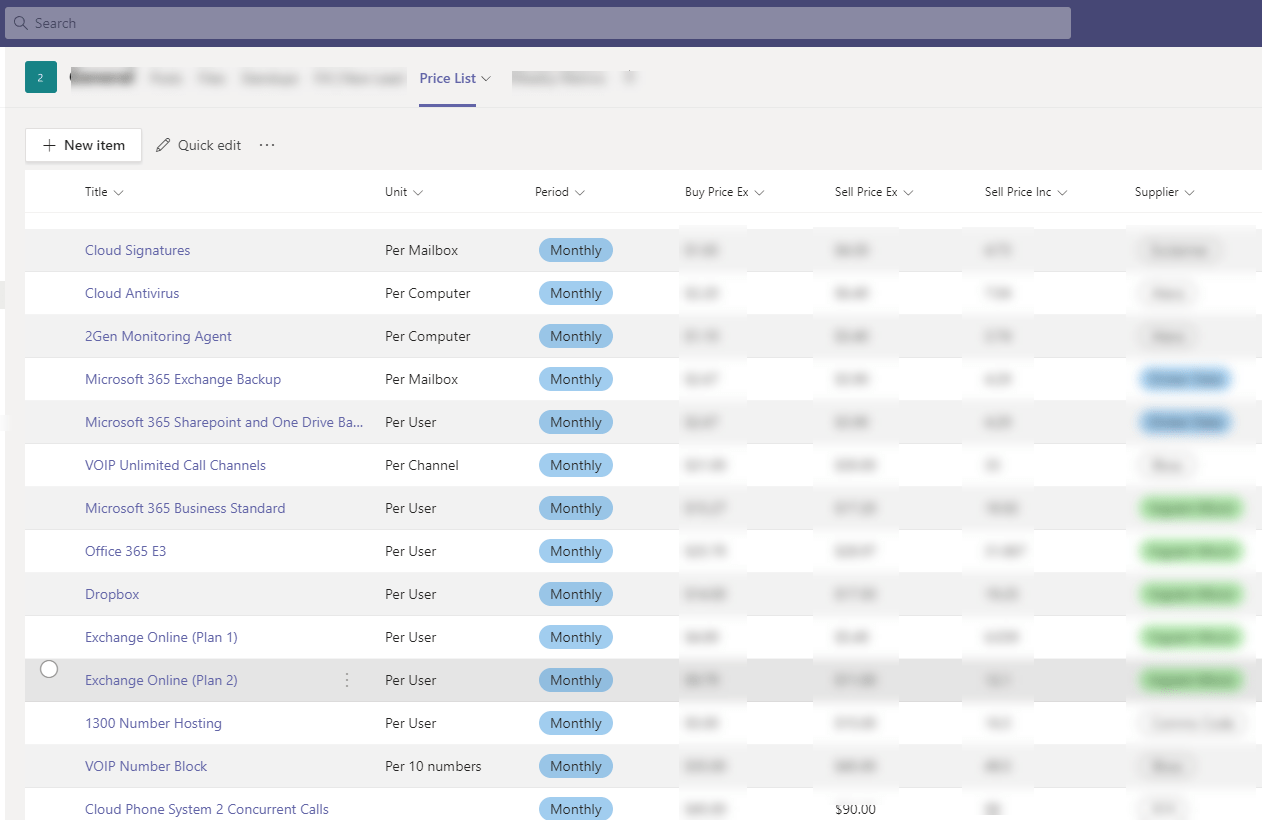
Microsoft Lists 2Gen

Microsoft Lists In Microsoft Teams Is Now Available How To Use It

Best To Do List App Microsoft Teams
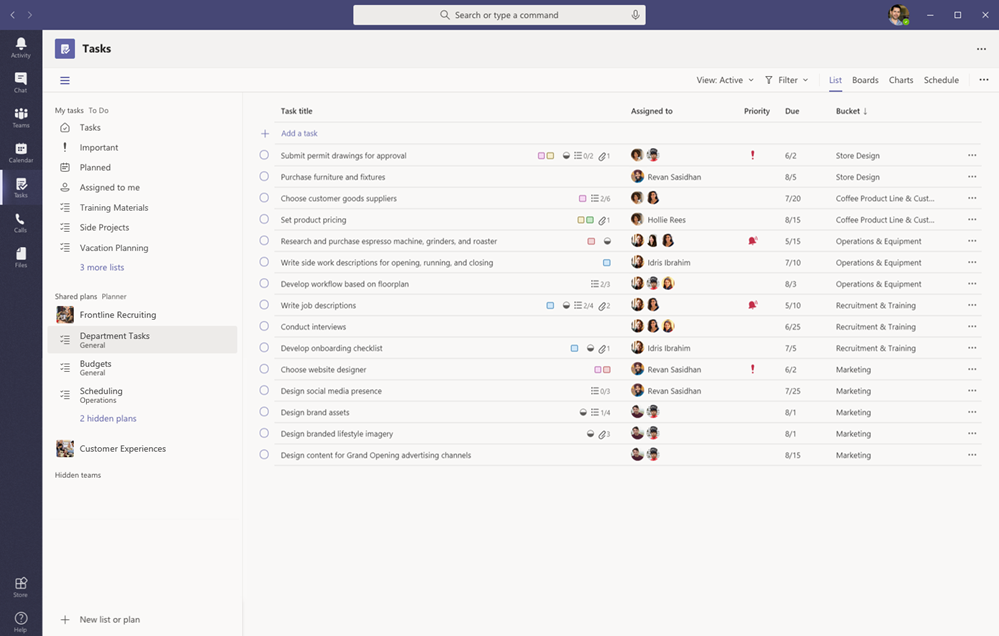
The Best Free Task Manager App Lasopachoose
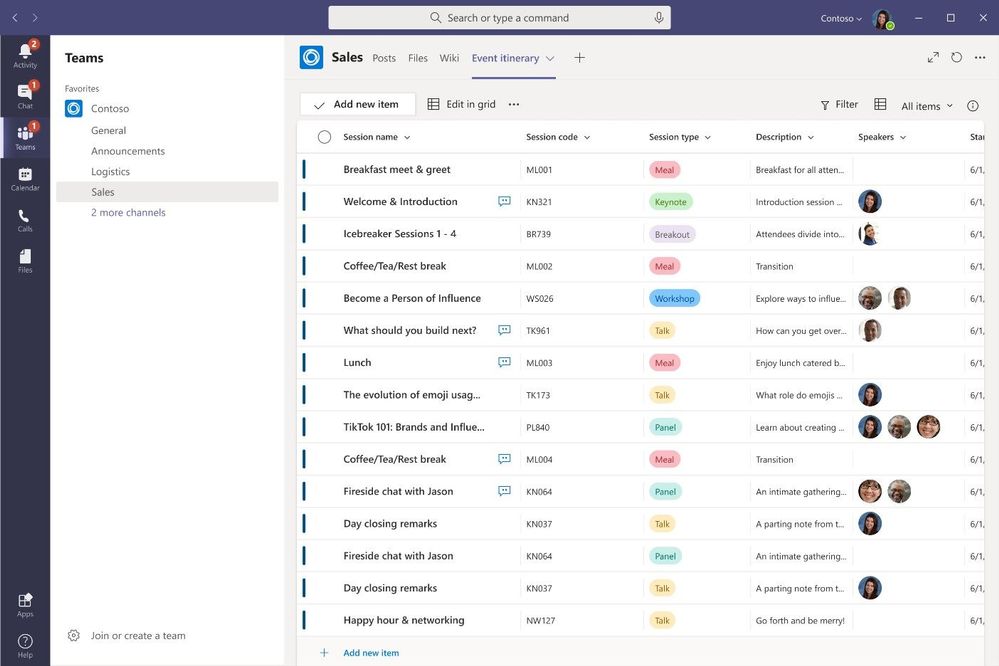
Lists Microsoft s Latest In Tracking Team Collaboration Primary Website

Web Sep 3 2020 nbsp 0183 32 The vision of the Lists app in Teams is to bring all the collaboration and communication modalities to lists and list items so it is easy to get work done The new Lists app experience in Microsoft Teams for mobile on
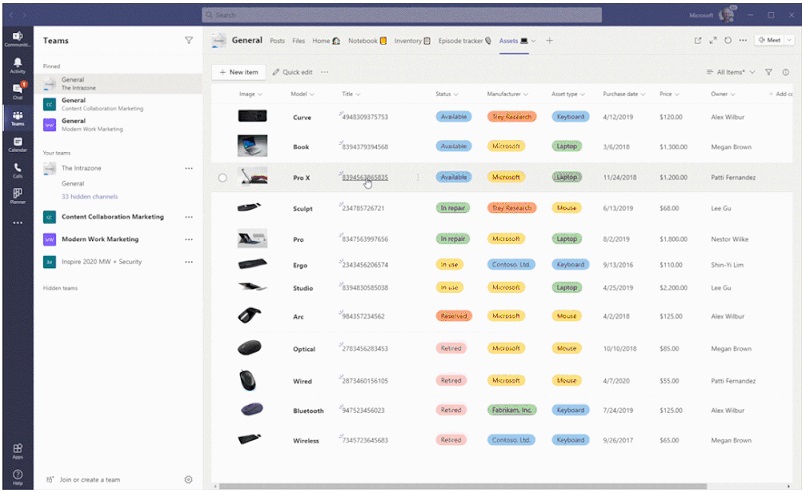
Web Jun 14 2023 nbsp 0183 32 Enable or disable Lists in your organization In the left pane of the Microsoft Teams admin center go to Teams apps gt Manage apps Do one of the following To turn off Lists for your organization search for the Lists app select it and then select To turn off Lists for your organization search

Web Keep everyone in sync with lists in Microsoft Teams Work together in real time with conversation and lists side by side Track what matters most to your team using rules reminders and comments

Web Go to the Teams channel where you want to add a list Select the Add a tab icon select Lists and then Save Those steps add a new Lists tab to the Teams channel From there you can Create a brand new list or Add an existing list to a Teams channel
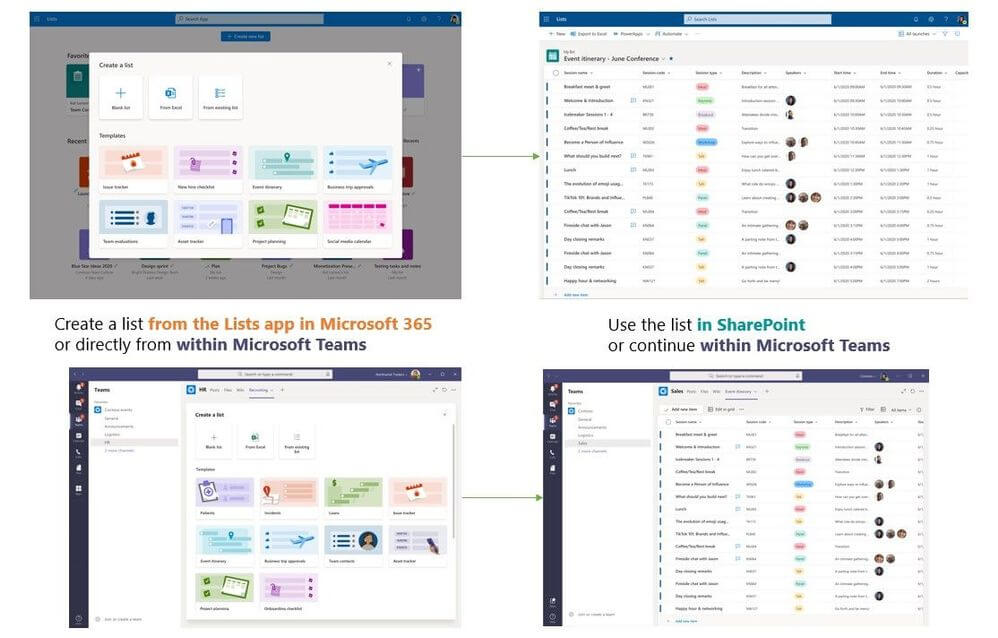
Web Learn to get started with Lists in Microsoft Teams See the following articles for information about lists Create a list Delete a list Create change or delete a view of a list or library Video Create a list Set up metadata navigation for a list or library Manage lists and libraries with many items
[desc-11] [desc-12]
[desc-13]