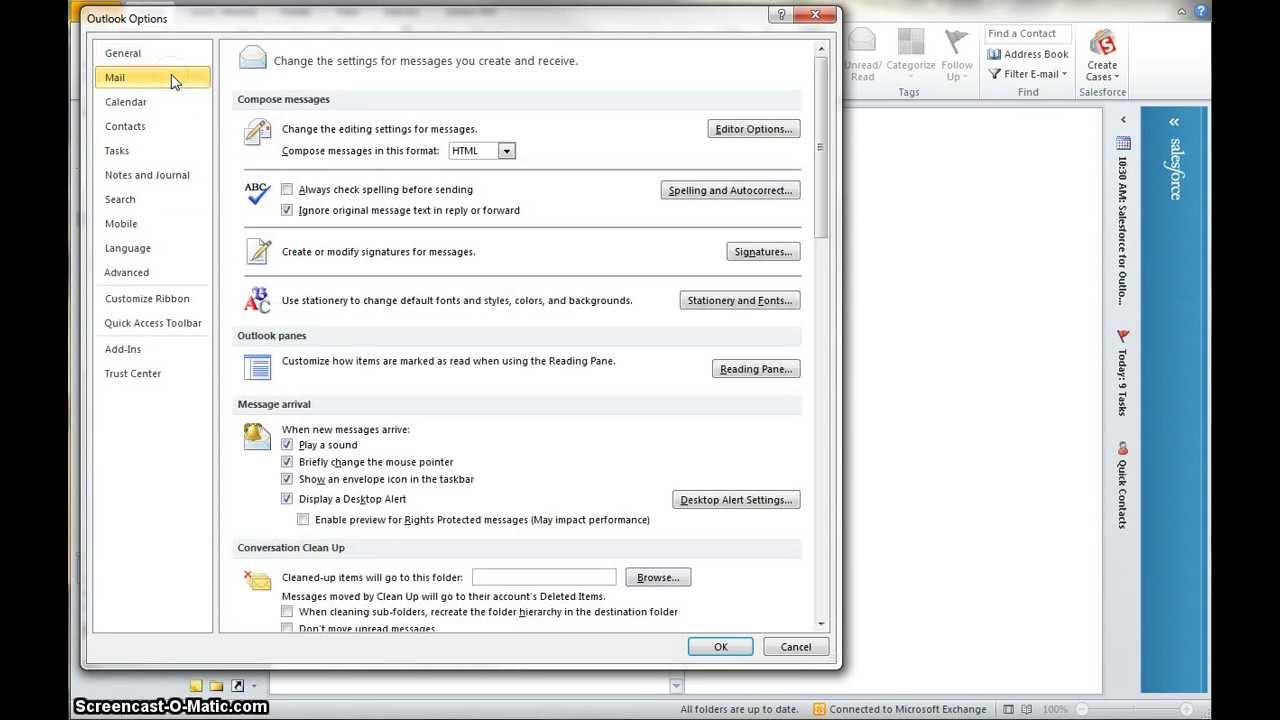
Microsoft Outlook Remove Extra Line Breaks How To Remove Bulk Line Breaks In Microsoft Word Document YouTube How To Remove Line Breaks Within A Cell In Microsoft Excel YouTube Formatting Issues Outlook Adding Extra Line Breaks After Email Is Configure Outlook 2010 Message Format To Remove Extra Line Breaks YouTube How To Remove Extra Line Breaks And Unwanted Spaces In MS Word MS Web Method 1 Disable the feature that removes extra line breaks This method disables the feature for all plain text items To do this follow these steps For Outlook 2010 and later
Web Method 1 Disable the feature that removes extra line breaks This method disables the feature for all plain text items To do this follow these steps For Outlook 2010 and later Web 1 Answer Sorted by 9 quot Can someone elaborate on what s going on here How does Outlook determine that there are extra line breaks quot By default the Auto Remove Line
How To Remove Extra Line Breaks And Unwanted Spaces In MS Word MS How To Remove Line Breaks In Excel Find And Replace Line Breaks Remove Outlook Apps From Outlook Riset Skru Av Fjerning Av Linjeskift I Outlook Universitetet I Oslo How To Prevent Outlook From Removing Extra Line Breaks From Emails And 2021 Outlook Email Navigation Pane On Left Interfering With Email Flow How To Remove Cell Lines In Excel Printable Forms Free Online Outlook Removes extra Line Breaks From Plain Text Emails How To Stop Vytrvalos Rozmazn va Nedorozumenie How To Create Section Break In
Microsoft Outlook Remove Extra Line Breaks
 Microsoft Outlook Remove Extra Line Breaks
https://i.ytimg.com/vi/mANkNBfFvdc/maxresdefault.jpg
Web 7 jan 2022 nbsp 0183 32 After you ve composed your email move your cursor to the top of the message and click the Replace button on the Home ribbon With the cursor in the Find What field
Templates are pre-designed files or files that can be utilized for different functions. They can conserve time and effort by offering a ready-made format and layout for producing various kinds of material. Templates can be utilized for personal or expert projects, such as resumes, invitations, flyers, newsletters, reports, discussions, and more.
Microsoft Outlook Remove Extra Line Breaks
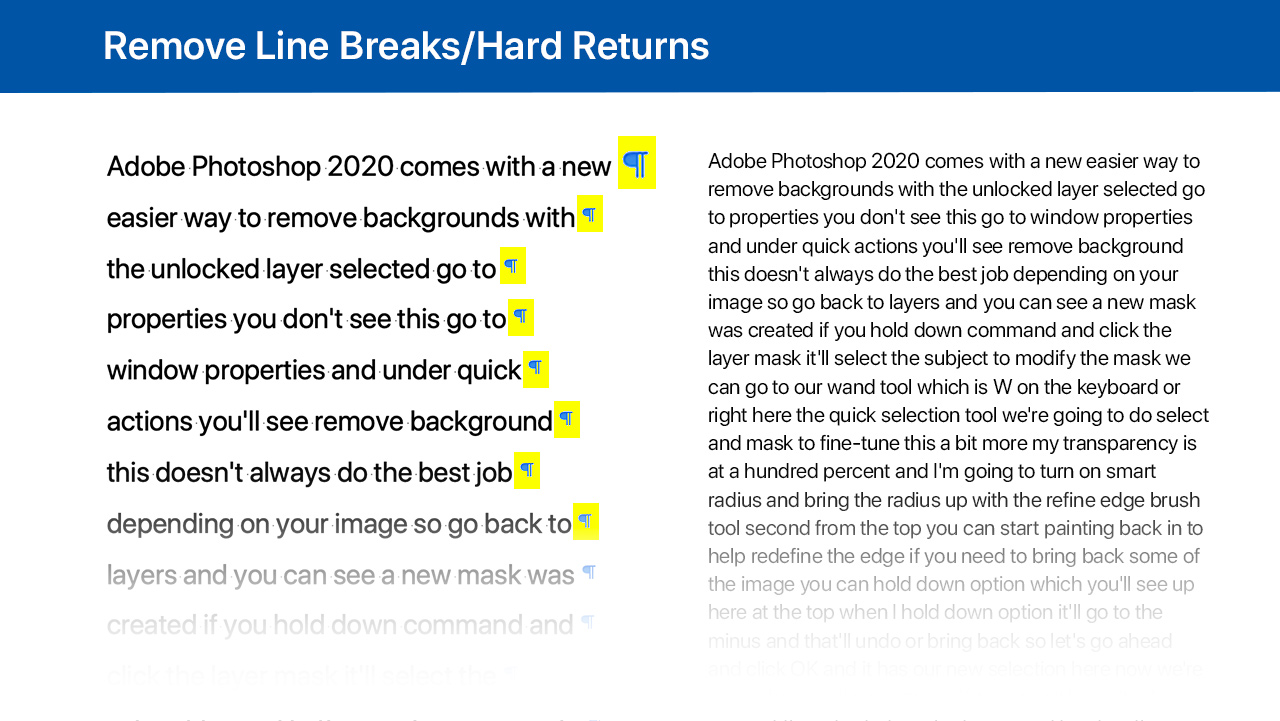
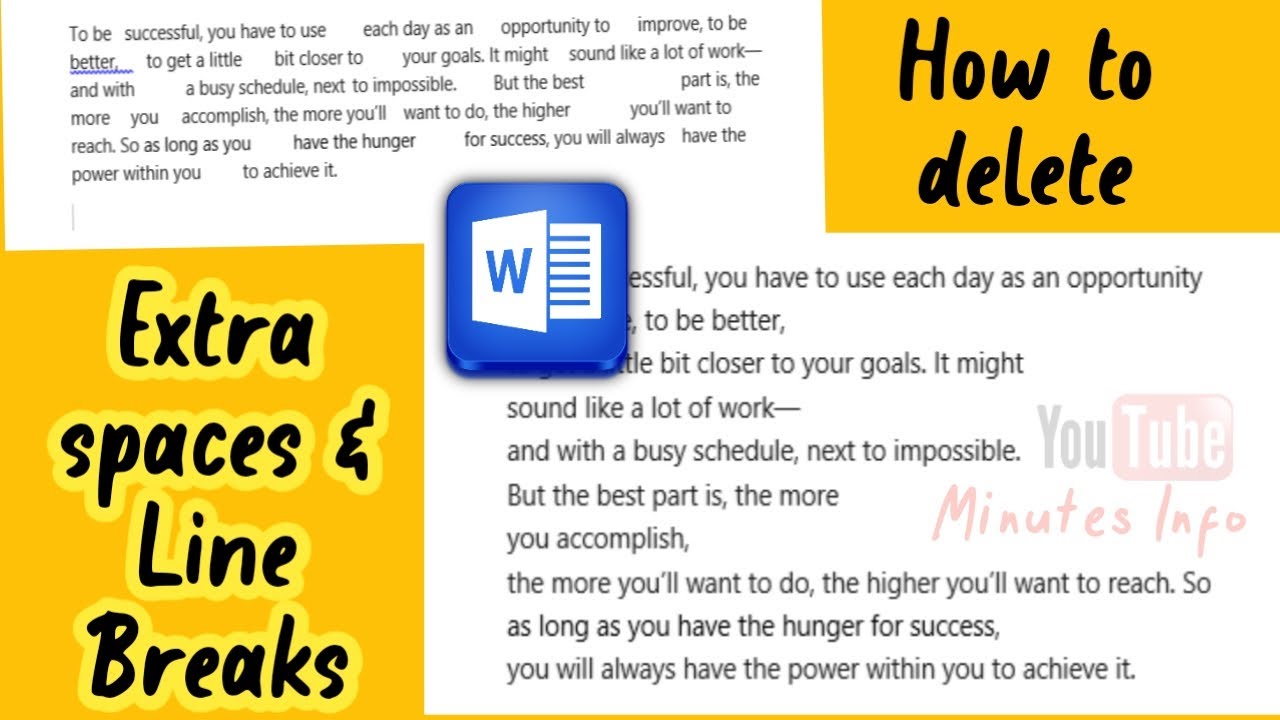
How To Remove Line Breaks Or Hard Returns In Text Using MS Word

How To Remove Line Breaks In Excel Find And Replace Line Breaks
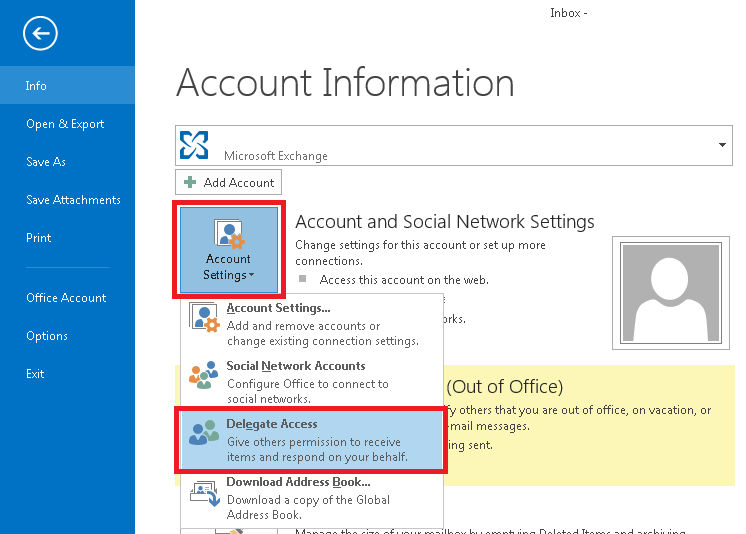
Remove Outlook Apps From Outlook Riset

Skru Av Fjerning Av Linjeskift I Outlook Universitetet I Oslo

2021 Outlook Email Navigation Pane On Left Interfering With Email Flow

How To Remove Cell Lines In Excel Printable Forms Free Online
Web In the Message format section clear the Remove extra line breaks in plain text messages check box Click OK For Outlook 2007 or earlier versions Open Outlook On the Tools
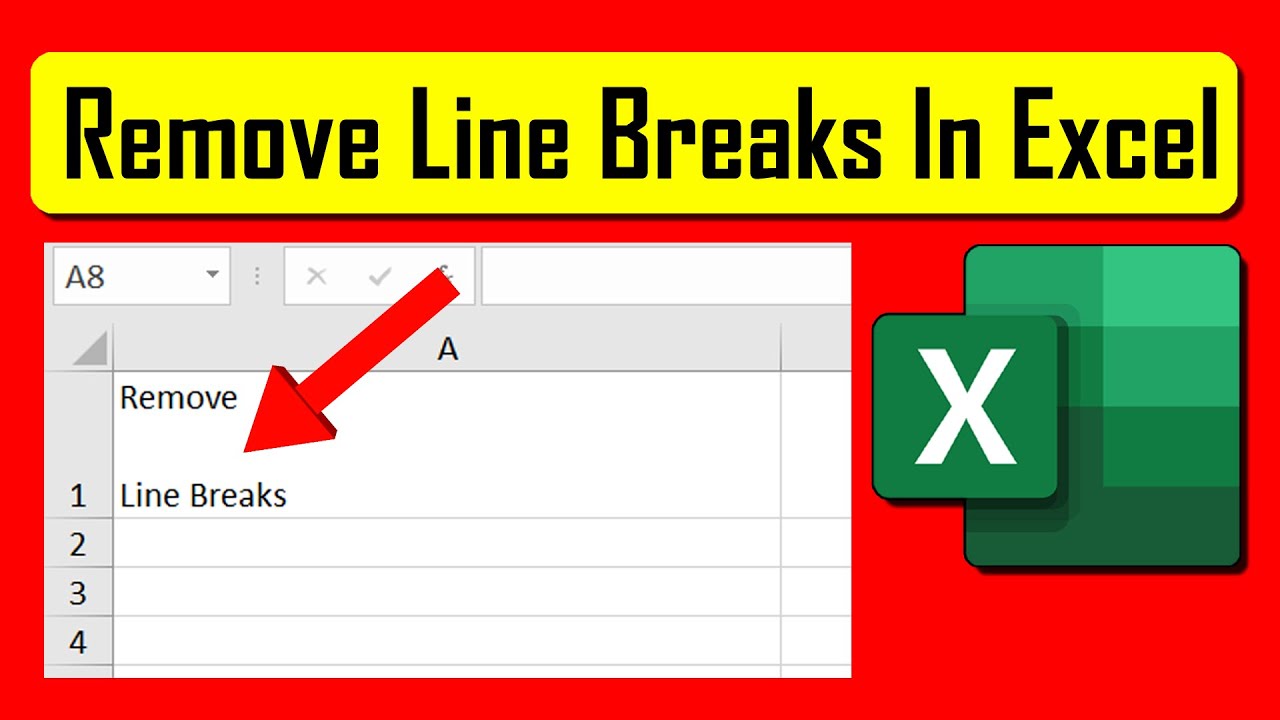
Web 17 apr 2023 nbsp 0183 32 Open Outlook On the File tab select Options In the Options dialog select Mail In the Message format section clear the Remove extra line breaks in plain text

Web Select the Line and Page Breaks tab Under Formatting select Suppress line numbers Select OK Remove hyphens from a paragraph or paragraphs Select the paragraph or
Web Click the line connector or shape that you want to delete and then press Delete Tip If you want to delete multiple lines or connectors select the first line press and hold Ctrl while
Web 5 mrt 2019 nbsp 0183 32 Extra line breaks automatically removed from an email signature in Outlook 2013 In the case of Outlook the program tells you that the extra line breaks have been removed from the message Fig
Web IT Pro The good news is that you can use GPO Group Policy to untick the setting so that Outlook won t automatically remove the line breaks WORKAROUND if you Web 31 mrt 2022 nbsp 0183 32 In Microsoft Outlook you create a new plain text formatted post containing line breaks Outlook removes the line breaks and displays the message In the
Web 16 okt 2008 nbsp 0183 32 1 In Outlook s Tools menu click Options 2 Click the Mail Format tab 3 Click Signatures 4 In the Signature box select the signature that youwant to modify