Microsoft Lists Move List Microsoft Lists App Microsoft 365 AtWork Move A Microsoft List From My Lists To A Team Daniel Glenn Move In ASL American Sign Language 4 Video Examples Word T02 Manage The Lists App For Your Organization Microsoft Teams Web Answer Thanks for posting in the community Based on my test for now I am afraid it is not feasible to move the list directly As a workaround you could click the Export button in Microsoft Lists to export this list as Excel Workbook and import the Excel workbook when creating a new list
Web Microsoft To Do Move tasks between lists To move tasks to a different list on Windows Make sure context menus are turned on in Settings Shift click to select the desired tasks Right click to access the context menu and select Move tasks to Choose the list you want to move tasks to On Android long press a task to enter edit mode Web Create a list based on another list Create a rule for a list Create or change the view of a list Create list relationships Customize permissions for a list Create a calendar Search in a list Examples of common formulas in lists Column types and options
Manage The Lists App For Your Organization Microsoft Teams Microsoft Lists In Microsoft Teams Is Nu Algemeen Beschikbaar ALTA ICT Mlb Teams List Cheap Retailers Save 60 Jlcatj gob mx Meeting Notes 4 26 Microsoft Lists Snelstart MICROSOFT 365 Voor Het MKB Microsoft Lists Explained YouTube How To Get Microsoft Lists Lates Windows 11 Update Microsoft Lists YouTube Microsoft Lists Evolving The Value Of SharePoint Lists And Beyond
Microsoft Lists Move List
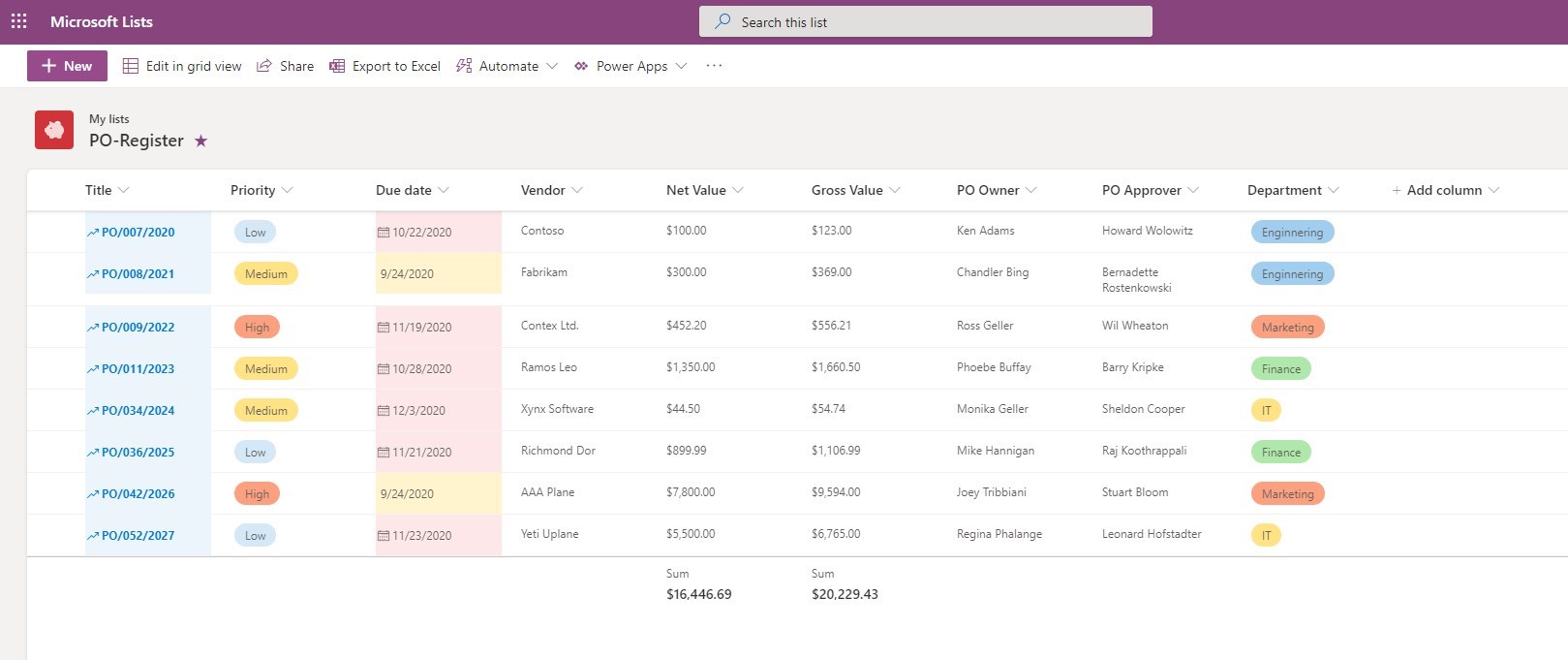 Microsoft Lists Move List
https://office365atwork.com/wp-content/uploads/2020/09/Microsoft-Lists-example.jpg
Web Move a Microsoft List See the write up and other options https DanielGlenn MoveList I was recently asked how to move a Microsoft List from quot My Lists quot which is a personal list stored in
Pre-crafted templates offer a time-saving solution for developing a varied range of files and files. These pre-designed formats and designs can be made use of for various personal and professional tasks, including resumes, invitations, leaflets, newsletters, reports, presentations, and more, improving the content production procedure.
Microsoft Lists Move List
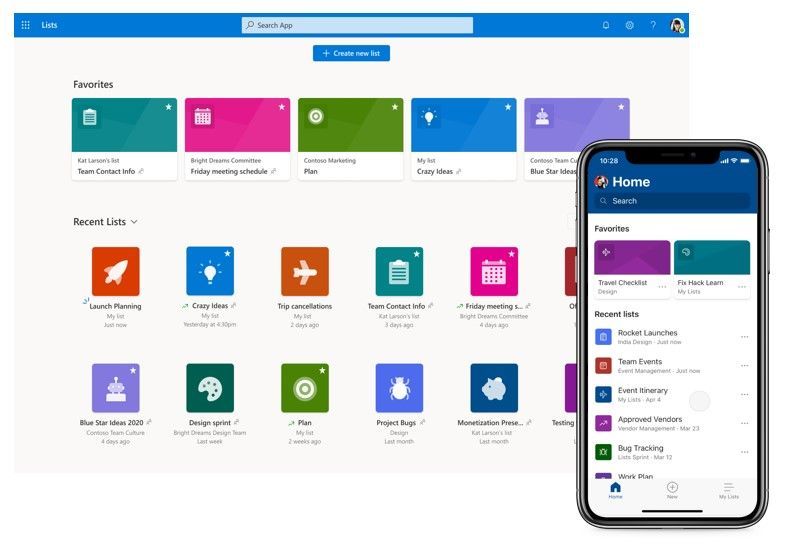
Microsoft Lists App 365 Atwork Www Office Com setup Activation Process

Microsoft Lists In Microsoft Teams Is Nu Algemeen Beschikbaar ALTA ICT

Mlb Teams List Cheap Retailers Save 60 Jlcatj gob mx

Meeting Notes 4 26
Microsoft Lists Explained YouTube
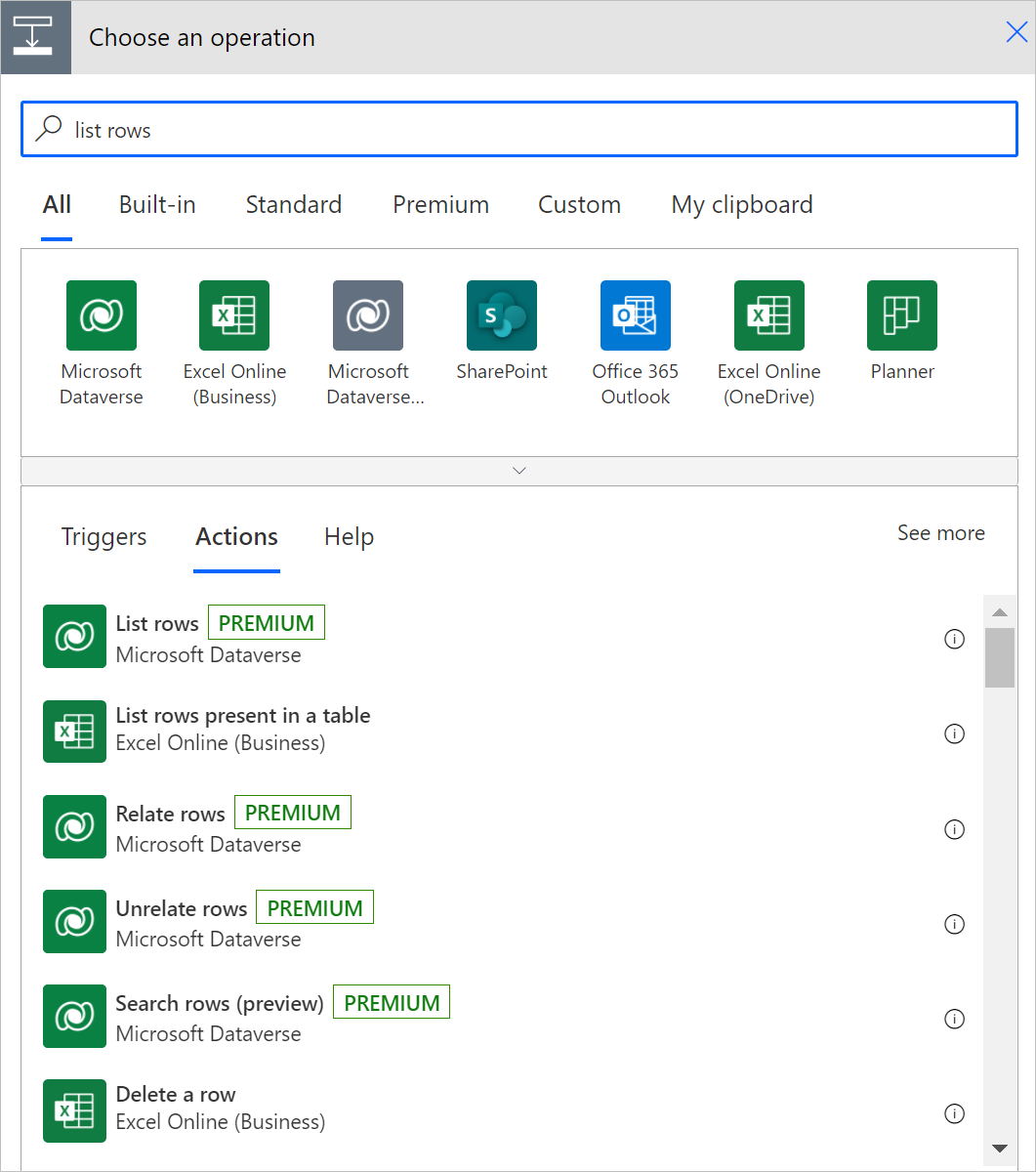
How To Get Microsoft Lists Lates Windows 11 Update

Web Feb 1 2023 nbsp 0183 32 1 In Microsoft Lists export to Excel it will be an iqy file extension In Microsoft Lists Export to Excel 2 In Sharepoint site page click new list In Sharepoint site page click new list 3 Upload your excel file Create a new list from excel and upload your excel file To finish

Web Dec 14 2022 nbsp 0183 32 Hello Is it possible to move a row from the bottom of a list to the top of the list I don t want to sort or filter but rather just move it from one point to another

Web 02 22 2021 02 10 PM You can set up filters to have multiple filter conditions up to 10 conditions so you can filter based on that archived column and also filter on other columns as well You can change the view of the list with just a

Web Jul 18 2022 nbsp 0183 32 I was recently asked how to move a Microsoft List from My Lists which is a personal list stored in OneDrive to a SharePoint site There are a few options to do this and I will cover just a few here and demonstrate one of the easy methods Check out the video at the bottom to see how to easily move a simple list Move a Microsoft List

Web Dec 10 2022 nbsp 0183 32 You can create a new view go to SharePoint list click Settings gear select List settings gt Create view select Standard View as shown below Then you can select the Time column under Sort and select show items in ascending order as shown below
Web Jul 21 2023 nbsp 0183 32 In Microsoft Lists you can adjust the order of list items by selecting a sort method such as A to Z or Older to newer 185 Unfortunately it seems that there is no drag and drop functionality in Microsoft Lists to reorder items 178 Web Apr 4 2023 nbsp 0183 32 I have 2 project lists one titled Project Ideas and one titled Active Projects I would like a flow to move an item from Project Lists to Active Projects when the Approval Status column is equal to Approved The Approval Status column is a Choice column and Approved is Choice 1 There is no flo
Web Dec 29 2023 nbsp 0183 32 However the workaround is following the below steps Step 1 Export the list in the SharePoint Online List to the Excel workbook Reference Export to Excel from SharePoint or Lists Microsoft Support Step 2 Create a new SharePoint Online list from the Excel workbook Reference Create a list based on a spreadsheet Microsoft Support