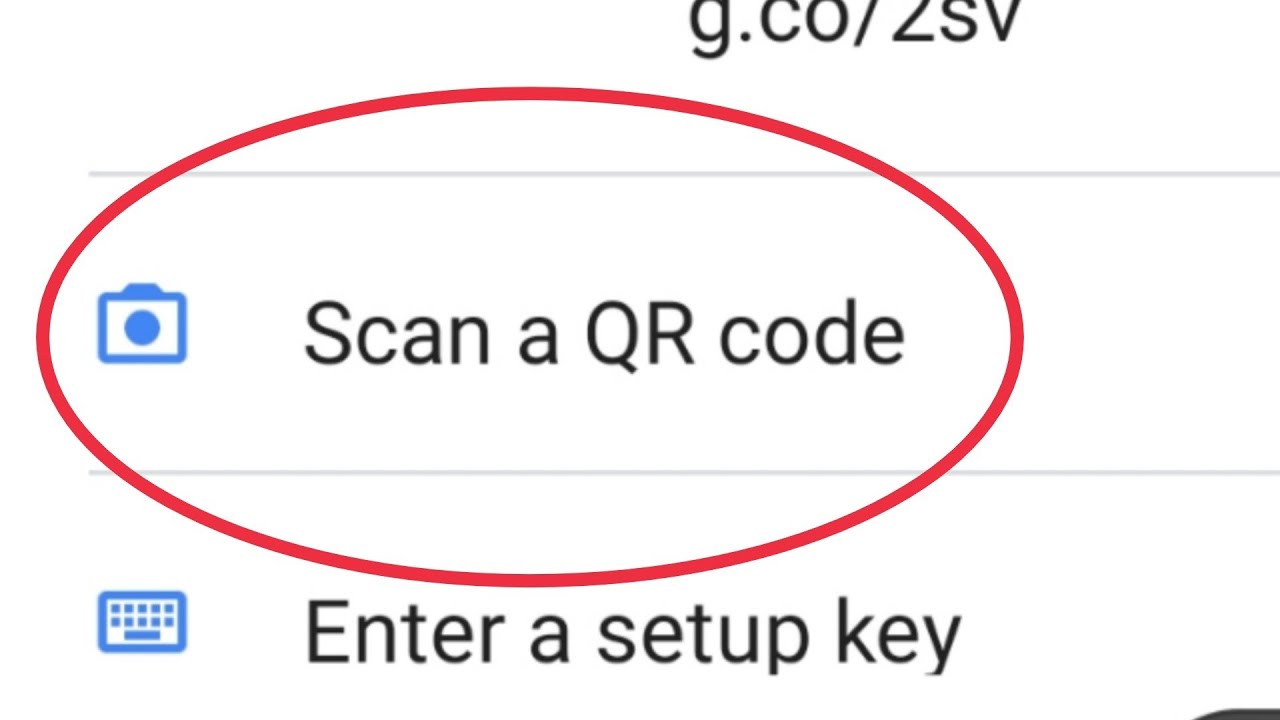
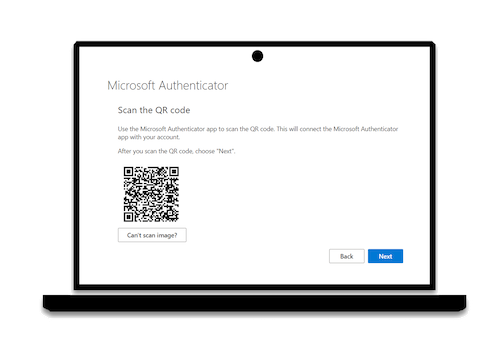
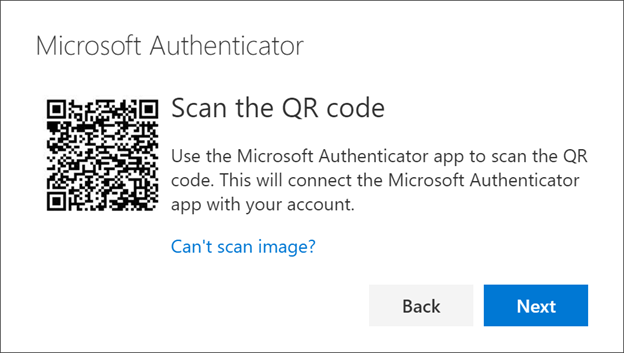
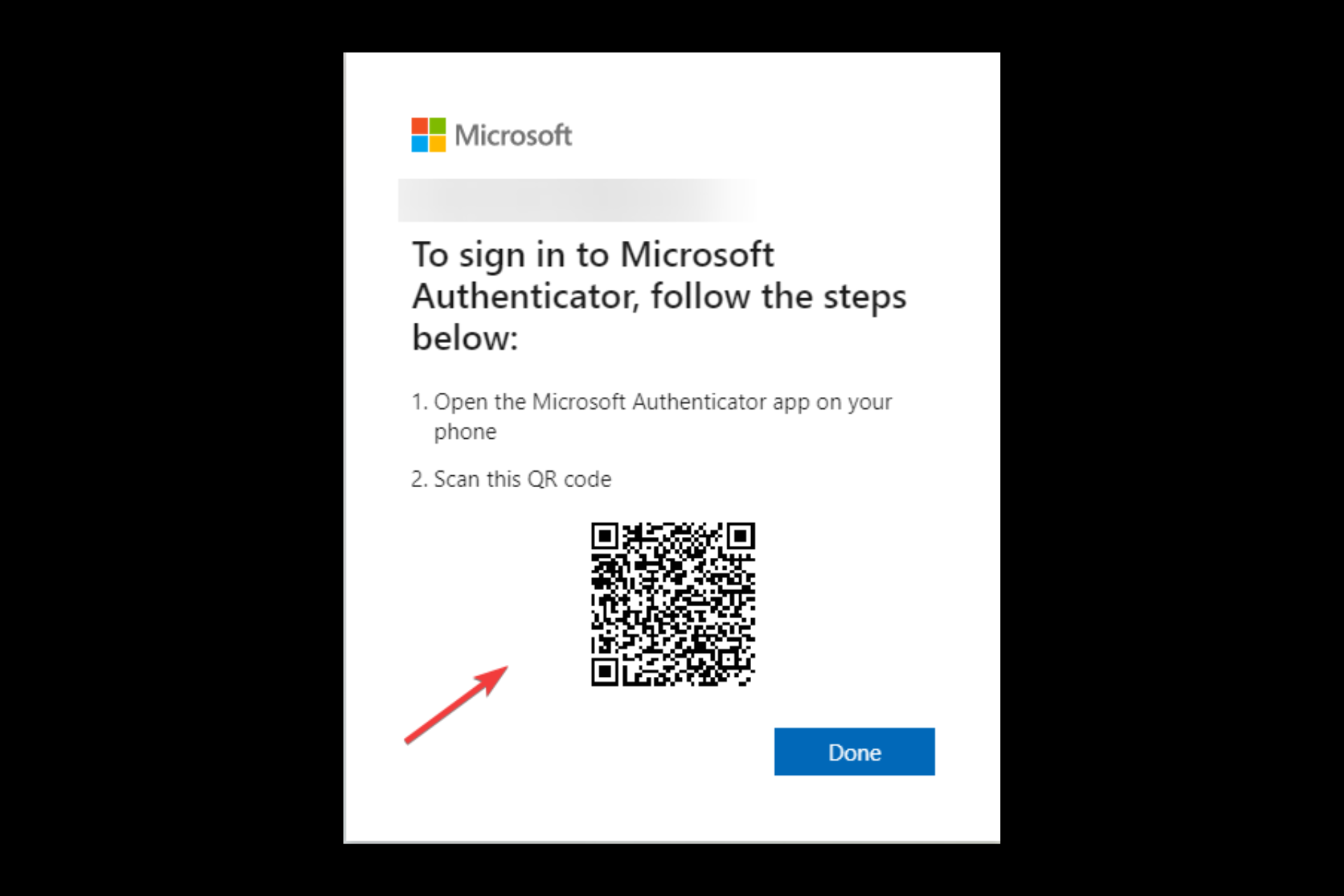
Microsoft Authenticator Qr Code Not Working Google Authenticator App Not Working Scan A QR Code Not Working In Microsoft 365 Outlook Mail Authenticator QR Code New Phone Outlook Microsoft Brings Its Authenticator App Out Of Beta Windows Central Microsoft Authenticator Wrong Code How To Fix It In Windows 11 Paytm QR Code Not Working Properly How To Fix Paytm QR Code Not Web If you ve already installed the app select Next to display a QR code appear on the screen In the authenticator app select three dots then Add account Choose the account type and select Scan a QR code
Web 2 dec 2020 nbsp 0183 32 Yes No Diane Poremsky M365 MVP Independent Advisor Replied on December 2 2020 Report abuse Hi gt gt The only thing I see that is causing this is I ve removed the device from the registered devices before on the work account gt gt If you removed the device from the registered devices it will remove the accounts authorization Web Open the Authenticator app select the plus icon and select Add account and then select Work or school account followed by Scan a QR Code If you don t have an account set up in the Authenticator app you ll see a large blue button that says Add account
Paytm QR Code Not Working Properly How To Fix Paytm QR Code Not Whatsapp Web Scanner Not Working Whatsapp Web Qr Code Not Working In Multi Factor Authentication Microsoft Authenticator Application 12 Reasons Why Your QR Code Is Not Working Free Custom QR Code Maker Microsoft Authenticator App For IOS Updated With Push Notification Setting Up Multi Factor Authentication Tyndale University Microsoft Authenticator App Qr Code Not Working SOMICR How To Regenerate Microsoft Authenticator QR Code 2023 Updated Microsoft Authenticator Code Matching For MFA Notifications
Microsoft Authenticator Qr Code Not Working
 Microsoft Authenticator Qr Code Not Working
https://i.ytimg.com/vi/9UsO0ngF-IE/maxresdefault.jpg
Web What do I do A message told me to quot make sure you can receive a security code quot I see a quot Try another verification method message Notification is in the wrong language Need more help Want more options Discover Community Explore subscription benefits browse training courses learn how to secure your device and more
Templates are pre-designed files or files that can be utilized for different functions. They can conserve time and effort by providing a ready-made format and design for producing various kinds of content. Templates can be utilized for personal or professional jobs, such as resumes, invites, flyers, newsletters, reports, discussions, and more.
Microsoft Authenticator Qr Code Not Working

Where To Find QR Code In Microsoft Outlook Add QR Codes In Email

Whatsapp Web Scanner Not Working Whatsapp Web Qr Code Not Working In
Multi Factor Authentication Microsoft Authenticator Application
12 Reasons Why Your QR Code Is Not Working Free Custom QR Code Maker
Setting Up Multi Factor Authentication Tyndale University

Microsoft Authenticator App Qr Code Not Working SOMICR

Web 9 mei 2020 nbsp 0183 32 Choose Set up Authenticator app and it will open a pop up box with QR code so that you can configure the app on your new device If you can t access the browser please contact the IT admin of your organization and request to remove your previous activate device and disable MFA for your account

Web However if the QR code reader can t read the code you can select Can t scan the QR code and manually enter the code and URL into the Microsoft Authenticator app For more information about manually adding a code see Manually add an account to the app

Web 10 mei 2022 nbsp 0183 32 Ask to install Microsoft Authenticator App and scan the QR code But after I scan the QR code on mobile I get the below error quot Unable to add the account We couldn t add the account Please verify that the activation code is correct and push notification are enable on your device for this app quot
Web Sign in to your account but select the Sign in another way link on the Two factor verification page If you don t see the Sign in another way link it means that you haven t set up any other verification methods You ll have to contact

Web 16 aug 2019 nbsp 0183 32 Choose Set up Authenticator app and it will open a pop up box with QR code so that you can configure the app on your new device If you cannot access your account via browser please contact your Office 365 admin and
[desc-11] [desc-12]
[desc-13]