Matlab App Designer Examples Pdf 32 Best Photos Matlab App Designer Examples 30 Great Examples Of Matlab App Designer Examples Matlab App Designer Examples Matlab App Designer Examples Sliders In Matlab Gui Undocumented Matlab App Designer Examples March 2009 Online Only Revised for MATLAB 7 8 Release 2009a September 2009 Online Only Revised for MATLAB 7 9 Release 2009b March 2010 Online Only Revised for MATLAB 7 10 Release 2010a September 2010 Online Only Revised for MATLAB 7 11 Release 2010b April 2011 Online Only Revised for MATLAB 7 12 Release 2011a
What you ll learn you will able to create apps with matlab graphical user interfaces using utility called guide and App designer you can turn your existing code into meaningful software you can use all the graphical components necessary to make graphical user interfaces Requirements Ways to Build Apps Display Graphics in App Designer Add UI Components to App Designer Programmatically Create a Simple Custom UI Component in App Designer View samples of the UI components available for building modern apps
Matlab App Designer Examples 39 Top Pictures Matlab App Designer Tutorial MATLAB App Designer Matlab App Designer Examples Matlab App Designer Close Request Function Design Talk Matlab App Designer Examples Matlab App Designer Examples Matlab App Designer Examples Matlab App Designer Examples Interactive List Box App In GUIDE Matlab App Designer Examples A Collection Of The Top Wallpapers And
Matlab App Designer Examples Pdf
 Matlab App Designer Examples Pdf
https://teamairship.com/wp-content/uploads/2018/10/moovmo-airship-iphone-mockups-1024x538.jpg
App Designer integrates the two primary tasks of app building laying out the visual components of a graphical user interface GUI and programming app behavior It is the recommended environment for building apps in MATLAB Building Apps in MATLAB 2 Videos
Templates are pre-designed documents or files that can be utilized for various purposes. They can save time and effort by offering a ready-made format and layout for creating various sort of material. Templates can be used for personal or professional jobs, such as resumes, invitations, flyers, newsletters, reports, presentations, and more.
Matlab App Designer Examples Pdf
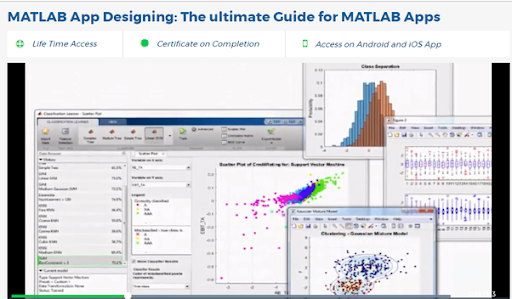
Matlab App Designer Plot Background Color Design Talk
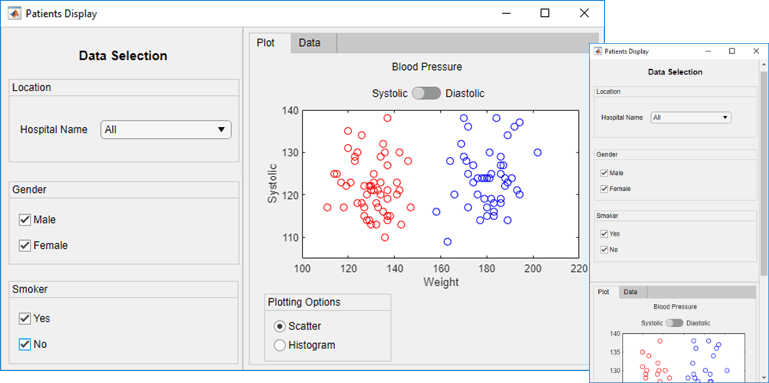
39 Top Pictures Matlab App Designer Tutorial MATLAB App Designer

Matlab App Designer Examples
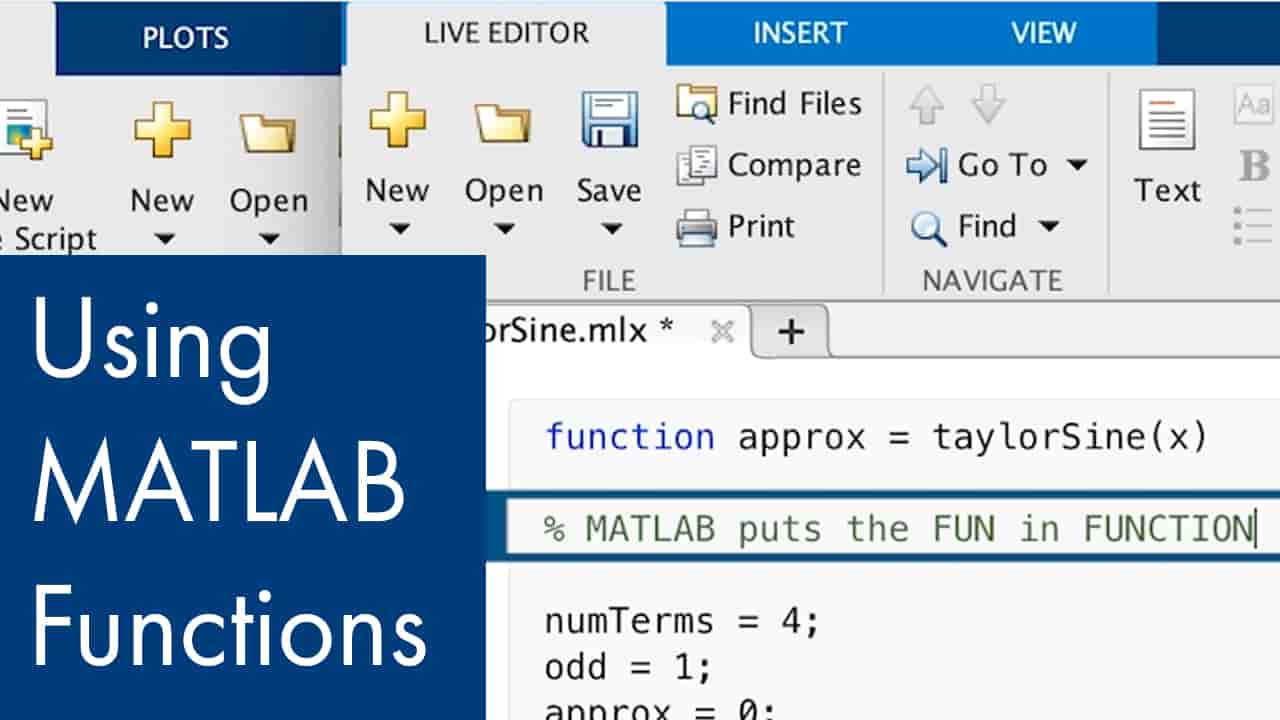
Matlab App Designer Close Request Function Design Talk

Matlab App Designer Examples

Matlab App Designer Examples

Answers 1 Kojiro Saito on 31 Jul 2019 3 Link Edited Kojiro Saito on 13 Jul 2020 Yes PDF documentation is the same as that of GUIDE MATLAB App Buliding contains both GUIDE and App Designer documentation PDF Documentation MATLAB App Building From Chapter 14 you can find App Designer examples John Thank you for your comment

Exercise 1 The Basic Program In this exercise you will create your app and start laying out the graphical objects and controls You will also automatically generate the MATLAB program and edit it to produce a basic function plotter Start the App Designer Select the HOME icon bar at the top of the MATLAB window R2017a and R2017b

For exporting a GUIDE app as MATLAB files the first step is to select File and navigate to the Export to MATLAB file option as shown in Fig 11 19 By clicking this option the app will be exported as two separate files m file and fig file Fig 11 19 GUIDE app to MATLAB file Full size image

11 1 Introduction App Designer is a product of MATLAB that provides an environment to create professional apps It is an interactive environment with a sophisticated component library that can be used to build any desired app The programming platform enables the users to define the behavior of the app It is a new modied and improved version fi

MATLAB App Designer is a feature that allows MATLAB code to be packaged into an interactive software The software can be shared on any computer without the trouble of having to install
Design Component Appearance Design your custom component appearance in Design View To design the slider spinner appearance first drag a Slider component from the Component Library onto the canvas Then drag a Spinner component onto the canvas and position it below the slider When you lay out your custom component in Design View App Designer generates the code that creates the underlying Creating UI components Upon opening a blank project in MATLAB App Designer the first step is to add UI components To recreate the example from Figure 1 Add the widgets Axes Edit Field Numeric Slider and Lamp from the component library Rename their labels to match the screenshot below
Introduction to App Designer MATLAB Keyboard the command appdesigner in the Command Window will brought up the App Designer Fig 1 shows one App Fashion in the medium is aforementioned blankly arrangement under Design View Of Component Print on the left shows the icons of the components that can be created