Marvelous Designer Export Avatar How to Import and resize avatar – Marvelous Designer Help Center Marvelous Designer to Blender 2.8: Static clothed character to an animated character in Blender - Lino Drieghe Export an Avatar from Zbrush to Marvelous Designer - YouTube Tutorial: Exporting from Marvelous Designer Marvelous Designer How to Pose Avatars - CG Elves This video show you how to export a character or an avatar on Maya to import it into Marvelous
People asked about my workflow on Cammy s clothes so here it is You can find the next part about extracting displacement maps here To import an IMVU avatar reference into Marvelous Designer open the application and from the File menu click Import 1 then choose a mesh
Marvelous Designer How to Pose Avatars - CG Elves Using clothes in OBJ format in Unreal Engine without skinning - Part 1 (Marvelous Designer/Clo) - YouTube Marvelous Designer to Blender 2.8: Static clothed character to an animated character in Blender - Lino Drieghe change Avatar's measurements? – Marvelous Designer Help Center Exporting Avatar from Marvelous Designer to Maya on Vimeo How to import DAZ characters into Marvelous Designer – JAY VERSLUIS Tutorial: Exporting from Marvelous Designer Problems exporting clothes from Marvelous Designer to Character Creator 3 IMVU Avatars & Marvelous Designer – Blender Knowledgebase
Marvelous Designer Export Avatar
 Marvelous Designer Export Avatar
https://marvelousdesigner.zendesk.com/hc/user_images/JTukMZ3UOd4Zdy5hVSdrgQ.jpeg
2 Preparing garments in Marvelous Designer Open Marvelous Designer and import your collider mesh as your avatar Open a simple garment and adjust its
Templates are pre-designed documents or files that can be utilized for different purposes. They can save time and effort by providing a ready-made format and design for creating different type of material. Templates can be utilized for personal or expert jobs, such as resumes, invites, leaflets, newsletters, reports, discussions, and more.
Marvelous Designer Export Avatar

Marvelous Designer creator resources – Sansar | Help - Support, Community Forums, and Knowledge Base

Using clothes in OBJ format in Unreal Engine without skinning - Part 1 (Marvelous Designer/Clo) - YouTube
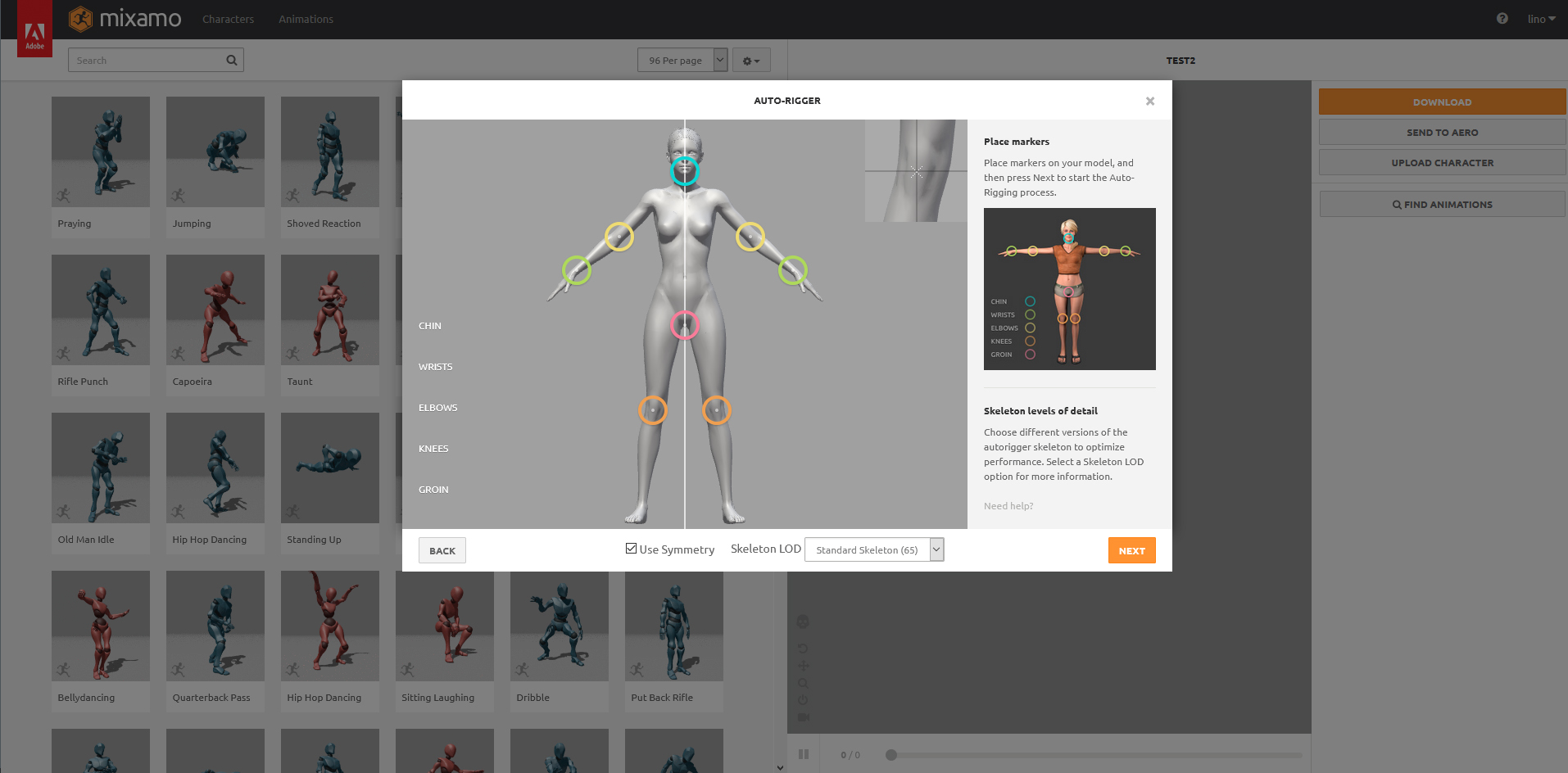
Marvelous Designer to Blender 2.8: Static clothed character to an animated character in Blender - Lino Drieghe

change Avatar's measurements? – Marvelous Designer Help Center
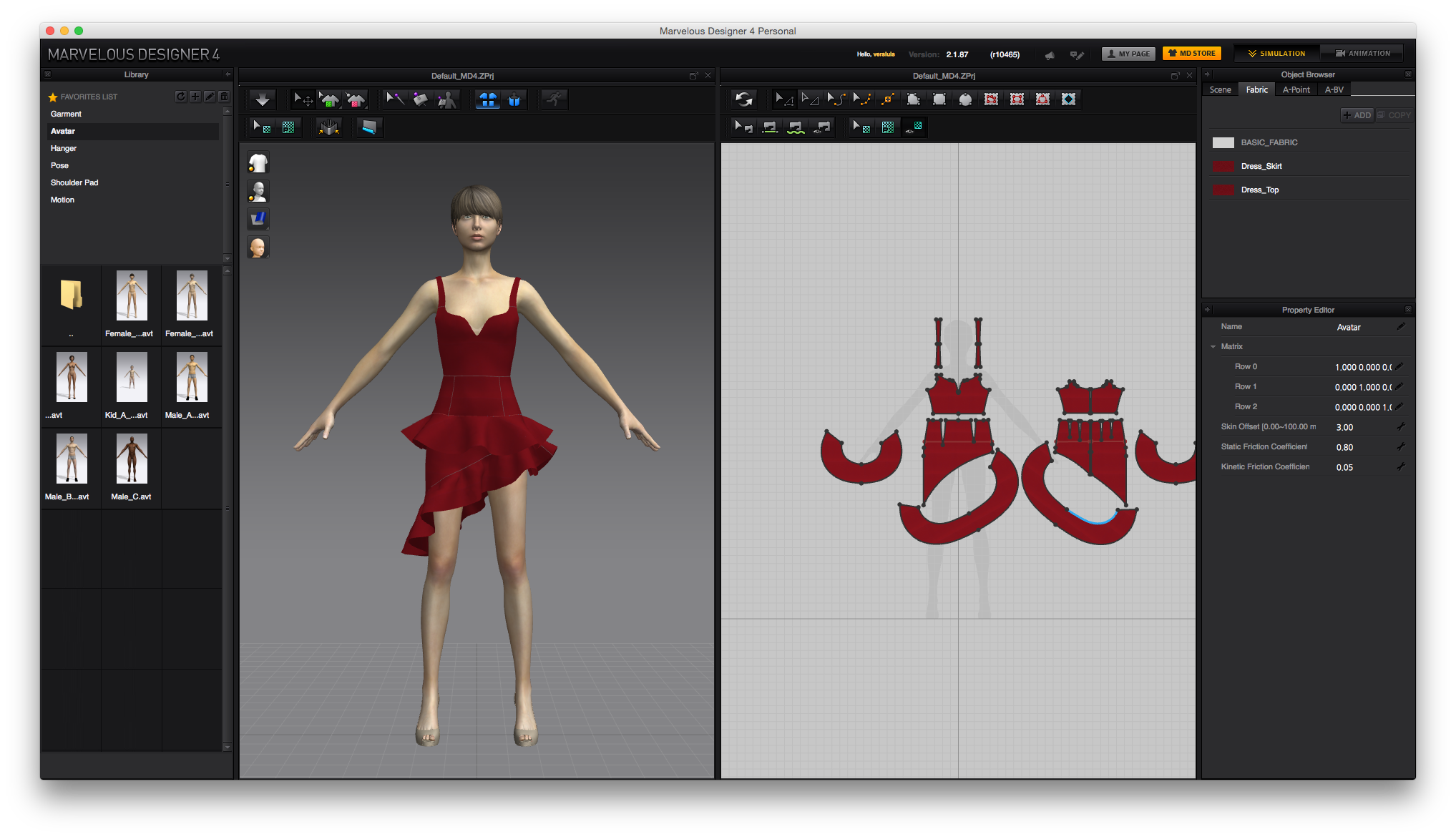
How to import DAZ characters into Marvelous Designer – JAY VERSLUIS

Tutorial: Exporting from Marvelous Designer

In this tutorial I will go through the steps on how to export a sculpted model from Zbrush to

Mar 18 2013 This video show you how to export a character or an avatar on Maya to import

I m trying to export Marvelous Designer clothes with avatar but it won t export the Marvelous Designer avatar

OBJ Export Follow the indicated guideline Main Menu File Export OBJ Selected Save File window appears Select desired location
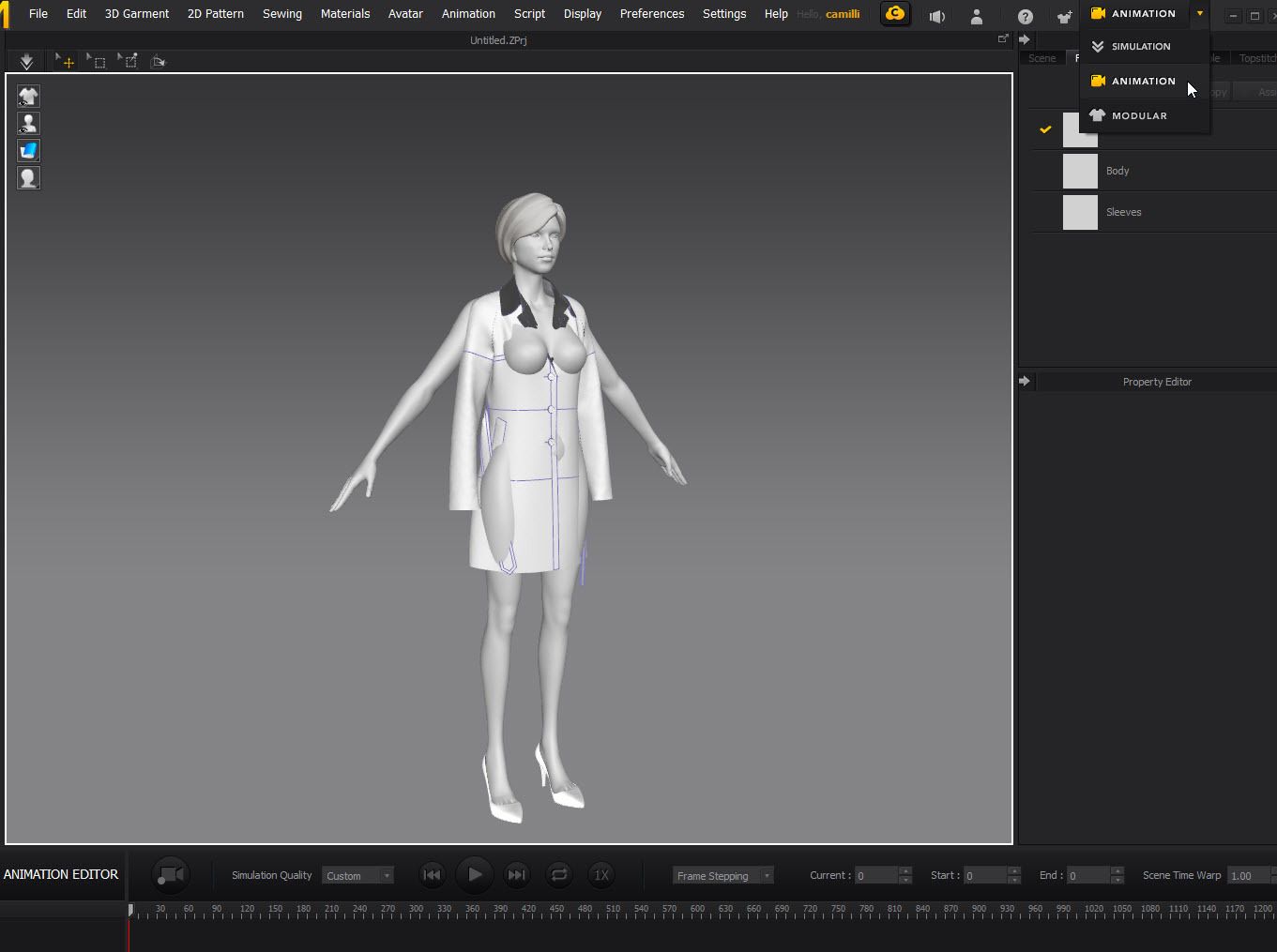
How to export marvelousdesigner s default Avatars with their motion i try to export as FBX but files no have avatar animation MD show
I export the avatar in A pose in COLLADA format dae In Marvelous Designer there are several avatar settings If you want your clothes to Choose File Export Sansar SAMD Choose a location to save your file choose a file name and click Save Your clothing has been exported
I am trying to import a daz3d dae file into marvelous but it says failed to load avatar in marvelous Im following a YouTube tutorial to the