Make Pdf Fillable Create Fillable Form From Existing Pdf Printable Form Templates And Create Pdf Form Filler Free Commercialkurt How To Create A Fillable PDF Make A PDF Fillable PDF Pro Pdf Fillable Pdf Form 3 Ways How To Create A Fillable PDF On Mac And Windows Web May 23 2023 nbsp 0183 32 How to create a PDF form in Acrobat Create a blank PDF add form fields and save the form Can I create a fillable PDF form from scratch in Acrobat Yes you can simply create a blank PDF add labels and fields you need and save it Get step by step instructions for creating a PDF form
Web Use a fillable PDF form creator from Adobe Acrobat and discover how easy it is others to sign or to fill and sign a PDF without a pen and paper Create and sign fillable PDFs with a form creator Start free trial Web Steps to create a fillable PDF in Word To create editable fields in a Word document take advantage of the Adobe Acrobat form tools First you ll need to prepare your document by doing the following Within the Word program select File gt New Document Create the form
3 Ways How To Create A Fillable PDF On Mac And Windows How To Create A Fillable PDF From Existing Document In Adobe Acrobat Turn Pdf Into Fillable Form Free Printable Forms Free Online Convert Pdf To Fillable Form Youtube Printable Form Templates And Letter How To Create A Fillable PDF with Pictures WikiHow Create Fillable Pdf Form By Servicesnow Fiverr FILLABLE PDF FORM How To Make A Fillable PDF For FREE Fillable PDF Make A Form Fillable Pdf Free Form Resume Examples n49mz3DYZz How To Make A PDF Fillable The Easy Way
Make Pdf Fillable
 Make Pdf Fillable
https://i.ytimg.com/vi/oW4JXdr4Oao/maxresdefault.jpg
Web May 23 2023 nbsp 0183 32 Introduction to Acrobat Scan and OCR This document explains how to fill PDF forms using Acrobat or Acrobat Reader desktop application Is the form fillable Not all forms are fillable Sometimes form creators don t convert their PDFs to
Pre-crafted templates use a time-saving service for developing a diverse range of documents and files. These pre-designed formats and layouts can be used for different individual and professional jobs, including resumes, invitations, flyers, newsletters, reports, presentations, and more, streamlining the content creation process.
Make Pdf Fillable
Create Fillable Pdf Forms Adobe 9 Leantop
How To Create A Fillable PDF From Existing Document In Adobe Acrobat
Turn Pdf Into Fillable Form Free Printable Forms Free Online
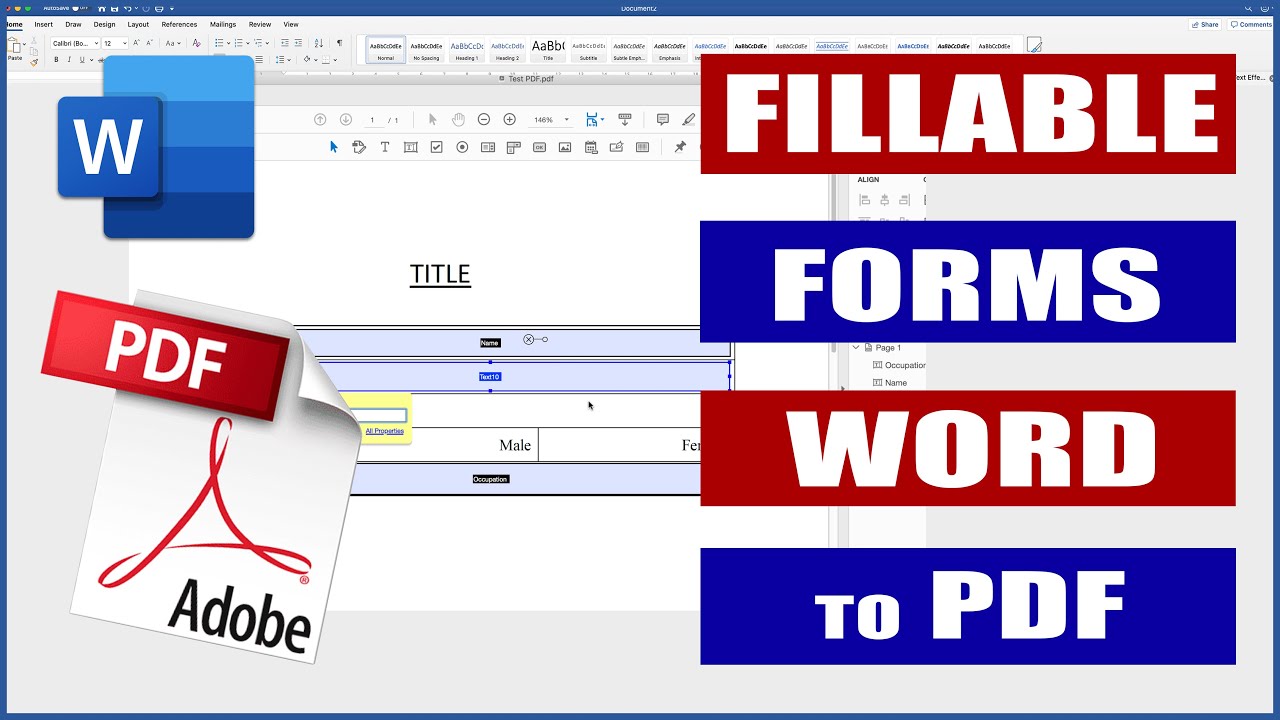
Convert Pdf To Fillable Form Youtube Printable Form Templates And Letter
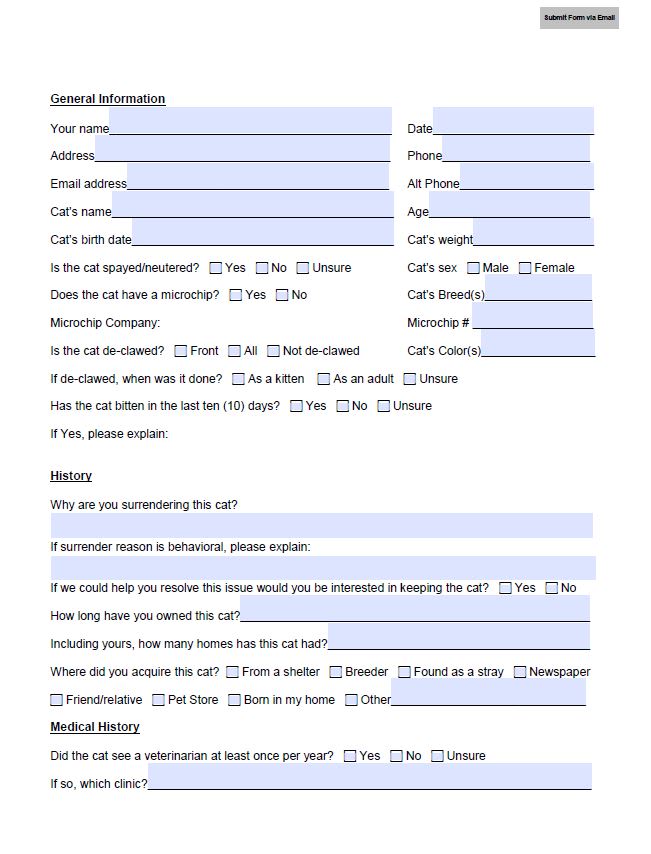
Create Fillable Pdf Form By Servicesnow Fiverr
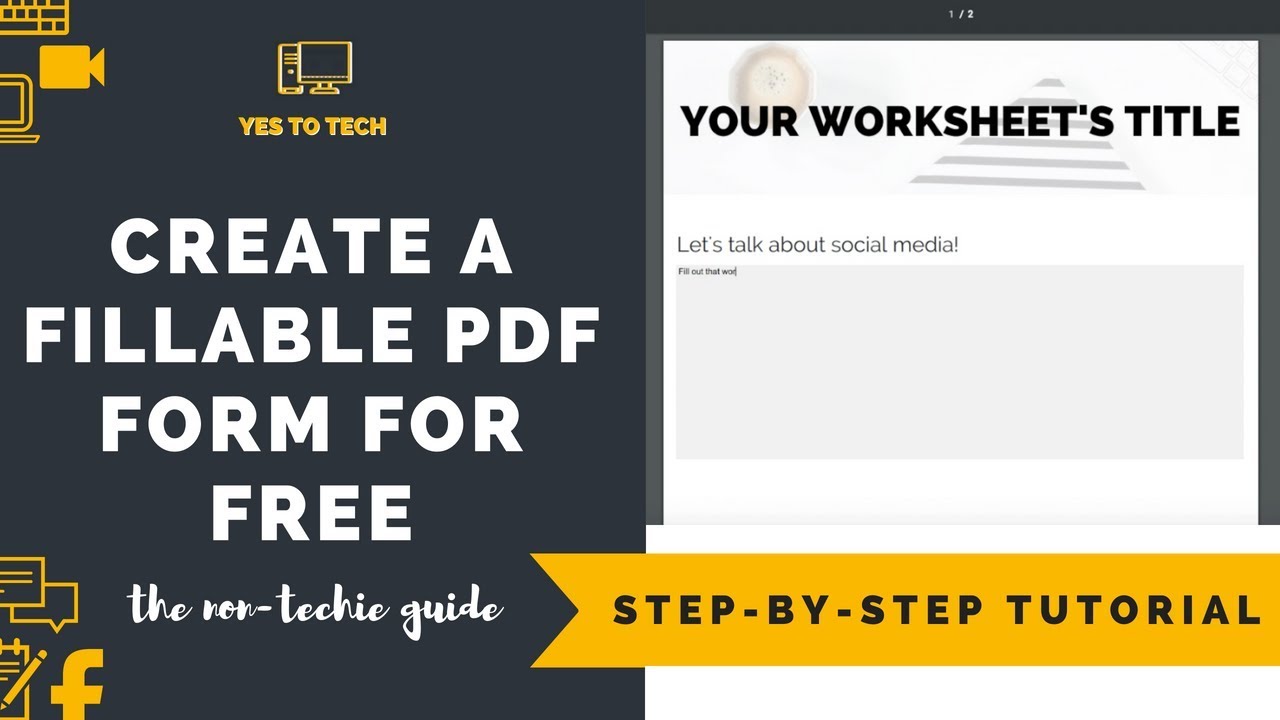
FILLABLE PDF FORM How To Make A Fillable PDF For FREE Fillable PDF
Web Create a free Jotform account and build your fillable PDF form from scratch or upload an existing PDF form to convert it into a fillable PDF in a single click Customize your form Add page numbers brand images or your business logo for a polished professional look

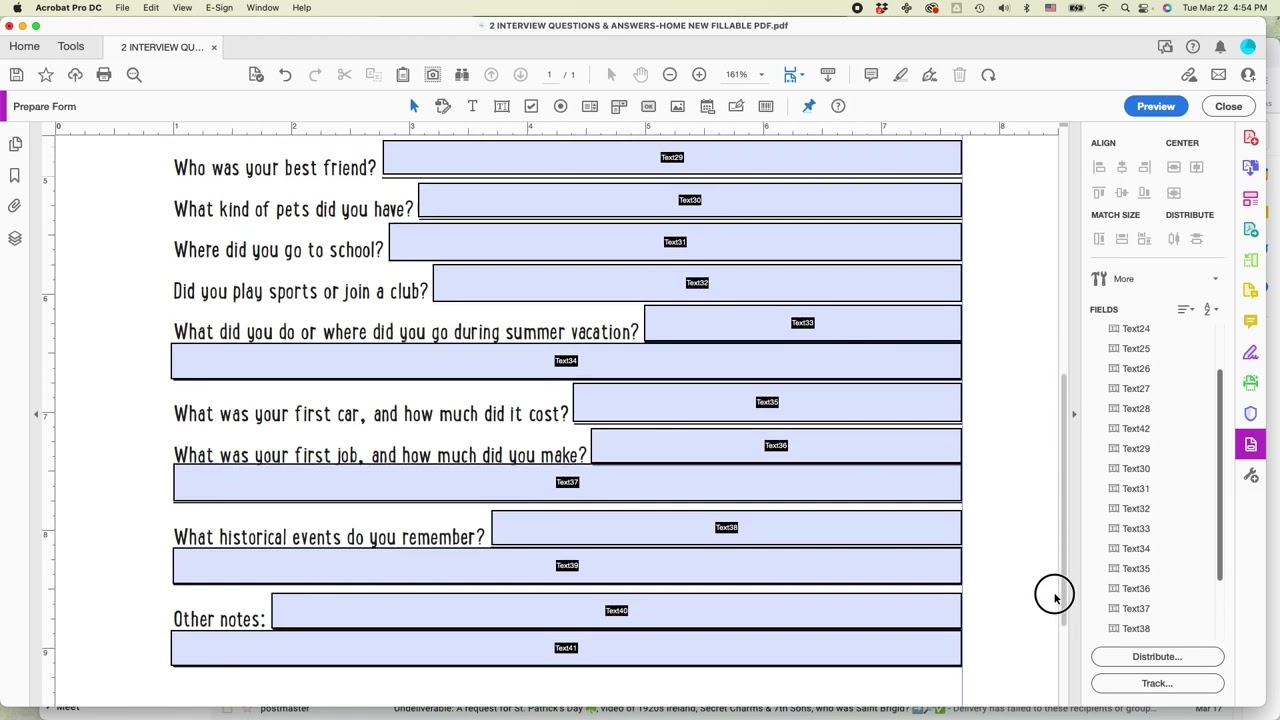
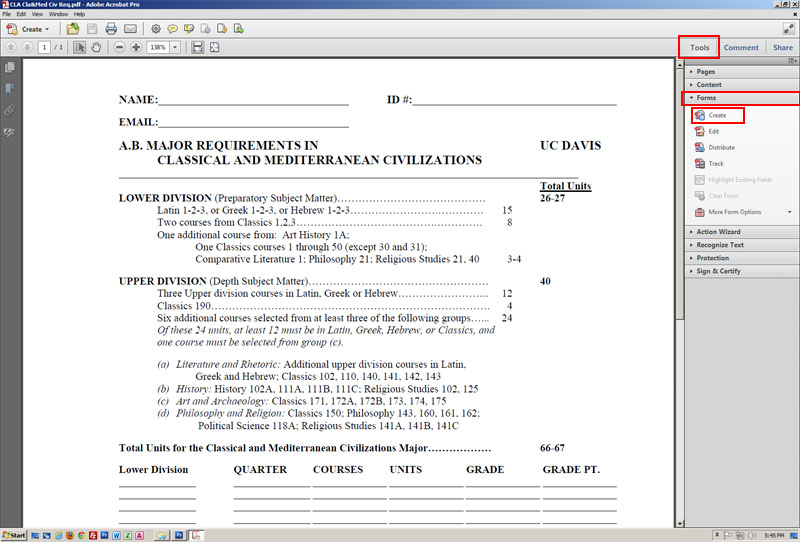
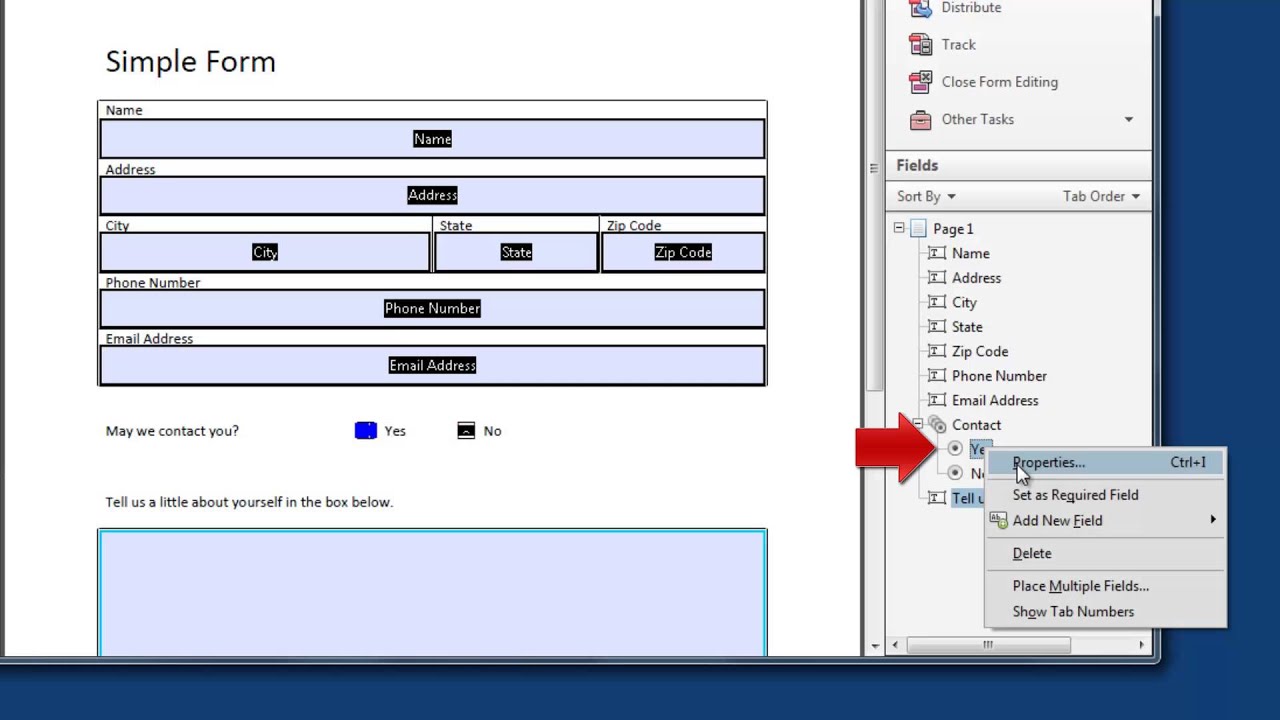
Web 1 Open Acrobat Click on the Tools tab and select Prepare Form 2 Select a file or scan a document Acrobat will automatically analyze your document and add form fields 3 Add new form fields Use the top toolbar and adjust the layout using tools in the right pane 4 Save your fillable PDF

Web The original online Free PDF editor amp form filler Now with more options Make your choice online or desktop PDFescape Online PDF Editor Online PDF editor and form filler Always free Free Online Chrome Firefox 3 Edge IE 6 Opera 9 5 Safari 2 PDFescape Editor for Windows A smart alternative to Adobe 174 Acrobat 174 for Windows
Web Select PDF file or drop PDF here Edit PDF options Free online PDF Editor Easily edit documents and add text shapes comments and highlights to a PDF file Fill out PDF forms and modify your PDF by adding annotations

Web Open Acrobat Click on the Tools tab and select Prepare Form Select a file or scan a document Acrobat will automatically analyze your document and add form fields Add new form fields Use the top toolbar and adjust the layout using tools in the right pane Save your fillable PDF
Web Oct 8 2023 nbsp 0183 32 You can start with a blank PDF add the required text and labels in the PDF and then add form fields to complete the form From the top toolbar choose Edit gt Prepare a form In the Prepare a form tool select Start from blank page gt Create form Web Nov 23 2018 nbsp 0183 32 Basic Form Filling After you upload your PDF form onto our filler app click Add Text A popup will appear for you to fill your form in Adjust the text size font and color to match your form fields Drag the text box into the field Click Apply to fill out the PDF form PDF Filler How to fill out a PDF form with text
Web Get your work done fast online Use a supported browser to access these tools and more