Make Navigation Menu In Wordpress How To Add Navigation Menu In WordPress How To Use WordPress WordPress Tutorial 2022 Part How To Add A Navigation Menu In WordPress 2023 LTHEME Adding A New WordPress Menu Item Easy WP Guide How To Add A Navigation Menu In WordPress YouTube Create A Custom Navigation Menu In WordPress Without Using Plugins Pressidium Managed Web Sep 24 2020 nbsp 0183 32 1 1 ElegantThemes as a Real World Example 2 How to Create WordPress Menus 3 How to Create a Drop down WordPress Menu 4 How to Use Multiple Menus Across Your WordPress Site 5 Wrapping Up with the WordPress Menu Before You Create a WordPress Menu Now before we even dig into the WP menu
Web Updated on September 22 2023 Rob Pugh Wondering how to create and customize a menu in WordPress Navigation menus list your most important pages allowing visitors quick access no matter where they are on your site The built in WordPress menu editor is pretty powerful but can take some getting used to Web Navigation Menus or simply Menus are a WordPress theme feature which allows users to create navigation menus by using built in Menu Editor located in WordPress admin area under Appearance 187 Menus Navigation menus allow theme designers to let users create custom menus of their own The default menu will just list current WordPress Pages
Create A Custom Navigation Menu In WordPress Without Using Plugins Pressidium Managed PHP Kishan How To Create A Navigation Menu In WordPress How To Add A Navigation Menu In WordPress How To Create Navigation Menu In WordPress Site How To Add A Navigation Menu In WordPress Beginner s Guide 2022 How To Add A Navigation Menu In WordPress Site Easy Guide WP Travel How To Add A Navigation Menu In WordPress 2023 LTHEME How To Add Navigation Menu In WordPress The New Navigation Block Make WordPress Core
Make Navigation Menu In Wordpress
 Make Navigation Menu In Wordpress
https://i.ytimg.com/vi/l_tT266yiIs/maxresdefault.jpg
Web Dec 9 2016 nbsp 0183 32 1 Getting Started with WordPress Navigation Menus In web design navigation menu is a list of links that allows your website visitors to visit different pages and sections on your website It helps users navigate around your website hence the name navigation menu
Pre-crafted templates offer a time-saving option for producing a diverse variety of files and files. These pre-designed formats and designs can be used for numerous personal and professional tasks, consisting of resumes, invitations, leaflets, newsletters, reports, presentations, and more, simplifying the material development procedure.
Make Navigation Menu In Wordpress

How To Create Navigation Menu In WordPress Site
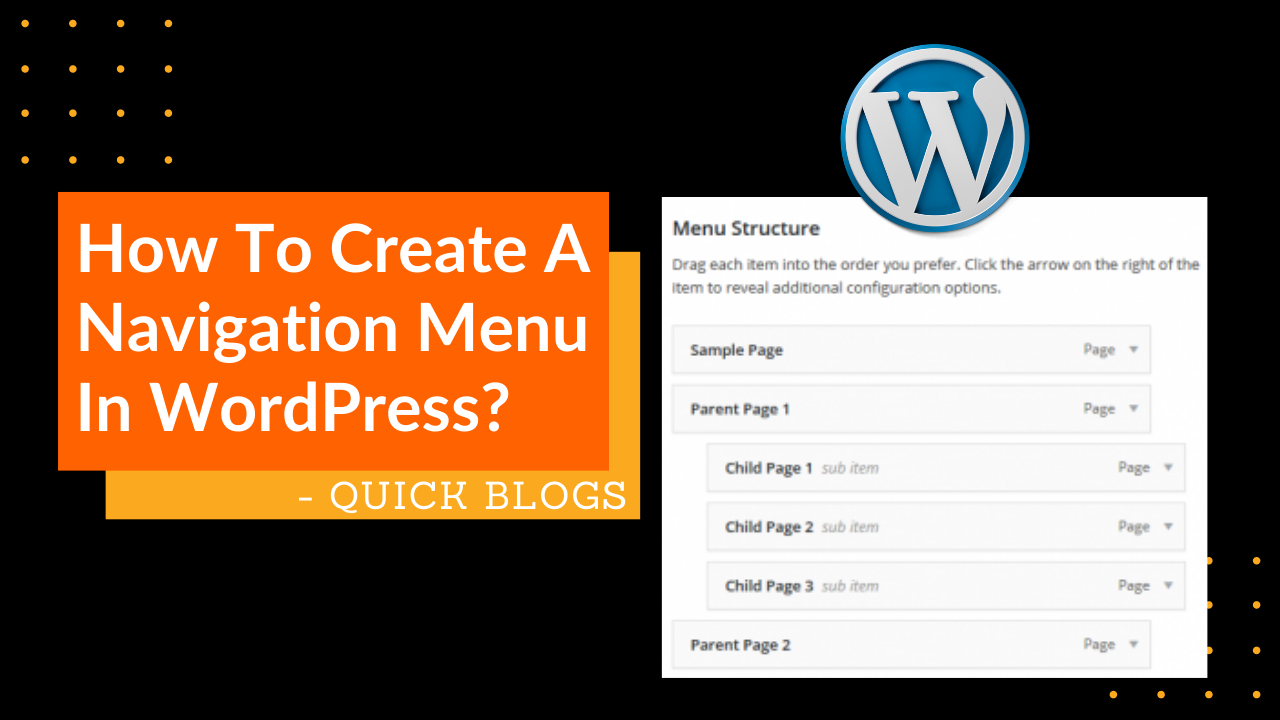
PHP Kishan How To Create A Navigation Menu In WordPress
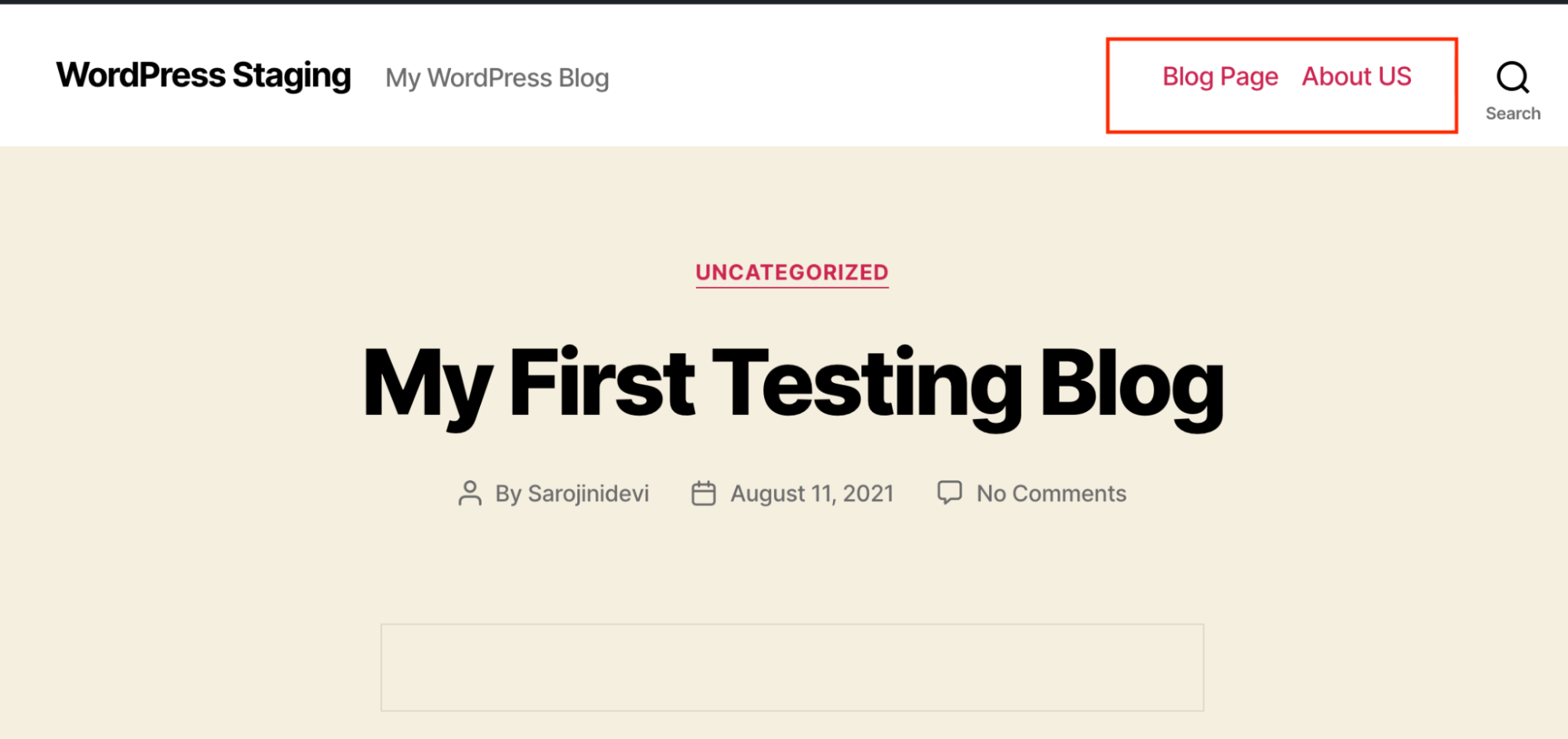
How To Add A Navigation Menu In WordPress

How To Create Navigation Menu In WordPress Site

How To Add A Navigation Menu In WordPress Site Easy Guide WP Travel
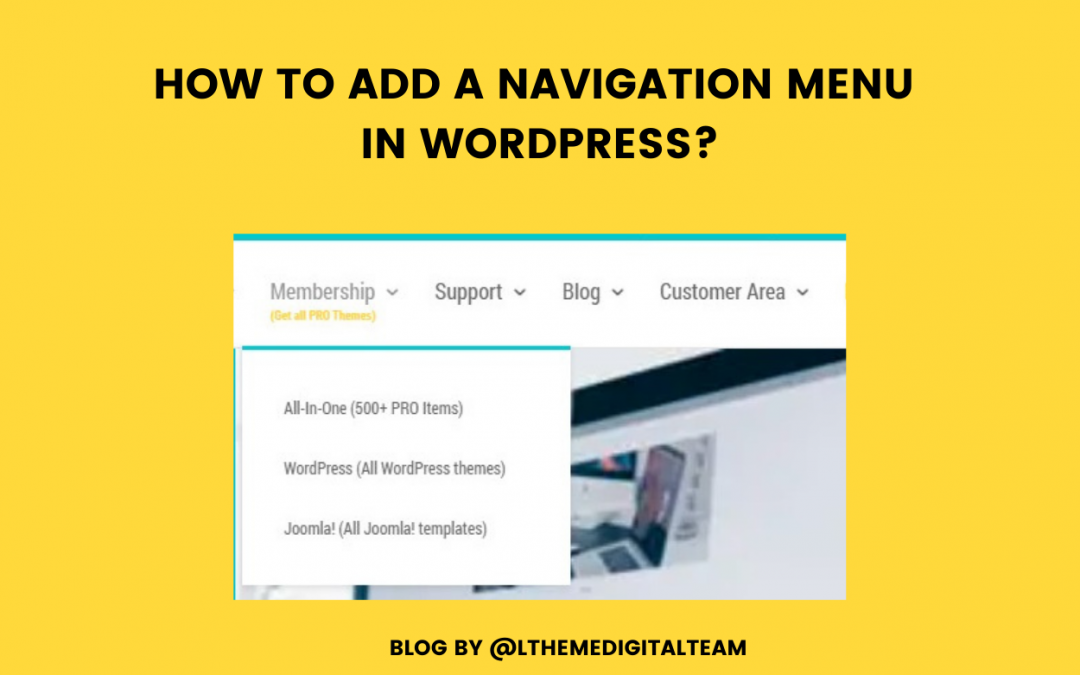
How To Add A Navigation Menu In WordPress 2023 LTHEME

Web Our dedicated menu guides will help you create edit and organize your website s navigation menu Create a Menu When you start a new site a menu is created for you automatically However if you need to create a new menu from scratch this guide will show you how Add Links to a Menu

Web Sep 23 2020 nbsp 0183 32 You can create a navigation menu in WordPress from the WordPress dashboard The default drag and drop interface allows you to easily rearrange and nest links to create drop down menus What is a Navigation Menu A navigation menu is a list of links styled to match the theme
Web Sep 12 2023 nbsp 0183 32 Creating a Vertical Navigation Menu using a Theme Builder Plugin Creating a Responsive Vertical Navigation Menu for Mobile Devices Creating a Dropdown Menu in WordPress Creating a Mega Menu in WordPress Try Different Menu Display Locations When you add a navigation menu to your website it will be displayed either vertically or

Web Navigation Menus are customizable menus in your theme They allow users to add Pages Posts Categories and URLs to the menu To create a navigation menu you ll need to register it and then display the menu in the appropriate location in your theme
Web Building navigation menus are quite simple and there are a variety of ways to go about it In this tutorial I ll show you three ways for customizing the menu I will demonstrate how to build one without a plugin how to create a sticky or floating menu and how to use the Max Mega Menu plugin Method 1 Customizing the Menu without Plugins
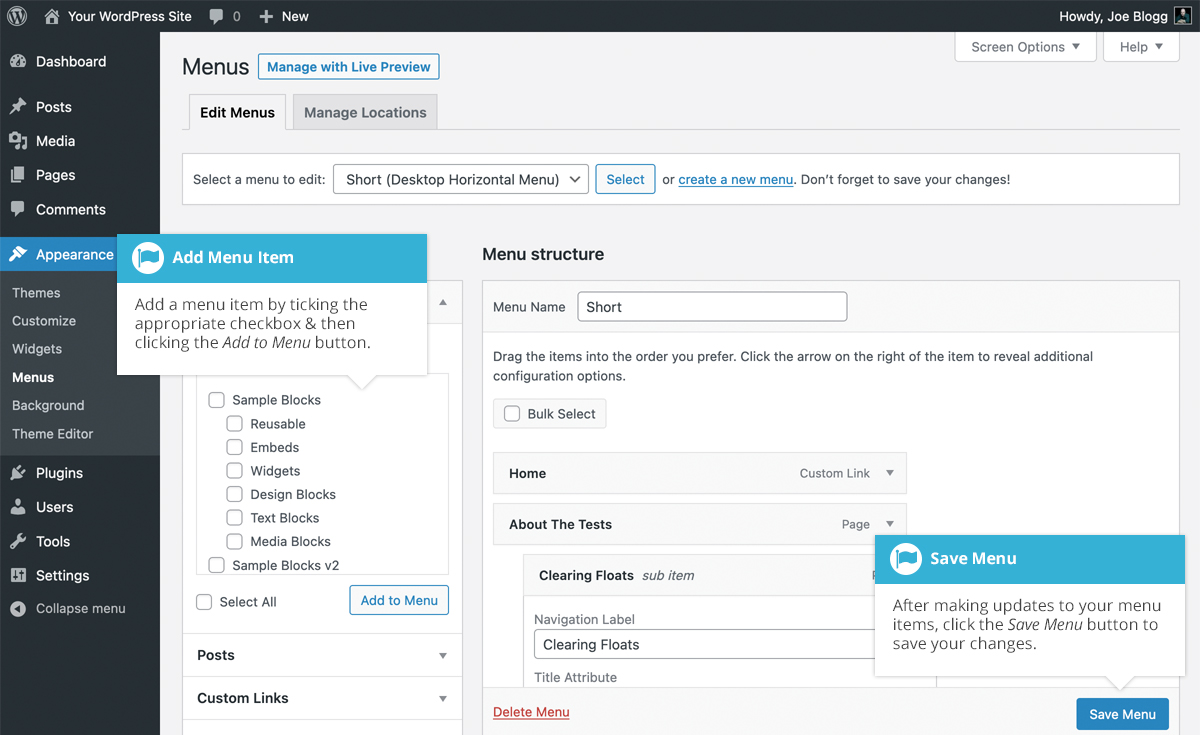
Web Mar 8 2018 nbsp 0183 32 1 Go to Appearance gt Menus on the left side of the Dashboard 2 Enter your menu name in the Menu Name field and click the Create Menu button I named it Header Menu because this will be the menu that will appear in my theme s header at the top of the website Web Nov 22 2017 nbsp 0183 32 Method 1 Styling WordPress Navigation Menus Using a Plugin Method 2 Manually Styling WordPress Navigation Menus Change Font Color in WordPress Navigation Menus Change Background Color of Navigation Menu Bar Change Background Color of a Single Menu Item Add Hover Effects to WordPress Navigation
Web To create a new navigation click Menu under Appearance in the theme administration A message window will open Creating a menu in WordPress When you click Create new menu a window will open in which you will fill in its name Click Create menu to create a new navigation item