Macos Run Application From Terminal Configuring The MacOS Command Line Apple McOS cechong Flipboard Configuring The MacOS Command Line Creating Terminal For Macos Tutorial Junew A Web Developer s Ultimate Guide To The Terminal On MacOS WEB You can use the command line in Terminal to efficiently execute commands run tools and run shell scripts For example to see a list of files in your default folder type the List
WEB There is no debug or verbose flag for the open command You can view your application s Warning or Error output using console app Alternatively if your application has debug or verbosity flags you can pass the flag to WEB Click the Launchpad icon in the Dock type Terminal in the search field then click Terminal In the Finder open the Applications Utilities folder then double click
A Web Developer s Ultimate Guide To The Terminal On MacOS How To Navigate Files And Folders In Terminal Macworld 5 Mac Terminal Tips You ll Want To Use Computerworld Run C C Code In Terminal Instead Of Debug Console In VSCode On MacOS How To Restore Mac Os X From Backup Computervast 10 Essential Tips For Using The MacOS Finder More Efficiently MacRumors Verwechslung Kreativ Triathlon Command Copy Mac Halt Protest L nglich React Desktop MacOS ProgressCircle Component GeeksforGeeks Visual Studio Code Multiline Git Commit Message In Vscode Stack Vrogue
Macos Run Application From Terminal
 Macos Run Application From Terminal
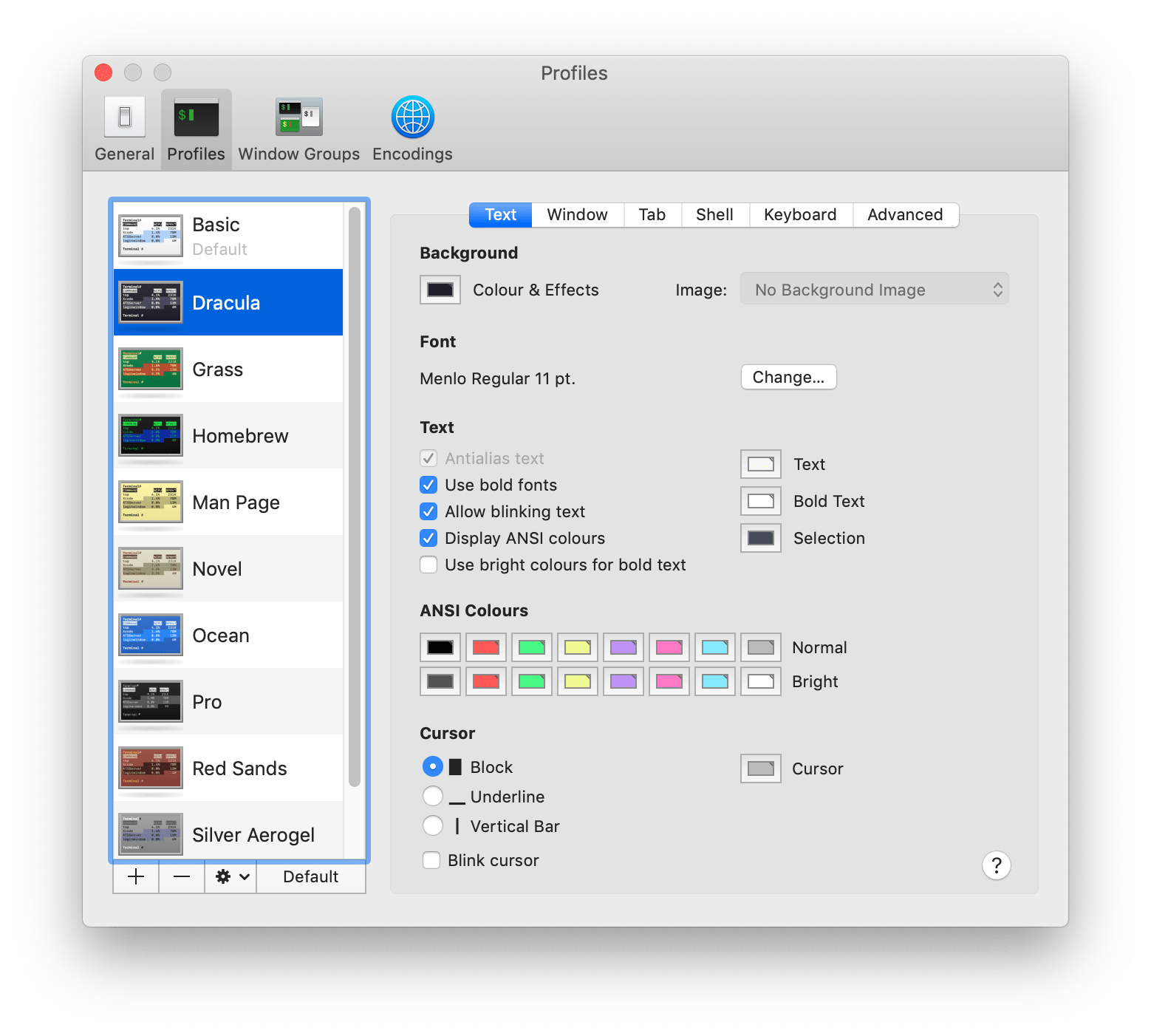
https://flaviocopes.com/images/macos-terminal-setup/Screenshot_2019-01-30_at_07.59.39.png
WEB Dec 31 2019 nbsp 8212 32 In this video I show you how to make your own terminal commands in order to run any application through Terminal on MacOS Subscribe to stay up to date on my
Templates are pre-designed documents or files that can be used for different purposes. They can conserve time and effort by providing a ready-made format and design for producing various sort of material. Templates can be utilized for personal or expert jobs, such as resumes, invitations, flyers, newsletters, reports, discussions, and more.
Macos Run Application From Terminal
Configuring The MacOS Command Line

How To Navigate Files And Folders In Terminal Macworld
5 Mac Terminal Tips You ll Want To Use Computerworld

Run C C Code In Terminal Instead Of Debug Console In VSCode On MacOS

10 Essential Tips For Using The MacOS Finder More Efficiently MacRumors

Verwechslung Kreativ Triathlon Command Copy Mac Halt Protest L nglich
WEB Execute commands and run tools in Terminal on Mac You can use the command line environment interactively by typing a command and waiting for a result or you can use

WEB Sep 14 2022 nbsp 8212 32 Sometimes people prefer to launch apps straight from a Terminal command line If you re already in the Terminal for instance it might make sense to simply open an app from there Below we ll go into
WEB Mar 28 2019 nbsp 8212 32 You can specify the application path instead open Applications Mail app If you want to use AppleScript osascript from command line open app isn t quite

WEB Is there any easy way to append command line arguments to an application on a Mac For example to run Opera in kiosk mode or to use a different profile in Firefox I can type

WEB Using the Terminal can help you achieve many basic and not so basic tasks For example Create file and folder hierarchies quickly Browse the Web with a little work Update Mac apps from the Terminal Log in to
WEB open a Applications Utilities Terminal app my executable arg1 arg2 But it picks up arg1 and arg2 as if they were part of the path rather than arguments I have tried WEB Jan 10 2024 nbsp 8212 32 How to Open Terminal from Launchpad How to Open Terminal from Your Applications Folder Keep the Terminal in Your Dock for Faster Access Key
WEB Mar 16 2015 nbsp 8212 32 The terminal app is in the Utilities folder which is found the Applications folder Launch it now The BSD UNIX command we ll be using is open Below is the