Mac Os Ventura Command Line Tools Apple Command Line Tools xcode Command Line Tools CSDN Command Line Tool Colossal AI Install Cocoa Pods Fasrplan MacOS Ventura Cannot Be Installed On Macintosh HD Fixed FORMIDABLE LINUX COMMAND LINE TOOLS AND HOW TO USE THEM By Okpah Peter Web Mar 20 2023 nbsp 0183 32 On macOS Ventura or later go to System Settings gt General gt Software Update If you re on macOS Monterey or earlier you ll find this at System Preferences gt Software Update Double check if
Web Xcode is a complete developer toolset for creating apps for Mac iPhone iPad Apple Watch and Apple TV Xcode brings user interface design coding testing debugging and submitting to the App Store into a unified workflow Downloading and updating Xcode The current release of Xcode is available as a free download from the Mac App Store Web To explore the Terminal User Guide click Table of Contents at the top of the page or enter a word or phrase in the search field Learn how to use Terminal on your Mac to interact with macOS using the command line
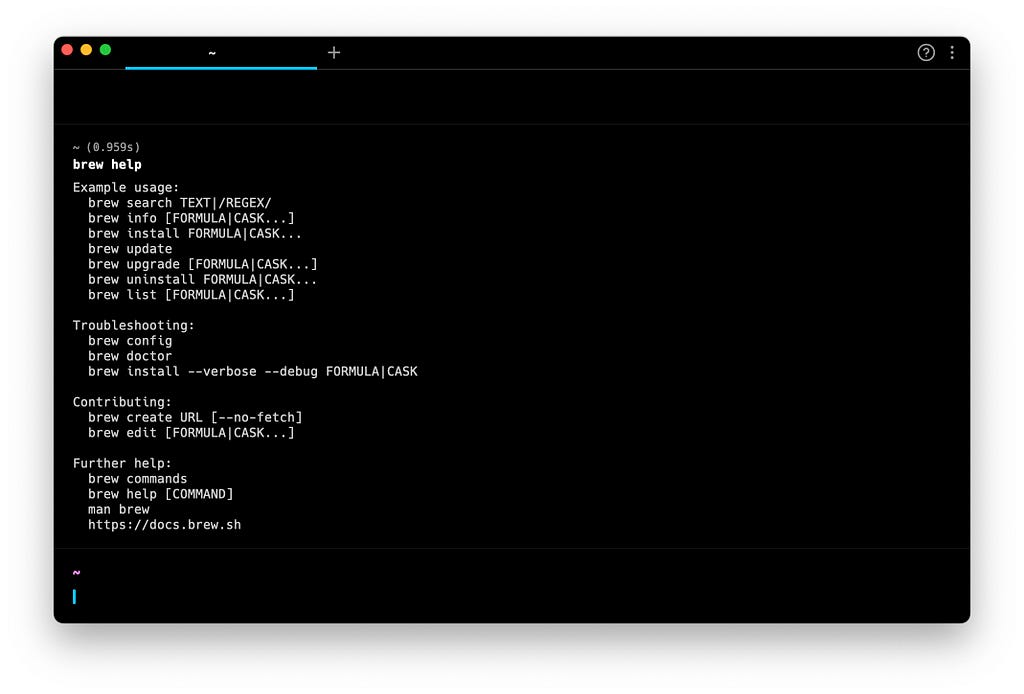
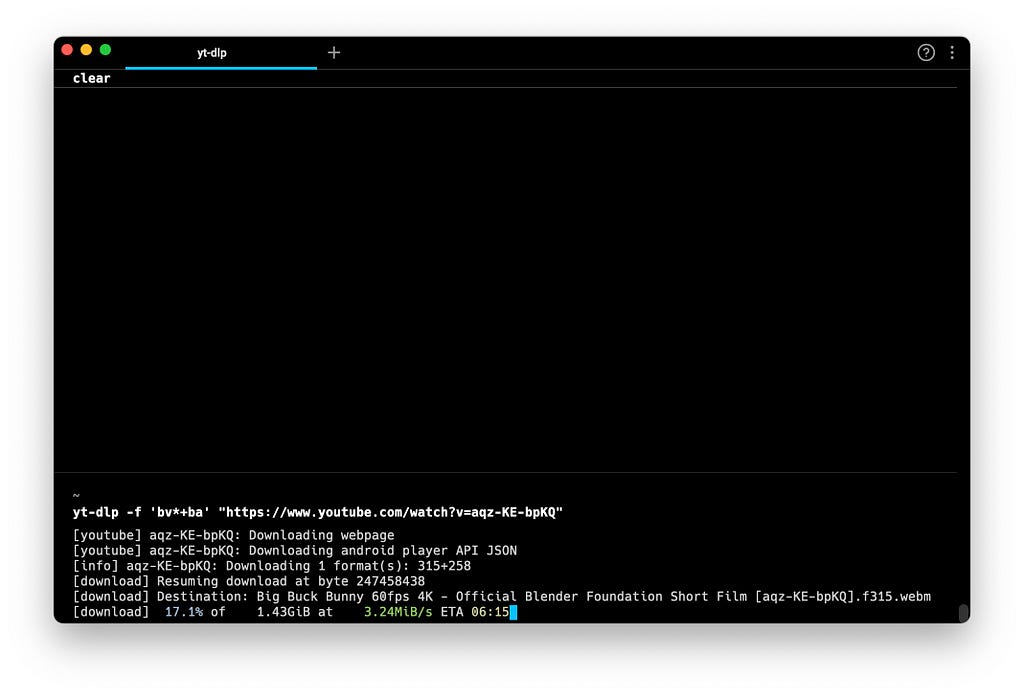
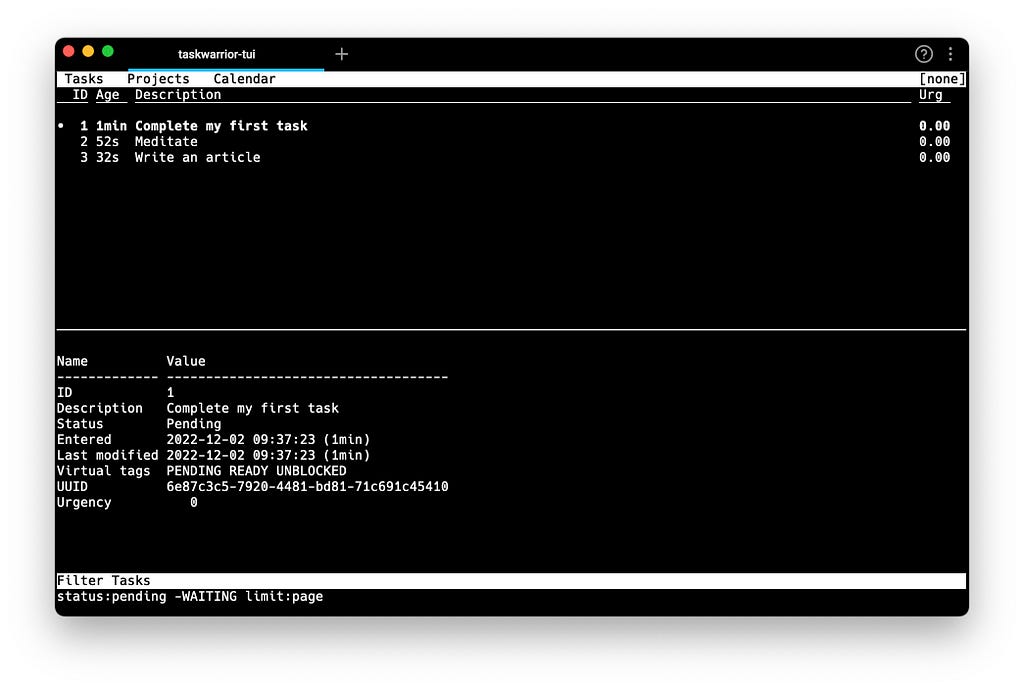
FORMIDABLE LINUX COMMAND LINE TOOLS AND HOW TO USE THEM By Okpah Peter Top 7 Mac Command Line Tools Anyone Can Appreciate LaptrinhX Top 7 Mac Command Line Tools Anyone Can Appreciate LaptrinhX Top 7 Mac Command Line Tools Anyone Can Appreciate LaptrinhX Tooling Line Tools Different Words Prefixes Pretty Prints Github Binary Command Line Fundamentals Learn To Use The Unix Command line Tools And Windows Terminal Brings All Command Line Tools Into A Single App Document 27 43 Bob Network Command Line Tools Network Command
Mac Os Ventura Command Line Tools
 Mac Os Ventura Command Line Tools
https://img-blog.csdnimg.cn/c546178005144ef7acb9d28666f2ea36.png?x-oss-process=image/watermark,type_ZHJvaWRzYW5zZmFsbGJhY2s,shadow_50,text_Q1NETiBAZ3Jvb3RibG9ja2NoYWlu,size_20,color_FFFFFF,t_70,g_se,x_16
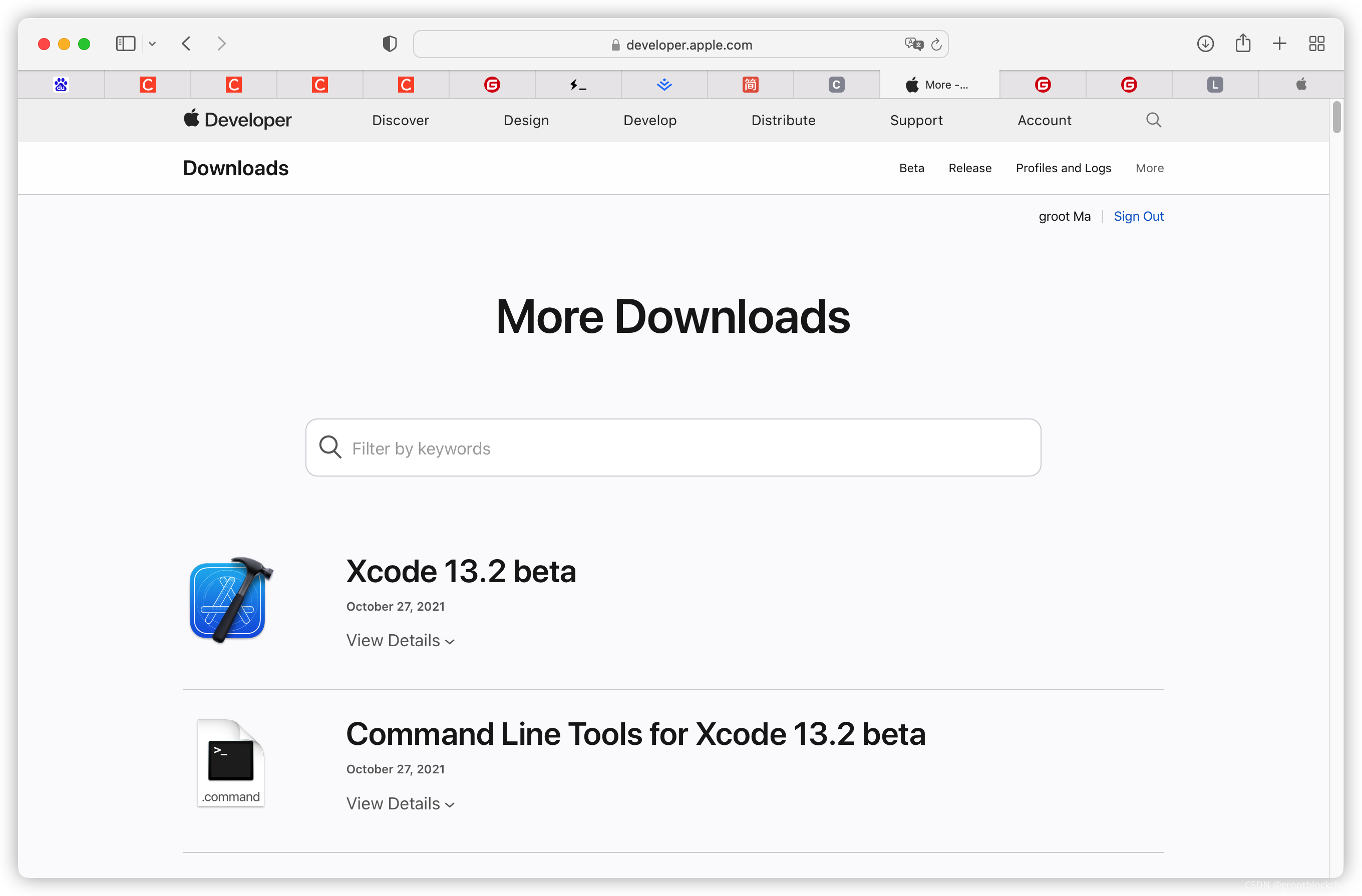
Web Jul 30 2022 1 min read macos ventura homebrew xcode command line tools Install XCode Beta 14 0 from Apple s Developer website Open XCode set path to command line tools using XCode GUI Preferences dialog in XCode 14 0 Setting up the Command Line Tools home Download the homebrew install script disable check for command line tools
Pre-crafted templates offer a time-saving solution for producing a varied range of files and files. These pre-designed formats and designs can be used for various individual and professional jobs, including resumes, invitations, flyers, newsletters, reports, discussions, and more, improving the material creation process.
Mac Os Ventura Command Line Tools

How To Install Command Line Developer Tools In Mac OS Big Sur
Top 7 Mac Command Line Tools Anyone Can Appreciate LaptrinhX
Top 7 Mac Command Line Tools Anyone Can Appreciate LaptrinhX
Top 7 Mac Command Line Tools Anyone Can Appreciate LaptrinhX

Line Tools Different Words Prefixes Pretty Prints Github Binary
Command Line Fundamentals Learn To Use The Unix Command line Tools And

Web Jun 14 2022 nbsp 0183 32 Update Thanks to Abdallah Abedraba for pointing out that you can also get the command line tools from https developer apple download all I had to do this for subsequent Ventura updates as the dropdown above didn t give any newer versions
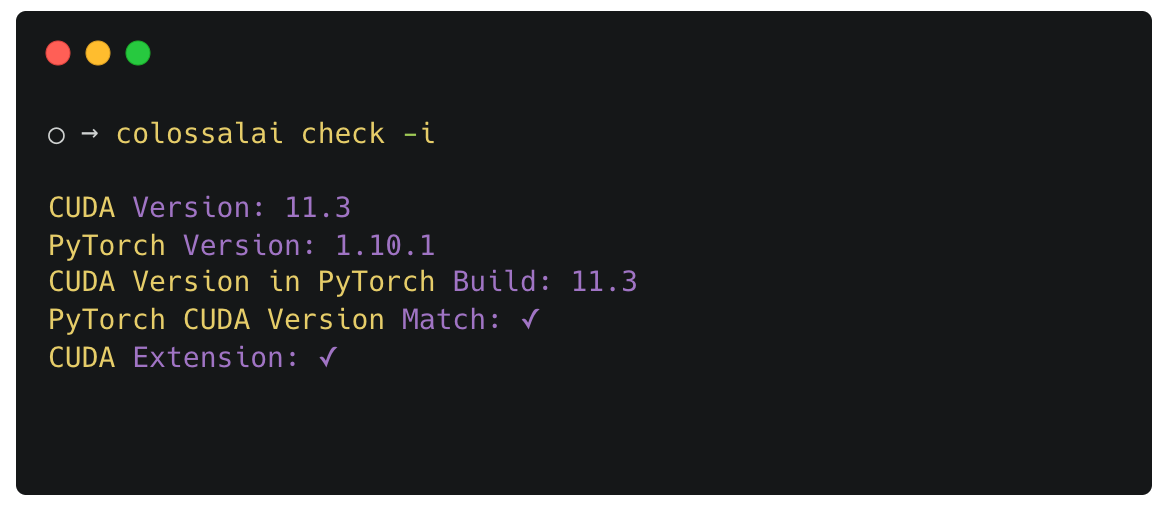
Web Oct 29 2022 nbsp 0183 32 Install the Command Line Tools xcode select install Error git must be installed and in your PATH To fix this error you need to install the command line tools To do that run the following command
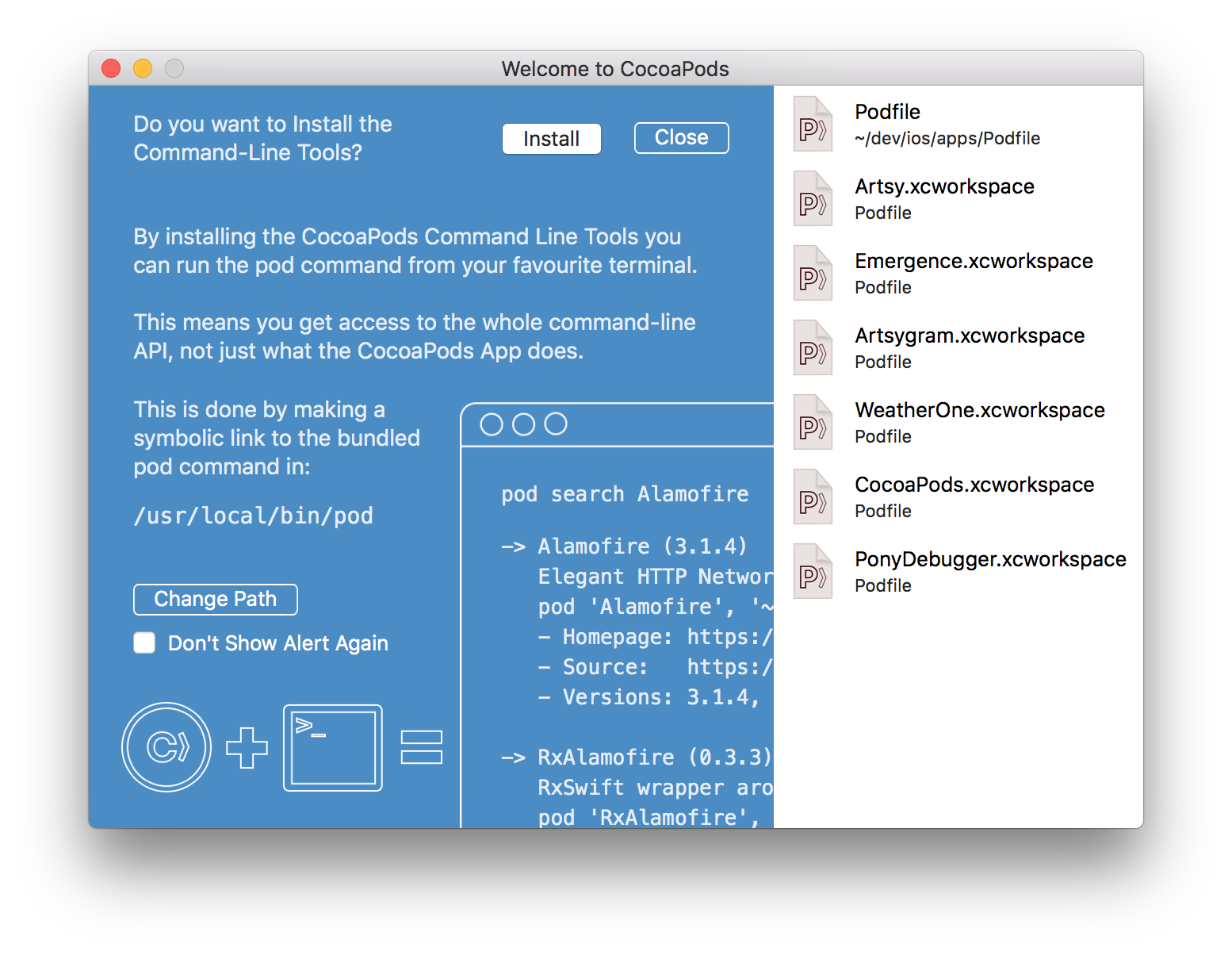
Web Dec 28 2022 nbsp 0183 32 Run the following command first to install macOS Command Line Tools if your Mac already has CLT installed you can skip this part xcode select install When that finishes run the following command to install Homebrew
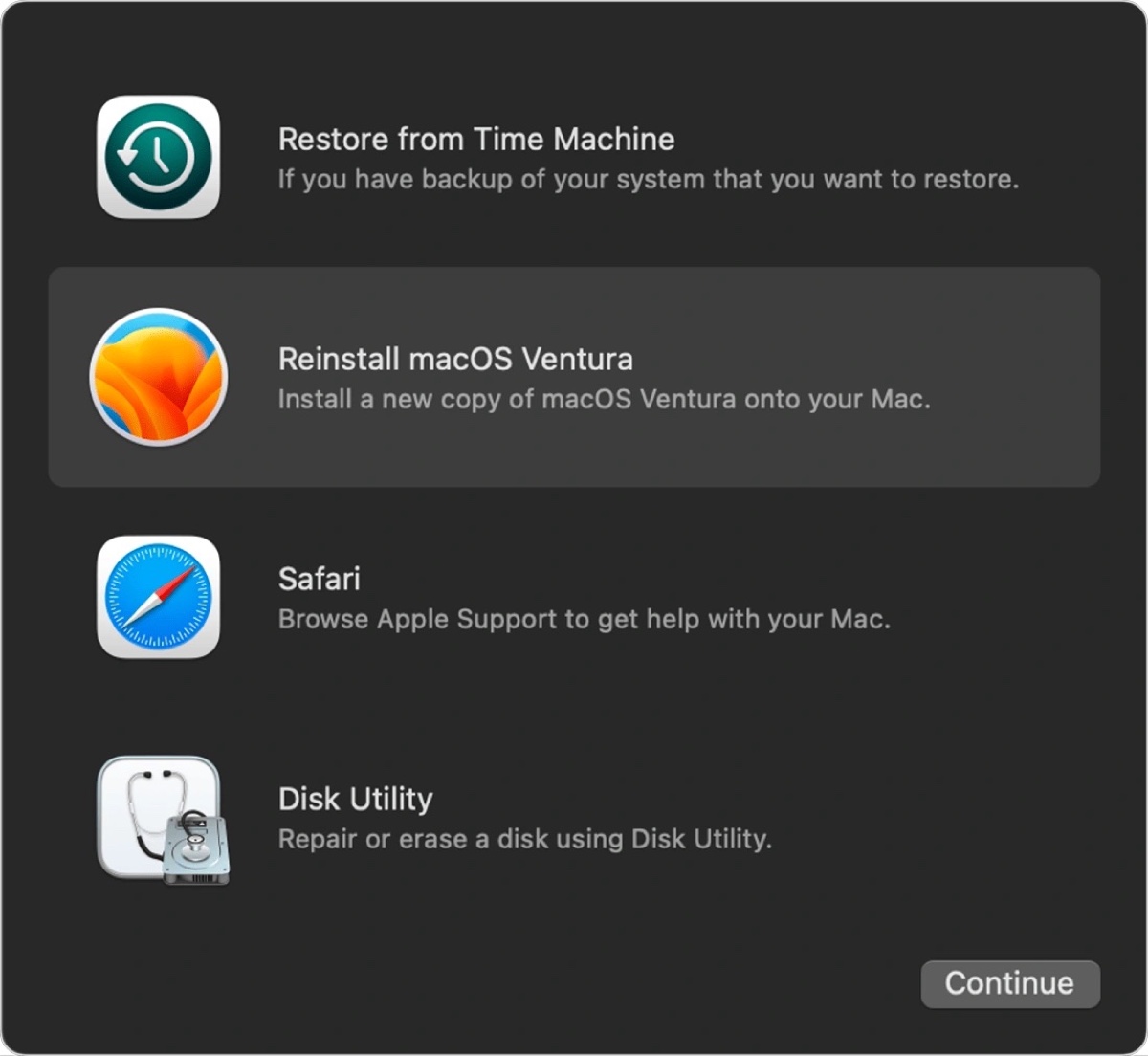
Web Jul 19 2021 nbsp 0183 32 Luckily the Xcode Command Line Tools package only requires 1 2GB of space on your disk You have three choices to install Xcode Command Line Tools on a Mac install the full Xcode package install Xcode Command Line Tools when triggered by a command install Xcode Command Line Tools as part of a Homebrew installation
Web Mar 8 2023 nbsp 0183 32 How to install Xcode command line tools on M1 Mac after upgrading to macOS Ventura I have tried the directions here Install Xcode Command Line Tools Directly 183 Mac Install Guide which incorrectly say to use xcode select install should be 2 dashes not 1 before install
Web Execute commands and run tools in Terminal on Mac You can use the command line environment interactively by typing a command and waiting for a result or you can use the shell to compose scripts that run without direct interaction To learn more about commands you can use the Terminal app to read the documentation for low level UNIX tools and Web Oct 25 2022 at 14 26 4 Also you may need to set the command line tools with xcode select s lt your xcode13 x path gt because Xcode gt Preferences gt Location won t show options to downgrade it in UI
Web Oct 26 2022 nbsp 0183 32 macos homebrew command line tool macos ventura asked Oct 26 2022 at 15 25 Ping Zhao 276 6 20 2 Answers Sorted by 1 There is no new version of XCode and CLT to support Ventura 13 0 in AppStore I have resolved this issue by installing XCode 14 1 and CLT for XCode 14 1 manually They are all beta versions and not