Mac Mini M1 Issues M1 Mac Mini Bluetooth Issues It s A Huge Problem Macbook Air M1 Issues Watch THIS Before You Get One YouTube FIX Mac Mini Issues M1 Mac Mini Bluetooth Keyboard Issues YouTube Studio Display Firmware Leaks A New Mac Mini That May Be Coming Soon Macworld Display Issues On My MacBook Pro M1 Apple Community Workaround Disable Display Sleep Preventing the display from going to sleep also prevents the display flickering problem You can do this a few different ways Completely Disable External Display Sleeping on Mac Open System Preferences from the Apple menu Choose Battery M1 MacBook Pro M1 MacBook Air or Energy Saver M1 Mac Mini iMac
MacRumors reader Mike who emailed us about the issue has seen the same problems I have a new Mac Mini M1 with 16 GB of RAM running Big Sur 11 2 3 and every time the computer and screen go to Jan 27 2021 52 Image courtesy of author Let s get one thing straight I absolutely love my M1 Mac mini It has all but replaced my 16 MacBook Pro and delivers power the latter required
Display Issues On My MacBook Pro M1 Apple Community MacBook M1 Issues With Performance USB And Display YouTube Arturia Analog Lab Cancerpilot Caius Belgesel Konferans Salonu Macbook Mini 2020 Deniz Salyangozu Toplam an Best External Ssd Mac Mini M1 Communicationnaa Fixing M1 Mac External Display Issues Flickering Screen White Noise Black Screen Etc Mac Mini Teardown Reveals First Glimpse At M1 In The Wild Apple Mac Mini M2 Vs Mac Mini M2 Pro Vs Mac Mini M1 What s The Difference MotoGP Rossi Fenati Didn t Deserve The lynching GPone
Mac Mini M1 Issues
 Mac Mini M1 Issues
https://markellisreviews.com/wp-content/uploads/2021/01/3C4A4960.jpg
Bluetooth Apple Silicon M1 M1 Mac Bluetooth problems finally set to be resolved says Apple Ben Lovejoy Jan 11 2021 3 58 am PT 0 Comments Apple has reportedly set that a fix is imminent for
Pre-crafted templates offer a time-saving service for producing a varied variety of documents and files. These pre-designed formats and designs can be used for different individual and professional projects, including resumes, invites, leaflets, newsletters, reports, discussions, and more, simplifying the content development process.
Mac Mini M1 Issues
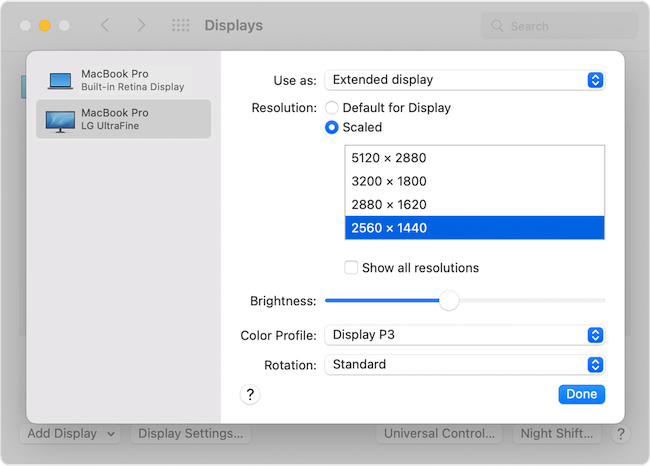
6 Ways To Fix External Monitor Resolution Scaling Issues On Macs inc M1 M2 Macs Sonoma

MacBook M1 Issues With Performance USB And Display YouTube
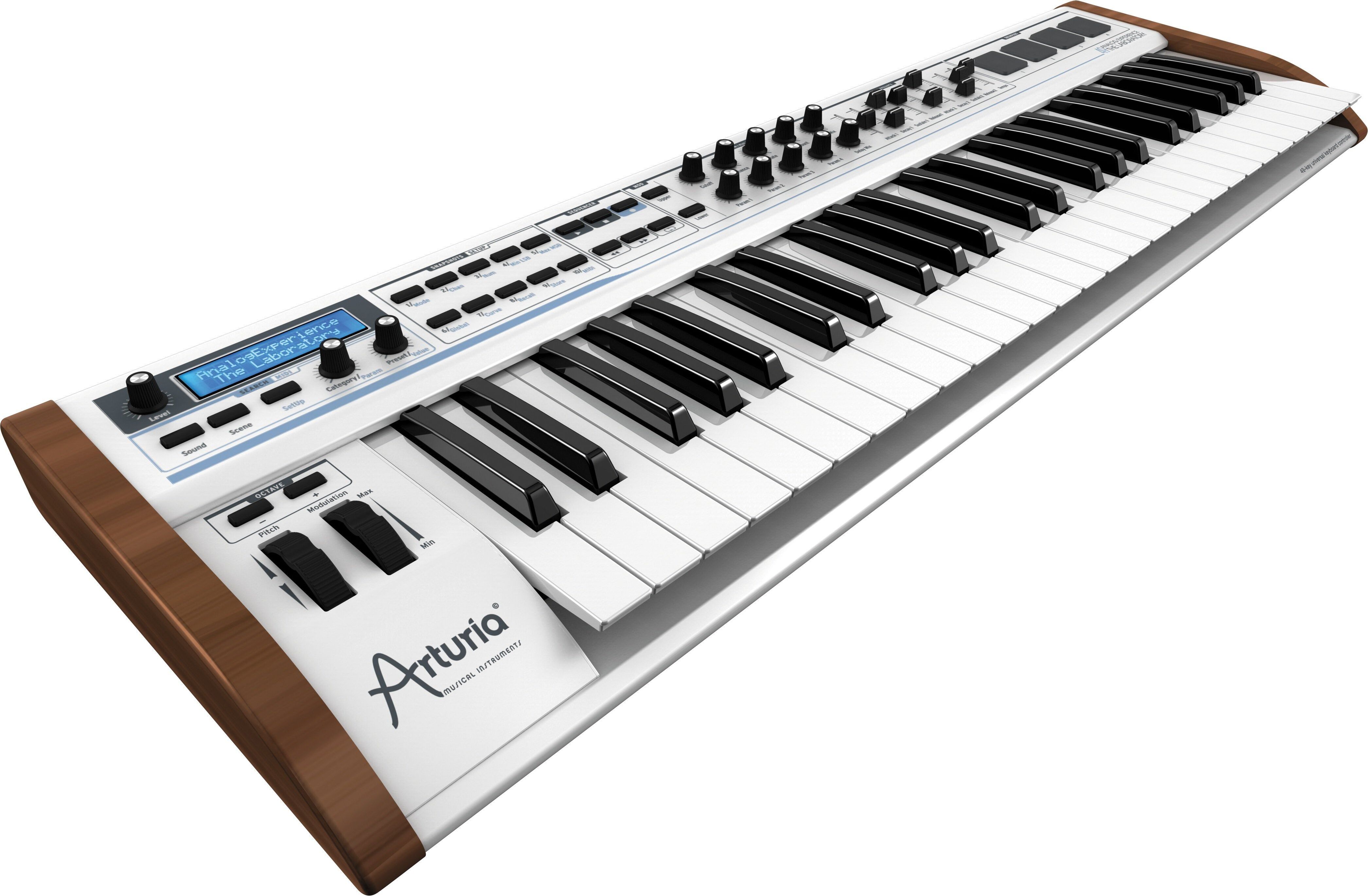
Arturia Analog Lab Cancerpilot

Caius Belgesel Konferans Salonu Macbook Mini 2020 Deniz Salyangozu Toplam an

Fixing M1 Mac External Display Issues Flickering Screen White Noise Black Screen Etc
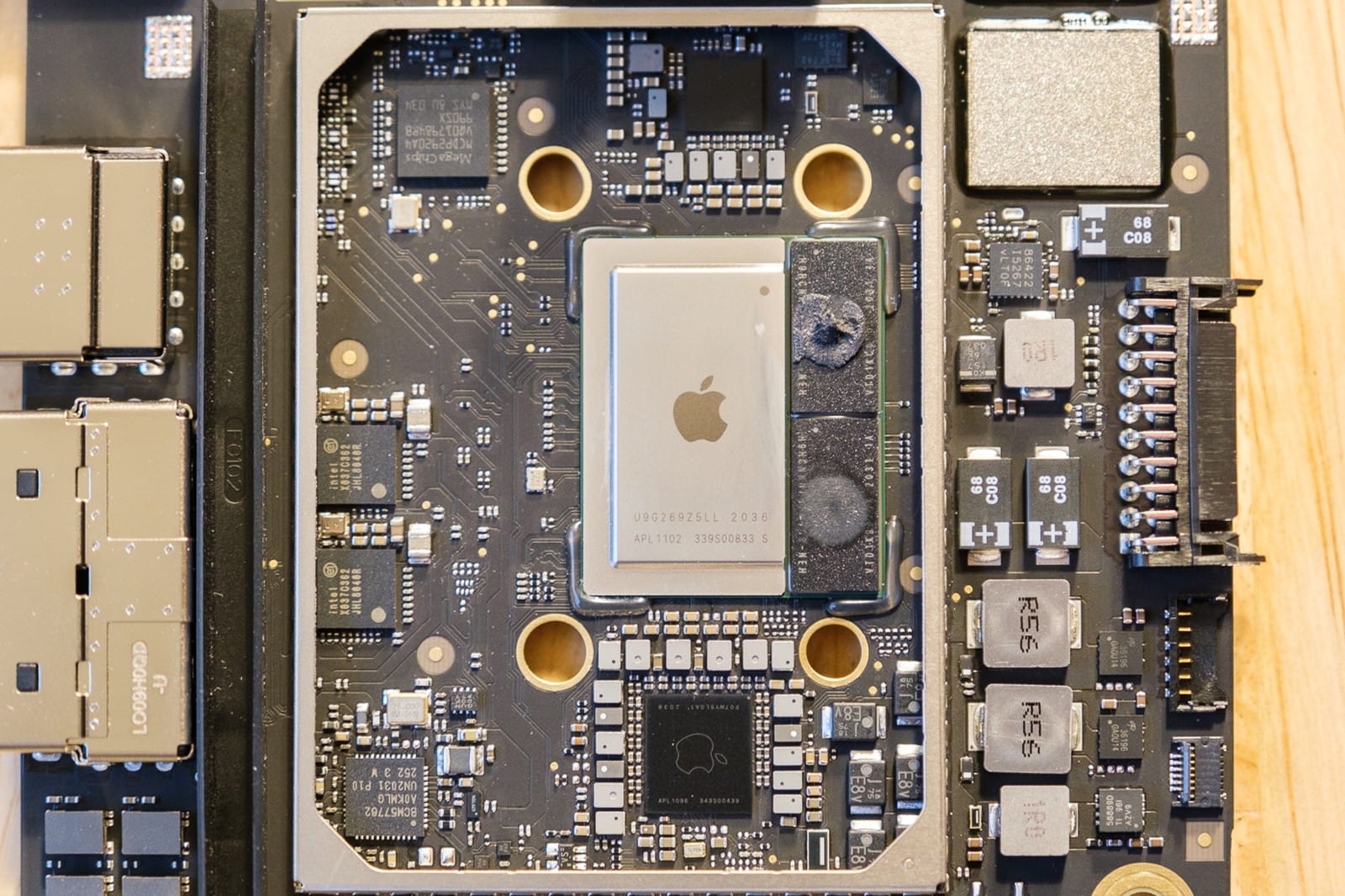
Mac Mini Teardown Reveals First Glimpse At M1 In The Wild

1 M1 Mac s reporting tool informs heavy wear on SSD due to memory swapping Solution Upgrade the macOS Big Sur version on your M1 Mac mini MacBook Pro or MacBook Air to get around this false SMART data reporting issue

Home Tech Hardware How bad is the M1 Mac s SSD failure problem If your M1 Mac s SSD fails you can t boot off an external drive a change from past decades Here s the problem and

Apple s M1 Mac mini is reportedly having issues with displays not waking up when users turn on the computer These display connectivity issues add to the list of other known reported
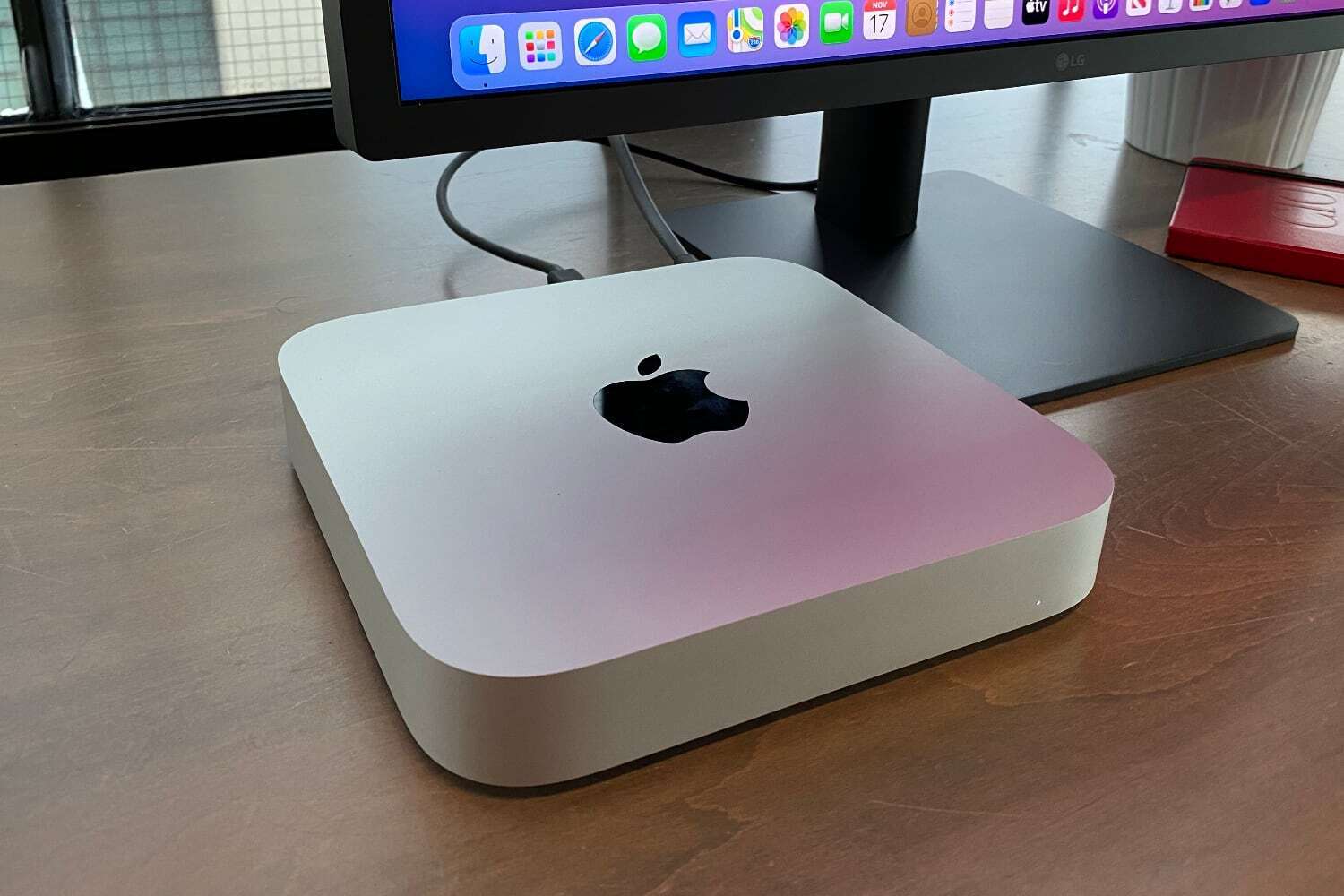
What are the Apple M1 problems There have been a few problems reported by users who have bought M1 Macs Not all of them are related to the M1 SOC itself and some are even listed in the specifications as we ll see below However there are others such as reports of memory leakage and issues with videos loading in web browsers related to the M1
One of the prominent problems faced by M1 Mac mini users is the display not waking up when the computer is turned on This issue seems to be affecting multiple users and can be quite annoying
Tomasso describes problems when trying to connect his Logitech MX Master 3 and Apple Magic Mouse 2 to the M1 powered Mac mini Some other Twitter users agree that there is an issue although it It seems like M1 Mac is yet to support certain specific display resolution You can check supported display resolutions by heading over to Apple Menu System Preferences click displays then press and hold the Option key as you click Scaled 10 Battery Health Issues
Get personalized access to solutions for your Apple products Download the Apple Support app Learn how to set up and use your Mac mini Find all the topics resources and contact options you need for your Mac mini