Mac Kill Process On Port 443 Mac Task Manager Kill Process Terminal Holoserarchive Eng Schach Stift Mac Reperatur Kommunist Palme Borke Raycast Store ArXiv Search How To Find And Kill Process On A Port In Windows 10 Windows Bulletin Bont sa Kibogoz Eltitkol s And Port Visszat r s F szek Referencia Web Mar 10 2023 nbsp 0183 32 Kill Process on Port in Mac and Linux Open the terminal and make sure you are signed in as the root user opening the terminal List the processes that are listening on a specific port by typing in the following command and executing it lsof i port number In order to terminate any process that is using the port number to communicate type
Web Sep 20 2023 Macos Macos How to kill port number and stop the process in macOS When you start running rails java node or any applications in MACOS a process is created How to restart mac 2017 Sometimes You may need to stop a single process or all processes for debugging Each service or operation in a MACOS creates a process Web Apr 13 2020 nbsp 0183 32 Because if there is a hanging socket still bound to the port perhaps in CLOSE WAIT state waiting to complete 4way teardown then the port is used and cannot be used at the moment by another process You d need to
Bont sa Kibogoz Eltitkol s And Port Visszat r s F szek Referencia Comment Verifier Le Serveur Proxy Find And Kill Process On Port MacOS Tuts Make Chef ServiceNow Integration App edit On GitHub ServiceNow Provides Introduction To Firewall Network Security Blog Raycast Store Baidu OCR Peace Of Mind With Cloud ACI And The Power Of Configuration Drift How To Kill A Process On A Port On Windows 11 5 Best Ways Mac Kill Process Port 8080
Mac Kill Process On Port 443
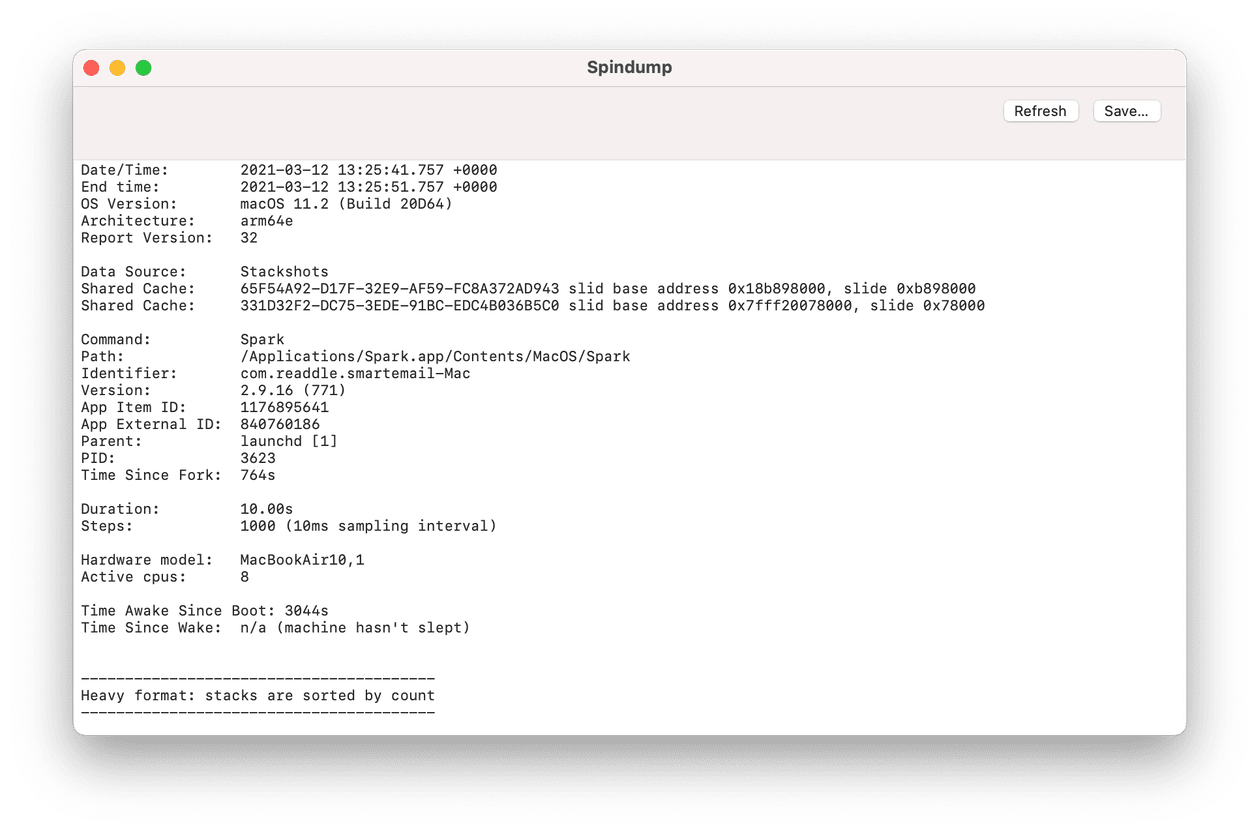 Mac Kill Process On Port 443
https://cdn2.macpaw.com/images/content/kill-process-mac-1_1616070933.png
Web Jun 27 2020 nbsp 0183 32 1 xxxxxxxxxx kill 9 sudo lsof ti 3000 force kill one port kill 9 sudo lsof ti 3000 3001 force kill multiple port Popularity 9 10 Helpfulness 9 10 Language shell Source stackoverflow Tags kill Contributed on Aug 30 2022 agungwas
Templates are pre-designed files or files that can be used for numerous functions. They can save time and effort by supplying a ready-made format and layout for creating different kinds of material. Templates can be utilized for personal or professional tasks, such as resumes, invitations, leaflets, newsletters, reports, presentations, and more.
Mac Kill Process On Port 443
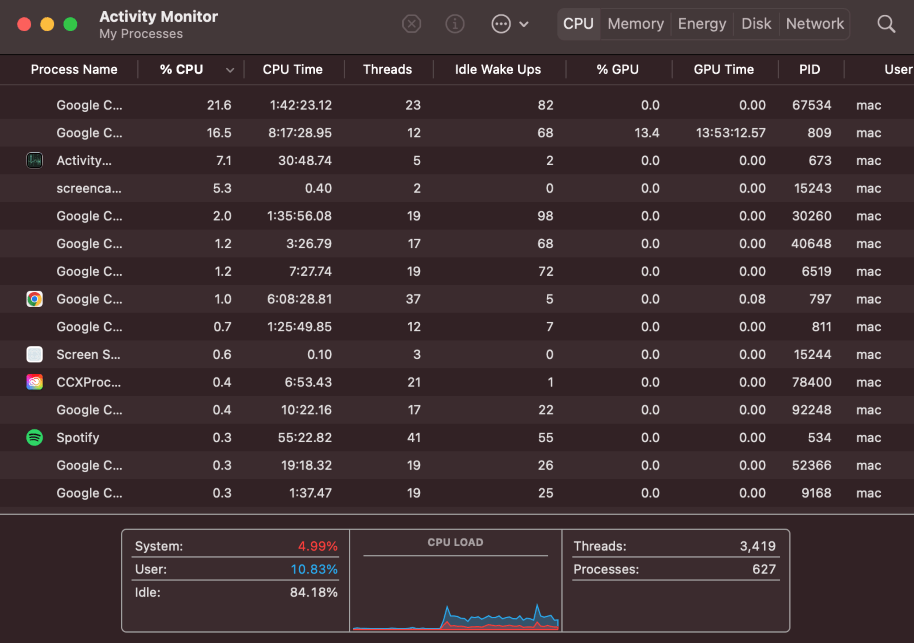
Ufergegend Matratze Blinddarm Mac Kill Process Activity Monitor Donner

Comment Verifier Le Serveur Proxy

Find And Kill Process On Port MacOS Tuts Make
Chef ServiceNow Integration App edit On GitHub ServiceNow Provides
Raycast Store Baidu OCR

Peace Of Mind With Cloud ACI And The Power Of Configuration Drift

Web Oct 4 2010 nbsp 0183 32 To forcefully kill a process like that use the following command lsof n i4TCP 3000 OR lsof i 3000 Where 3000 is the port number the process is running at this returns the process id PID and run kill 9 quot PID quot Replace PID with the number you get after running the first command Why kill 9 PID does not work

Web Jul 19 2012 nbsp 0183 32 Check your port is open or not by sudo lsof i PORT NUMBER COMMAND PID USER FD TYPE DEVICE SIZE OFF NODE NAME java 582 Thirumal 300u IPv6 0xf91b63da8f10f8b7 0t0 TCP distinct LISTEN 2 Close the port by killing process PID sudo kill 9 582
Web Feb 17 2023 nbsp 0183 32 Key Takeaways Open Activity Monitor and find the process you want to kill by sorting by resource usage or by process ID Then click the X button at the top of Activity Monitor and select either quot Quit quot or quot Force Quit quot to kill the process Is an application or process causing problems on your Mac

Web Dec 12 2010 nbsp 0183 32 19 Answers Sorted by 3143 On macOS Big Sur and later use this command sudo lsof i P grep LISTEN grep PORT or to just see just IPv4 sudo lsof nP i4TCP PORT grep LISTEN On older versions use one of the following forms

Web Aug 24 2017 nbsp 0183 32 Replace 8080 with the port your server is listening to If you need to use it often try adding to your bashrc the function function killport tskill netstat ano findstr LISTENING findstr 1 sed r s s s 4 d 1 and simply run killport 8080
Web Jun 27 2020 nbsp 0183 32 kill process on port mac close process on port kill port mac terminal osx kill process on port Kill a Port how to stop a port in macos kill port 3000 in mac kill a process at a port macos kill process on port kill process at port mac kill process on port kill process on port kill port 8000 mac how to see and kill what is Web Sep 18 2022 nbsp 0183 32 Fortunately this is quite easy to fix To solve this issue on linux or on a mac you first want to find out the process ID or PID currently running on the port in our case 3000 To do that you can use If you want a way to remember lsof it is that it means list of lsof i 3000
Web May 18 2017 nbsp 0183 32 I usually use sudo lsof i lt port gt to see what s causing an EADDRINUSE because it s quicker to type sudo lsof i 443 tail 1 cut f2 d xargs kill Will kill the process running on port 443 if your lsof gives output like