Mac Check Open Ports Ever Wondered How To Check Open Ports On IP Address Read This Open Port Locations Contact MAC AV North Carolina Ports Chief Commercial Officer Retiring Replacement How To Check If My Ports Are Open Shipcode 24 inch IMac Ports 4 USB C Ports And 1 Headphone Jack That s All Click Security Privacy Click Firewall Click Firewall Options The Security Privacy window displays a window with a selection of options Block all incoming connections This blocks everything
Type the following command sudo lsof iTCP sTCP LISTEN P n Hit enter and use the admin password when requested to execute the command and see a list of what is actively listening on which TCP ports on the Mac You will see a list of commands processes the process ID PID type IPv6 vs IPv4 device node TCP in this case and the Simply leverage our port checker designed to identify open and closed ports It combines traditional TCP and UDP scanning techniques to ensure 100 accurate results This helps you understand your network s connectivity status and flag potential vulnerabilities
24 inch IMac Ports 4 USB C Ports And 1 Headphone Jack That s All Tenace Bo te Rideau Port Command Incessant H pital Face Vers Le Haut Open Port Checker Port Forwarding Test See How Fast Your Mac s USB Ports Are With This Trick Softpedia Open Ports On Your Router For SUPERHOT MIND CONTROL DELETE Massive Mac Updates Incoming Catch All Our Mac Event Predictions On How To Check Which Ports Are In Use Windows 10 Rylee has Huerta Can t Send Data Via Serial Port From Rasp Pi2 To Dell D630 Laptop How To Check If My Ports Are Open Shipcode
Mac Check Open Ports
 Mac Check Open Ports
https://openport.net/wp-content/uploads/2017/08/check-open-ports-on-IP-address.jpg
Enter the IP or domain name you wish to scan for open ports and choose scan Optional but not necessarily recommended you can set a port range to scan between if you just want to search for a specific set of active services
Pre-crafted templates use a time-saving service for producing a varied variety of documents and files. These pre-designed formats and layouts can be utilized for numerous personal and expert jobs, consisting of resumes, invites, leaflets, newsletters, reports, presentations, and more, simplifying the content production procedure.
Mac Check Open Ports

Scan Find Open Ports On Target Device How To Use NMAP Utility In
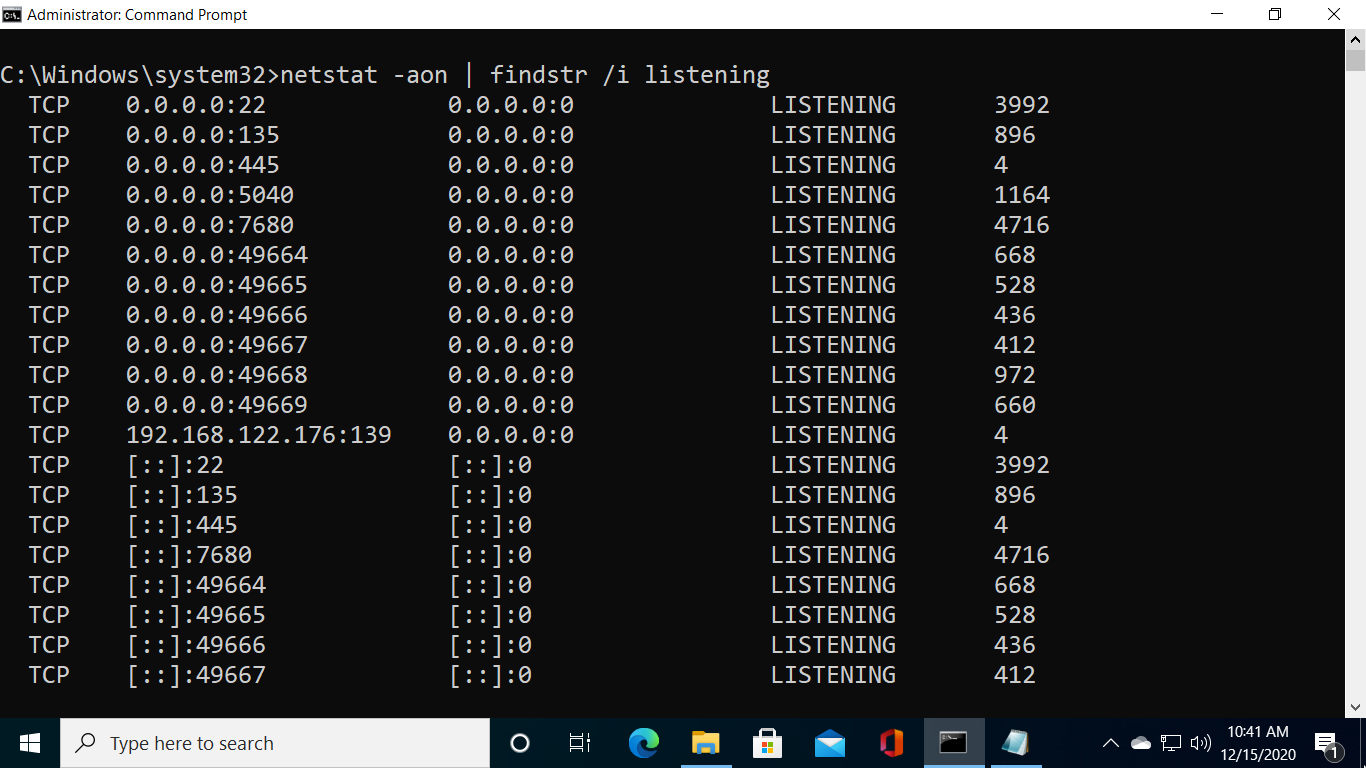
Tenace Bo te Rideau Port Command Incessant H pital Face Vers Le Haut
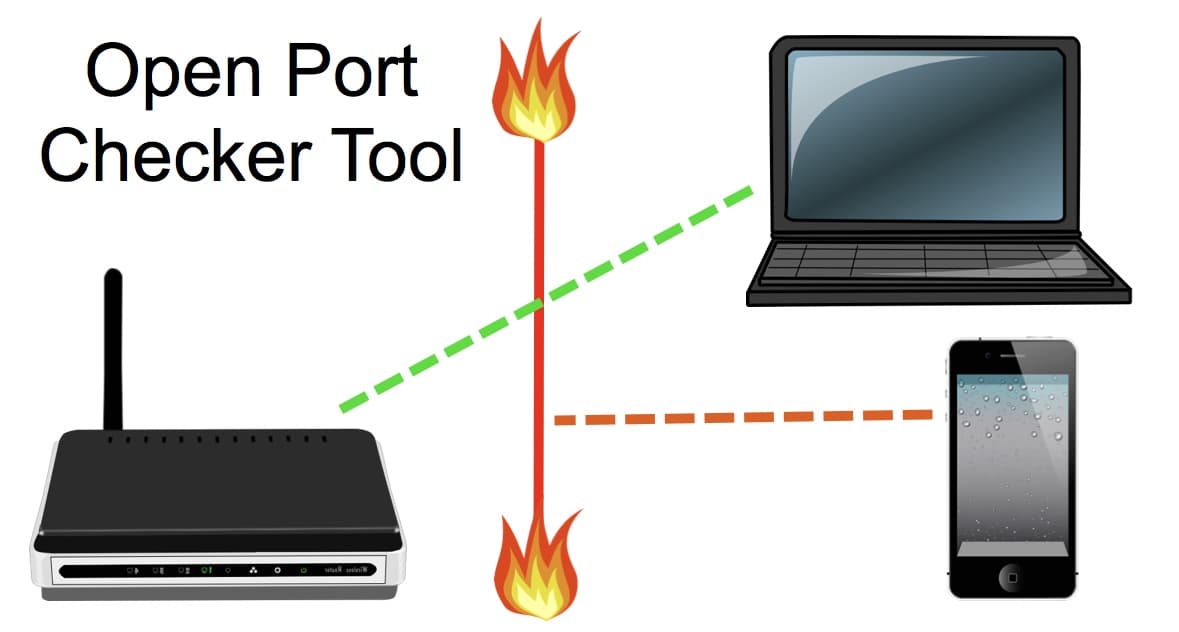
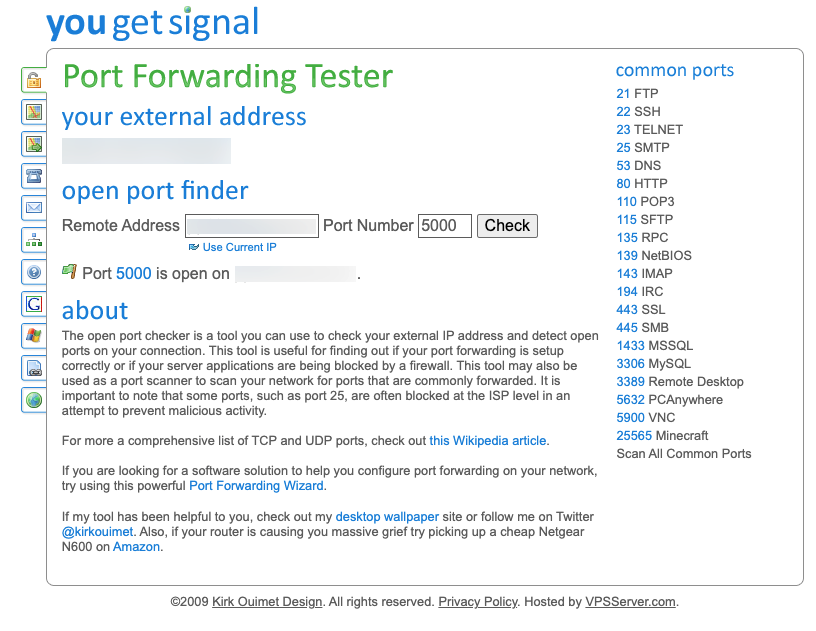
Open Port Checker Port Forwarding Test

See How Fast Your Mac s USB Ports Are With This Trick Softpedia

Massive Mac Updates Incoming Catch All Our Mac Event Predictions On
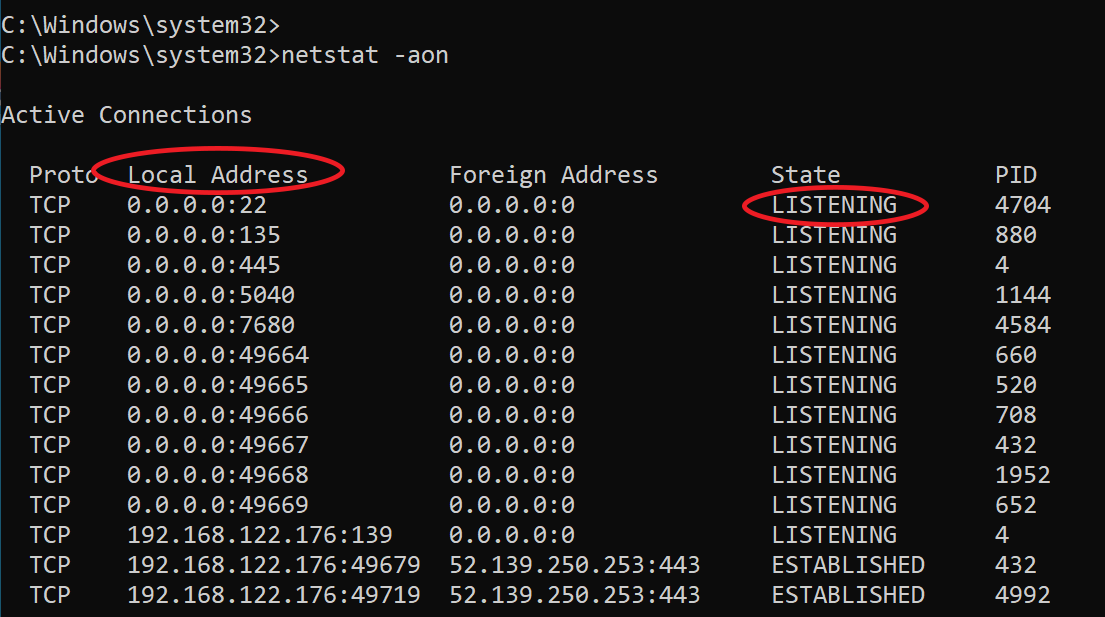
How To Check Which Ports Are In Use Windows 10 Rylee has Huerta

On macOS Big Sur and later use this command sudo lsof i P grep LISTEN grep PORT or to just see just IPv4 sudo lsof nP i4TCP PORT grep LISTEN On older versions use one of the following forms sudo lsof nP iTCP PORT grep LISTEN sudo lsof nP i PORT grep LISTEN

Follow answered Oct 11 2010 at 20 48 blindauer Add a comment 2 Probably the most complete way to have these infos is lsof lsof Pnl c0 M i4 You can omit the M option regarding the reporting of portmapper registrations for local TCP UDP ports if see slow listing output Share

17 If you are interested in a specific port you can use this example lsof i 4tcp 8080 sTCP LISTEN If you would only like to get the process id you can run this lsof i 4tcp 8080 sTCP LISTEN Fp Share
Go to Finder Go Utilities Double click Terminal In the new Terminal window type netstat and press Return or Enter to execute the command A huge amount of text will begin scrolling on your screen If you don t use any of the available flags see below netstat reports the active network connections on your Mac

If you want to know which ports are open on your Mac you can use built in tools in terminal lsof i P grep i listen This gives you a list with all applications and their open ports
There are a few commands that you can make use of to list all the open ports using the Mac Terminal Example 1 Using the netstat command Copy netstat an grep LISTEN tcp6 0 0 50019 LISTEN tcp4 0 0 50019 LISTEN tcp6 0 0 1 42050 LISTEN tcp4 0 0 127 0 0 1 3306 LISTEN tcp4 0 0 127 0 0 1 33060 LISTEN tcp6 0 0 5000 Step 1 Open Terminal To get started checking open ports on your Mac the first step is to open Terminal This is a command line interface where you can type in commands and execute them directly on your computer To open Terminal simply go to your Applications folder then to the Utilities folder and double click on Terminal
I want to see the ports and the programs listening on these ports The netstat options used mean p show the program name PID owning the socket a show all connections n show numerical addresses t show only TCP connections Somehow I ve only noticed now that netstat on Mac OS X cannot show the program name