Lock Word Source Sealment Lock How To Lock Picture Or Text In MS Word YouTube Free Stock Photo Of Chain Key Lock How To Lock Picture In Word Zoomdavid How To Lock An Image In Word Seofcpvseo Web Result Dec 30 2023 nbsp 0183 32 How to Lock Down Your Microsoft Word Documents and Excel Spreadsheets Want to protect an important Word document or Excel spreadsheet Here s how to add a password make documents read only
Web Result Jun 29 2023 nbsp 0183 32 Security Different Methods to Secure Your Microsoft Word Documents Published June 29 2023 Written By Lance Whitney Microsoft offers different Word document security solutions Dive into Web Result Discover the simple and effective ways to lock amp protect your Word documents from unauthorized editing changes Get tips and tricks now
How To Lock An Image In Word Seofcpvseo The Lock Free Stock Photo Public Domain Pictures LOCK Word Cloud Stock Image Colourbox Master Lock 4 Letter Combination Reset Thankyou Letter Stamp With Word Lock Inside Illustration Stock Photo Alamy How To Lock A Picture In Word Loddj MTD Products Login Lock Icon Clipart PNG Images Lock Vector Icon Lock Icons Lock How To Lock And Unlock Microsoft Word Documents YouTube
Lock Word Source
 Lock Word Source
https://images3.alphacoders.com/126/1262657.jpg
Web Result Oct 10 2022 nbsp 0183 32 How to password protect a Word document How to By Bryan Clark published 10 October 2022 Keep Word document secure with a password Image credit Getty Images Microsoft Word offers an
Pre-crafted templates offer a time-saving solution for developing a diverse series of files and files. These pre-designed formats and designs can be utilized for different personal and expert jobs, including resumes, invitations, flyers, newsletters, reports, presentations, and more, streamlining the content development process.
Lock Word Source
Old Lock And Key Free Stock Photo Public Domain Pictures

The Lock Free Stock Photo Public Domain Pictures

LOCK Word Cloud Stock Image Colourbox
Master Lock 4 Letter Combination Reset Thankyou Letter

How To Lock A Picture In Word Loddj

MTD Products Login

Web Result Protect from editing amp unlocking sales locklizard How to lock a Word document amp protect from editing in Blog Document Security DRM PDF Security Lock a Word document from editing copying and printing amp prevent unlocking Here we cover how to lock a Word document from editing copy amp paste printing and

Web Result Aug 20 2022 nbsp 0183 32 To protect the contents of your Microsoft Word documents add password protection to them Doing so prompts the user to enter the password each time the document is opened We ll show you how to do that using a built in Word feature Later you can unprotect your document by removing password

Web Result Dec 30 2023 nbsp 0183 32 How to Lock Down Your Microsoft Word Documents and Excel Spreadsheets Want to protect an important Word document or Excel spreadsheet Here s how to add a password make documents read only
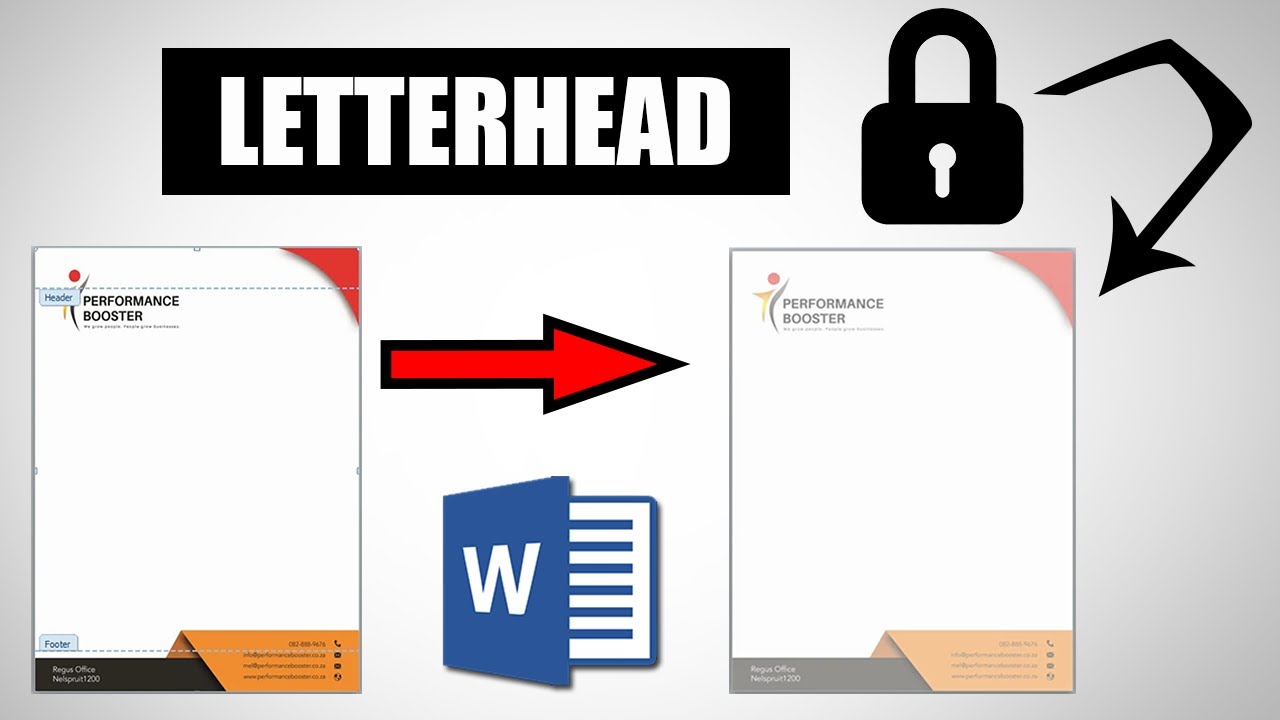
Web Result Mar 5 2022 nbsp 0183 32 Step 1 Click on the Start menu type word and launch the Word document in which you want to lock the parts Step 2 On the Ribbon click on the Review tab and click on the drop down beneath

Web Result Jun 13 2023 nbsp 0183 32 If you have Word files you want to protect you can easily lock it with a password You can even mark the file as quot Read Only quot if you don t want other viewers to make accidental changes Always use a password you can remember as you won t be able to recover it if it s lost
Web Result Oct 12 2013 nbsp 0183 32 1 You can lock objects from edit delete by this way I think it only works on Office 2007 and later To protect from editing Select the text object you would like to protect from editing deleting Go to Developer tab notice that by default this tab is disabled and hidden Web Result Jan 14 2021 nbsp 0183 32 Method 1 Lock your document for personal use Setp 1 Open the document Open the document that you want to lock Step 2 Open Protect Document menu Click on the File tab in the top menu bar This opens the File menu Click on Info on the left hand side This opens the Info menu On the right hand
Web Result Jun 15 2015 nbsp 0183 32 Select the area s in the document that you want to make editable and then check the quot Everyone quot box in the Exceptions area of the pane You can select one section check the box select another section check the box etc Click the quot Yes start enforcing protection quot button