Live Server Vscode Not Showing How To Install Live Server In Visual Studio Code YouTube Live Server Extension In VS Code Is Not Working In WSL Stack Overflow VSCode Not Displaying Button Despite Live Server Functioning Vscode The VS Code Server Vscode Live Server Web Dec 14 2022 nbsp 0183 32 Step 1 Click on the extensions option available on the left side in Visual Studio Code Step 2 Search Live Server in the search box and install it Step 3 The live server extension has been installed Step 4 Click on Go live present at the bottom Step 5 The default browser will get opened automatically once you click on the go live
Web May 22 2020 nbsp 0183 32 But what if Live Server doesn t open your browser and show your page like you expect If this is happening to you here are a few things you can try Restart VSCode Sometimes the best you can do is start VSCode from scratch First save all of your work Then close VSCode which will also stop all of the extensions you ve installed Web Jul 2 2022 nbsp 0183 32 In this tutorial Dr Todd Wolfe demonstrates how to use Live Server in VsCode along with how to view your updates directly within VsCode At the end of this
Vscode Live Server How To Enable Live Server On Visual Studio Code GeeksforGeeks 4 Setting Up Live Server VSCode Extension YouTube Setting Up Live Server Vscode Extension Html Full Course Youtube Php Live Server Vscode All Answers Brandiscrafts Live Server No VS Code Como Atualizar Automaticamente O Seu Navegador Sidebars Visual Studio Code Extension API How To Create Live Server In Vscode VScode Extension YouTube Vscode Extensions 01 Live Server IT
Live Server Vscode Not Showing
 Live Server Vscode Not Showing
https://i.ytimg.com/vi/9kEOkw_LvGU/maxresdefault.jpg
Web Oct 14 2020 nbsp 0183 32 Configuration Issues Now after you created an HTML page and installed the extension you should be able to see a Go Live icon right below in the blue field If you don t see it just restart VS Code Then it should be OK
Pre-crafted templates use a time-saving solution for producing a varied variety of documents and files. These pre-designed formats and designs can be made use of for various individual and expert jobs, including resumes, invitations, leaflets, newsletters, reports, discussions, and more, simplifying the content creation procedure.
Live Server Vscode Not Showing

Vscode Live Server
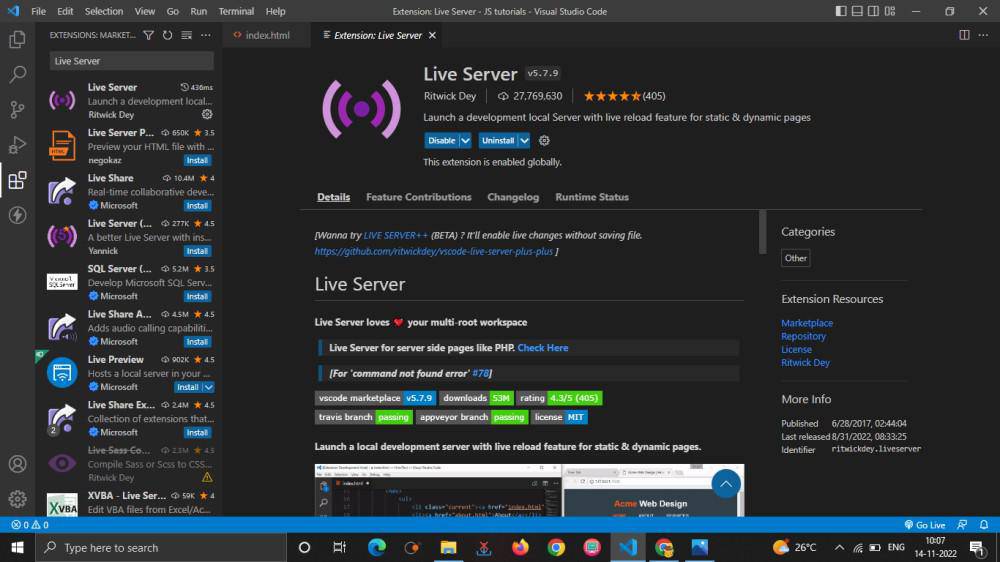
How To Enable Live Server On Visual Studio Code GeeksforGeeks
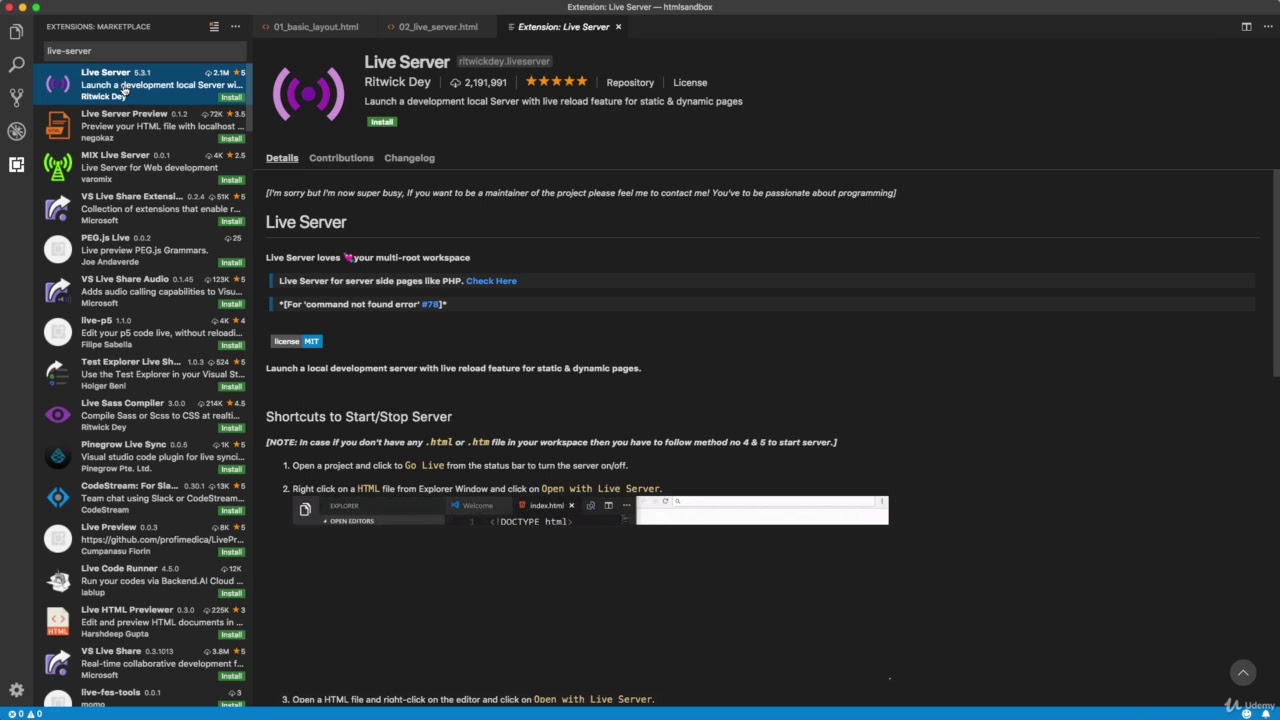
4 Setting Up Live Server VSCode Extension YouTube

Setting Up Live Server Vscode Extension Html Full Course Youtube
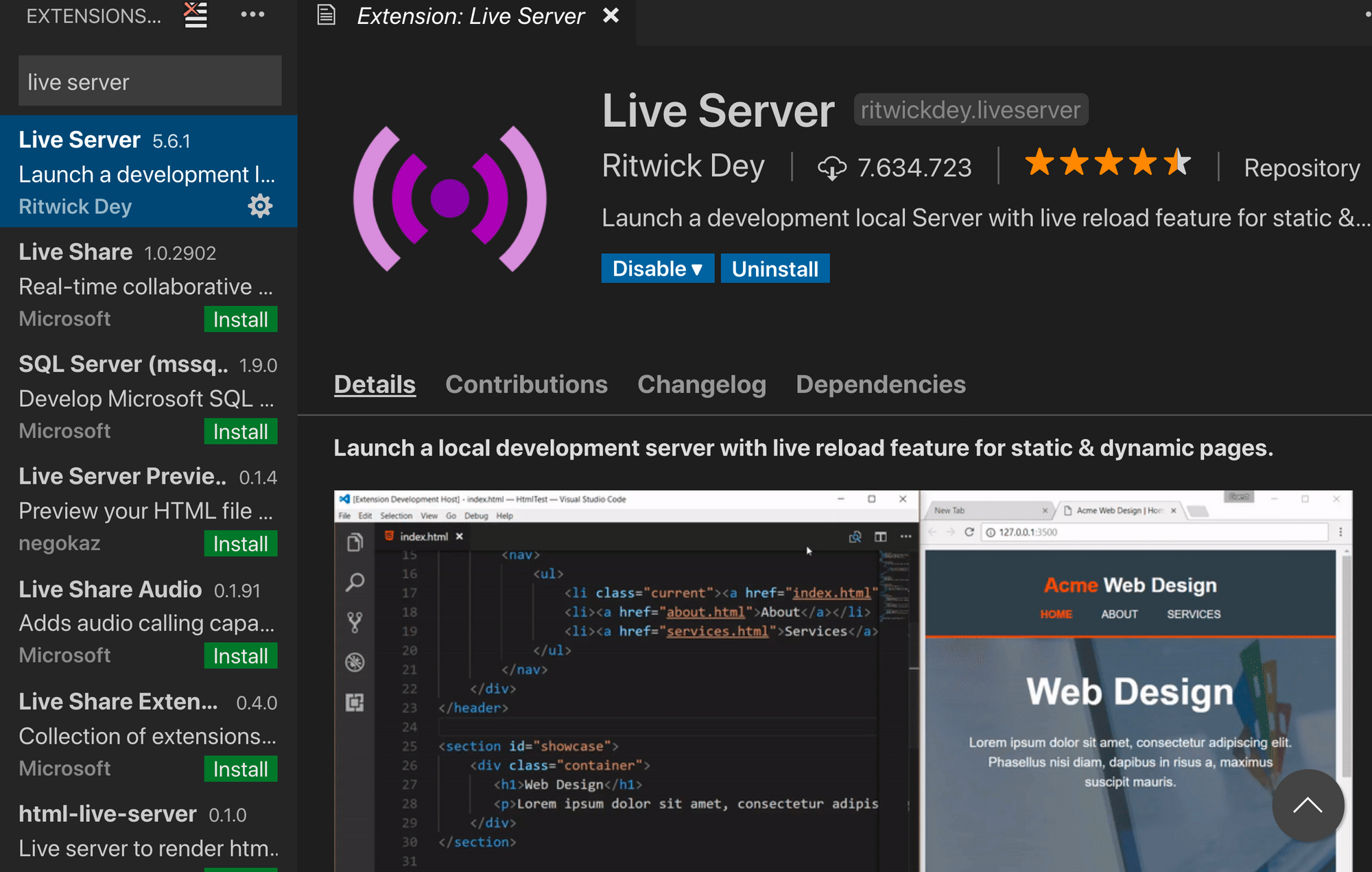
Live Server No VS Code Como Atualizar Automaticamente O Seu Navegador
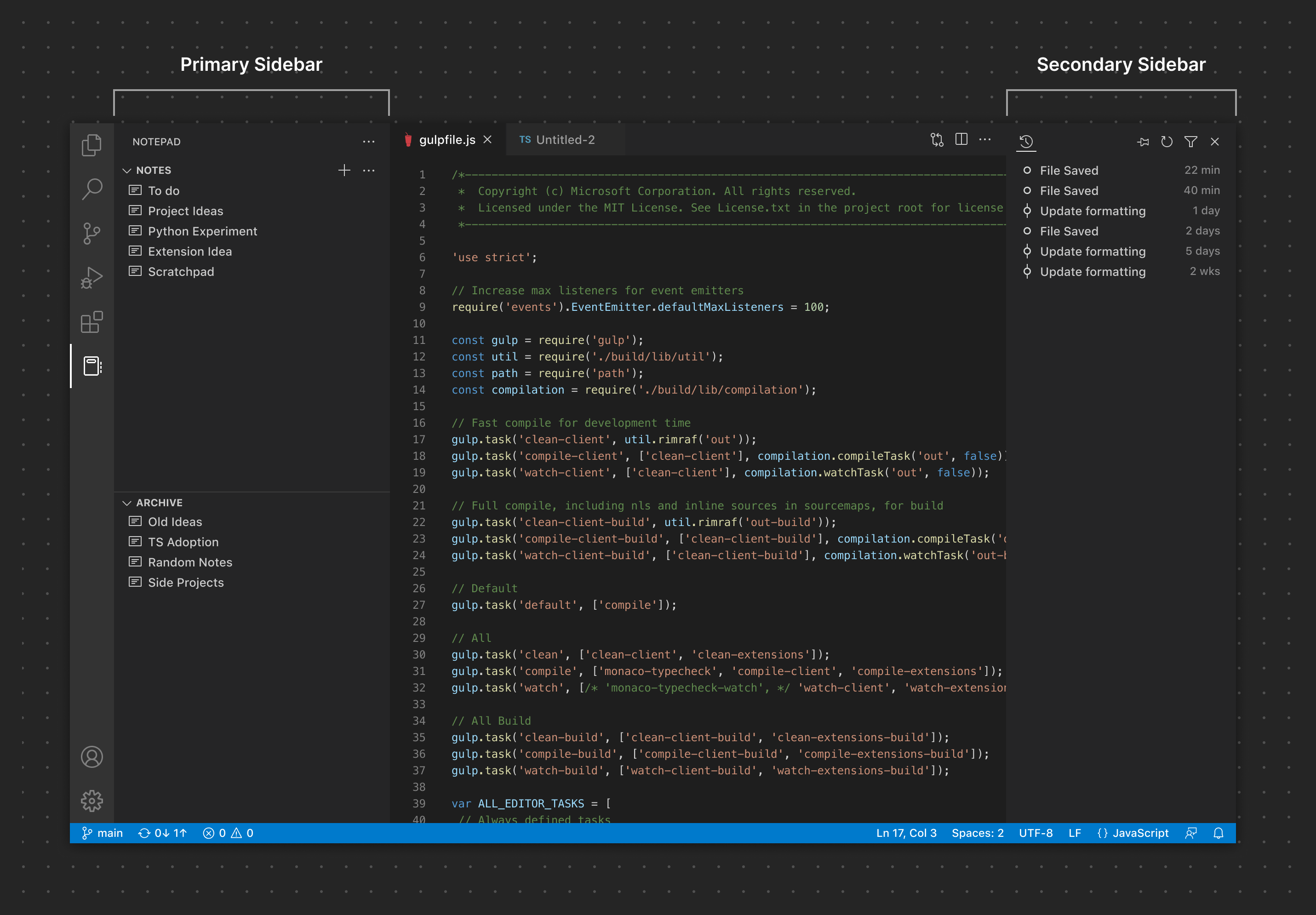
Sidebars Visual Studio Code Extension API
Web Jun 7 2020 nbsp 0183 32 Go to system environment variables gt system variables gt click on path gt edit gt add new path line C Windows System32 gt apply it and close Now open VS Code and re install Live Server Go to extension settings of Live Server Click on quot Edit in settings json quot and add below statements

Web Aug 14 2020 nbsp 0183 32 Live Server in action But what if Live Server doesn t open your browser and show your page like you expect If this is happening to you here are a few things you can try Restart VSCode Sometimes the best you can do is start VSCode from scratch First save all of your work Then close VSCode which will also stop all of the extensions

Web Feb 23 2023 nbsp 0183 32 1 Check Your Internet Connection 2 Restarting Visual Studio Code 3 Update Live Server 4 Firewall Settings 5 Clear Browser Cache 6 Setting Browser For Live Server 7 Conflicting Extensions 8 Live Server Settings 8 Fixes for Visual Studio Code Live Server Not Working Showing or Updating 1 Check Your Internet Connection
Web Apr 6 2024 nbsp 0183 32 Try restarting the Live Server Restart your VS Code Window Make sure your folder name doesn t contain spaces or special characters Correct any syntactical errors in your HTML markup Make sure the Live Server extension is installed Set the default browser for the Live Server extension Set the default browser for the extension in your
Web Dec 6 2021 nbsp 0183 32 The only way to see the modifications is to close it and open it again What i tried Make chrome as the default broswer but it s already Reinstall VS code What i tried but failed Edit the code for making chrome the default broswer in the code but i have a error quot cannot edit in read only editor quot that i can t fix it
Web Jan 4 2024 nbsp 0183 32 Try de selecting the No Browser option Is liveServer settings AdvanceCustomBrowserCmdLine set to false Does it work with your system s default browser if you set Custom browser to null Anyway there are other extensions you can try Five Server is a fork of Live Server and Live Preview is Web liveserver asked Sep 27 2021 at 13 48 9 1 2 Did the answers solve your problem MarioG8 Dec 22 2021 at 13 26 2 Answers Sorted by 0 1 Re install the Liveserver extension and restart Your VSCode Also You can
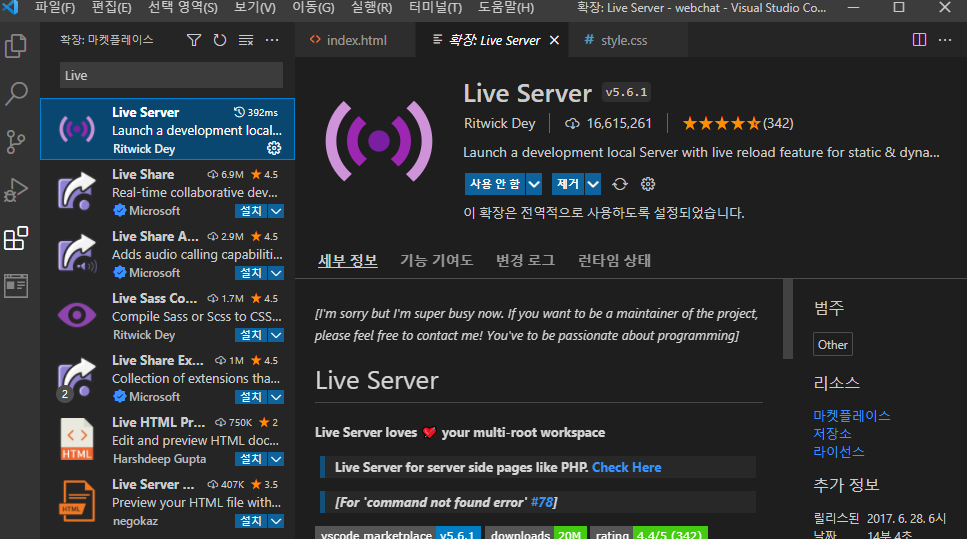
Web Jan 1 2023 nbsp 0183 32 First download the Visual Studio Code or VSCode from this link Select the appropriate installer for your operating system and install it accordingly Related Content Install Visual Studio Code or VSCode on Windows Once the VSCode is installed then click the Extensions tab and search for Live Server then click the Install button