Linux Yum List Available Packages Install A Package With YUM A Basic Reference Guide How To Rollback Updates With Yum History Command On CentOS RHEL Servers Linux What Is YUM Package Manager Packagecloud Blog Linux Yum Upgrade yum Update 12 14 MORE YUM RELATED COMMANDS install the yum utils package Type man yum for futher details on all yum subcommands and options New options for RHEL 7 Some options need yum plugins Type yum list yum plugin to see available plugins
Package management is a method of installing updating removing and keeping track of software updates from specific repositories repos in the Linux system Linux distros often use different package management tools Red Hat based distros use RPM RPM Package Manager and YUM DNF Yellow Dog Updater Modified Dandified YUM Yum cheat sheet Comprehensive list of yum commands and flags Yum is a command line package manager for RPM based Linux systems such as Red Hat Enterprise Linux CentOS Fedora and Oracle Linux It stands for Yellowdog Updater Modified and was originally developed by Yellowdog Linux as a way to easily manage packages on their distribution
Linux Yum Upgrade yum Update How To Install Update Remove Packages Form Linux YUM Command In How To Install Packages Through YUM Command Linux Yum Installer YouTube How To Use Yum Package Manager On Rocky Linux VITUX Securing An Inherited Linux System Enable Sysadmin Linux Yum RPM G T Wang How To Use Yum Package Manager On Rocky Linux VITUX IntelliJ IDEA jar idea java jar CSDN
Linux Yum List Available Packages
 Linux Yum List Available Packages
https://codefather.tech/wp-content/uploads/2020/04/install-specific-version-package-yum-1-840x560.png
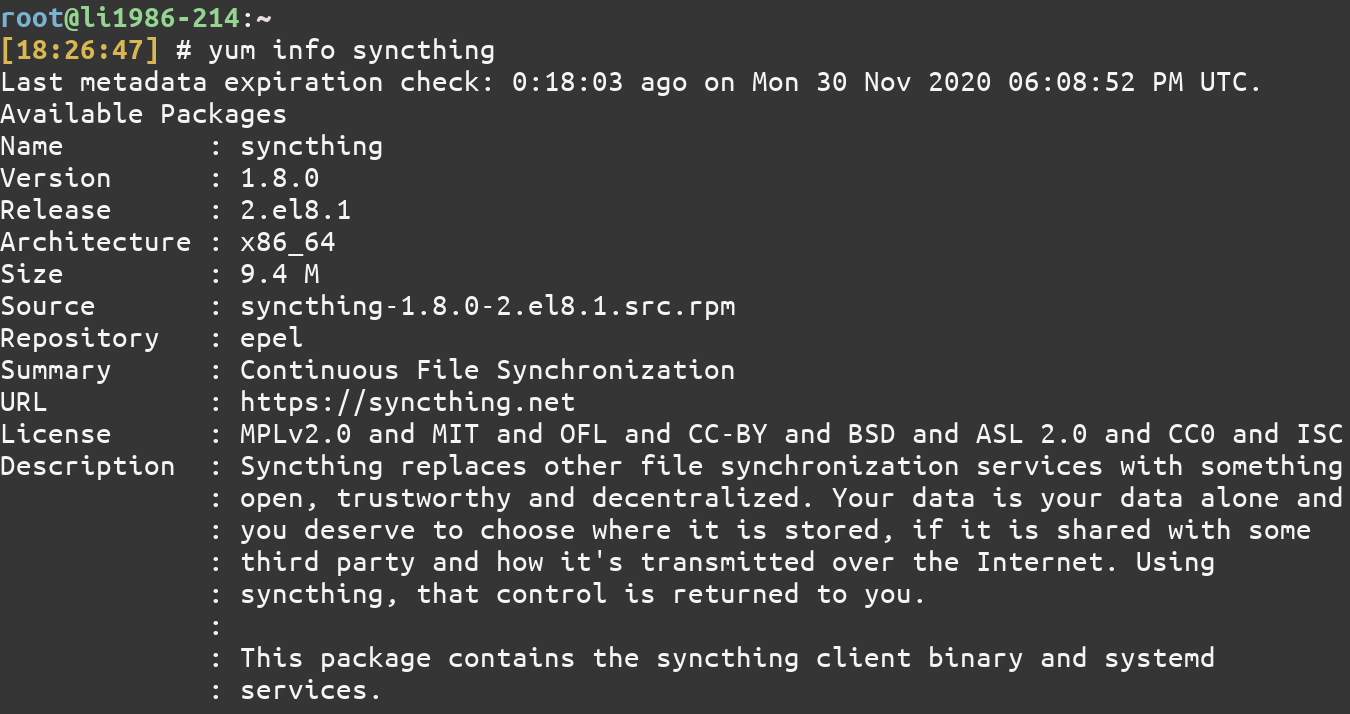
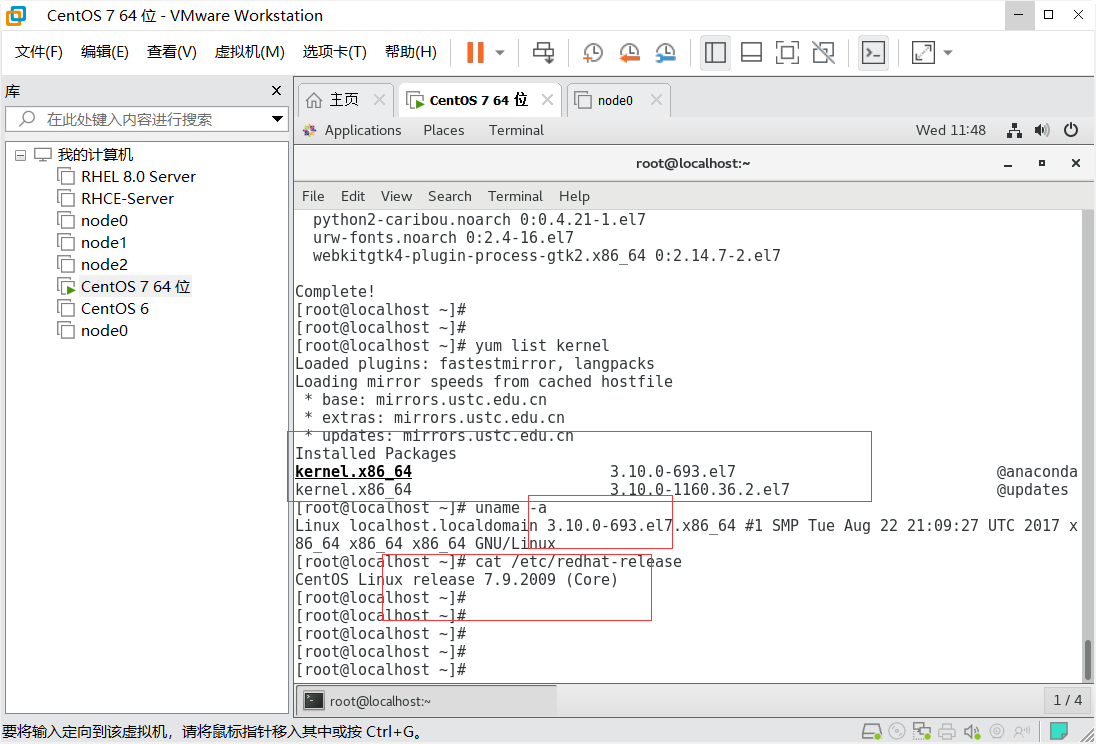
If you need to see all packages installed and available you can use yum list all Or maybe just available packages yum list available This post looks at how to list the installed packages with YUM from the command line for YUM based Linux distributions such as CentOS and Fedora
Pre-crafted templates use a time-saving option for creating a varied variety of documents and files. These pre-designed formats and designs can be used for various individual and professional tasks, consisting of resumes, invites, flyers, newsletters, reports, presentations, and more, enhancing the content creation procedure.
Linux Yum List Available Packages
The Yum Command In Linux A Complete Reference LinuxForDevices

How To Install Update Remove Packages Form Linux YUM Command In

How To Install Packages Through YUM Command

Linux Yum Installer YouTube

Securing An Inherited Linux System Enable Sysadmin

Linux Yum RPM G T Wang
Yum list and related commands provide information about packages package groups and repositories All of Yum s list commands allow you to filter the results by appending one or more glob expressions as arguments

To see which installed packages on your system have updates available use the following command yum check update What command must I run to view all available versions for a package installed on my system Example yum check update tells me java6 update 43 is available but what if I want update 40 rhel yum Share Improve this question Follow
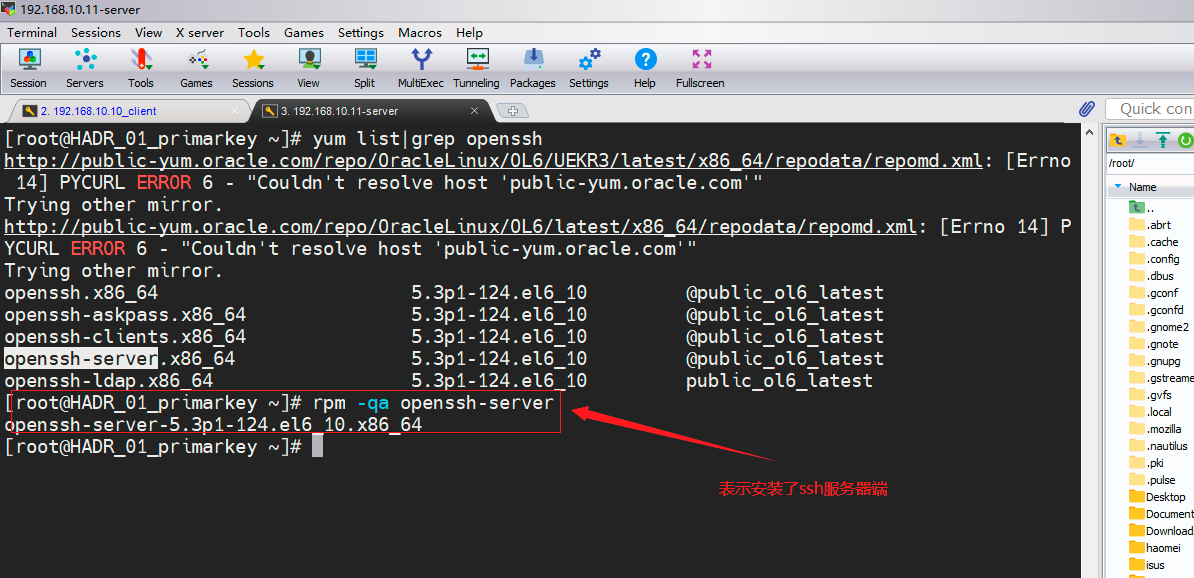
To display a list of installed packages enter the following in a terminal window sudo rpm qa The q option means query The a option means all To list packages by installation date enter sudo rpm qa last Search for a package by name using sudo rpm qa grep i httpd

Run the following command to show all versions of a package available in enabled repositories yum list package name showduplicates Example yum list glibc locale source showduplicates This system is not registered to Red Hat Subscription Management You can use subscription manager to register
What is YUM YUM Yellowdog Updater Modified is an open source command line as well as graphical based package management tool for RPM RedHat Package Manager based Linux systems It allows users and system administrators to easily install update remove or search software packages on a system
A You can yum command and it has option to show a list of all packages that are not presently installed and can be installed via RHN or Internet yum list available yum list available less yum list available grep package yum list available pacakge A note about RHEL version 4 0 Use the cat command to review list cat nas installed software mm dd yyyy log To restore all those packages when needed run yum y install cat nas installed software mm dd yyyy log See Linux Get List of Installed Software for Reinstallation Restore All the Software Programs for more info A note about listing all installed packages with yum on CentOS history command
Sometimes users need to know the list of packages the list of installed packages and whether a specific package has been installed or not So I will show this list of packages with the yum command below 1 How to View the Available Packages To see all the available packages with yum you can copy the following command sudo yum list