Linux Terminal Font Size Memasang Font Tanpa Terminal Linux Panduan BlankOn How To Change The Terminal Font Size In Ubuntu Ubuntu Tutorial KK Perbedaan Linux Dan Windows Secara Umum Riset Linux Terminal Font Is Cut Off Issue 34208 Microsoft vscode GitHub 10 Beautiful Fonts For Your Linux Terminal LaptrinhX Web June 28 2022 by Vitux Staff Linux users who need to use the terminal regularly want it to be more than just a black rectangle where you type commands They want the area to be as comfortable and customized as possible so that it doesn t strain their eyes or nerves
Web Apr 13 2022 nbsp 0183 32 Click on quot Font size quot input field gt gt Pick your font style and move the slider at the bottom to determine your ideal font size Click on quot Select quot to ensure your chosen font style amp size get implemented Close the preferences window and save your settings Your terminal should now showcase the new Font style and size Web May 11 2022 nbsp 0183 32 The terminal default font size is 12 and uses Ubuntu Mono style Ubuntu 22 04 comes with the default GNOME 42 0 desktop environment You can follow the following steps to change the ubuntu terminal font and size Step 1 Open the terminal
10 Beautiful Fonts For Your Linux Terminal LaptrinhX How Change Terminal Font In Kali Linux 2020 3 YouTube Linux Terminal Basics 1 Mit Admin Rechten Ausf hren Tutonaut Change VS Code Terminal Font Size QA With Experts VS Code 3 Ways To Change Terminal Font SIze KindaCode Mit Diesen Alternativen L sst Sich Das Linux Terminal Erweitern Best Font For Terminal Linux Standardkse Demystifying Dollar And Tilde A Linux Terminal Symbols Guide Codelinchpin How To Change Terminal Font Size In Ubuntu BENISNOUS
Linux Terminal Font Size
 Linux Terminal Font Size
https://panduan.blankon.id/wp-content/uploads/2023/02/Screenshot-from-2023-02-23-23-09-27.png
Web Dec 21 2017 nbsp 0183 32 Step 1 Run the terminal in Ubuntu either by searching or just use the shortcut key CTRL ALT T Step 2 After running the terminal just right click on anywhere inside it and select the profile gt Profile preference
Pre-crafted templates provide a time-saving solution for producing a diverse variety of documents and files. These pre-designed formats and layouts can be made use of for different personal and expert tasks, consisting of resumes, invites, flyers, newsletters, reports, presentations, and more, enhancing the material creation process.
Linux Terminal Font Size

Incorrect Font In Integrated Terminal Issue 81163 Microsoft vscode
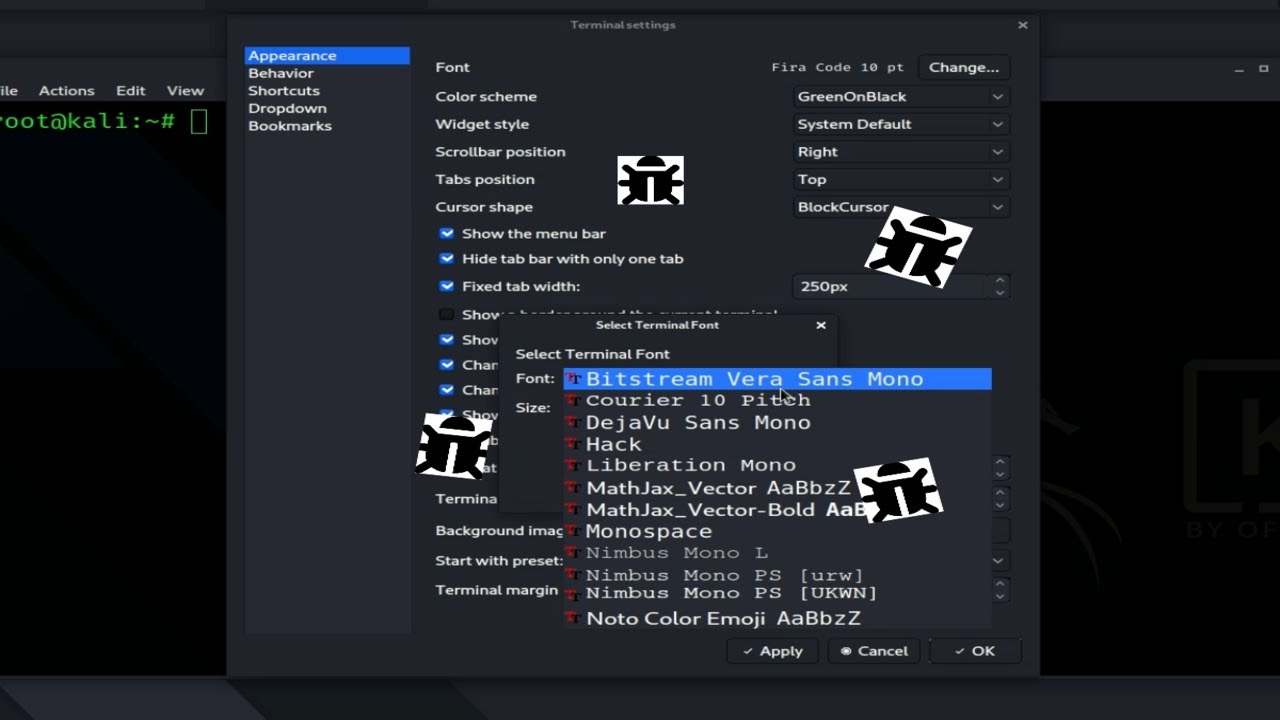
How Change Terminal Font In Kali Linux 2020 3 YouTube
Linux Terminal Basics 1 Mit Admin Rechten Ausf hren Tutonaut
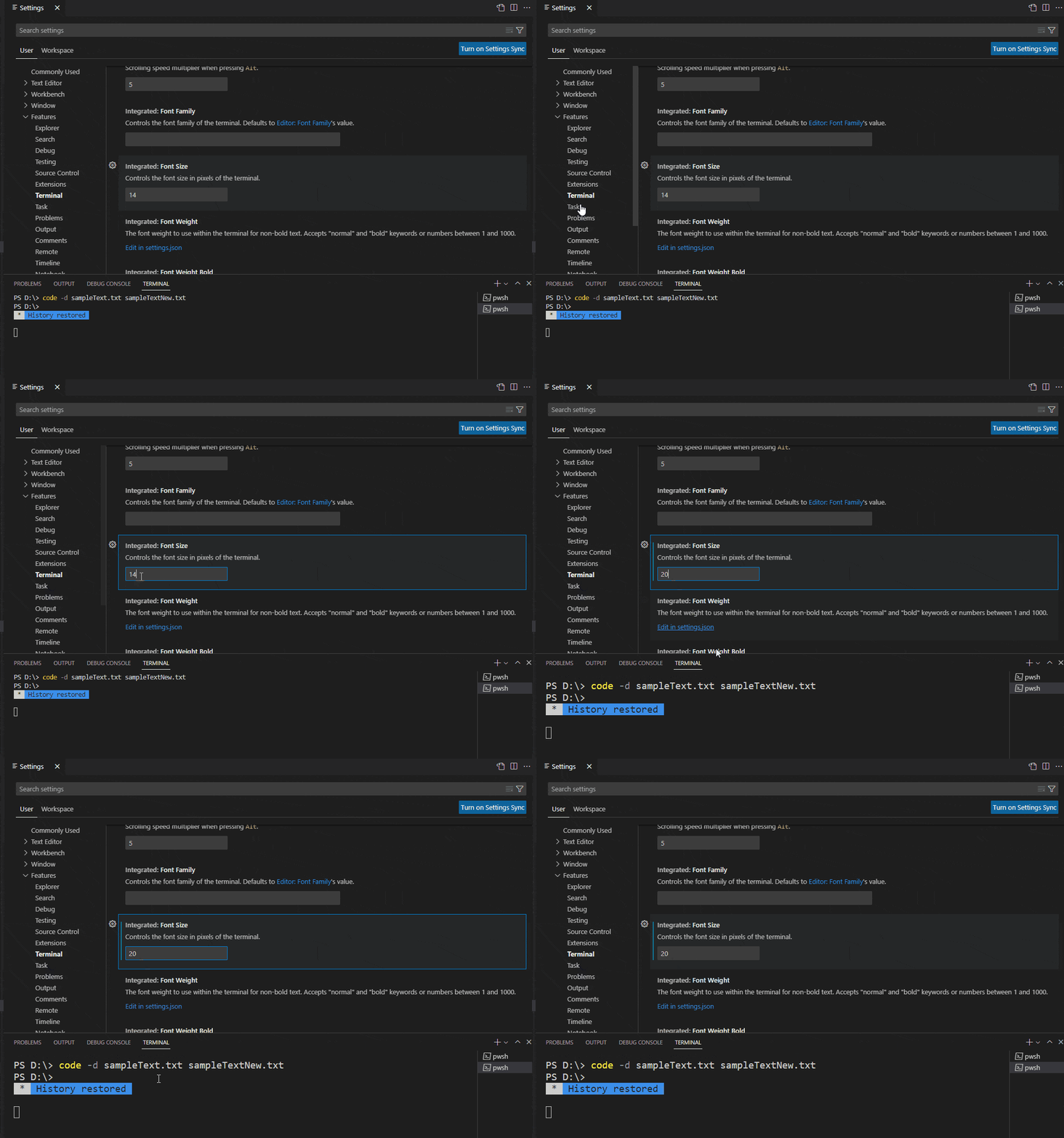
Change VS Code Terminal Font Size QA With Experts

Mit Diesen Alternativen L sst Sich Das Linux Terminal Erweitern

Best Font For Terminal Linux Standardkse

Web In Linux Mint 18 1 terminal Right click anywhere in the black space Choose quot profiles quot quot profile preferences quot Put a tic in quot custom font quot box Click on the big text sample box next to it Choose whatever font size and type you want The changes will appear immediately

Web Jan 14 2024 nbsp 0183 32 There are three methods to set the default font or change font size on Linux virtual consoles Temporary changing the default font and font size in the current session only Permanently changing the font and font size for all users Changing the default font and font size for a specific user Let s understand each method in detail

Web Aug 8 2021 nbsp 0183 32 The steps should be the same for most other Linux terminal emulator but the way you access the option can differ Change Ubuntu Terminal font and size using GUI Step 1 Launch the terminal on your Ubuntu system by using Ctrl Alt T keys Step 2 Head to the Preferences option that you can find when you click on the menu
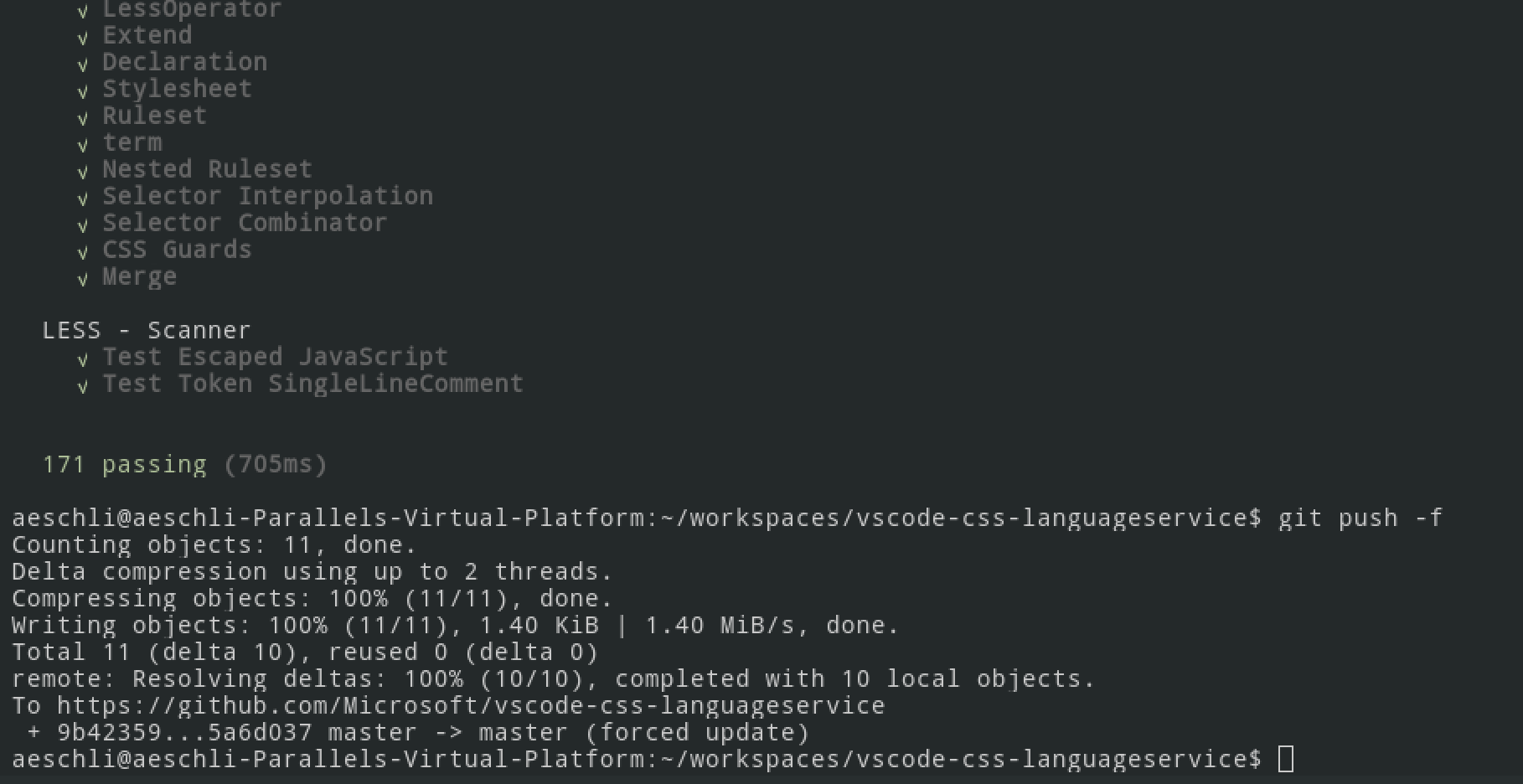
Web Jun 23 2011 nbsp 0183 32 4 Answers Sorted by 17 You can also dynamically change the font size after the system has booted The simplest way I ve found is to pick a font that you like from usr share consolefonts and pass it to the setfont command
Web Nov 4 2013 nbsp 0183 32 Open the terminal with pressing Ctrl Alt T Right click on the terminal from the appeared popup menu go to Profiles Profile Preferences Then in the General Tab uncheck Use the system fixed width font and then select your desired font from dropdown menu I am giving two screenshots below
Web Aug 8 2019 nbsp 0183 32 As per the following example my Linux console font type is quot Terminus Bold quot and font size is 32 ACTIVE CONSOLES quot dev tty 1 6 quot CHARMAP quot UTF 8 quot CODESET quot guess quot FONTFACE quot TerminusBold quot FONTSIZE quot 16x32 quot Web Jan 4 2018 nbsp 0183 32 If your Linux distribution doesn t include it there might be a package for you at openSUSE You can also edit etc default console setup directly This example sets the Terminus Bold font at 32 points which is my favorite and restricts the width to 80 columns
Web Mar 18 2014 nbsp 0183 32 4 Answers Sorted by 28 Ctrl and Ctrl are working fine for me Maybe you have different shortcuts configured To change the keyboard shortcuts go to Edit gt Keyboard Shortcuts in the gnome terminal menu and look for Zoom In and Zoom Out Share Improve this answer answered Mar 18 2014 at 12 52 Malte Skoruppa 13 2k 5 57