Linux Set Console Font Size Set Console Font YouTube Console Font Size Is Unreadably Small Microsoft Community How To Change Linux Console Font Type And Size LaptrinhX Arch Linux Console Font YouTube How To Set Font And Change Font Size On Linux Console Using the vconsole conf file is a simple way to change the font permanently especially if the system doesn t have console setup This works by editing or creating
Ask Question Asked 1 year 6 months ago Modified 1 year 6 months ago Viewed 9k times 0 What I m trying to do is increase the font size not change the 1 install the right font and size to the grub 30 denotes the font size which works for me If you want it bigger just increase it sudo grub mkfont s 30 o
How To Set Font And Change Font Size On Linux Console Console Free Font In Ttf Format For Free Download 87 89KB How To Change Your Linux Console Fonts Linux How To Change TTY Console Font Size On Ubuntu 18 04 Server Linux Solved How To Change The Console Writeline text Output 9to5Answer What s New In The SAP HANA Database Explorer Visual Studio Code C Modify Console Font Font Size At Runtime Stack Overflow How To Change Linux Console Font Type And Size OSTechNix 245 Java Background Size Pics MyWeb
Linux Set Console Font Size
 Linux Set Console Font Size
https://i.ytimg.com/vi/bgeazy6euh0/maxresdefault.jpg
I am using a dell XPS 13 laptop with 4k screen and the text on the virtual console is very small I would like to increase the font size With the command sudo
Pre-crafted templates provide a time-saving option for developing a varied variety of files and files. These pre-designed formats and designs can be used for various individual and professional jobs, including resumes, invitations, leaflets, newsletters, reports, presentations, and more, enhancing the content production process.
Linux Set Console Font Size
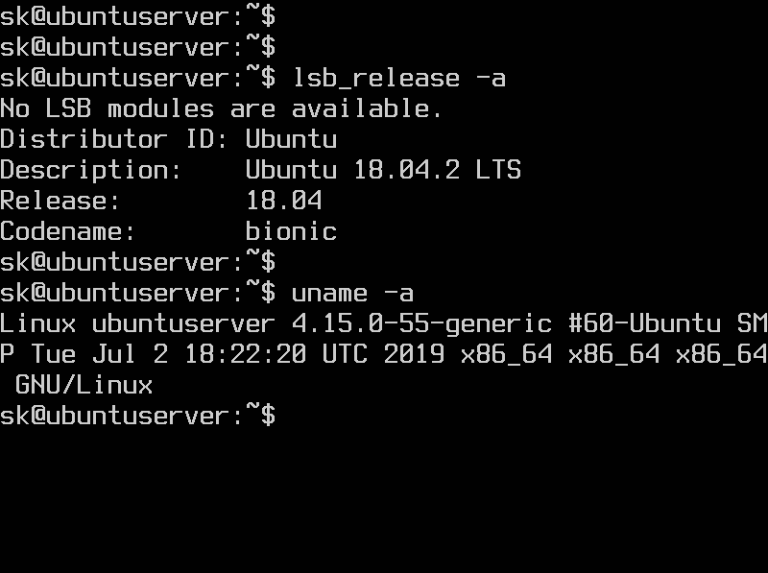
How To Change Linux Console Font Type And Size OSTechNix

Console Free Font In Ttf Format For Free Download 87 89KB
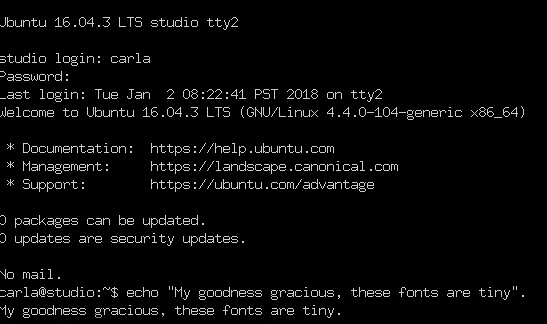
How To Change Your Linux Console Fonts Linux

How To Change TTY Console Font Size On Ubuntu 18 04 Server Linux

What s New In The SAP HANA Database Explorer Visual Studio Code

C Modify Console Font Font Size At Runtime Stack Overflow

Open etc default grub and set the following values GRUB GFXMODE 1024x768x32 GRUB GFXPAYLOAD LINUX keep You can

As you can see the text size is much bigger better and the font type is different that default one You can also directly edit etc default console setup file and
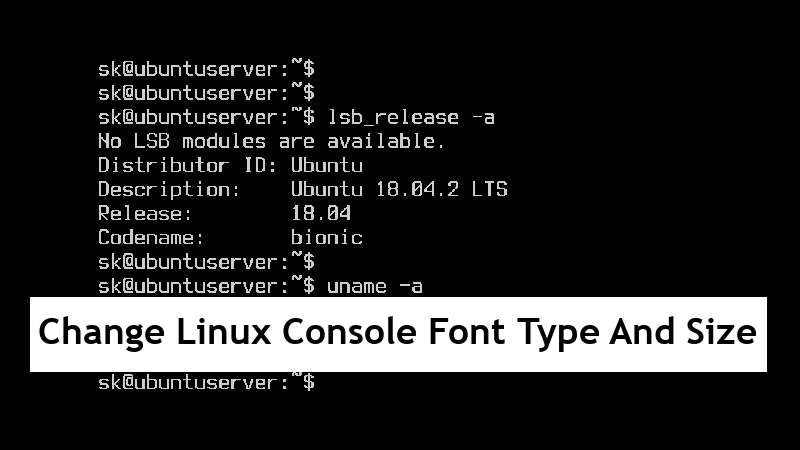
On Debian Ubuntu etc systems you can run sudo dpkg reconfigure console setup to set your console font then run the

To adjust the font font size used for the TTY run sudo dpkg reconfigure console setup which will guide you through the steps to choose a font and font size Choose the default UTF 8 and press Tab to go highlight OK

1 Answer Sorted by 10 Add something like vga 792 to the kernel line in your grub conf file usually located in etc or boot grub title My Linux OS Name and
1 You want to change the console font size and you have to edit the settings in the etc default console setup file Here s mine Consult the console setup 2 Answers Sorted by 4 You can use setfont usr share kbd consolefonts font to change the font in the console and then to revert back just setfont Once you determine where
You have to create one manually Well if you don t have an etc vconsole conf file I would imagine the font you re using would be as described in the Wiki By default