Linux Reset Terminal Colors How To Change Or Reset Kali Linux User Name How To Reset User Name In Kali Linux Reset User Unix Linux Reset Terminal Profile Preferences Without Using Terminal 5 Solutions YouTube Atletick Ostrie V davok Linux Terminal Highlight Same Words tudent Oslepuj ci Futbal How To Reset Your Network Settings In Kali Linux Systran Box Kali Terminal Dark Visual Studio Marketplace Web Aug 30 2019 nbsp 0183 32 The Palette sets the colors defined by the dircolors command These colors are used by your terminal in the form of the LS COLORS environment variable to add color to the output of the ls command If none of them appeal to
Web Apr 2 2022 nbsp 0183 32 The best method to reset your terminal is with the reset command This will wipe everything that is currently in the terminal including the scrollback buffer in most terminal applications and should fix issues such as a bugged terminal or one that is displaying strange characters reset Web Aug 26 2015 nbsp 0183 32 So while in the 70s ANSI defined the following color codes setting a de facto standard adopted universally for TTYs miscellaneous linux terminals consoles and whatnot 000 0 black 001 1 red 010 2 green 011 3 yellow or dark yellow 100 4 blue or dark blue 101 5 magenta purple or violet 110 6 cyan or light blue 111 7 white or
Kali Terminal Dark Visual Studio Marketplace How To Reset Terminal On Mac Step by Step Guide 5 Commands To Clear Linux Terminal Quick View How To Factory Reset Kali Linux Dconf Reset f Kali Linux Reset Atletick Ostrie V davok Linux Terminal Highlight Same Words tudent Oslepuj ci Futbal Add Rainbow Colors To Linux Command Output In Slow Motion News Reset Root Password Ubuntu Linux Without CD Clear Or Reset Terminal TechStop
Linux Reset Terminal Colors
 Linux Reset Terminal Colors
https://i.ytimg.com/vi/xAVdEoAkCBo/maxresdefault.jpg
Web The color sequence is a color name ASCII color sequences or escape sequences Color names black blink blue bold brown cyan darkgray gray green halfbright lightblue lightcyan lightgray lightgreen lightmagenta lightred
Templates are pre-designed documents or files that can be used for various purposes. They can conserve time and effort by supplying a ready-made format and design for producing different type of material. Templates can be used for personal or professional projects, such as resumes, invites, flyers, newsletters, reports, discussions, and more.
Linux Reset Terminal Colors

How To Reset Terminal In Linux Linux Tutorials Learn Linux Configuration

How To Reset Terminal On Mac Step by Step Guide
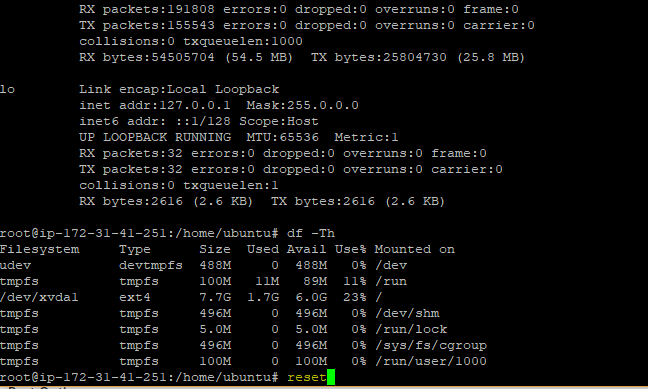
5 Commands To Clear Linux Terminal

Quick View
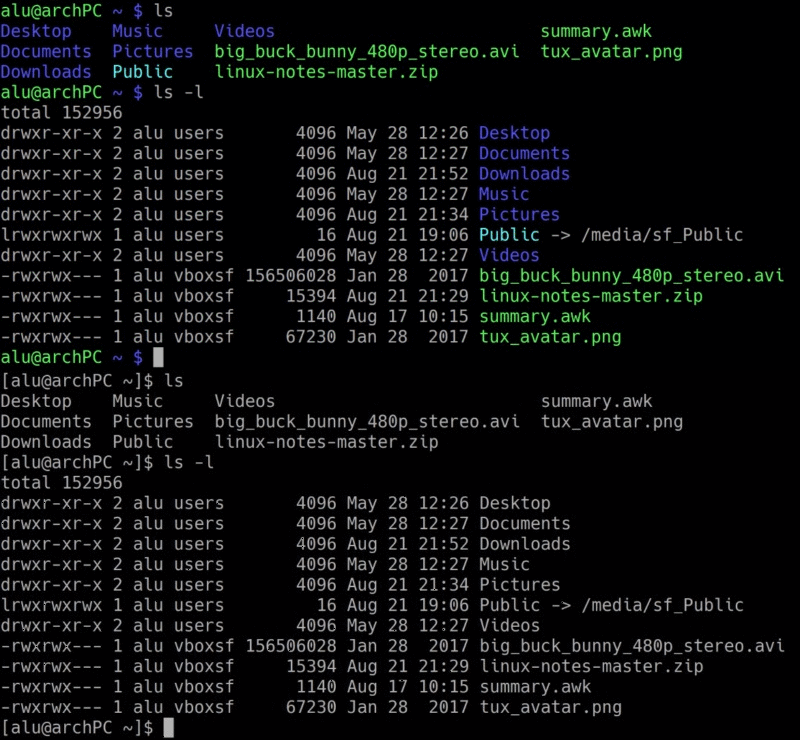
Atletick Ostrie V davok Linux Terminal Highlight Same Words tudent Oslepuj ci Futbal
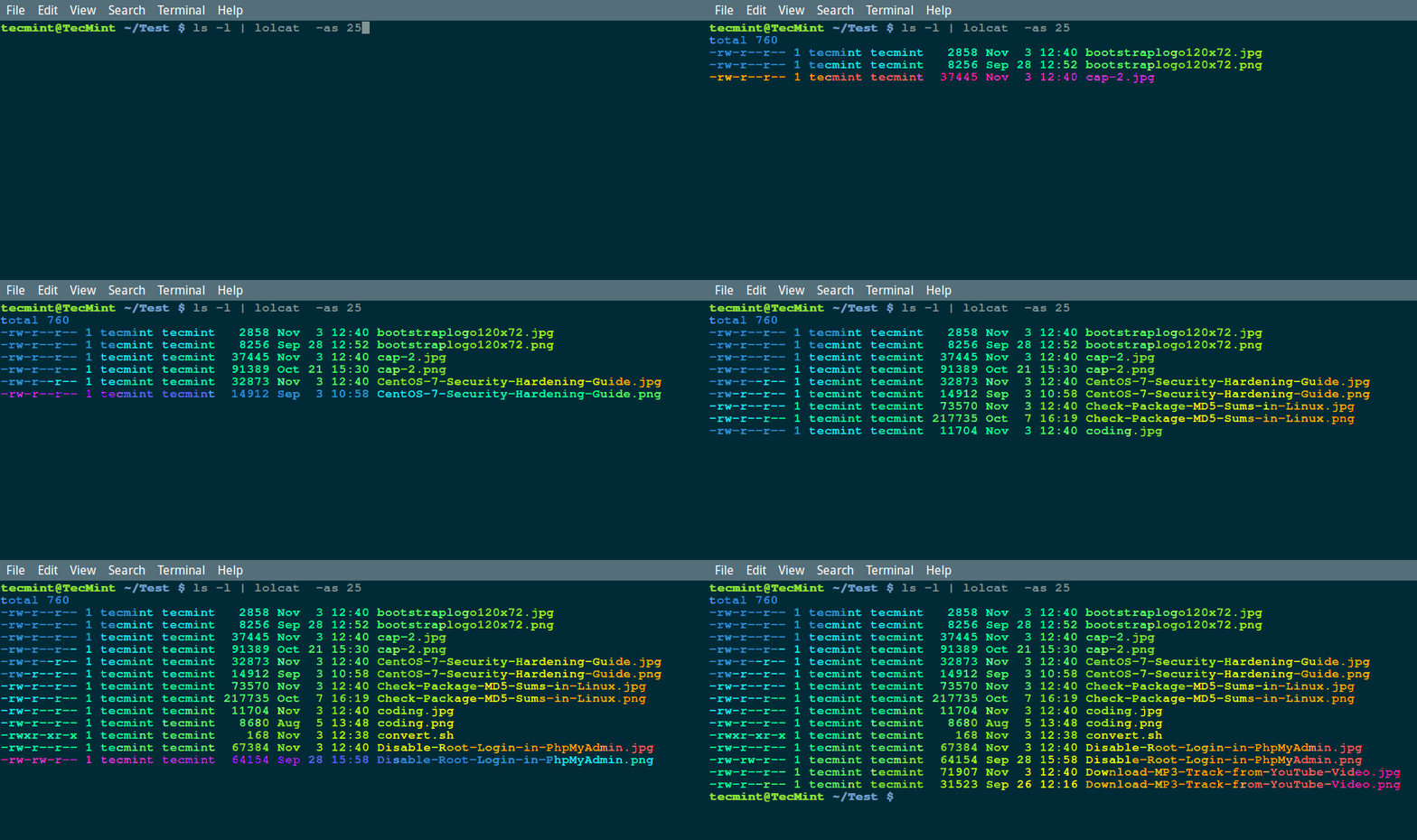
Add Rainbow Colors To Linux Command Output In Slow Motion News

Web Instead I tweak my terminal s color configuration Use color for some Unix commands ls grep less vim and the Bash prompt These commands seem to use the standard quot ANSI escape sequences quot For example alias less less RAW CONTROL CHARS export LS OPTS color auto alias ls ls LS OPTS

Web Apr 5 2014 nbsp 0183 32 3 Answers Sorted by 50 The likely cause of this problem are ANSI Escape Codes These allow scripts to change the foreground and background color of the terminal You can even mimic the colors of the screenshot above by running the following command echo e E 32 46m

Web Dec 11 2013 nbsp 0183 32 In terminal click on the Edit menu then Profile Preferences It will pop up the Editing Profile Window to reset the color make sure that you have selected the check box named Use colors from system theme in the Colors tab

Web Dec 9 2014 nbsp 0183 32 If it is meant to change colors on an incidental basis You can use the setterm command setterm term linux back lt background colour gt fore lt text color gt clear from the colors you can chose from both fore and background black blue green cyan red magenta yellow white default for more options setterm help

Web A surer way might be to use the stty command to save and reset all your setting at once Use stty g to print the current settings in stty readable format Copy the resulting string Add to your shell init file bashrc or whatever the alias s for sane as alias s stty lt output string from step
Web 1 year 9 months ago When I ssh into a remote server I like the colors of the terminal to change I use on my remote bashrc file to get this done However when I the terminal colors are not reset to the local ones I solved the problem but I Web Jan 26 2019 nbsp 0183 32 There are plenty of ways to spice up the Linux terminal and make it look modern and visually appealing It s not just for appearances either A well thought out color scheme can help reduce eye strain and make working in the terminal a much more enjoyable experience The Top Terminal Color Schemes for 2019 Gruvbox Solarized
Web Aug 18 2020 nbsp 0183 32 Pywal Handy utility to automatically change Linux terminal scheme based on background wallpaper Pywal is nifty Python based command line tool that changes the terminal colors based on the colors of the wallpapers You can use it to set the wallpaper and you ll see that the terminal colors change immediately Take a look at this