Linux List Installed Packages Rpm RPM Install And Uninstall Packages In Linux YouTube Rpm Uninstall Package Tutorial LinuxTect How To Install RPM With Yum Command LinuxTect Yum Install Rpm Mysql Moplaasia LINUX List Installed Packages Using Apt List And Store Them In A Text Web Oct 8 2019 nbsp 0183 32 To install an RPM package without having all the required dependencies installed on the system use the nodeps option sudo rpm Uvh nodeps package rpm To remove erase an RPM package use
Web 8 This question already has answers here CentOS List the installed RPMs by date of installation update 3 answers Closed 9 years ago I d like to see a list of software Web May 21 2023 nbsp 0183 32 dpkg list If you ve installed any RPM packages using a tool like Alien you can list these using the same rpm command as above First ensure that RPM is
LINUX List Installed Packages Using Apt List And Store Them In A Text Tutorial Linux RPM Command With Example Eldernode How To List Installed Packages In Ubuntu How To Create A Linux RPM Package Enable Sysadmin How Do I See What Packages Are Installed On Ubuntu Linux NixCraft How To Use The RPM Package Manager On Suse Linux Systran Box Sponsor Nordamerika Rezept Apt List Packages Telefon Katarakt Der Pfad List Installed Packages By Size With RPM The Zedt How To List Installed Packages In Linux Using Package Management
Linux List Installed Packages Rpm
 Linux List Installed Packages Rpm
https://i.ytimg.com/vi/xNiUw4p6yg0/maxresdefault.jpg
Web Aug 16 2023 nbsp 0183 32 1 Overview Linux based systems use client applications to help in package management Although some software packages are preinstalled by default Linux users
Templates are pre-designed files or files that can be used for different purposes. They can save time and effort by offering a ready-made format and design for producing different type of content. Templates can be used for personal or expert projects, such as resumes, invitations, leaflets, newsletters, reports, presentations, and more.
Linux List Installed Packages Rpm
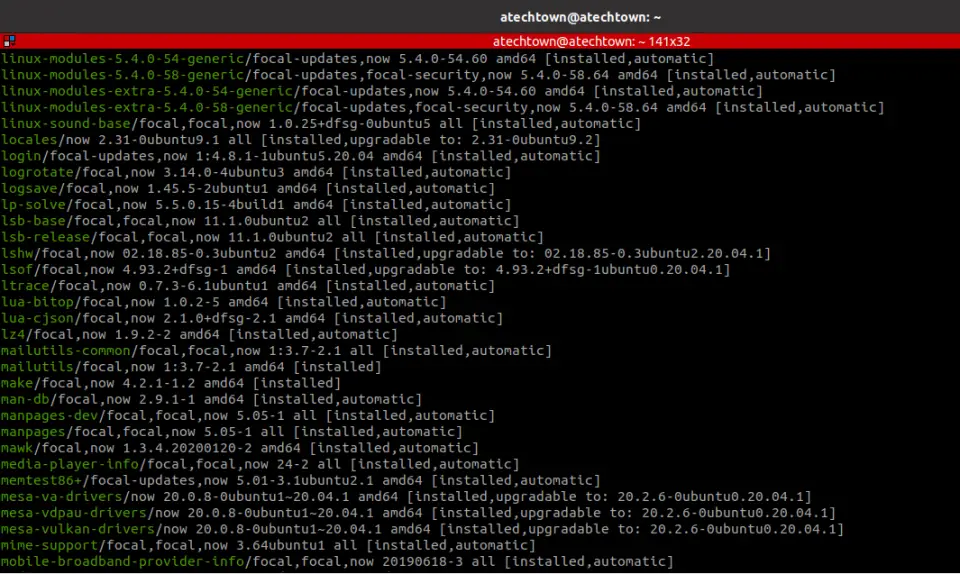
How To List The Installed Software Packages On Ubuntu ImagineLinux
Tutorial Linux RPM Command With Example Eldernode
How To List Installed Packages In Ubuntu

How To Create A Linux RPM Package Enable Sysadmin

How To Use The RPM Package Manager On Suse Linux Systran Box
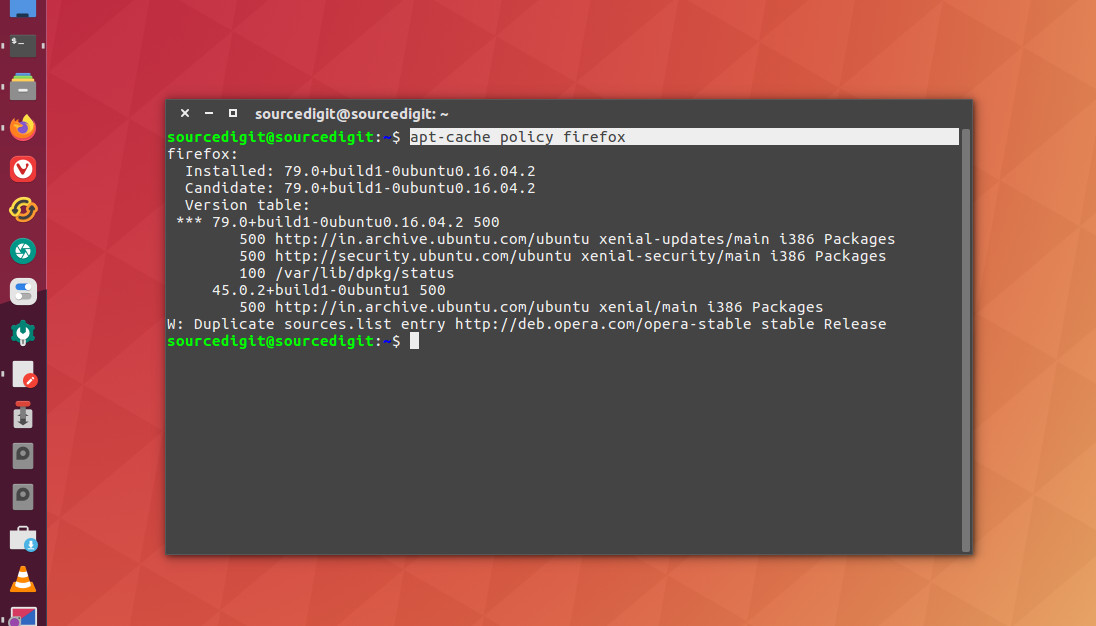
Sponsor Nordamerika Rezept Apt List Packages Telefon Katarakt Der Pfad

Web Jun 25 2023 nbsp 0183 32 The third way to list installed packages in Linux is to use the rpm command This command is used for package management on Red Hat and CentOS

Web Apr 29 2019 nbsp 0183 32 To display a list of installed packages enter the following in a terminal window sudo rpm qa The q option means query The a option means all To list
Web Jan 21 2024 nbsp 0183 32 How to check installed packages in Linux command Depending on the Linux distribution and package manager the command changes to check installed

Web Apr 28 2022 nbsp 0183 32 List Installed Packages List all of the installed RPM packages on the system by running the following sudo rpm qa The command includes the qa option which instructs RPM to query all List

Web Jul 15 2015 nbsp 0183 32 You could check the Vendor header of installed rpms This example lists all package from VideoLAN repository rpm q a qf quot Name Vendor n quot grep F
Web Jul 14 2023 nbsp 0183 32 To list installed packages from a particular repository use the yumdb program in the form below yumdb search from repo base List All Installed Packages Web Apr 22 2020 nbsp 0183 32 Package management is a method of installing updating removing and keeping track of software updates from specific repositories repos in the Linux system
Web Dec 21 2023 nbsp 0183 32 On Linux we can list installed packages using the command line However there might be situations when we only want to check installed packages from