Linux Check Package Installed How To Check File Version In Linux Systran Box Add Bridge Failed Package Not Installed Centos Linux Sticker What Is Package Management In Linux Mint Systran Box Unix Linux Check Package Version Using Apt get aptitude 7 How To Check Installed Package In Linux Terminal YouTube Web Dec 17 2017 nbsp 0183 32 Or you can use following command list all packages in var lib dpkg status dpkg query l You can also try to match package name using wild cards dpkg query l libc6 Once you ve found package name use the following command to get exact status whether it is installed or not
Web Jan 23 2024 nbsp 0183 32 1 Introduction In software administration it s crucial to ensure that all necessary packages are correctly installed to maintain a stable and functional system In general managing packages is an important operating system component In this tutorial we ll discuss how to check whether a package is installed through a package manager Web Aug 16 2023 nbsp 0183 32 In this tutorial we ll see five approaches to listing all the installed packages in Linux using apt dpkg snap dnf and flatpak 2 Using apt Package Manager apt is a command line tool that works with Advanced Packaging Tool APT in Debian based systems such as Ubuntu
How To Check Installed Package In Linux Terminal YouTube Command To Check Version Of Installed Packages In Ubuntu Apt How To Check Version Of Installed Package On Ubuntu And Debian Command To Check Version Of Installed Packages In Ubuntu Apt New Input System Events Not Appearing In Any IDE Ask GameDev tv How To Manually Install A Deb Package Using Command Line In Ubuntu Ansible Check Package Installed In Linux DevopsRoles Top 1 How To Check Linux Package Version Before Installing It OSTechNix Update Debian Packages And Check Debian Ubuntu Linux Package Version
Linux Check Package Installed
 Linux Check Package Installed
https://syscdn.systranbox.com/1661373670972.jpg
Web Sep 26 2019 nbsp 0183 32 You can check a single package or several packages at once Just replace packagename with the name of your package Installed packages will have a green tick next to it along with the version number Packages that aren t installed will be displayed with a red cross Visual Methods for Checking Installed Packages
Pre-crafted templates provide a time-saving solution for developing a varied variety of files and files. These pre-designed formats and designs can be made use of for various individual and professional projects, consisting of resumes, invitations, leaflets, newsletters, reports, presentations, and more, improving the material production procedure.
Linux Check Package Installed

How To Check And List Installed Packages In CentOS Linux Linuxhowto
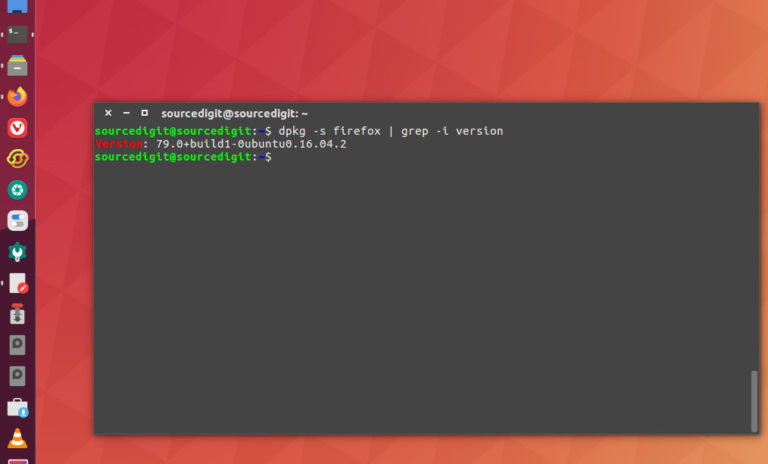
Command To Check Version Of Installed Packages In Ubuntu Apt

How To Check Version Of Installed Package On Ubuntu And Debian
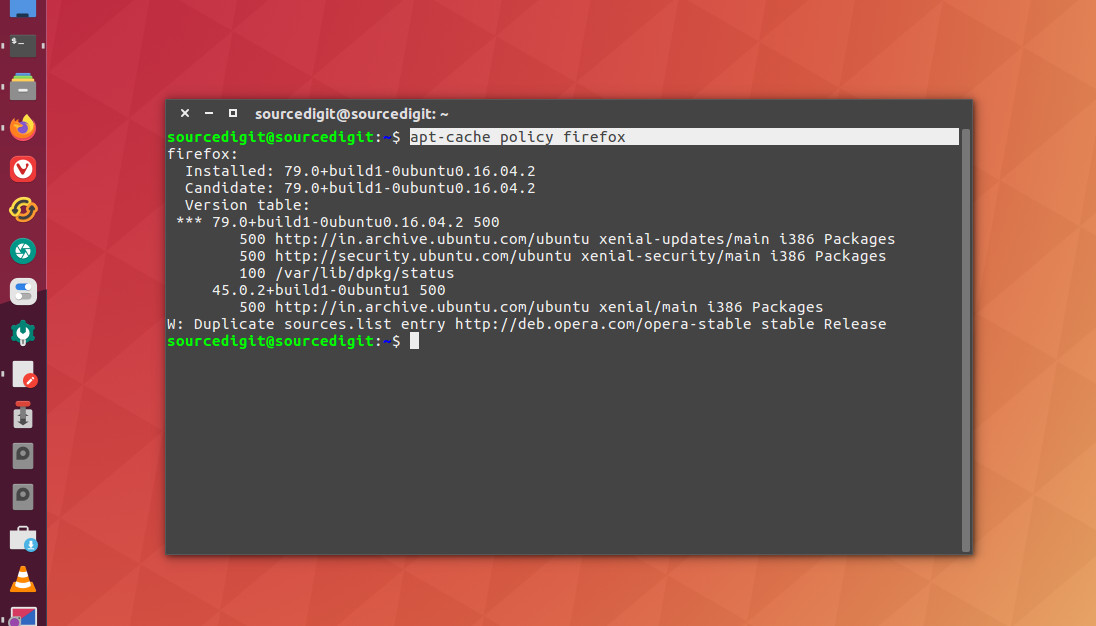
Command To Check Version Of Installed Packages In Ubuntu Apt

How To Manually Install A Deb Package Using Command Line In Ubuntu

Ansible Check Package Installed In Linux DevopsRoles Top 1

Web Dec 20 2023 nbsp 0183 32 How to Check a Particular Package is Installed on Linux 1 Using APT and DPKG Debian On Debian based systems such as Ubuntu and Linux Mint the APT Advanced Packaging Tool 2 Using YUM and DNF RHEL On Red Hat based systems such as CentOS Fedora and Rocky and AlmaLinux the YUM 3

Web Jun 25 2023 nbsp 0183 32 list installed packages with dnf command in Redhat Linux The dnf command is the successor to yum and can also be used to list installed packages in Linux To use it type dnf list installed into your terminal As you can see there are a few different ways to list installed packages in Linux

Web Mar 15 2017 nbsp 0183 32 Learn to check if the package is installed on the Linux server or not Verify if the package available on the server along with its installed date Check if package in installed on Linux Package installation on Linux sometimes fails with error package is already installed nothing to do

Web Jun 13 2017 nbsp 0183 32 dpkg query showformat db Status Status n show package grep q installed dpkg query showformat Status n show package grep q install ok installed are correct But if you have the package dpkg dev installed and you do not just want to check whether a package is installed but you also

Web Feb 13 2019 nbsp 0183 32 To find out whether a specific package is installed you can filter the output with the grep command For example to find out if the screen package is installed on our system we will run sudo apt list installed grep screen screen bionic now 4 6 2
Web Apr 28 2021 nbsp 0183 32 The apt package manager does a lot more than just install packages One example is using apt to search for packages to install In this guide we ll see how to list installed packages with apt This will only work in Linux distros that use the apt package manager such as Debian Ubuntu and Linux Mint just to name a few Web Feb 5 2017 nbsp 0183 32 How do I check if a package is installed on my server 14 answers Closed 7 years ago I installed a JDK package on my Ubuntu 14 04 a few months ago but I don t know how to check which version it is So how to do I find whether a package is installed on Ubuntu and which version of it is installed 14 04 package management installed
Web Aug 1 2021 nbsp 0183 32 Package Manager allows us to perform actions such as installing new software packages removing unused software packages updating the existing software packages searching for specific software packages and updating the system to latest available version etc