Line Spacing Not Working Indesign INDESIGN TUTORIAL How To Reduce And Adjust Line Spacing In Adobe How To Change Line Spacing In InDesign YouTube How To Adjust Line Spacing In Adobe InDesign Line Spacing When To Use Single Or Double Spacing Learning Language Adding Line Spacing Piktochart Knowledge Base 2011 1
20A 2345 Belmont Avenue Durham NC 27700 2345 Belmont Avenue Durham NC Tom 225 Zato You need a double back slash to indicate a new line not a single backslash Next time for faster response just post a new question You won t be the last person to make such
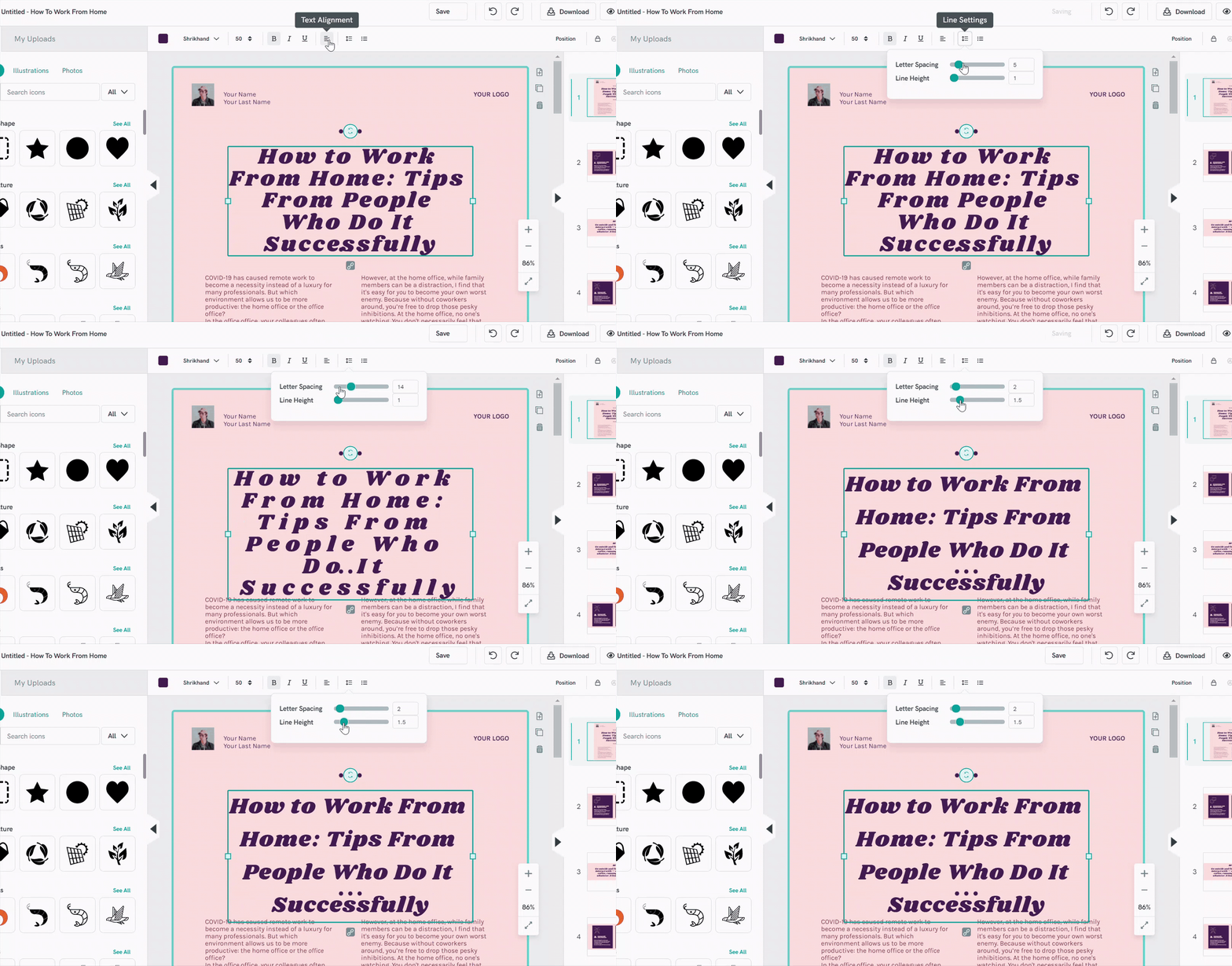
Adding Line Spacing Piktochart Knowledge Base Solved InDesign Line Spacing Adobe Community 12871313 Angular Material Stepper Complete Guide To Angular Material Stepper How To Change Line Spacing In InDesign All Free Mockups InDesign Color Printing Issues Adobe Community 10409483 Line Word And Letter Spacing With Scanmarker Reader English Scanmarker How To Adjust Line Spacing In Wordpad Printable Templates Spacing Component Figma Line Spacing On Resume Castlevaniaconcert
Line Spacing Not Working Indesign
 Line Spacing Not Working Indesign
https://i.ytimg.com/vi/7FtLyJO79Hw/maxresdefault.jpg
GTI R Line R R Line
Pre-crafted templates offer a time-saving service for developing a varied range of files and files. These pre-designed formats and designs can be made use of for various personal and professional jobs, consisting of resumes, invitations, flyers, newsletters, reports, presentations, and more, simplifying the material creation procedure.
Line Spacing Not Working Indesign

InDesign Line Spacing Learn How To Use Line Spacing In InDesign

Solved InDesign Line Spacing Adobe Community 12871313
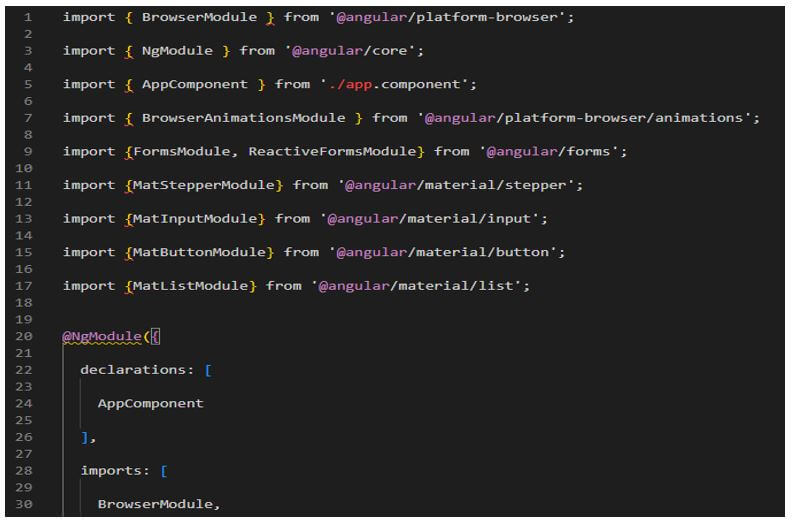
Angular Material Stepper Complete Guide To Angular Material Stepper

How To Change Line Spacing In InDesign All Free Mockups
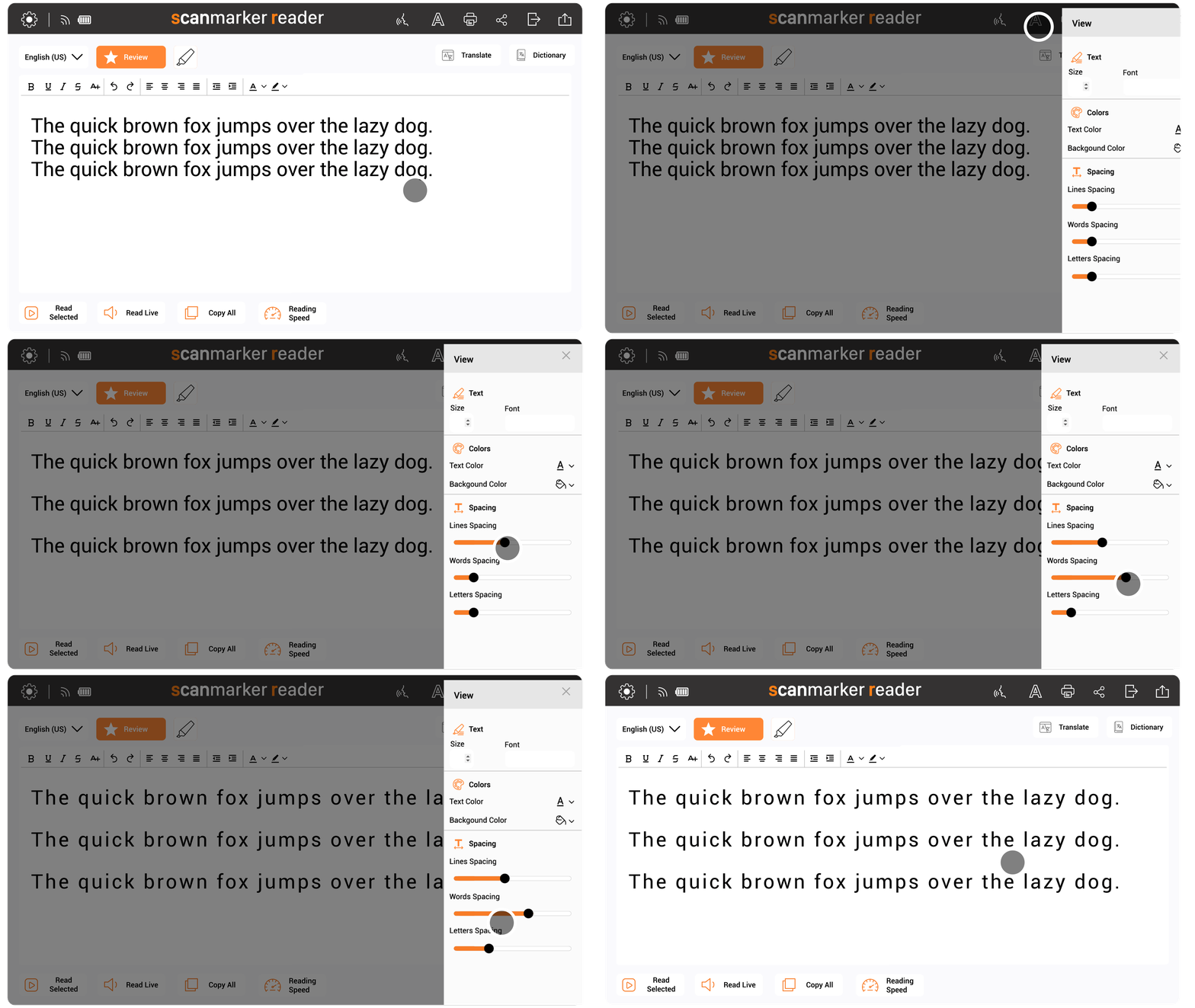
Line Word And Letter Spacing With Scanmarker Reader English Scanmarker

How To Adjust Line Spacing In Wordpad Printable Templates

A new text line And this last solution is that i adopted but if in a really long text it will create a lots of white space on the latex editor and this is not really nice for me Is there a way to create a

No need to use extra code other than double backslash After ending a paragraph give and put an empty line there Combinedly it will work for putting an extra blank line Like I am a LaTeX
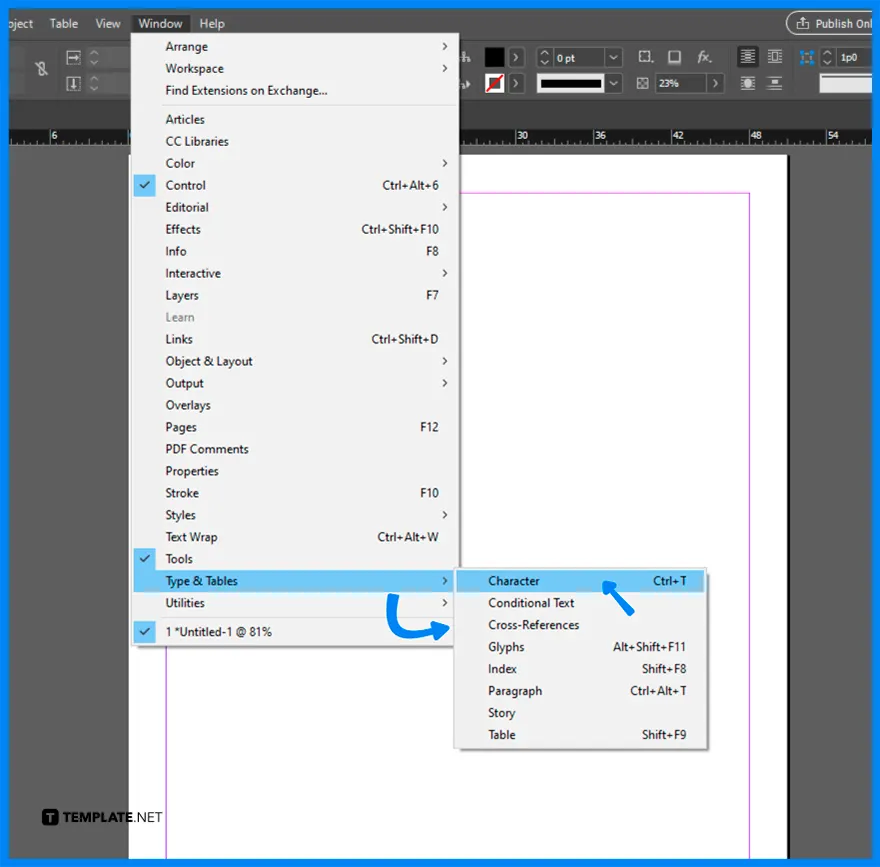
Line in line out line out Line in Mic in

A friendly reminder for everyone using the memoir class that it provides its own mechanisms for line spacing begin Spacing 0 9 tightly spaced text end Spacing There are also
You need something just after your paragraph definition before you can break the line That something in my case is an empty mbox This is a very elementary way of doing things It
[desc-11] [desc-12]
[desc-13]