Lightburn Camera Setup Lightburn Camera Setup INVERSION And FLIP LightBurn Software LB Camera Setup On Mac Cameras LightBurn Software Forum LightBurn V0 6 05 Rotary Support Workspace Camera Color matched Imp Lightburn Camera Setup Issues Not In Focus Cameras LightBurn Lightburn Camera Setup LA Hobby Guy [desc-7]
Web Jan 16 2019 nbsp 0183 32 1 1K 120K views 4 years ago A walk through of the camera calibration and alignment process with LightBurn If you need help please come to our support forum at http forum lightburnsoftw [desc-8]
Lightburn Camera Setup LA Hobby Guy Fail Camera Setup LightBurn Software LightBurn Software Forum Lightburn Camera Setup Stuck In Alignment Phase LightBurn Software Affordable Lightburn Camera Setup YouTube Lightburn Camera Setup LA Hobby Guy Lightburn Camera Setup LA Hobby Guy Win10 Lightburn Camera Setup Corlo Lightburn Camera Setup LA Hobby Guy My 50 Lightburn Camera Setup And Calibration YouTube
Lightburn Camera Setup
 Lightburn Camera Setup
https://forum.lightburnsoftware.com/uploads/default/optimized/2X/7/7fd2bc49c52b3164017d5cb05e104521fa45324d_2_750x1000.jpeg
[desc-9]
Pre-crafted templates provide a time-saving solution for creating a diverse series of files and files. These pre-designed formats and designs can be utilized for various personal and professional jobs, including resumes, invites, leaflets, newsletters, reports, discussions, and more, improving the material production procedure.
Lightburn Camera Setup
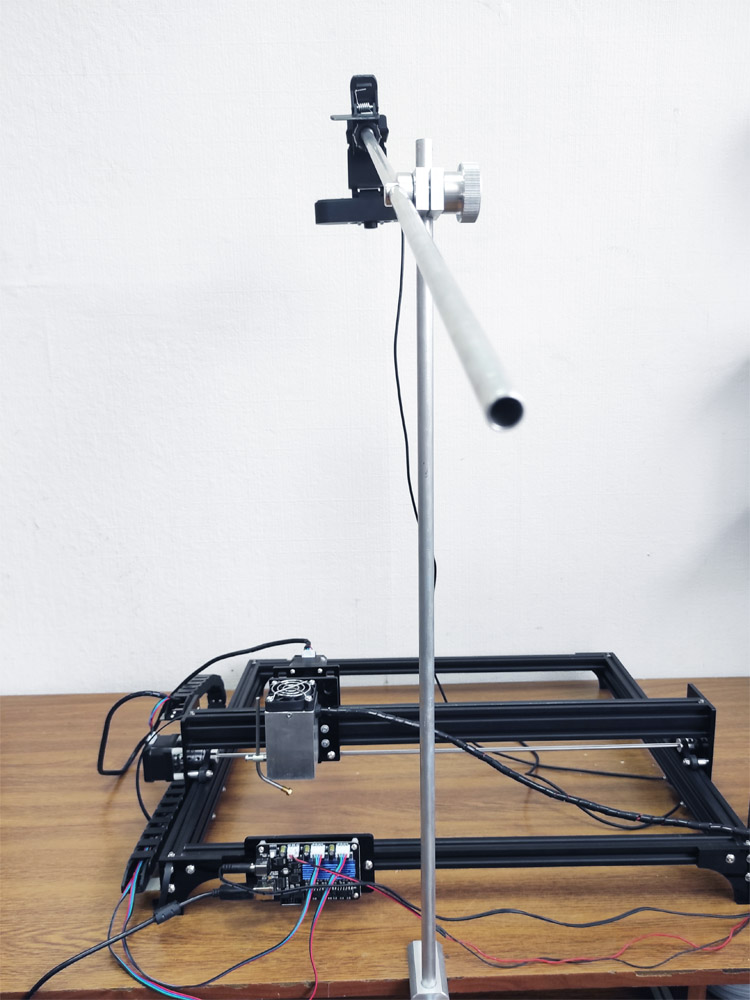
Using A Camera In A Lightburn Software Convert Your Smartphone Camera
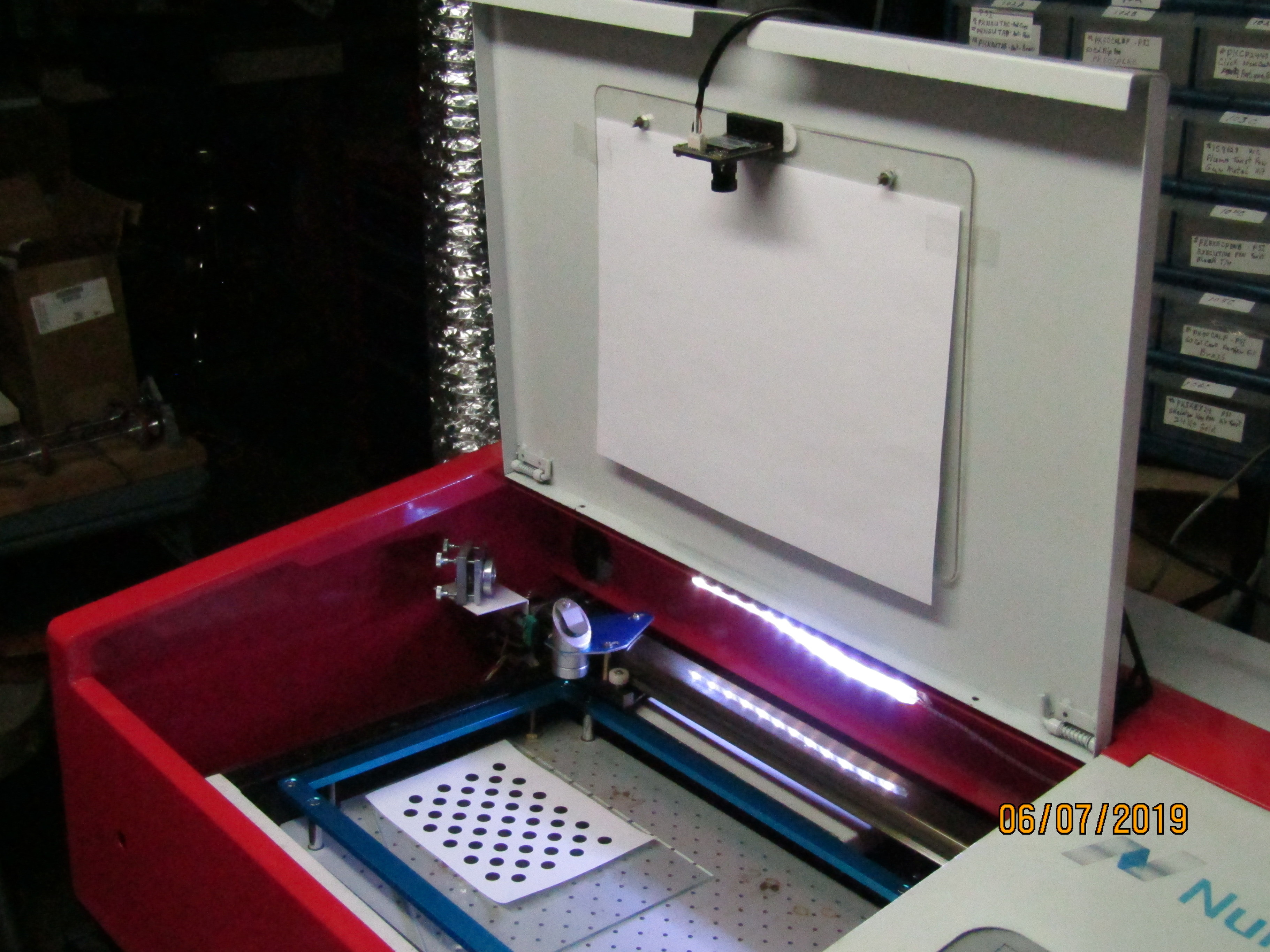
Fail Camera Setup LightBurn Software LightBurn Software Forum
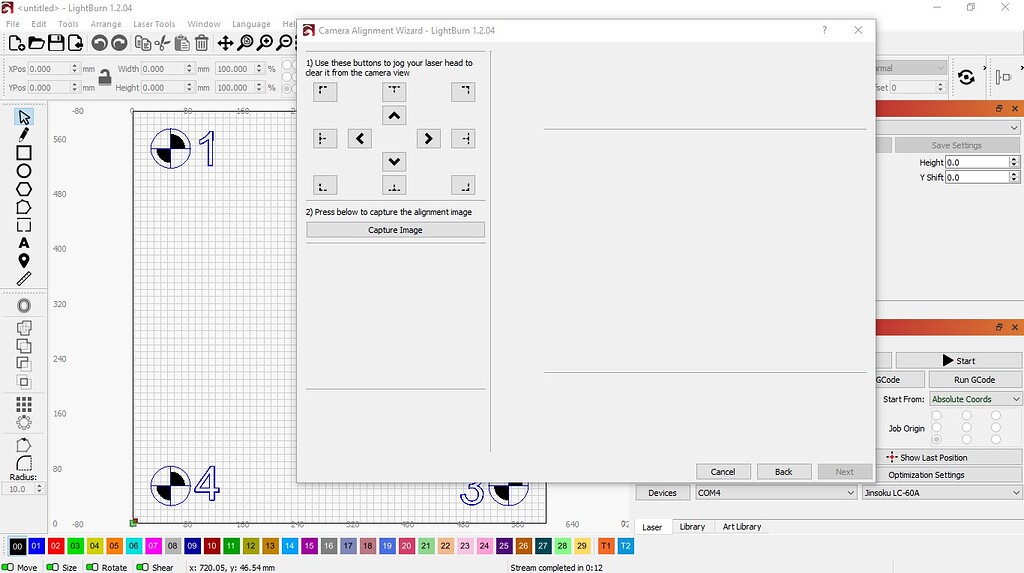
Lightburn Camera Setup Stuck In Alignment Phase LightBurn Software

Affordable Lightburn Camera Setup YouTube

Lightburn Camera Setup LA Hobby Guy
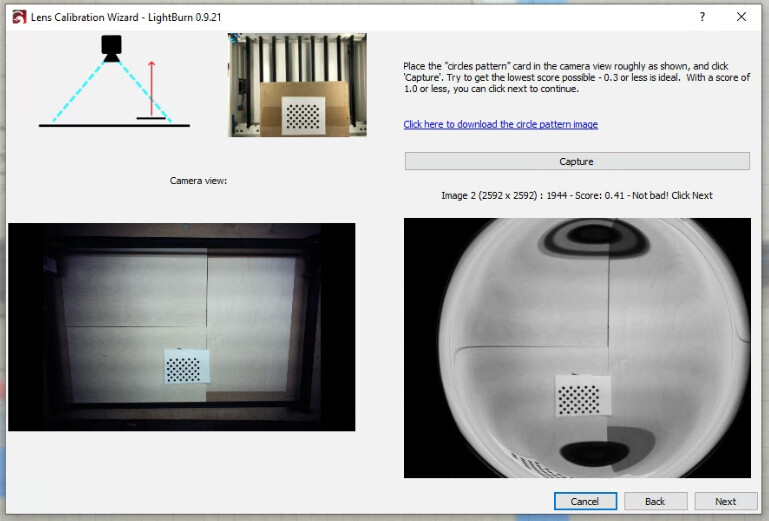
Win10 Lightburn Camera Setup Corlo
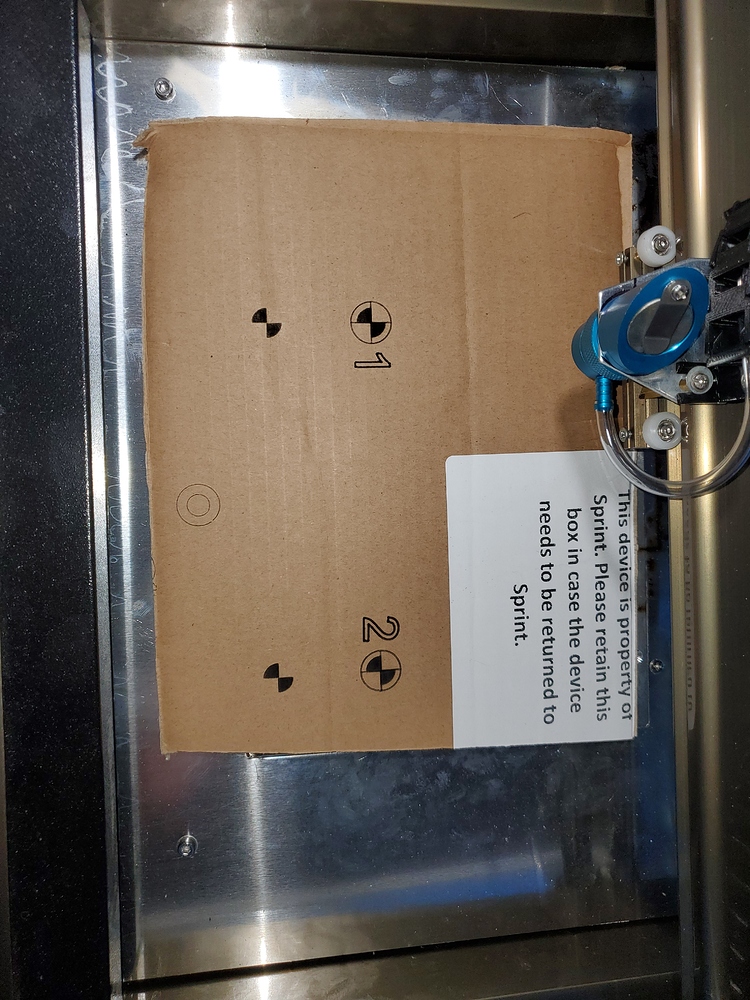
Web May 7 2019 nbsp 0183 32 LightBurn provides for the integration of a hi res camera into your current workflow to ease and enhance your laser projects and production Once set up and calibrated correctly the camera feature provides for accurate placement of artwork on desired materials with visual feedback
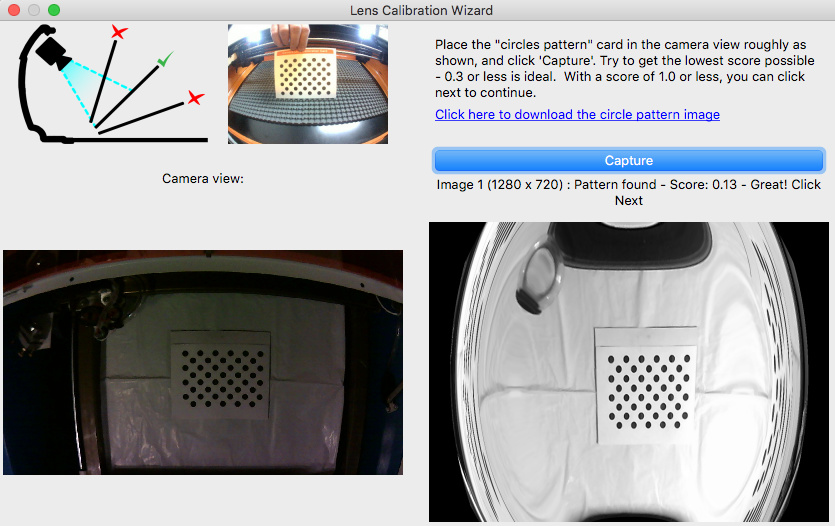
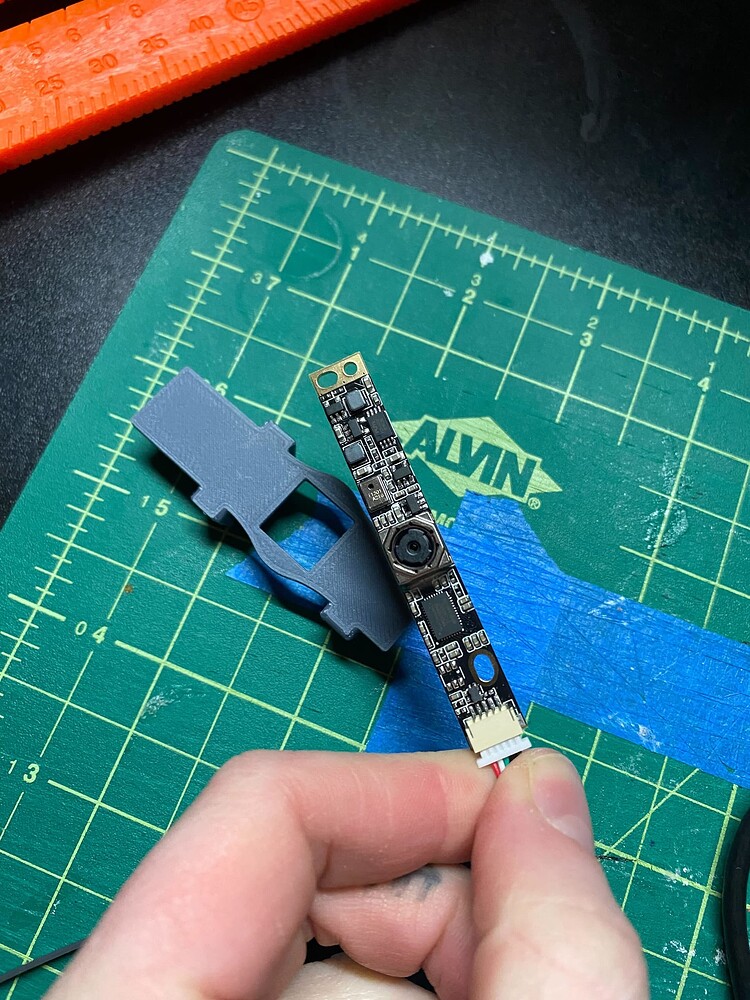
Web Here is the getting started part Plug the cable small end into the camera module it only goes in one way don t force it and the USB end into the Enable Camera Control by right clicking on the Cuts bar at the top and clicking Camera Control to enable it In the Camera dropdown LightBurn

Web Camera Selection 182 LightBurn s camera features require the use of a USB camera A wide range of cameras have been used successfully but if you don t currently have a camera and want one known to work well with LightBurn we sell several different cameras along with a suitable mount
Web Lightburn Tutorial Setting up your cameraSetting up a camera in a laser cutter with LightburnIn this tutorial we go step by step through setting up a camer

Web If you don t have a camera installed or if your camera s view is distorted our guides can help you with selecting installing and calibrating a camera Selecting a camera Installing a camera Calibrating a camera Aligning a camera
[desc-11] [desc-12]
[desc-13]