Launch Wsl 2 Behind Launch Chapel Hill Incubating Businesses And Jobs Launch Install Ubuntu 22 04 On WSL Guillaume s Blog WSL 0 70 8 Windows Subsystem For Linux Und WSLg 1 0 47 Mit Launch How Do I Get Windows 10 Terminal To Launch WSL Stack Overflow VERKKO First you need to ensure that your Windows 10 version supports WSL2 Then open PowerShell as an administrator and run the command wsl set version lt distribution name gt 2 Replace
VERKKO Open PowerShell or Windows Command Prompt in administrator mode by right clicking and selecting quot Run as administrator quot enter the wsl install command then restart VERKKO To install WSL 2 on Windows 10 OS Build 1909 or 1903 you need to follow 4 steps Enable WSL 2 Enable Virtual Machine Platform Set WSL 2 as default Install a Linux distro I walk through each step in
How Do I Get Windows 10 Terminal To Launch WSL Stack Overflow Launch Kit WSL Launch Configuration Of Launch Options WIN11 WSL Linux windows 11 linux Wsl CSDN Launch Vehicle Wikipedia GEOGRAFIA WSL WSL Specialty services The Wax Skin Lounge
Launch Wsl 2
 Launch Wsl 2
https://images.squarespace-cdn.com/content/v1/62be69dee0016f75cbf8798c/dd3d1461-3635-44b6-ad25-c6d37f1b0dcf/launch-logo-3_with-rocket-stars.png?format=1500w
VERKKO Executing a Command For each method you can append a command that you d like to execute in the terminal That is c command bash c command wsl command NOTE In this case you don t append
Templates are pre-designed files or files that can be used for numerous purposes. They can conserve time and effort by supplying a ready-made format and layout for creating different kinds of material. Templates can be used for personal or expert tasks, such as resumes, invites, flyers, newsletters, reports, presentations, and more.
Launch Wsl 2

Savings Offers Preview Launch Back

Launch Kit

WSL

Launch

WIN11 WSL Linux windows 11 linux Wsl CSDN

Launch Vehicle Wikipedia

VERKKO In this article The WSL commands below are listed in a format supported by PowerShell or Windows Command Prompt To run these commands from a Bash

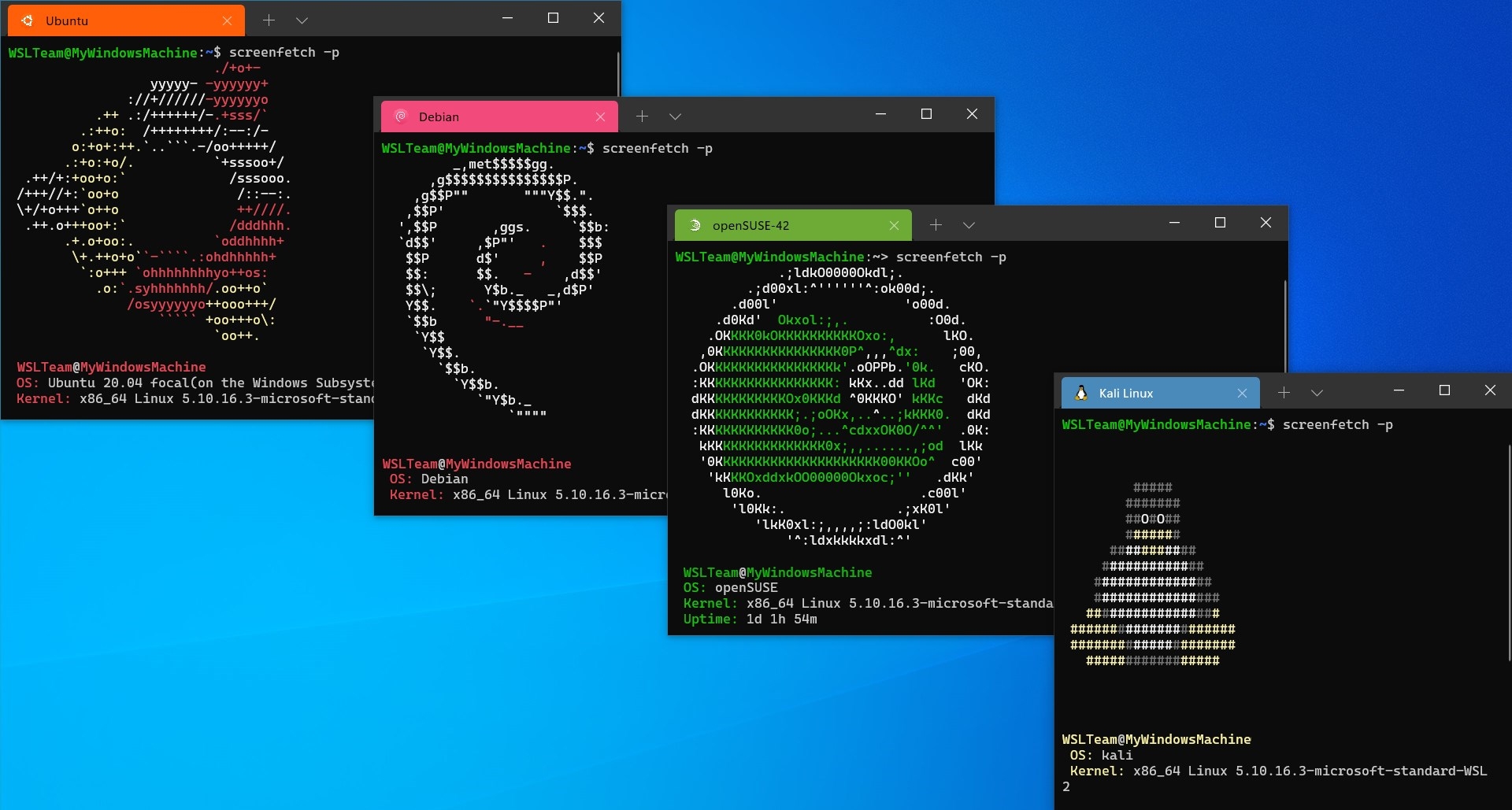
VERKKO With your Command Prompt or PowerShell open type in this command to get WSL2 started wsl This opens up the default Linux distribution you ve got installed If you ve got more than one and
VERKKO To do this you must manually perform all the steps that the wsl install command performed automatically Install WSL and VirtualMachinePlatform features Install

VERKKO To get the very latest version you need to be running Windows 10 version 21H1 21H2 or 22H2 or on Windows 11 21H2 with all of the November updates applied Once this is in place open up
VERKKO To confirm the installation open up PowerShell and run the following command wsl exe list all verbose We should expect to see one row for Ubuntu with the
VERKKO With newer versions of Windows including Windows 11 you can set up WSL 2 simply by running wsl install This will update the appropriate settings to enable WSL and VERKKO You can see the default distribution with wsl exe status or wsl exe list verbose from PowerShell CMD or WSL You can change the default distribution by running
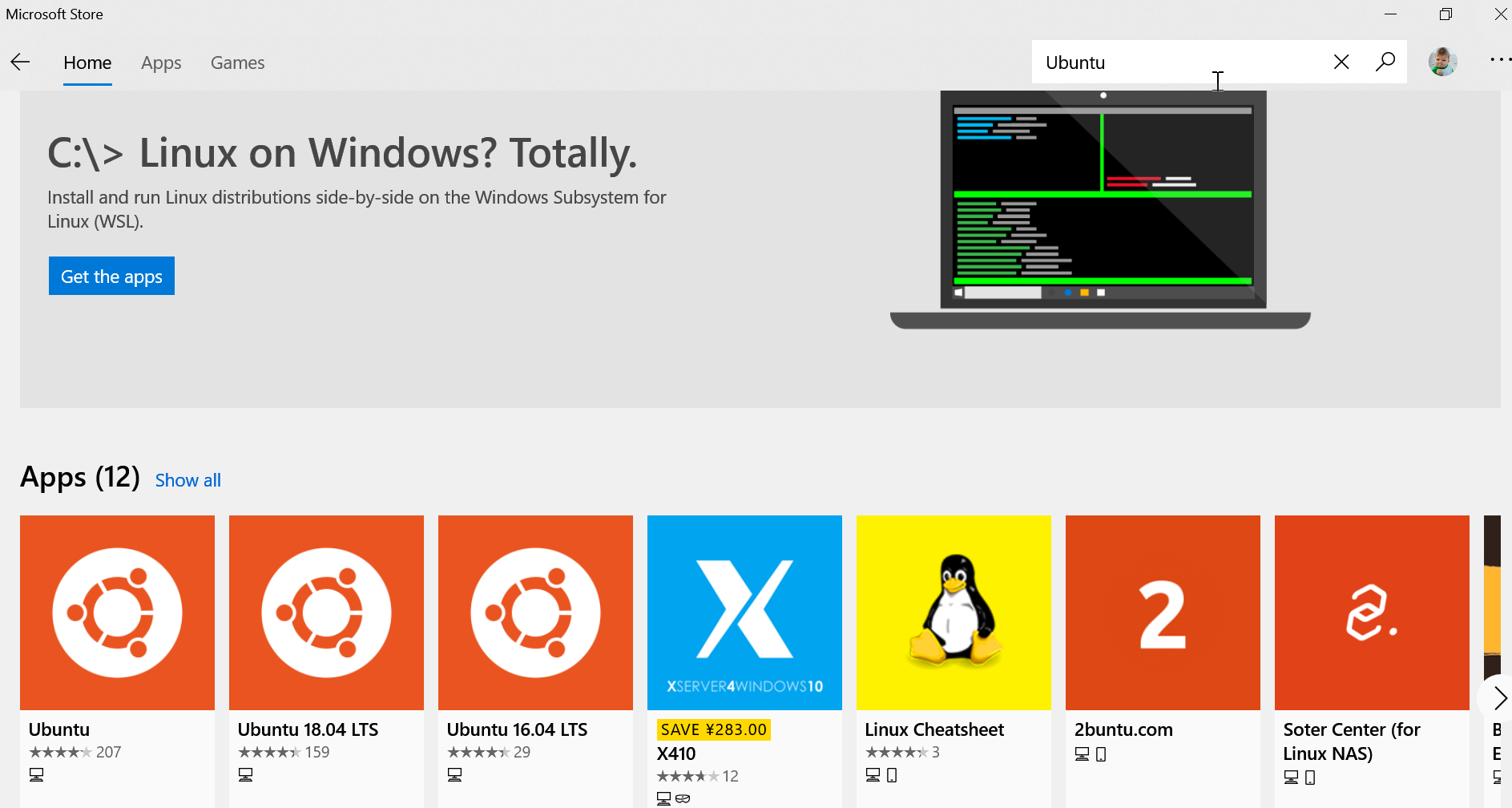
VERKKO Here s how you can begin using Linux commands and utilities on a WSL 2 running Ubuntu Launch the Start menu search for Ubuntu and select the Best match