Lasso Tool Affinity Designer Ipad How To Use The Place Image Tool In Affinity Designer YouTube EVERY Pen Tool Shortcut Affinity Designer 2 Minute Tip Pen Tool Lasso Tool On Ai For IPad Adobe Community 12967317 Affinity Designer IPad Node Tool Understanding How It Works YouTube Using The Lasso Tool YouTube WEB Jul 11 2018 nbsp 0183 32 What is Affinity Designer for iPad Affinity Designer is vector graphics design software allowing you to create original concept art logos typography UIs digital paintings and pretty much anything else your imaginative heart desires
WEB Lasso selection With three fingers held down either Draw freehand around nodes to encompass them in the blue selection area Draw a polygonal area around nodes taking a tap by tap approach WEB Check out the complete feature list and system requirements for Affinity Designer to see how it s revolutionising the way thousands of professionals work
Using The Lasso Tool YouTube Affinity Designer 2 For Sewing 101 The Basics Projector Sewing Affinity Designer IPad Contour Tool Affinity Designer Infographic Pro Illustrator App Affinity Designer Comes To IPad With Apple Pencil Affinity Designer Comes To IPad The Mac Observer Affinity Designer iOS Review A Must Download Trusted Reviews Affinity Designer Download For Windows And Mac Affinity Photo Lasso Tool Explained YouTube The Move Tool Context Toolbar It s Mysteries Explained In Affinity
Lasso Tool Affinity Designer Ipad
 Lasso Tool Affinity Designer Ipad
https://i.ytimg.com/vi/rxeL9PdNnaw/maxresdefault.jpg
WEB Oct 22 2018 nbsp 0183 32 Affinity Designer is a popular vector editing tool for Mac Windows and now iPad The app is cleverly broken down into three interchangeable personas the Draw persona for vector editing the Pixel persona and lastly the Export persona
Pre-crafted templates use a time-saving solution for creating a varied series of documents and files. These pre-designed formats and designs can be utilized for different individual and professional jobs, including resumes, invites, leaflets, newsletters, reports, presentations, and more, simplifying the content production process.
Lasso Tool Affinity Designer Ipad
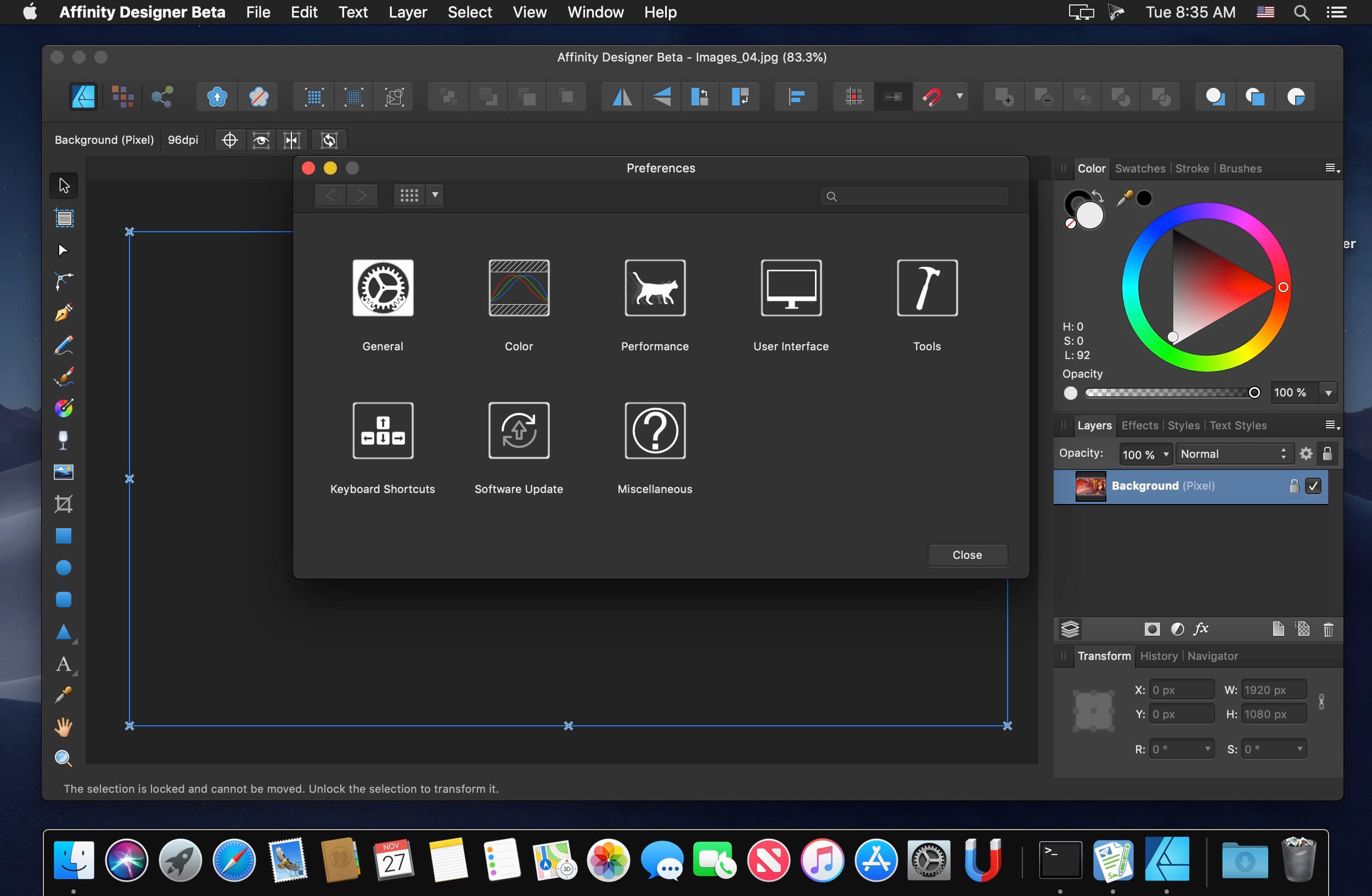
Affinity Designer Tool Noredstudio

Affinity Designer 2 For Sewing 101 The Basics Projector Sewing

Affinity Designer IPad Contour Tool Affinity Designer Infographic
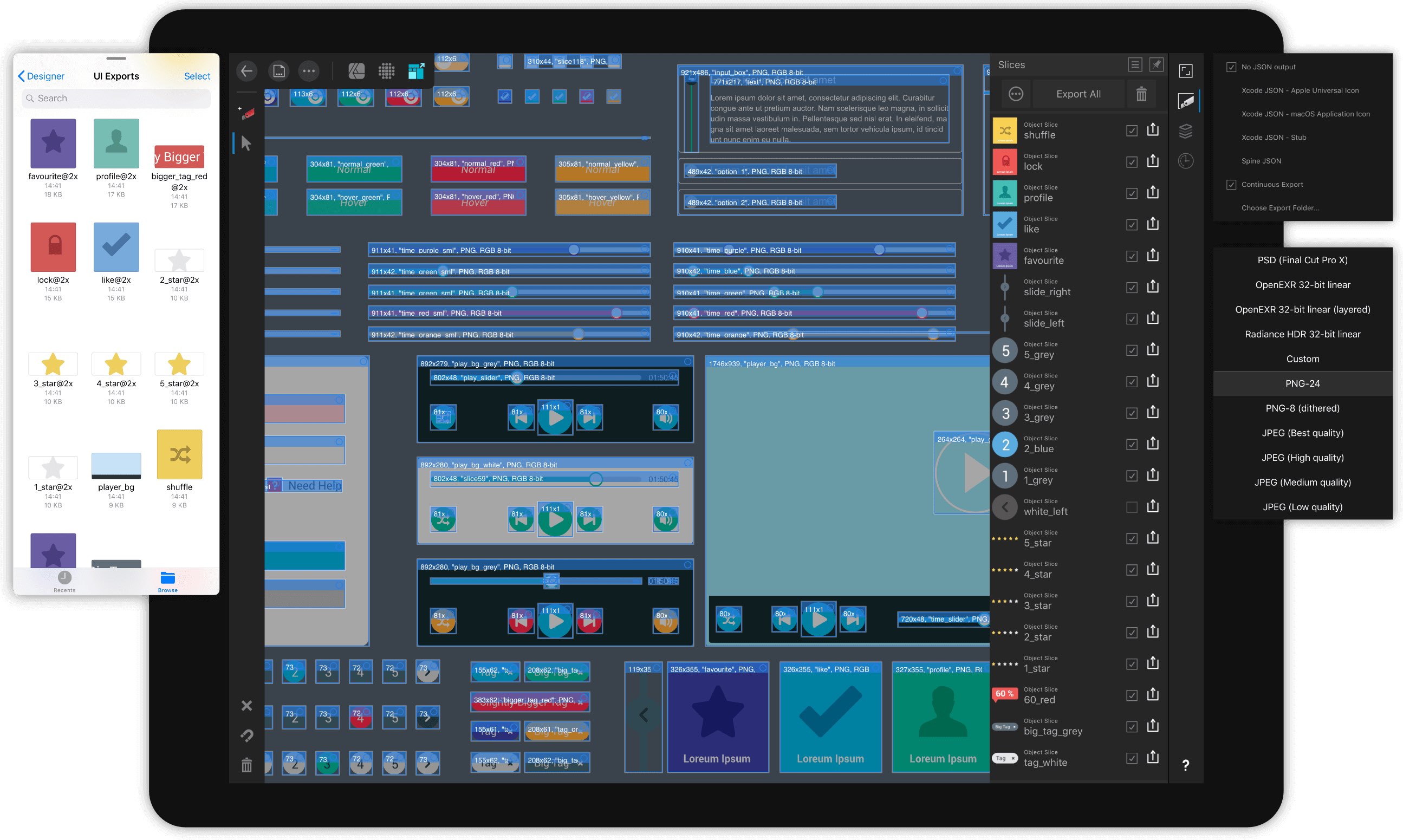
Pro Illustrator App Affinity Designer Comes To IPad With Apple Pencil
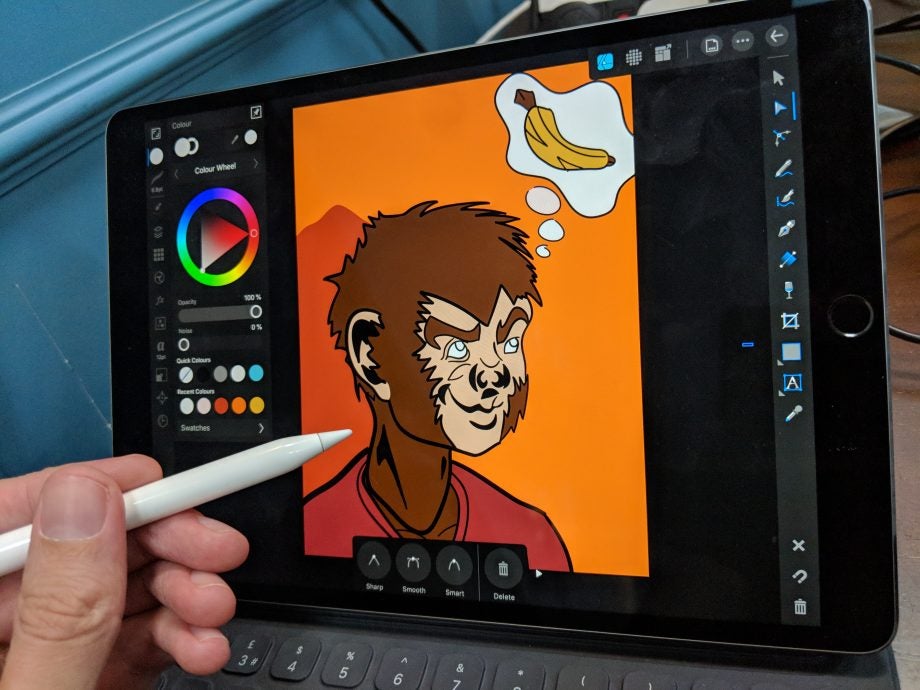
Affinity Designer iOS Review A Must Download Trusted Reviews
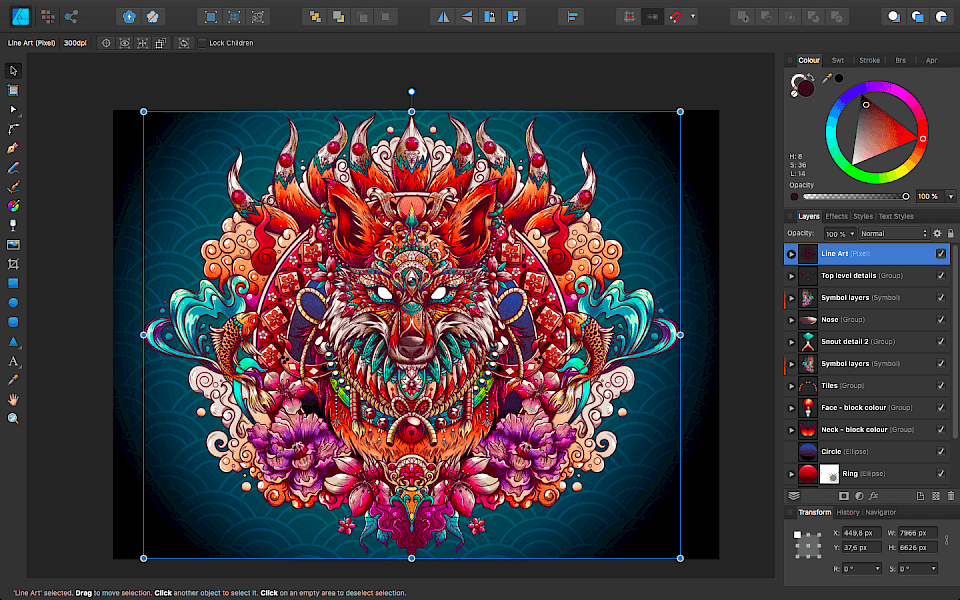
Affinity Designer Download For Windows And Mac

WEB Feb 9 2021 nbsp 0183 32 There s the freehand marquee tool On the ipad version at the bottom of the screen you can switch the type to polygonal to make points for the selection and you can change the mode from new add subtract or intersect

WEB Aug 7 2019 nbsp 0183 32 Feedback for Affinity Designer V1 on iPad Lasso tool 2 1 0 Customer Betas are now available on all platforms Forum Security Alert Important Information for All Forum Users Lasso tool lasso tool By hannabygrace August 7 2019 in Feedback for Affinity Designer V1 on iPad Share

WEB Dec 1 2022 nbsp 0183 32 To me the lasso freehand selection tool and polygonal selection tools are a must have in my daily workflow For very irregular selections they are indispensable especially when you also have to avoid selecting other objects close by

WEB Get started with Affinity Designer for iPad with these useful resources for the iPadOS version of our professional graphic design app

WEB May 18 2023 nbsp 0183 32 Get started with Affinity Designer 2 for iPad using this short overview of the product its user interface and key features
WEB May 13 2019 nbsp 0183 32 i am about to purchase affinity for my ipad pro but i am not sure if there are funcionalitys i need what i want to do is i have a digital sticker page i want to load it into a draw program like affinity with the lasso tool i want to cut out the sticker i need to save it to dropbox and use it WEB Affinity Designer for iPad offers the user a new and fresh high end graphic design experience on your iPad device All the power and precision of the macOS and Windows versions of Affinity Designer are at hand in this iPad version
WEB Jul 31 2022 nbsp 0183 32 1 With the node tool active select the layer 2 Tap and hold anywhere with your Pencil 3 Place and hold 3 fingers while still holding the Pencil down 4 Lift the Pencil but continue the 3 finger hold this is the step I kept missing