Label Html Meaning Define List HTML Formatting GIT Education YouTube What Is White Label Explained By That Company YouTube HTML Span Tag With CSS And JavaScript YouTube Como Hacer Un Formulario De Registro Con Etiquetas Input Type En HTML Y How To Create A Floating Label Input With HTML And CSS Floating 0 4 0 custom label 0
Add multiple contacts to a label Tap Add contact Touch and hold a contact Tap other contacts you want to add Add Tip If a contact has multiple email addresses only their default email Create rules to filter your emails On your computer yo u can manage your incoming mail using Gmail s filters to send email to a label or archive delete star or automatically forward your
How To Create A Floating Label Input With HTML And CSS Floating Qu est ce Que Le HTML Agence Web Mooood fr Sldax Blog What Is Span In Html Best Sale Cityofclovis HTML Footer Tag With Examples HTML Meaning Definition History HTML Meaning Definition History Skeleton Label Worksheets Library
Label Html Meaning
 Label Html Meaning
https://i.ytimg.com/vi/qPPnzmtjxew/maxresdefault.jpg
White Label logo
Templates are pre-designed files or files that can be used for different purposes. They can save effort and time by offering a ready-made format and layout for creating different kinds of content. Templates can be utilized for individual or expert jobs, such as resumes, invitations, leaflets, newsletters, reports, presentations, and more.
Label Html Meaning

Human Body Scan Using HTML CSS And JavaScript Body Scanner Project

Qu est ce Que Le HTML Agence Web Mooood fr
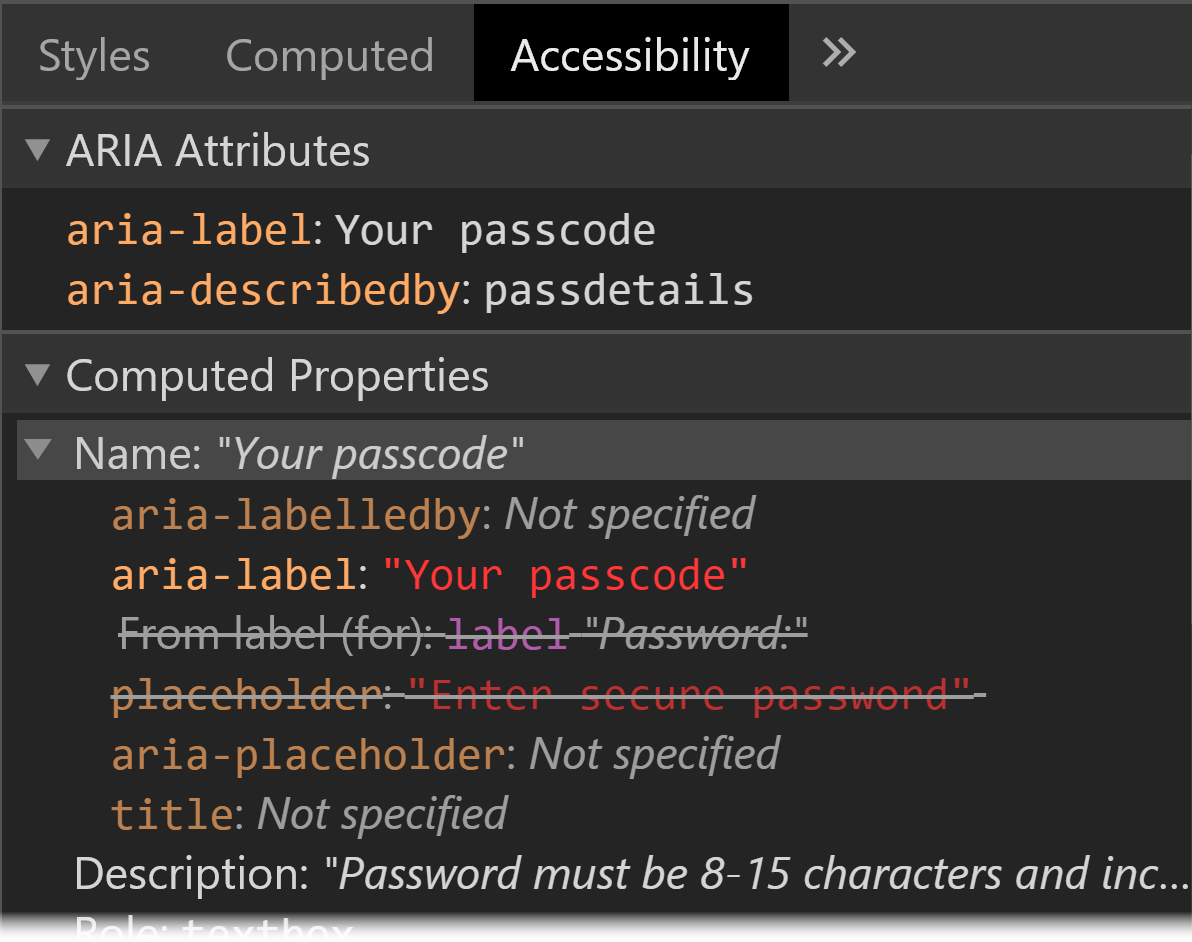
Sldax Blog
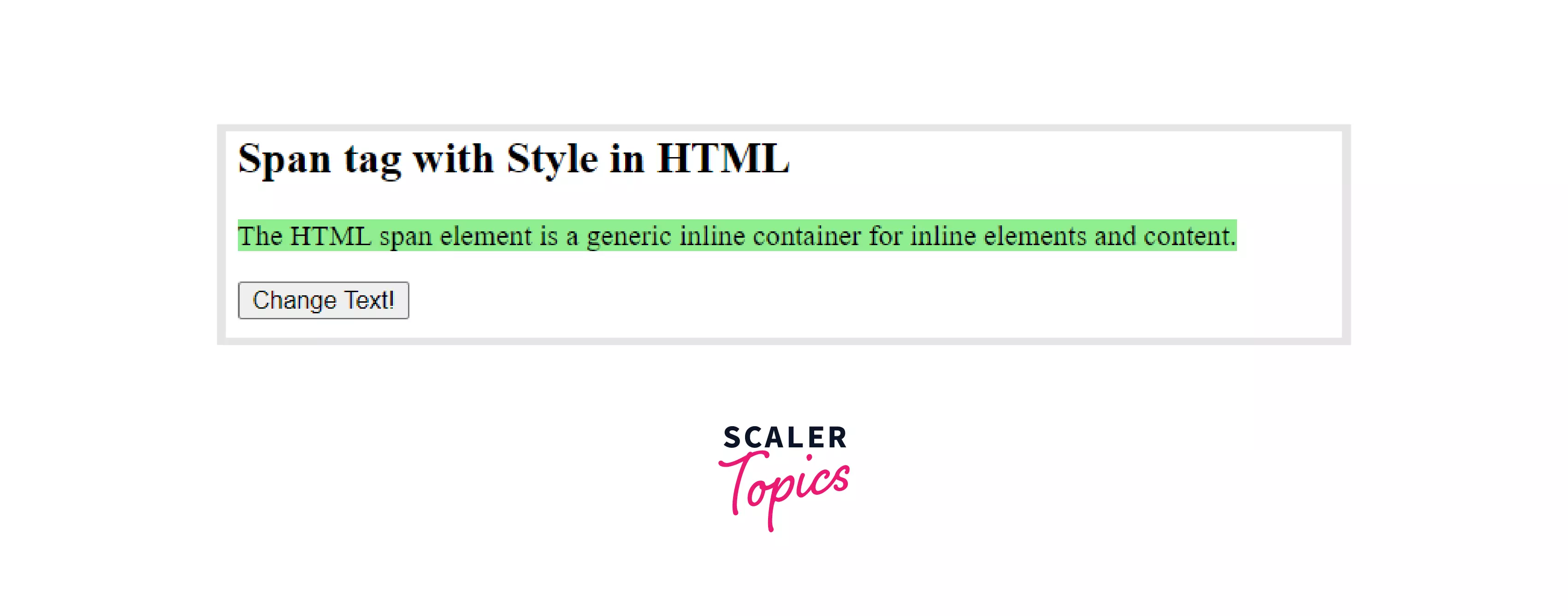
What Is Span In Html Best Sale Cityofclovis
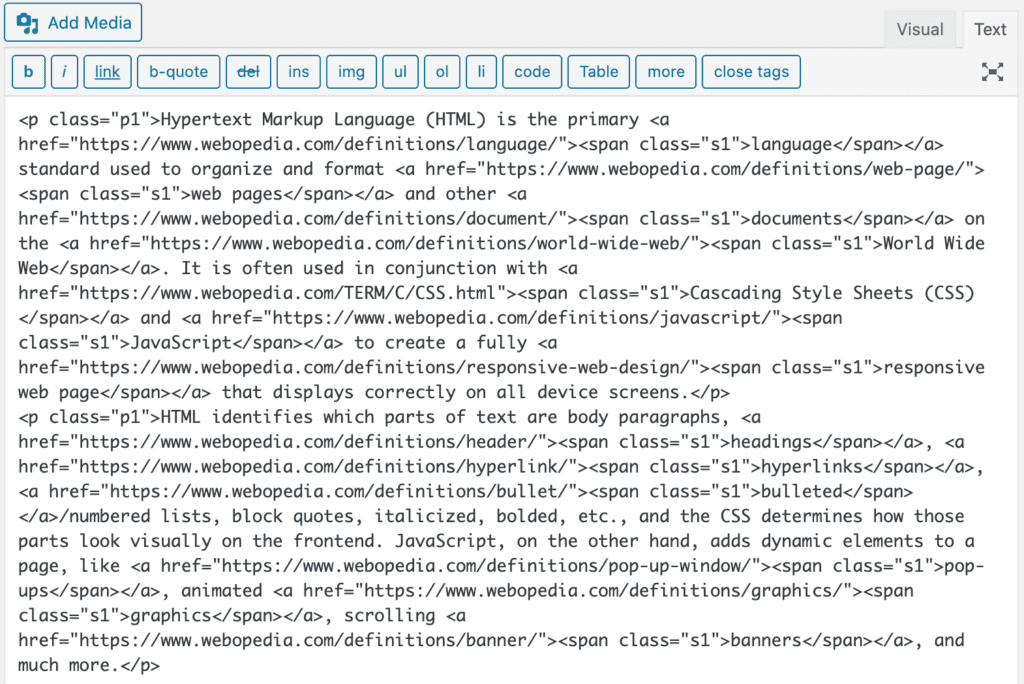
HTML Meaning Definition History

HTML Meaning Definition History

Label Tag tag label

labeled labelled labeled labelled label le b l CET4 TEM4 labeling labeled labels 1 A label is a piece of paper or plastic that is

Tip If a contact has multiple email addresses only their default email address is added to the label group You can use the Contacts app on an Android device to change the default email

To the left of a message touch and hold the letter or photo touch and hold any other messages you want to add labels to

You can import your contacts into Google Contacts from other sources Import from an existing CSV or vCard file On your computer go to
[desc-11] [desc-12]
[desc-13]