Kill All Processes On Port Mac How To Kill All Processes In NodeJS GeeksforGeeks How To View And Kill Processes On Your Mac How To Make A Blue Screen On Notepad What Is Mark Down SharePoint Expert July 2011 Kill Processes Using Wildcards With Pkill In Mac OS X Web Mar 26 2020 nbsp 0183 32 Kill the process running on a specific port on macOS We can use the kill command with the 9 option and the port PID number to kill a process on macOS Use
Web May 29 2021 nbsp 0183 32 A quick way to kill a process that uses a specific port This is what you need if you get an EADDRINUSE error which says that a process can t bind to a port Web Apr 25 2021 nbsp 0183 32 How to kill a process by port on MacOS Every now and then I find myself in need to kill a process knowing only the port it s using Below you can read the magic
Kill Processes Using Wildcards With Pkill In Mac OS X Linux Kill All Processes By Command Stack Overflow Kill App On Port Mac Explorer exe Kill All Processes At Once Tutorials Idea Gitee Cannot Load Information For Gitee How To Kill Process On CPanel WHM HostOnNet Kill A Process In Windows By Port Number Developer Docs By Indraneel SQL SERVER How To Kill All The Processes For Any Database SQL Terminator 101 How To Kill All The Processes In Windows 10 11
Kill All Processes On Port Mac
 Kill All Processes On Port Mac
https://media.geeksforgeeks.org/wp-content/uploads/20220314180609/IMG20220314160924.jpg
Web Apr 8 2023 nbsp 0183 32 Here s how to do it Step 1 Open Activity Monitor you can find it in Applications Utilities Step 2 Click on the Network tab Step 3 Look for the process
Templates are pre-designed files or files that can be utilized for numerous purposes. They can save time and effort by providing a ready-made format and layout for producing different sort of content. Templates can be utilized for personal or expert tasks, such as resumes, invitations, flyers, newsletters, reports, discussions, and more.
Kill All Processes On Port Mac
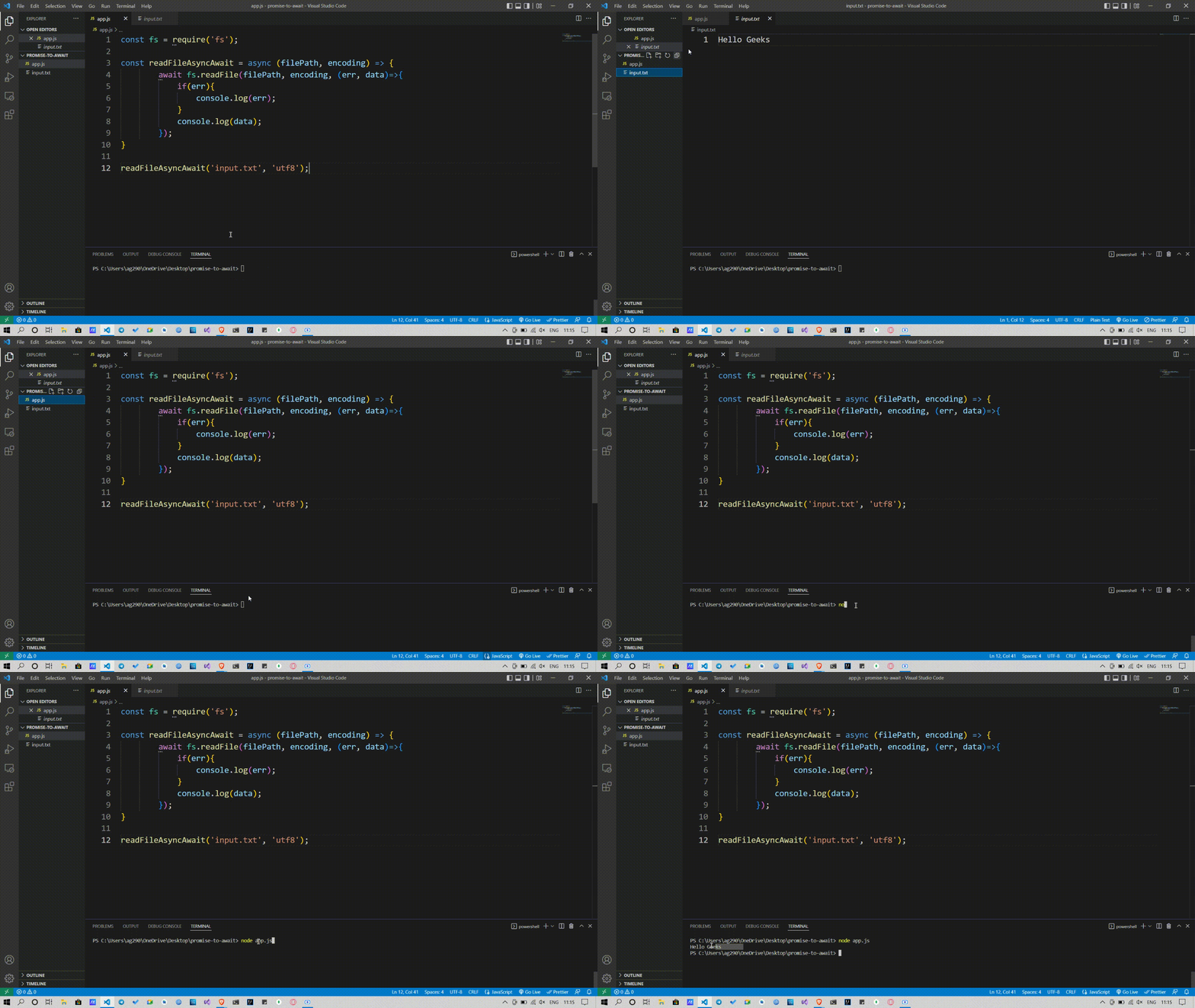
How To Rewrite Promise based Applications To Async Await In Node js

Linux Kill All Processes By Command Stack Overflow

Kill App On Port Mac

Explorer exe Kill All Processes At Once Tutorials
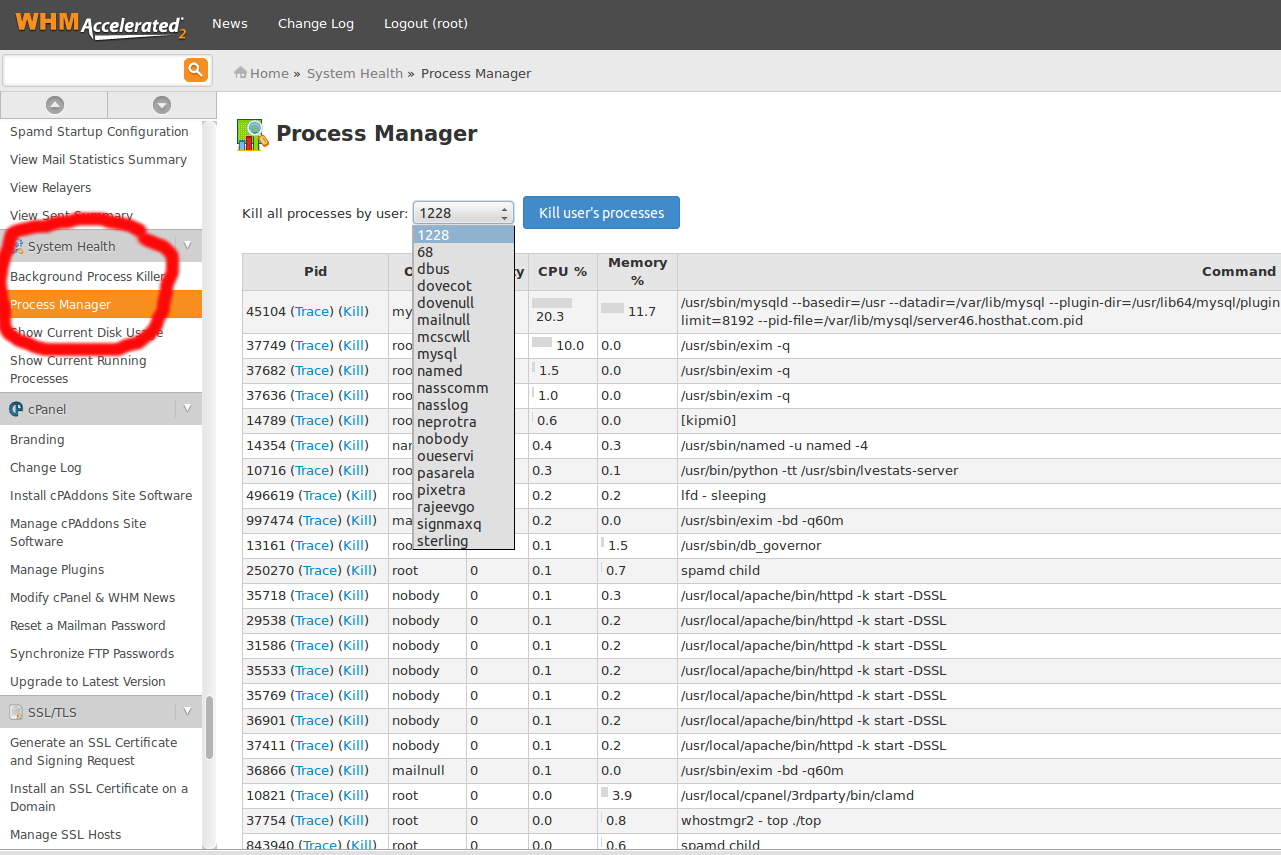
How To Kill Process On CPanel WHM HostOnNet
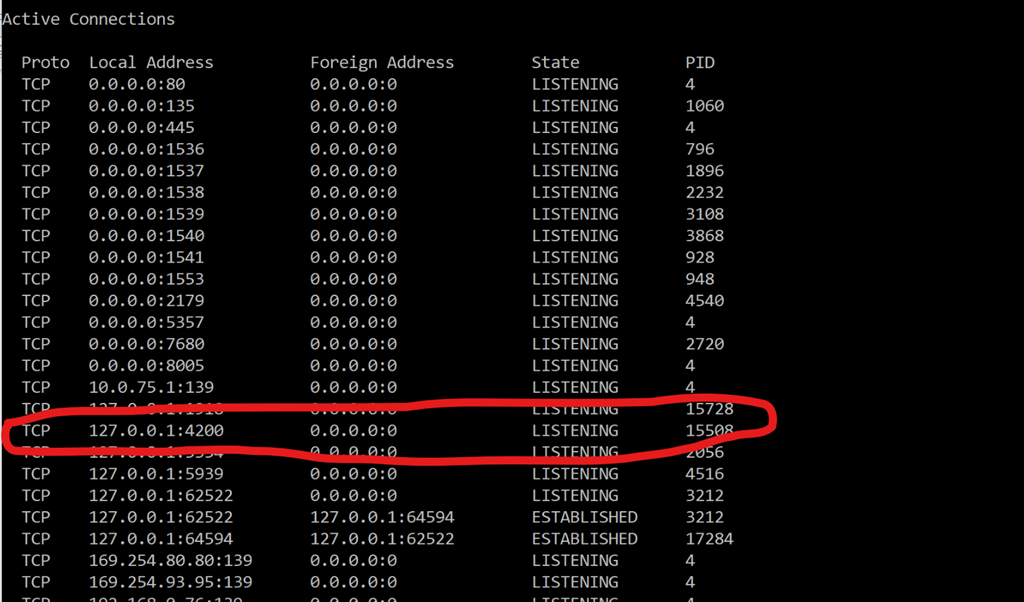
Kill A Process In Windows By Port Number Developer Docs By Indraneel

Web Jul 18 2012 nbsp 0183 32 You can see if a port if open by this command sudo lsof i 8000 where 8000 is the port number If the port is open it should return a string containing the Process ID

Web Apr 9 2021 nbsp 0183 32 Open the OSX Terminal app and go to the running processes list Search for the process you want to terminate Terminate the process

Web Oct 3 2010 nbsp 0183 32 One of the ways to kill a process on a port is to use the python library freeport https pypi python pypi freeport 0 1 9 Once installed simply install freeport pip
Web Aug 12 2023 nbsp 0183 32 List out multiple ways in case one of the approaches is not working in Mac version types First approach Find process by port name netstat vanp tcp grep 3000

Web Mar 10 2023 nbsp 0183 32 In order to kill all the processes using the specific port type in the following command and press Enter to execute it taskkill PID lt typeyourPIDhere gt F This will immediately terminate the program Read
Web Mar 27 2023 nbsp 0183 32 Simply do lsof ti port number xargs kill This command is a combination of two commands lsof and xargs that are used together to find and kill a process that is Web Dec 22 2021 nbsp 0183 32 You can do it with Terminal in three steps Run the command lsof i make sure to insert your port number to find out what is running on this port Copy the Process
Web Apr 18 2023 nbsp 0183 32 illing a process running on a specific port on a Mac can be done using the command line tool lsof List Of Open Files and kill command Below are the steps and