Kali Linux Virtualbox Full Screen Not Working Fix Full Screen Not Working On Windows 10 TechCult Red Dead Redemption 2 Full Screen Not Working 6 FIXES Ubuntu Terminal Based Linux Virtualbox Full Screen Mpolasvegas Ubuntu Terminal Based Linux Virtualbox Full Screen Mpolasvegas 11 Ways To Fix Full Screen Not Working On Chrome WEB Installing Guest Addition gives a better user experience with VirtualBox VMs e g proper mouse and screen integration as well as folder sharing This is why since Kali Linux
WEB I have done apt get update amp amp apt get upgrade to ensure my system is as up to date as possible What I ve tried so far is Method 1 apt get update apt get apt get install y WEB Wizard Upon starting up VirtualBox select New Machine gt New The next screen is Name and operating system which is where you name the VM This name is also used
11 Ways To Fix Full Screen Not Working On Chrome Virtualbox Full Screen Corruption SOLVED Basic Help Support Fix Full Screen Not Working On Windows 10 Techcult Installing Full Screen In Kali Linux Virtualbox Asocheck How To Exit Virtualbox Full Screen Mpocraze Como Deixar VirtualBox Full Screen Linux Mint 19 YouTube Kali Linux Virtualbox Full Screen 2021 Crazy Techgo Virtualbox Full Screen Dareloquiz How To Install Windows 8 On Mac Using VirtualBox YouTube
Kali Linux Virtualbox Full Screen Not Working
 Kali Linux Virtualbox Full Screen Not Working
https://techcult.com/wp-content/uploads/2022/05/How-to-fix-full-screen-not-working-on-Windows-10-PC-958x575.png
WEB 564 55K views 1 year ago VirtualBox In this video you will learn how to use Kali Linux in VirtualBox in full screen You may face this problem after installing Kali Linux in
Templates are pre-designed files or files that can be used for various purposes. They can conserve time and effort by supplying a ready-made format and design for creating various kinds of content. Templates can be utilized for personal or expert jobs, such as resumes, invites, flyers, newsletters, reports, discussions, and more.
Kali Linux Virtualbox Full Screen Not Working

Kali Linux Virtualbox Full Screen 2021 Crazy Techgo

Virtualbox Full Screen Corruption SOLVED Basic Help Support

Fix Full Screen Not Working On Windows 10 Techcult

Installing Full Screen In Kali Linux Virtualbox Asocheck
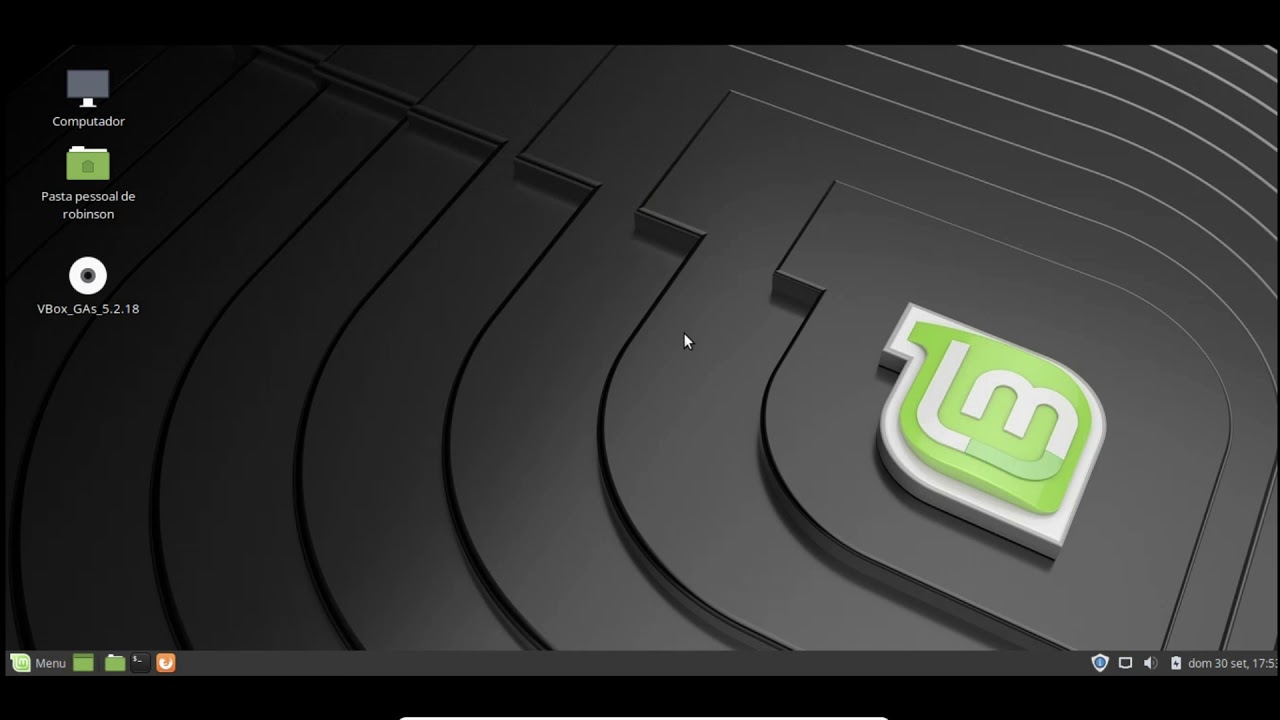
Como Deixar VirtualBox Full Screen Linux Mint 19 YouTube

Kali Linux Virtualbox Full Screen 2021 Crazy Techgo

WEB Arhan Shakil 183 Follow 2 min read 183 Sep 28 2020 Today I will discuss how to fix Kali Linux 2020 3 full screen problem in Virtual Box Step 1 At first open Kali Linux on

WEB In my VirtualBox when I execute VBoxLinuxAdditions run Kali Linux is not working in full screen mode I get the following error log file otherwise everything else goes

WEB Jan 2019 18 05 Start the VM from cold boot not from a paused or saved state Observe problem Shutdown the VM force close it if you have to With the VM completely shut
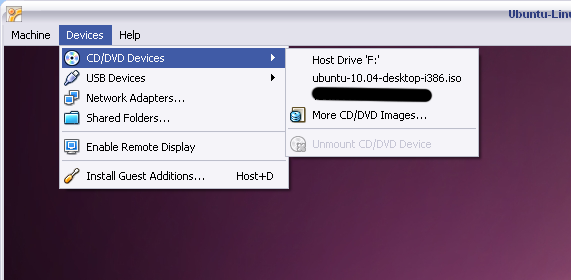
WEB I was trying to open Kali Linux in full screen on virtual box so I gave following commands in chronological order with root access apt get Install linux headers 686 pae apt get
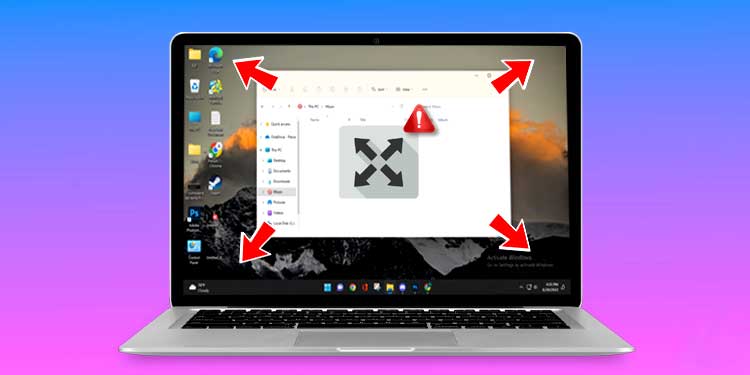
WEB Share 100K views 3 years ago In this tutorial I will teach you how to enable fullscreen in VirtualBox Kali Linux Commands and Addtional info is available at
WEB 1 Answer Sorted by 1 This normally happens when the Graphics controller configured in VirtualBox Display settings isn t supported PS Guest Extensions needs to be installed WEB Kali Linux 2020 3 FullScreen on VirtualBox Your Kali Linux 2020 3 should now be running in fullscreen If upon system reboot the screen doesn t auto resize
WEB Turn off your VM On VirtualBox VM console select the virtual machine go to Settings gt Display and set your Graphics Controller to VMSVGA This will fix the problem Another