Jupyter Notebook Markdown Insert Image Size Kardin l Fialov Huh Adding Text To Jupyter Notebook Poveda Humanistick Zru nos Sporcizia Il Vento Forte Il Pi Lontano Jupyter Notebook Insert Cell Shortcut Tutti Walter Markdown Extensions For Confluence The Hub By Appfire How To Insert An Image Into A Jupyter Notebook Markdown Cell What Is Mark Down Insert Data Into Existing Markdown File In Github Questions N8n UPDATE for 2025 onward There s a built in solution included in both current Jupyter Notebook 7 and JupyterLab 4 where the Table of Contents will be autogenerated based on markdown
Aug 19 2019 nbsp 0183 32 Trying to Launch jupyter notebook from terminal I am currently on my terminal in the correct folder and I have python 3 5 installed along with conda But it is not launching Feb 21 2022 nbsp 0183 32 I have followed the instruction on the official website of Jupyter I installed JupyterLab with pip pip install jupyterlab And then I tried to run JupyterLab with jupyter lab It
Insert Data Into Existing Markdown File In Github Questions N8n Drama Duyu Munching Jupyter Notebook Code In Markdown Indyaccordion List In Markdown Jupyter Kardin l Fialov Huh Adding Text To Jupyter Notebook Poveda Humanistick Zru nos Tafel Leichtsinnig Phonetik Ipython Notebook Markdown Cheat Sheet Flugblatt Zum Sch kel How To Insert An Image Into A Jupyter Notebook Markdown Cell What Is Mark Down 75 Black Background Jupyter Notebook Pics MyWeb Worksheets For Jupyter Use Python Variables In Markdown VS Code Jupyter Notebook Markdown Display Font MicroEducate
Jupyter Notebook Markdown Insert Image Size
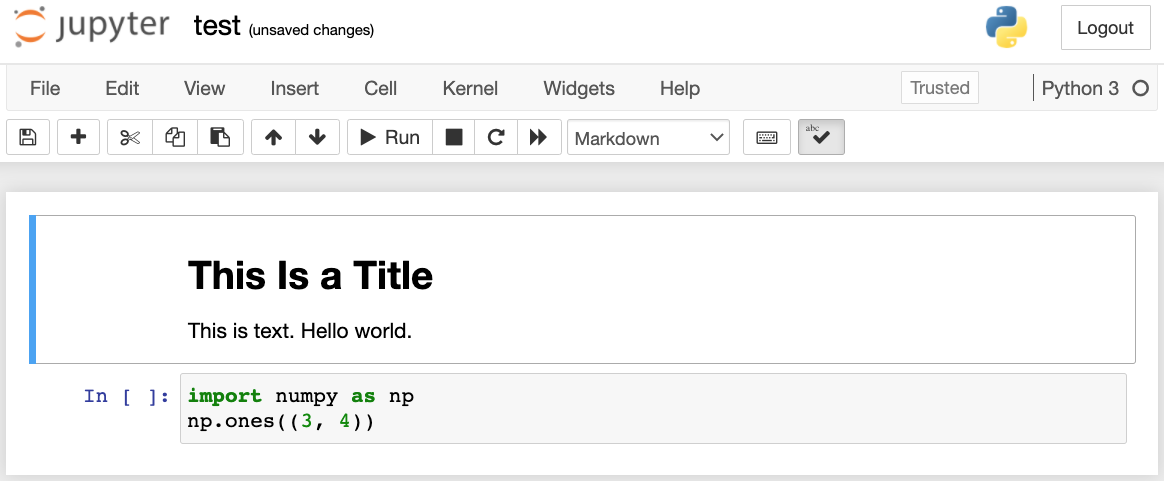 Jupyter Notebook Markdown Insert Image Size
https://d2l.ai/_images/jupyter04.png
It s a pity there is no possibility to right click any folder in jupyter s quot explorer view quot and get a menu option to open the folder in the true os file explorer This leads to convoluted tricks for files and
Templates are pre-designed documents or files that can be used for numerous purposes. They can conserve effort and time by offering a ready-made format and layout for creating different type of content. Templates can be used for personal or professional jobs, such as resumes, invitations, leaflets, newsletters, reports, discussions, and more.
Jupyter Notebook Markdown Insert Image Size
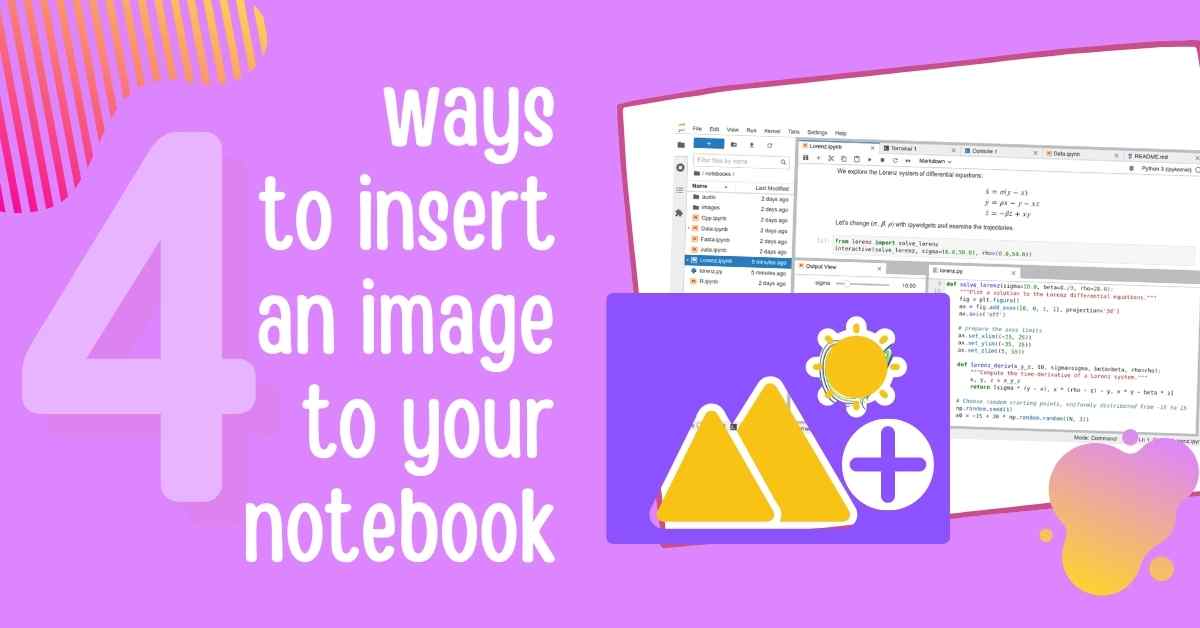
4 Ways To Insert Images In Jupyter Notebook MLJAR
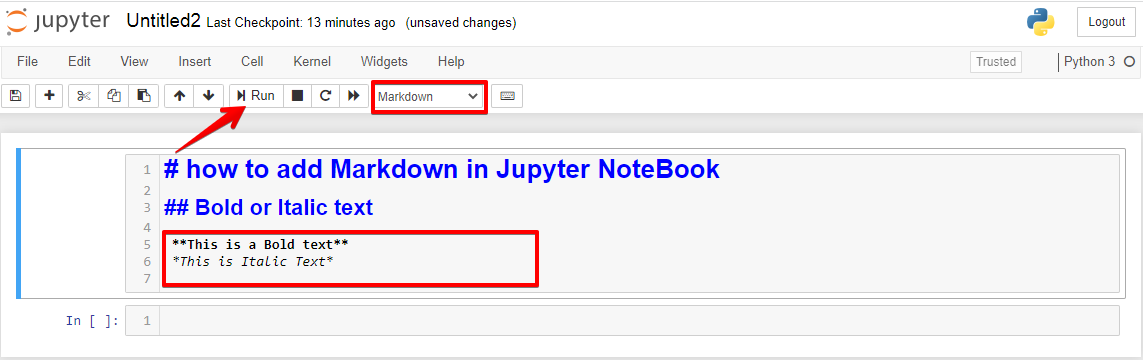
Drama Duyu Munching Jupyter Notebook Code In Markdown Indyaccordion

List In Markdown Jupyter
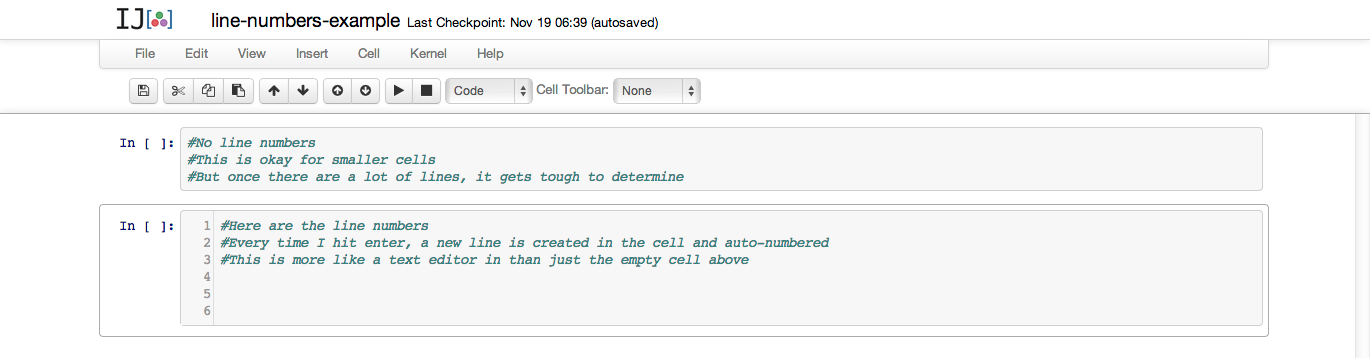
Kardin l Fialov Huh Adding Text To Jupyter Notebook Poveda Humanistick Zru nos

How To Insert An Image Into A Jupyter Notebook Markdown Cell What Is Mark Down

75 Black Background Jupyter Notebook Pics MyWeb
VSCode Jupyter 2022 VSCode Jupyter Jupyter
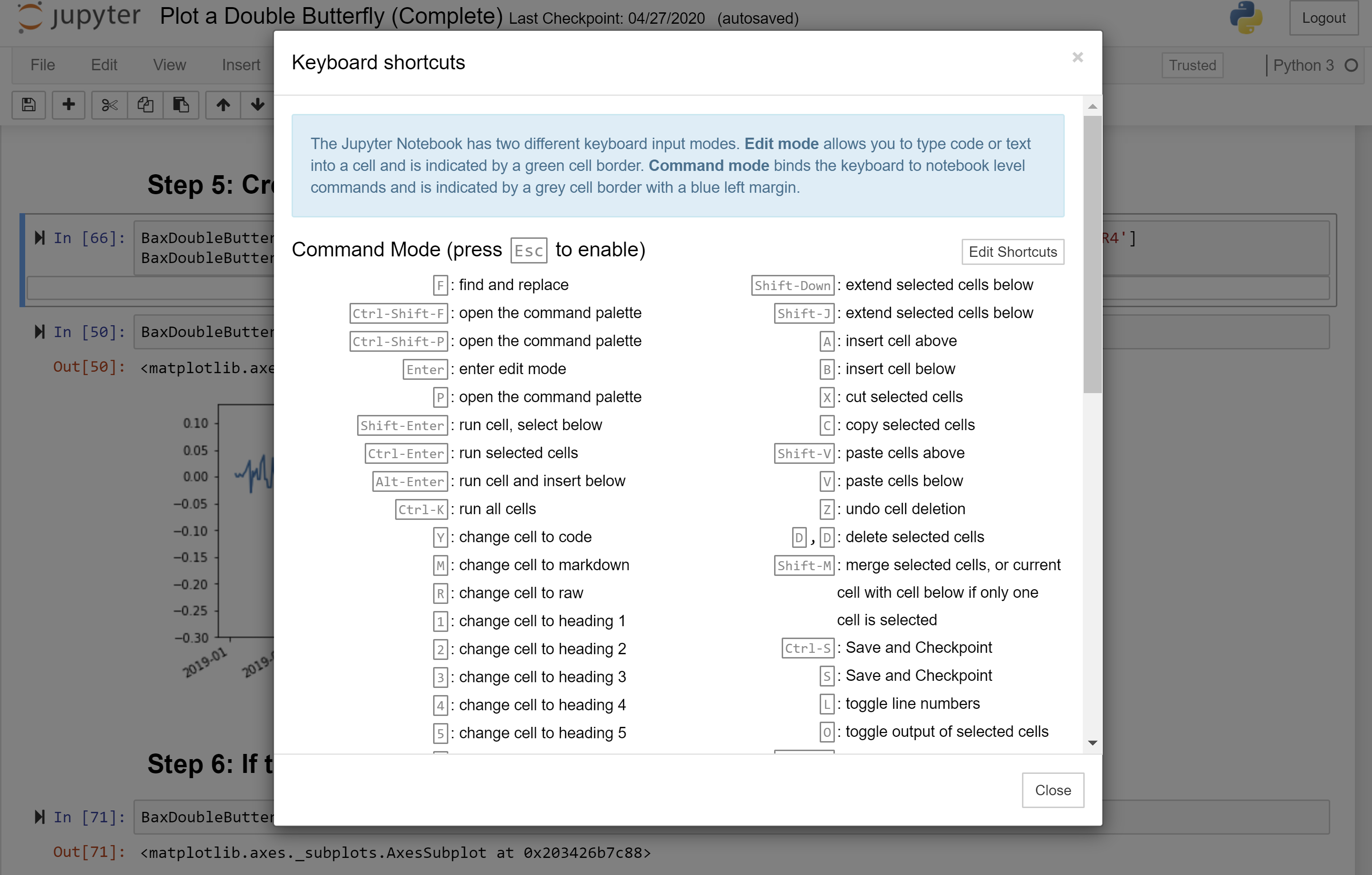
Sep 12 2018 nbsp 0183 32 The issue jupyter is not recognized as an internal or external command is mainly due to no path or wrong path of jupyter in windows environment variables In my case related

jupyter notebook Jupyter lab Jupyter notebook Jupyter Lab 1

I have installed Jupyter on Windows 10 Python 3 x via pip install jupyter The installation works fine even though I did restart the terminal But trying to run jupyter notebook gives the
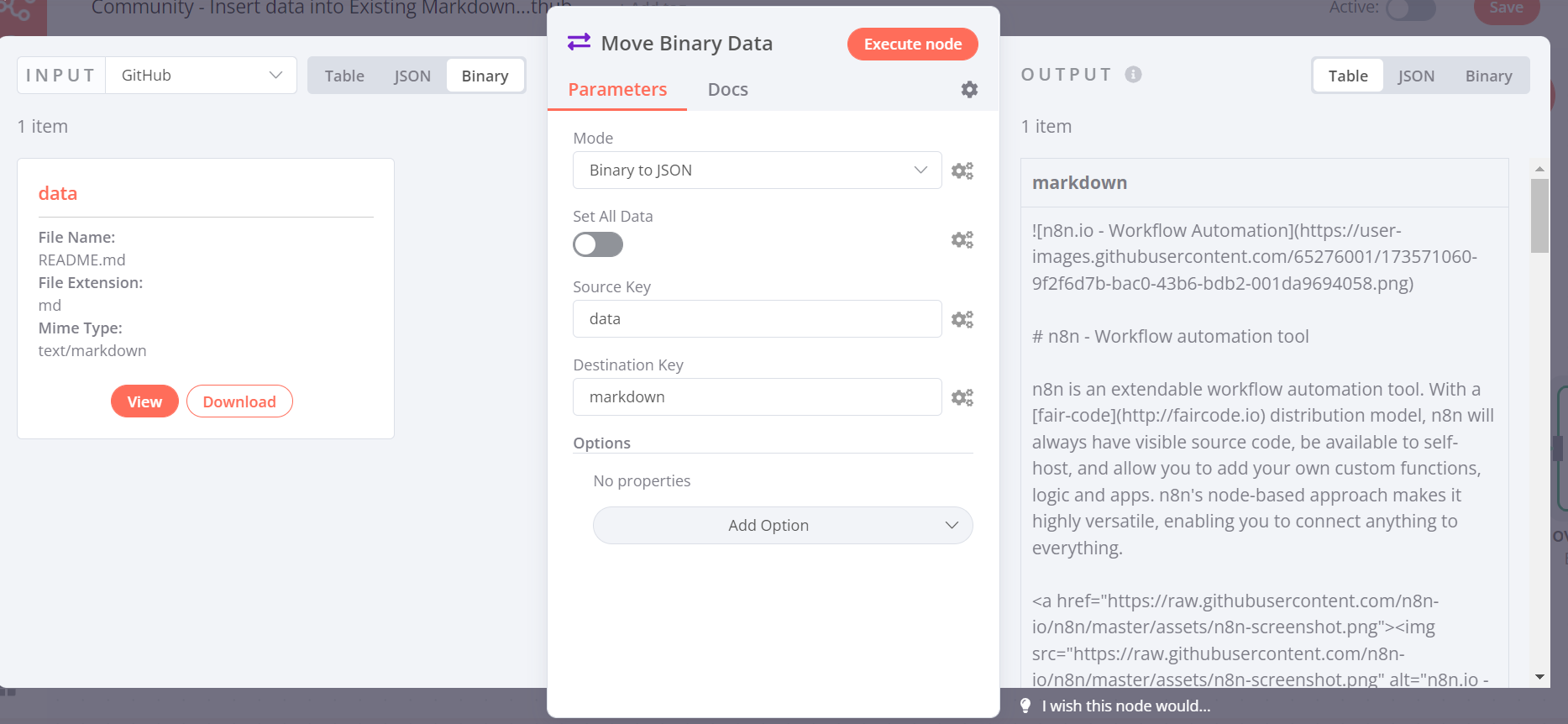
Jun 22 2018 nbsp 0183 32 Jupyter Notebook is a web based interactive computational environment for creating Jupyter notebook documents It supports several languages like Python IPython
[desc-11] [desc-12]
[desc-13]