Jquery Find Element By Id And Remove JQuery JQuery Find Element By Data Attribute Value YouTube JQuery JQuery Find Element By Text YouTube JQuery Jquery Find Element By Specific Class When Element Has Selenium IDE Find Element By ID YouTube For id selectors jQuery uses the JavaScript function document getElementById which is extremely efficient When another selector is attached to the id selector such as h2 pageTitle jQuery performs an additional check before identifying the element as a match
Filter the Elements to be Removed The jQuery remove method also accepts one parameter which allows you to filter the elements to be removed The parameter can be any of the jQuery selector syntaxes The following example removes all p elements with class test Example p remove test Try it Yourself Given a jQuery object that represents a set of DOM elements the not method constructs a new jQuery object from a subset of the matching elements The supplied selector is tested against each element the elements that don t match the selector will be included in the result The result of this call is a red background for items 1 3 and 5
Selenium Find Element By Id Python Tutorial Selenium python selenium 1 CB Plugin For Jenkins 2 Requirements Mapping Ppt Download Selenium ifame alert confirm prompt Ionization Energy Chemistry Steps driver find element by id kw send keys selenium Python selenium
Jquery Find Element By Id And Remove
 Jquery Find Element By Id And Remove
https://i.ytimg.com/vi/HgQjPbSgUks/maxresdefault.jpg
7 If you are using jQuery tabs li has a href arb node 53 grouping edit remove to remove it
Pre-crafted templates use a time-saving solution for producing a varied variety of files and files. These pre-designed formats and layouts can be used for different personal and expert jobs, consisting of resumes, invitations, flyers, newsletters, reports, presentations, and more, improving the content development process.
Jquery Find Element By Id And Remove
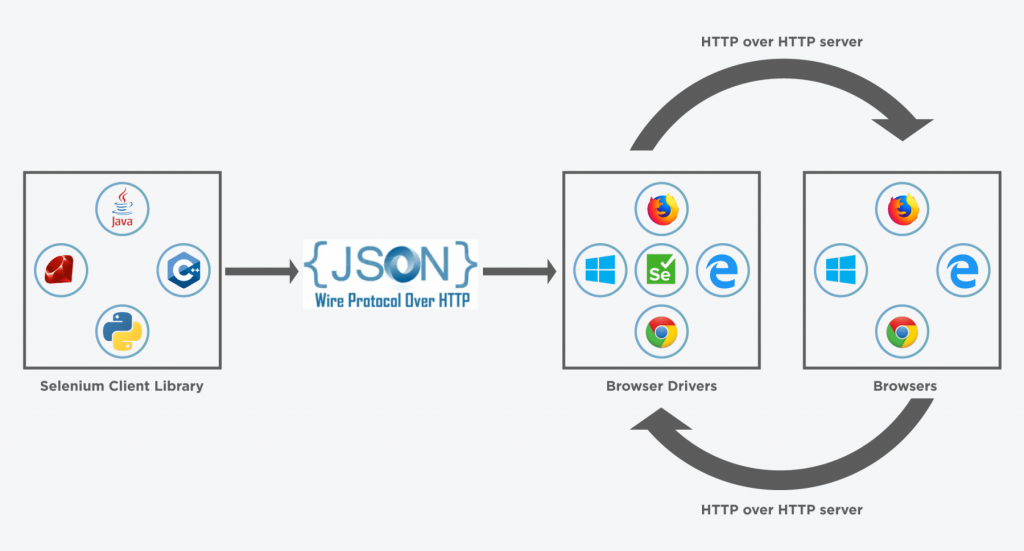
Python Selenium UU
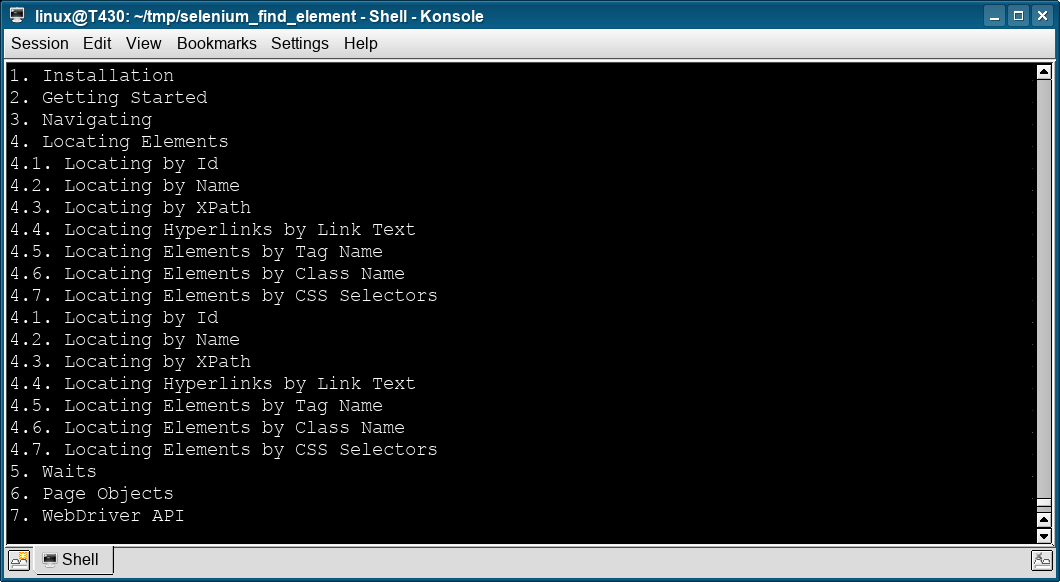
Selenium Find Element By Id Python Tutorial
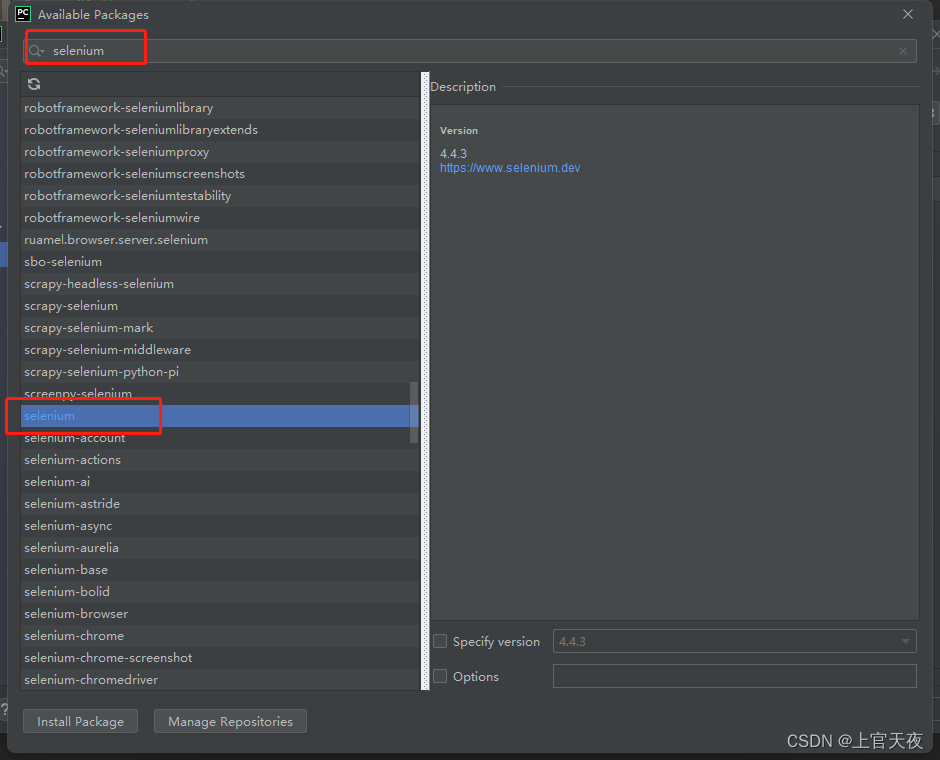
Selenium
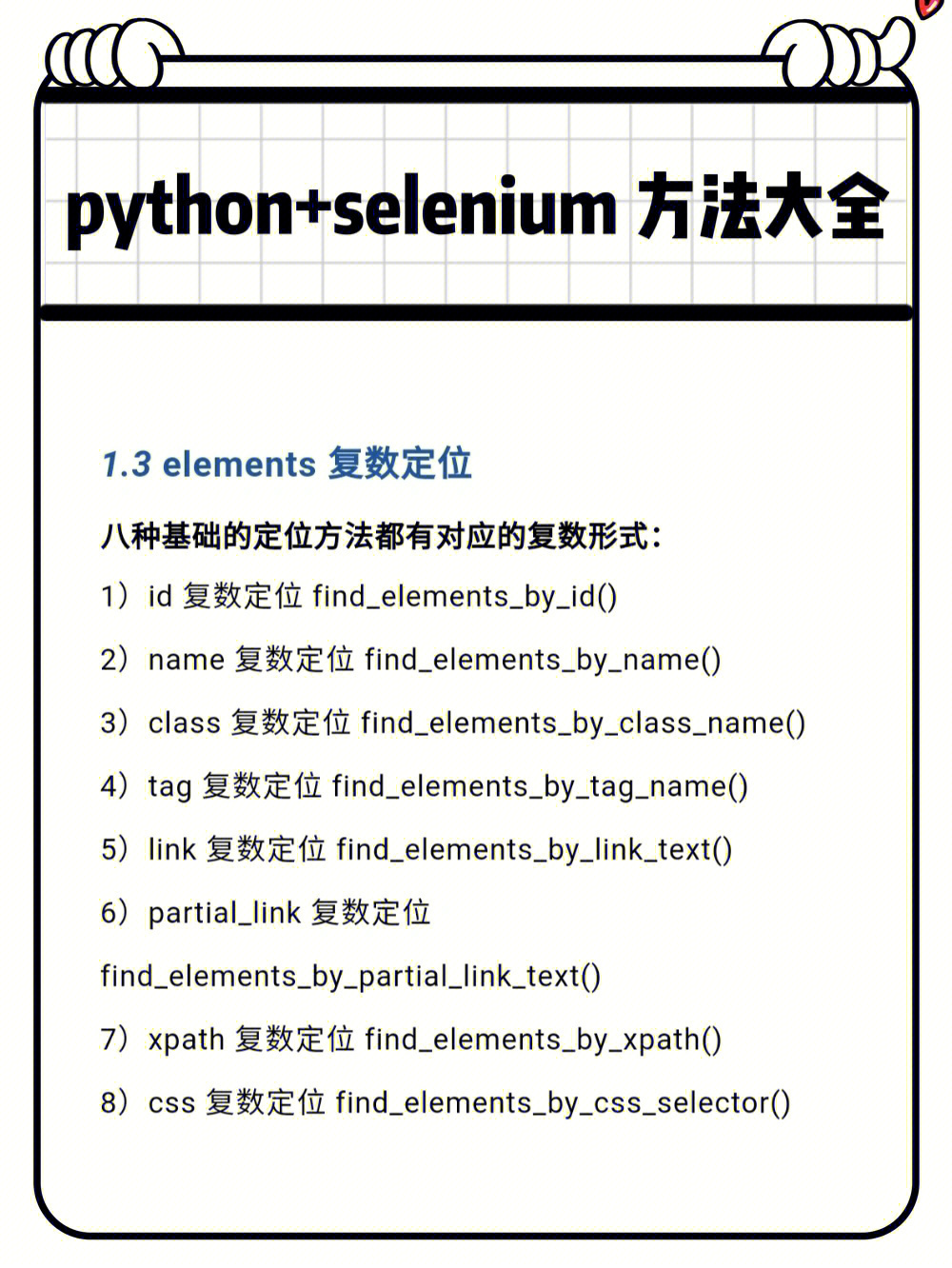
python selenium
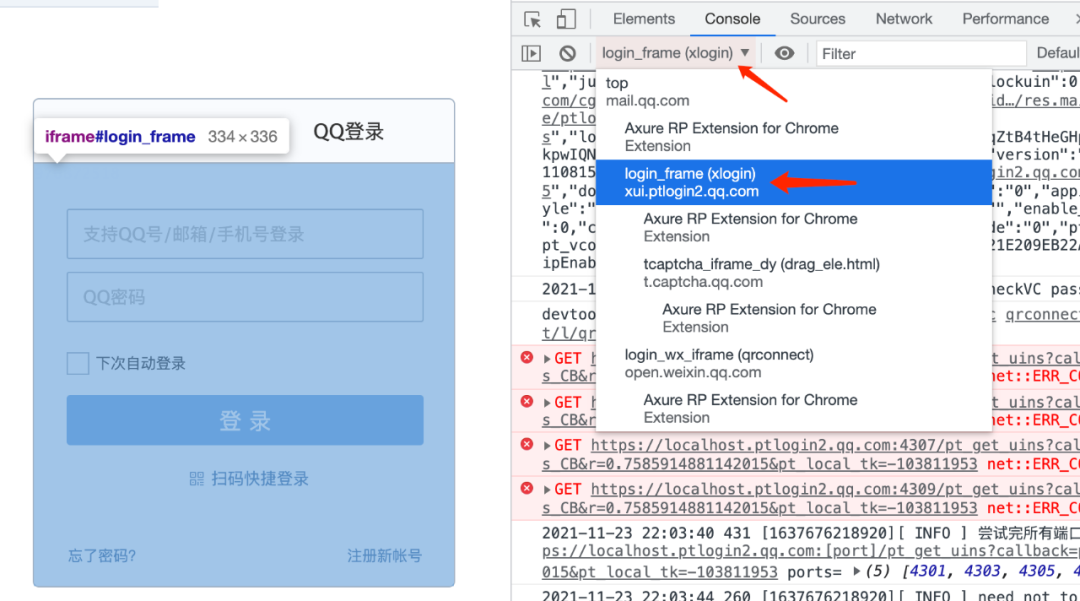
Selenium ifame alert confirm prompt
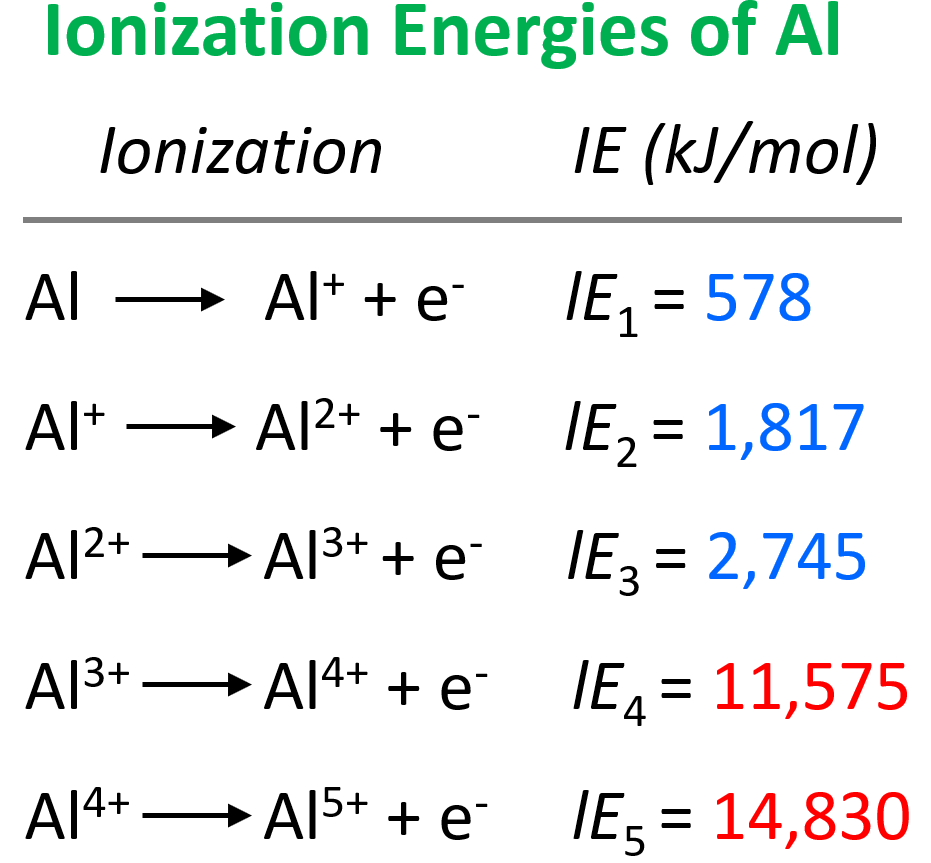
Ionization Energy Chemistry Steps

1 hello remove This will result in a DOM structure with the div element deleted 1 2 3 div class container div class goodbye Goodbye div div If we had any number of nested elements inside div class hello they would be removed too Other jQuery constructs such as data or event handlers are erased as well

5 Answers Sorted by 47 jQuery testID2 find test2 replaceWith test3

I want to remove the id attribute from this image img width 270 class thumb id thumb height 270 src img 1 1 jpg I tried doing this img thumb RemoveAttr id none But it is not removing the ID EDIT img thumb attr src response img thumb attr id nonthumb

9 I am storing some HTML in a variable Now I want to remove some div tags from this variable editor data function validate step 3 var editor data CKEDITOR instances editor1 getData var i editor data alert i The alert shows object Object I want to remove this div editor data find fetch InCkeditor remove
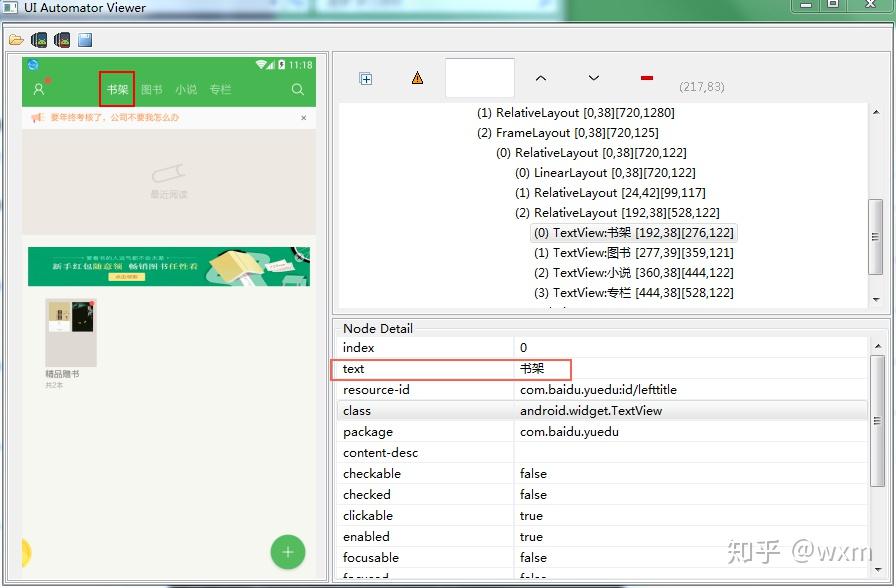
Given a jQuery object that represents a set of DOM elements the find method allows us to search through the descendants of these elements in the DOM tree and construct a new jQuery object from the matching elements The find and children methods are similar except that the latter only travels a single level down the DOM tree
JQuery is a powerful library that simplifies JavaScript tasks One of its primary functions is to select and manipulate DOM elements To select an element by its ID using jQuery you ll use the function combined with a string selector Common Selectors Chaining Methods Syntax elementID The find method returns descendant elements of the selected element A descendant is a child grandchild great grandchild and so on The DOM tree This method traverse downwards along descendants of DOM elements all the way down to the last descendant To only traverse a single level down the DOM tree to return direct children use the
There s a way to remove a element by his id but first check if it exists thanks