Javascript Remove Last Value From String Remove Last Character From String Javascript Pakainfo How To Remove The Last Character From A String In JavaScript Remove Last Value From A List In R Data Science Parichay How To Remove Last Character From String In JavaScript Sabe io Remove Last Character From A String In Bash Delft Stack Javascript remove last character from a string using slice The slice beginIndex endIndex method of javascript returns a copy of a string as a new string The slice function does not modify the original string The begin and end index specify from where the extraction needs to be started and ended respectively
JavaScript In this tutorial we ll discuss three different methods for removing the last character from a string using JavaScript The methods we ll explore are slice substring and substr All methods contain two optional parameters start optional The starting position of the string To remove the last N characters from a string call the slice method with a start index of 0 and an end index of N For example str slice 0 2 will return a new string with the last 2 characters of the original string removed index js
Remove Last Character From A String In Bash Delft Stack Remove Duplicate Characters From A String In Java Java Code Korner 35 Javascript Remove From String Javascript Nerd Answer How To Use Js Remove Last Character From String Python Remove Substring From A String Examples Python Guides 2022 Remove Last Character From A String In JavaScript SpeedySense Solved Write A Program That First Gets A List Of Integers Chegg JavaScript Remove Character From String Example How To Remove Character From String Using JavaScript Code Handbook
Javascript Remove Last Value From String
 Javascript Remove Last Value From String
https://www.pakainfo.com/wp-content/uploads/2020/05/javascript-remove-last-character.png
The simplest way to remove the last character from a string with JavaScript is to use the slice method To do that we ll need to add two parameters inside the slice method The starting point 0 The number of items to remove 1 Here s an example where we correct a misspelled company name
Templates are pre-designed files or files that can be used for numerous functions. They can save effort and time by providing a ready-made format and layout for developing various sort of material. Templates can be utilized for individual or expert jobs, such as resumes, invites, flyers, newsletters, reports, discussions, and more.
Javascript Remove Last Value From String

PADMANABHAPURAM PALACE Computer Tools Language Tools
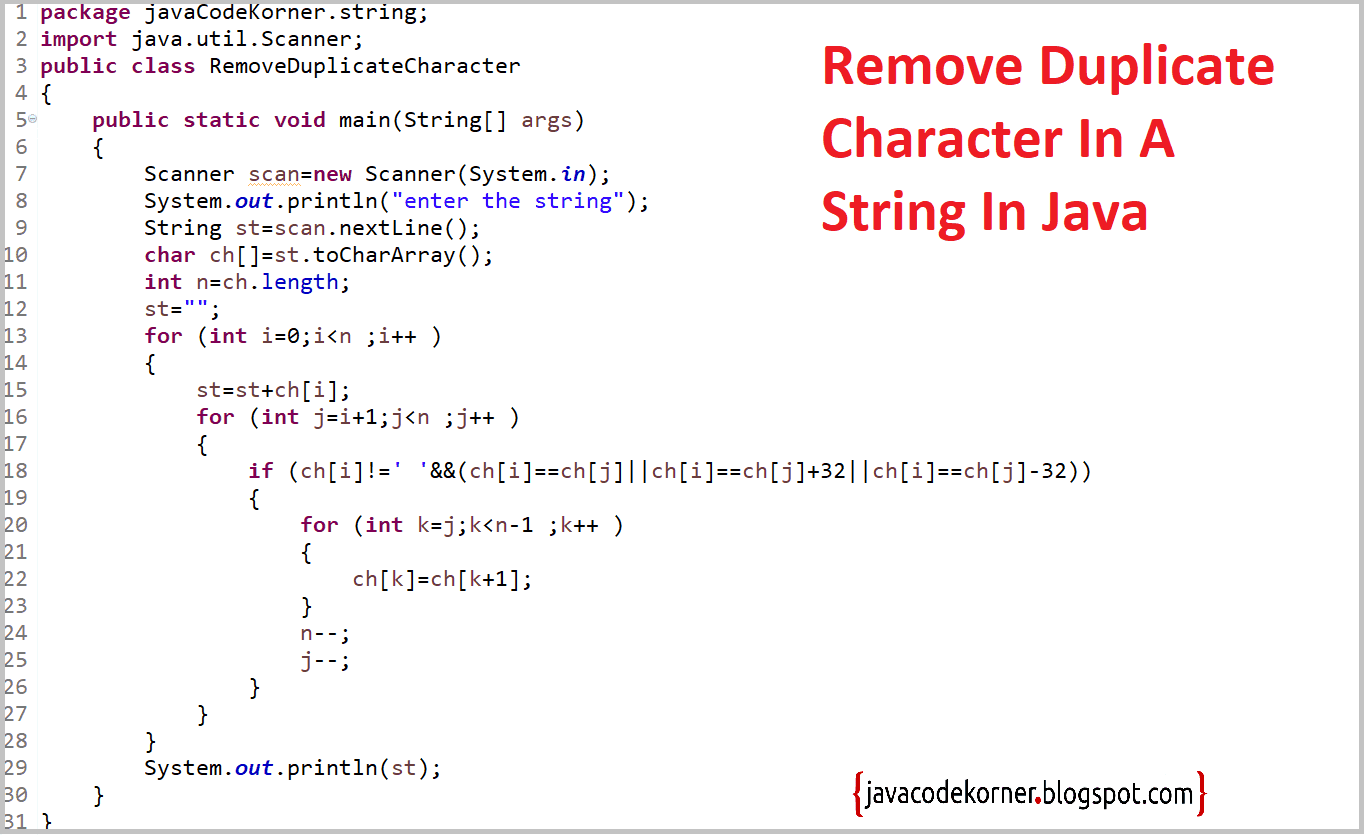
Remove Duplicate Characters From A String In Java Java Code Korner

35 Javascript Remove From String Javascript Nerd Answer
How To Use Js Remove Last Character From String

Remove Last Character From A String In JavaScript SpeedySense
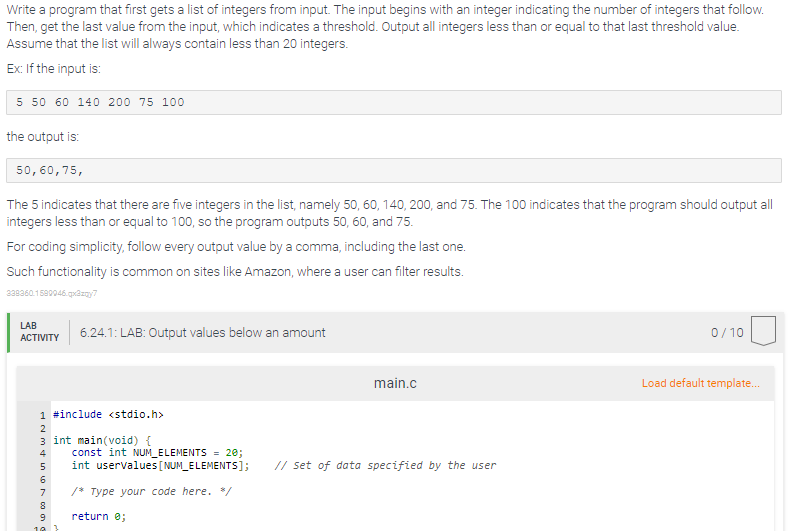
Solved Write A Program That First Gets A List Of Integers Chegg

To remove the last character from a string in JavaScript you should use the slice method It takes two arguments the start index and the end index slice supports negative indexing which means that slice 0 1 is equivalent to slice 0 str length 1 let str Masteringjs ioF str slice 0 1 Masteringjs io Alternative Methods
The most common way to trim the last character is by using the JavaScript slice method This method can take up to two indexes as parameters and get the string between these two values To keep the whole string and remove the last character you can set the first parameter to 0 and pass the string length 1 as the second parameter
Use the substring function to remove the last character from a string in JavaScript This function returns the part of the string between the start and end indexes or to the end of the string Syntax ADVERTISEMENT 1 str substring 0 str length 1 Example ADVERTISEMENT 1 2 3 4 5 6 7 8 Initialize variable with string
Jun 21 2023 javascript how to In JavaScript there are several methods available to remove the last character from a string One common approach is to use the substring or slice methods Both methods allow you to extract a portion of a string based on the starting and ending indices

Different methods to remove last character from string in JavaScript Method 1 Using slice Method 2 Using substring Method 3 Using substr Method 4 Using RegExp and replace Method 5 Using the split and join Summary References Strings are immutable and therefore can t be manipulated
String prototype trim The trim method of String values removes whitespace from both ends of this string and returns a new string without modifying the original string To return a new string with whitespace trimmed from just one end use trimStart or trimEnd The Solution Strings in JavaScript are immutable so whenever we want to manipulate one we must create a new string with our desired changes Therefore to remove the last character of a string we must create a new string that excludes it Two commonly used methods for this are slice and substring
Removing the last character from a string is a simple task in Javascript There are two very straightforward ways to go about this task and either one works fine Substring The substring