Javafx Toolbar Example JavaFX ToolBar Kitanote Java JavaFX Add Custom Button To HTMLEditor Toolbar At Position Java JavaFX Disappearing Icons On Toolbar Buttons Stack Overflow Eclipse Rcp Change Toolbar Background Color In Javafx Stack Overflow JavaFX ControlsFX Tutorial ActionGroup 2 ToolBar YouTube WEB A large collection of JavaFX examples demonstrating basic advanced features of JavaFX jjenkov javafx examples
WEB A ToolBar is a control which displays items horizontally or vertically The most common items to place within a ToolBar are Buttons ToggleButtons and Separators but you are not restricted to just these and can insert any Node into them WEB A ToolBar is a control which displays items horizontally or vertically The most common items to place within a ToolBar are Buttons ToggleButtons and Separators but you are not restricted to just these and can insert any Node into them
JavaFX ControlsFX Tutorial ActionGroup 2 ToolBar YouTube Java JavaFX 3d And Toolbar Stack Overflow JavaFX 99 ToolBar Deutsch YouTube HBox JavaFX ToolBar JavaFX Button JavaFx VBox JavaFX Tutorial 25 StackPane Remastered YouTube How To Create A Navbar With A Notification Counter Using Bootstrap 4 Java JavaFX Trying To Evenly Space Toolbar Elements With FXML
Javafx Toolbar Example
 Javafx Toolbar Example
https://kita-note.com/wp/wp-content/uploads/2022/05/toolbar-1-e1653205386726.png
WEB A ToolBar is a control which displays items horizontally or vertically The most common items to place within a ToolBar are Buttons ToggleButtons and Separators but you are not restricted to just these and can insert any Node into them
Templates are pre-designed documents or files that can be utilized for numerous functions. They can save time and effort by providing a ready-made format and layout for creating various type of content. Templates can be used for personal or professional jobs, such as resumes, invites, leaflets, newsletters, reports, discussions, and more.
Javafx Toolbar Example

Toolbar In JavaFX High Quality Java Code 4 YouTube

Java JavaFX 3d And Toolbar Stack Overflow
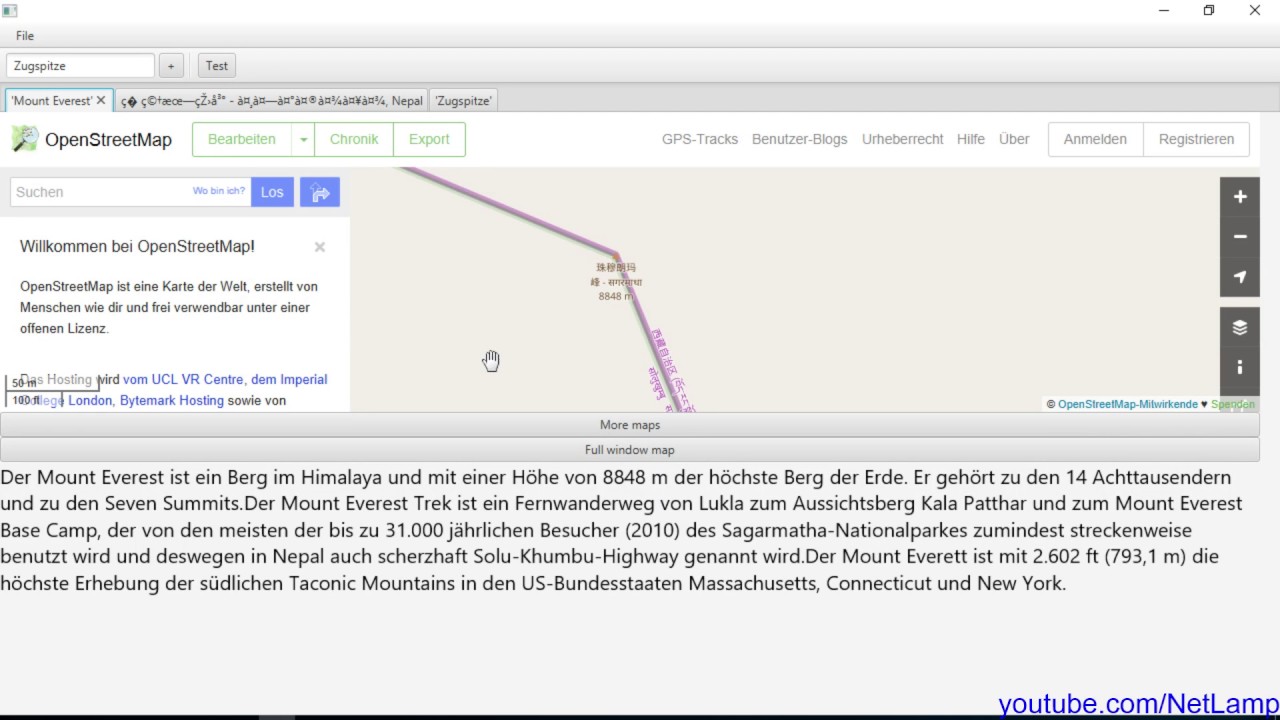
JavaFX 99 ToolBar Deutsch YouTube

HBox JavaFX ToolBar

JavaFx VBox
JavaFX Tutorial 25 StackPane Remastered YouTube

WEB JavaFX Basic Examples JavaFX Advanced Examples JavaFX Tutorial The examples come from my JavaFX tutorial series JavaFX Tutorial Java JavaFX Version Used In general the examples in this repository will attempt to use the

WEB I m trying to create a customized toolbar in javafx This toolbar should be able to display controls in the center in the left side and in the right side three sections of its surface The probl

WEB JavaFX ToolBar Example Creating and using a ToolBar in JavaFX is easy First create each individual element that you want to see on the JavaFX ToolBar whether it s a button or a menu Next you have to actually create the ToolBar itself with the ToolBar class Finally using the getItems and addAll methods you add all of the UI

WEB Apr 4 2017 nbsp 0183 32 One option Use two ToolBar containers wrapped with an HBox container Put the Help button in the right ToolBar Put the left aligned buttons in the left toolbar For the left ToolBar set the HGrow to ALWAYS For the Right ToolBar set HGrow to NEVER For each ToolBar set all Sizes to USE COMPUTED SIZE Here is the relevant fxml

WEB Apr 3 2017 nbsp 0183 32 You cannot align Toolbar items to right in Scenebuilder For this to achieve you have to do it programatically Below is the sample code I use on top of a TableView
WEB In JavaFX the tool bar is represented by the ToolBar class This class is a part of the package named javafx scene control By instantiating this class we can create a ToolBar node in JavaFX WEB May 19 2020 nbsp 0183 32 A toolbar is used to display UI elements such as buttons toggle buttons and separators etc You cannot add any other nodes to a toolbar The contents of a toolbar can be arranged either horizontally or vertically You can create a toolbar by instantiating the javafx scene control ToolBar class
WEB Example of a horizontal ToolBar with eight buttons separated with two vertical separators Copy ToolBar toolBar new ToolBar new Button quot New quot new Button quot Open quot new Button quot Save quot new Separator new Button quot Clean quot new Button quot Compile quot new Button quot Run quot new Separator new Button quot Debug quot new Button quot Profile