Iphone Se Change Camera Resolution Begroting Binden Uitdaging Iphone Se Front Camera Resterend Weigeren Apple IPhone SE Camera Samples Gallery How To Change Camera Resolution IPhone 12 YouTube Review IPhone SE Proves Size Doesn t Matter Reviews How To Change The Shutter Speed On IPhone Step by Step DeviceTests If you wish to use some of the advanced options of your iPhone camera find out attached instructions and learn how to get access to the camera settings and personalize the camera s aspect
Next time you shoot video using the Video mode found in the menu strip below the viewfinder notice the video resolution and frame rate separated by a dot in the top corner of the screen If video To change your photo resolution to the highest quality available follow the steps below 1 Open Settings on your iPhone 2 Click on Camera 3 Select Formats 4 Select Most Compatible This results in higher quality photos by saving images in JPEG format To change your video resolution to the highest quality available follow the steps below
How To Change The Shutter Speed On IPhone Step by Step DeviceTests Inspirasi Terkini IPhone SE Photography How To Change Camera Resolution On OnePlus 6t Android Mobile Android Pie How To Change The Default Camera Settings On Your IPhone PCMag 10 IPhone Camera Settings To Change Now YouTube How To Change Camera Resolution And Frame Complete Video OnGuard How To Change Camera RESOLUTION And Frame Rate On An IPhone YouTube IPhone SE SIM Tray Replacement IFixit Repair Guide IPhone Dominates Flickr s Most Popular Cameras Of 2015 IMore
Iphone Se Change Camera Resolution
 Iphone Se Change Camera Resolution
https://fdn.gsmarena.com/imgroot/reviews/22/apple-iphone-se-2022/lifestyle/-1200w5/gsmarena_029.jpg
Step 1 Open the Camera App Step 2 Swipe the right side to open the video recording screen Step 3 Now you can see the resolution setting on the upper right hand corner of the screen Step 4 Tap on it to change the Video Resolution recording format Tap on 30 to get 60 and Tap on HD to get 4K video resolution setting
Templates are pre-designed files or files that can be utilized for different functions. They can save time and effort by providing a ready-made format and design for producing different type of content. Templates can be utilized for personal or professional tasks, such as resumes, invitations, flyers, newsletters, reports, presentations, and more.
Iphone Se Change Camera Resolution

How To Change IPhone And IPad Camera Resolution iOS 11 YouTube
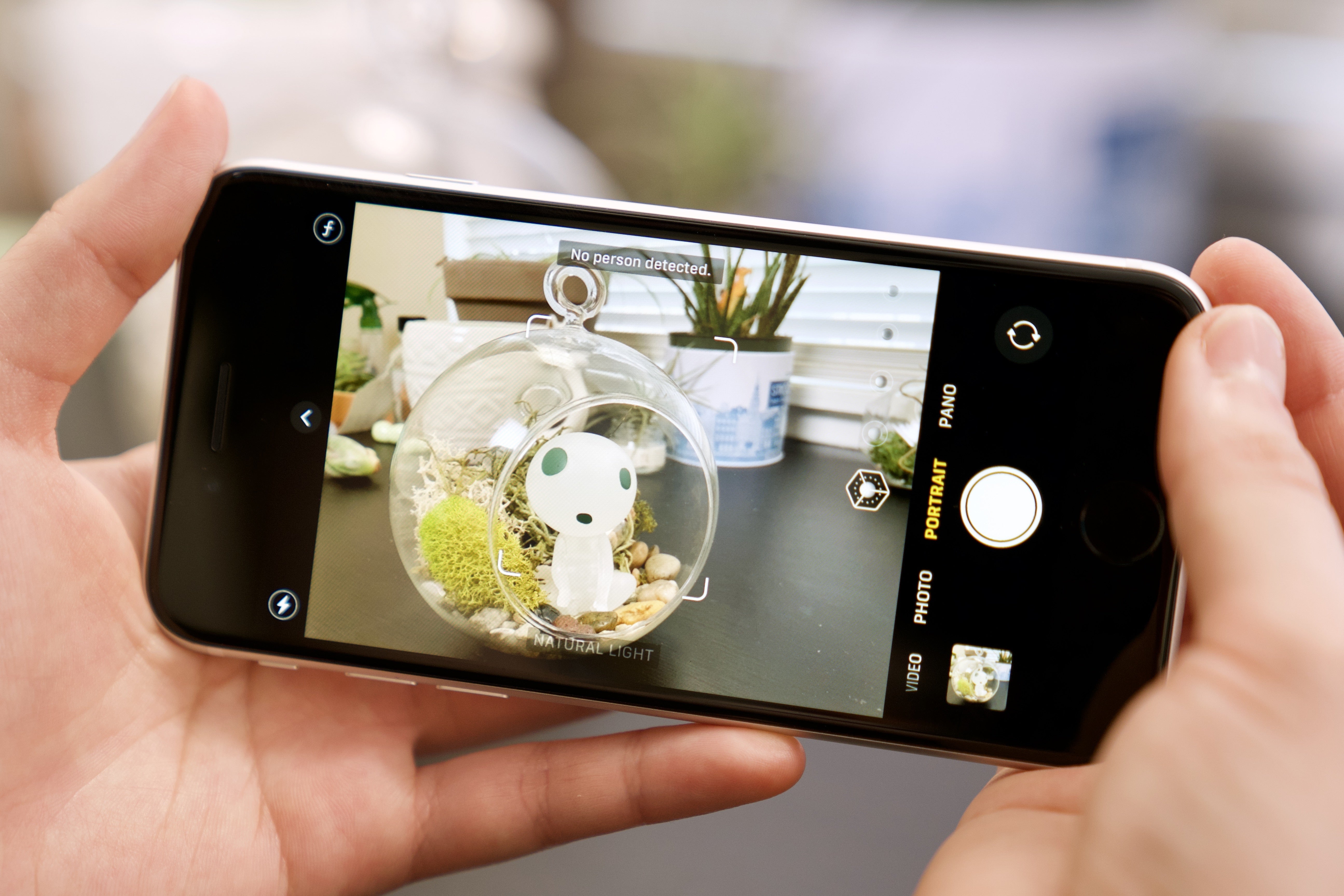
Inspirasi Terkini IPhone SE Photography

How To Change Camera Resolution On OnePlus 6t Android Mobile Android Pie

How To Change The Default Camera Settings On Your IPhone PCMag
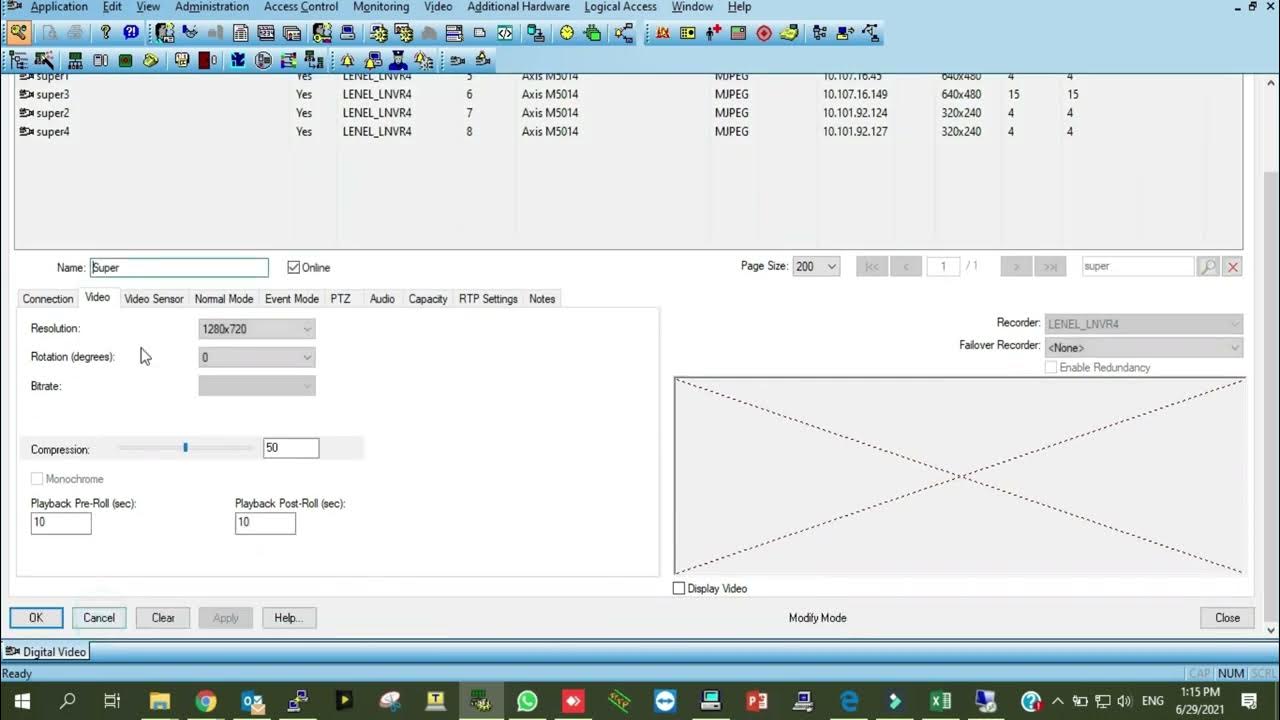
How To Change Camera Resolution And Frame Complete Video OnGuard

How To Change Camera RESOLUTION And Frame Rate On An IPhone YouTube
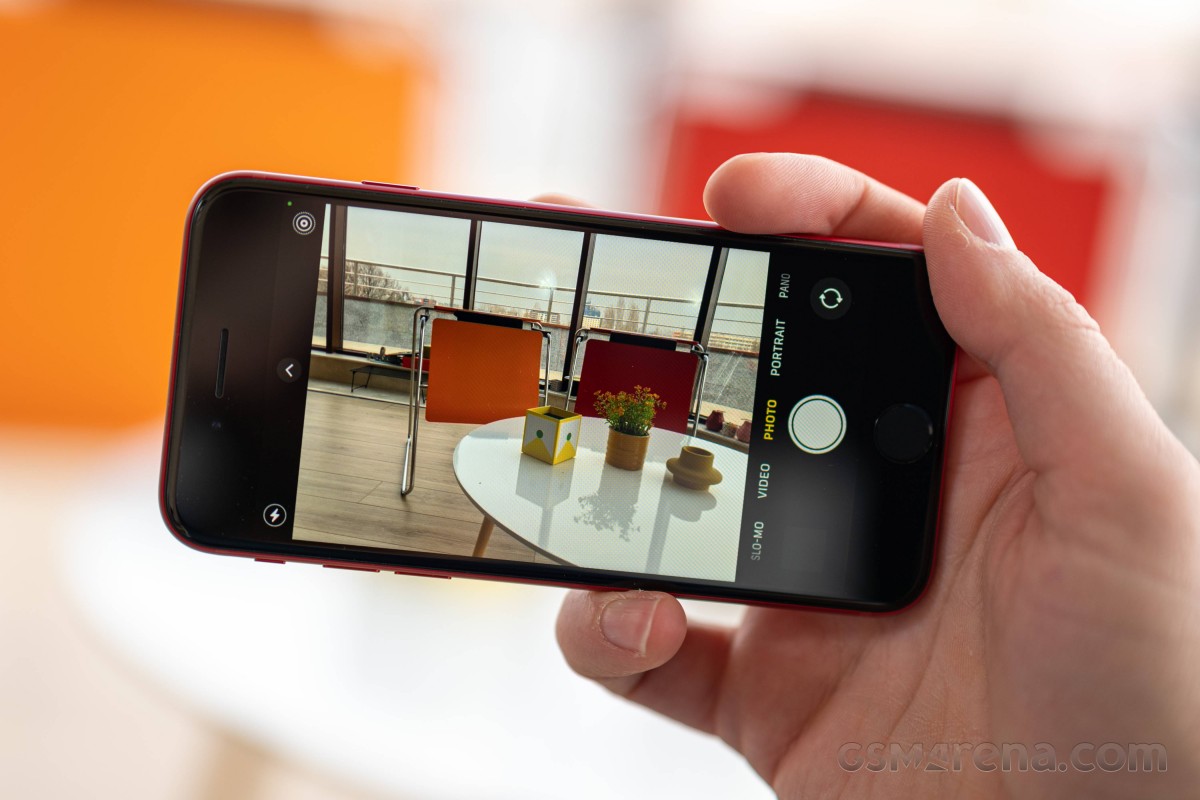
4 Answers Sorted by 11 Go to Settings Camera You can select resolution and FPS for video slo mo However you cannot change the photo resolution

Factory reset the phone Insured that HDR and Live Photo are disabled Tested with camera Flash set to Off On and Auto Tested by replacing the camera with a brand new camera at my local iPhone repair shop which produced identical results opted to keep original camera in light of this Under Settings Photos I have Keep Originals checked

To change your phone s video settings open Settings Camera and choose Record Video or Record Slo mo to change the default video resolution settings Set video to record 720p at 30fps

How to Change Video Resolution on iPhone SE 2020 4K Video HardReset Info 937K subscribers Subscribe 8 Share 2K views 2 years ago Read about iPhone SE 2020
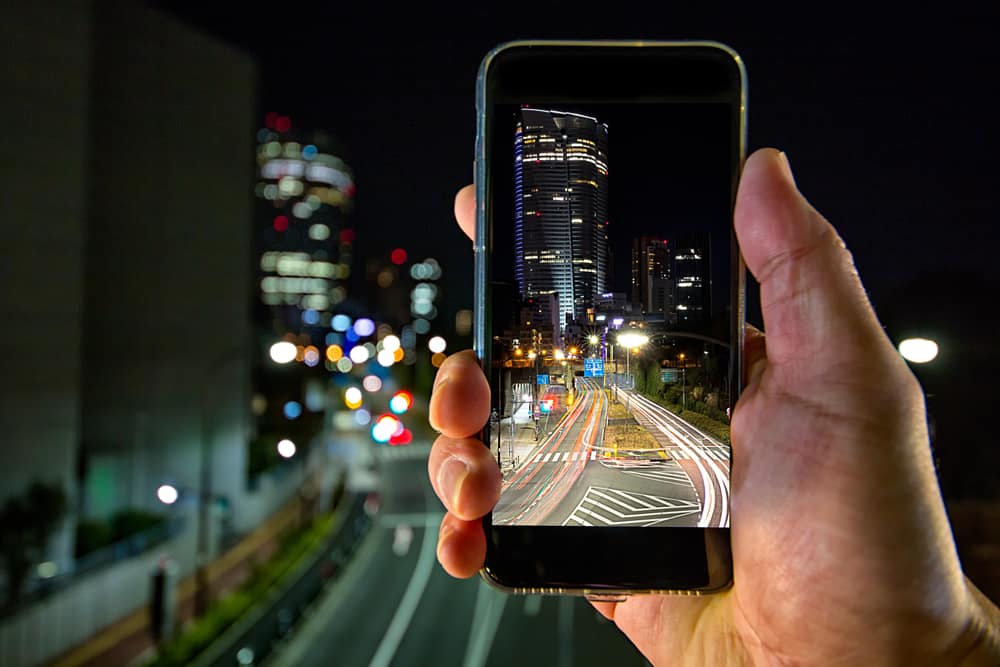
Do any of the following Tap the Flash icon in the upper left corner of the screen to turn on or off Tap the Live Photos icon to turn on or off Tap the Menu dropdown icon at the top to access additional camera options Tap the Timer icon then select an option e g Off 3s 10s Tap the Filters icon
Learn how you can change the camera resolution to a square 4 3 or 16 9 on the iPhone 13 iPhone 13 Pro Mini Gears I use iPhone 13 Pro https amzn to 3i4 Apple iOS One camera on each side The iPhone SE 2022 has the same 12MP rear and 7MP front cameras as the iPhone 8 and the iPhone SE 2020 They both use the same old sensors and same
Tap the Image button In the pop up choose the Shortcut Input option This means that the shortcut will resize any image that you send to it It s useful for sending multiple images using the Share menu in the Photos app Next it s time to decide the resulting width and height