Intellij Not Loading Project Files Java Technologies Intellij Idea Migrating From NetBeans Deploy REST API Using Spring Boot MongoDB And Docker By Salitha Project Imported Without Spring web Package Code World Project Imported Without Spring web Package Code World Intellij Not Resolving The Maven Dependenciess Stack Overflow Web Mar 4 2022 nbsp 0183 32 your idea files are likely broken the iml file and or modules xml are either missing or corrupted Deleting and re creating idea folder should help close the project remove it from Recent projects list shut down the IDE delete the idea folder restart open the project root folder with File gt Open
Web Dec 4 2017 nbsp 0183 32 So apparently solution was simple but difficult to find Here is how it worked close all projects in intellij don t close IDE just all projects delete the idea folder from the project which was getting stucked open the same project in intellij do File gt invalidate caches and restart done Share Improve this answer Web Dec 24 2017 nbsp 0183 32 Idea not opening project folder after loading project I have intellij idea ultimate 2017 3 2 RC Every time I open a project IntelliJ idea loads the iml file and nothing else I tried downgrading to 2017 3 1 and I tried uninstalling and reinstalling but the problem is still there Attached you can find a screenshot of the problem
Intellij Not Resolving The Maven Dependenciess Stack Overflow Why Does Intellij Not Recognise My Pom File Stack Overflow Java File Loading Works Before But Not After IntelliJ IDEA Builds JAR Maven Dependencies Jar IDEA External Libraries Jar Creating A New Project In IntelliJ IDEA The IntelliJ IDEA Blog New How To Add Resources Folder Properties At Runtime Into IntelliJ s Git Workflow The Picture Speaks For Itself GIS And Remote Sensing Intellij Not Displaying File When Clicking On It In Project View IntelliJ IDEA By JetBrains YouTube
Intellij Not Loading Project Files
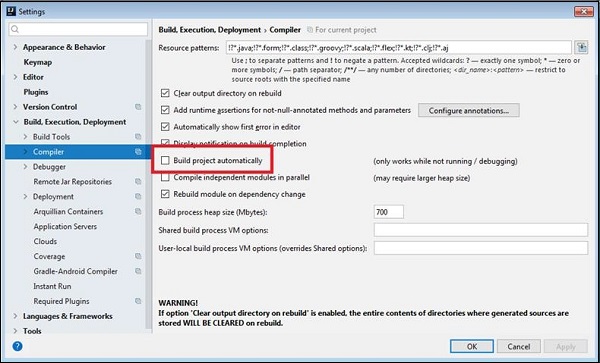 Intellij Not Loading Project Files
https://www.tutorialspoint.com/intellij_idea/images/build_project_automatically.jpg
Web Apr 6 2018 nbsp 0183 32 Right click the OneDrive tray icon 2 Click settings 3 Click the settings tab 4 Disable the Save space and download files as you use them option under Files On Demand 5 Wait for your files to sync up completely IntelliJ project load is
Pre-crafted templates offer a time-saving option for creating a varied series of documents and files. These pre-designed formats and layouts can be made use of for numerous personal and professional jobs, including resumes, invitations, leaflets, newsletters, reports, discussions, and more, simplifying the content development process.
Intellij Not Loading Project Files

Introducing Jetbrain IDE Plugins For Apache Openwhisk LaptrinhX News

Why Does Intellij Not Recognise My Pom File Stack Overflow

Java File Loading Works Before But Not After IntelliJ IDEA Builds JAR

Maven Dependencies Jar IDEA External Libraries Jar

New How To Add Resources Folder Properties At Runtime Into IntelliJ s
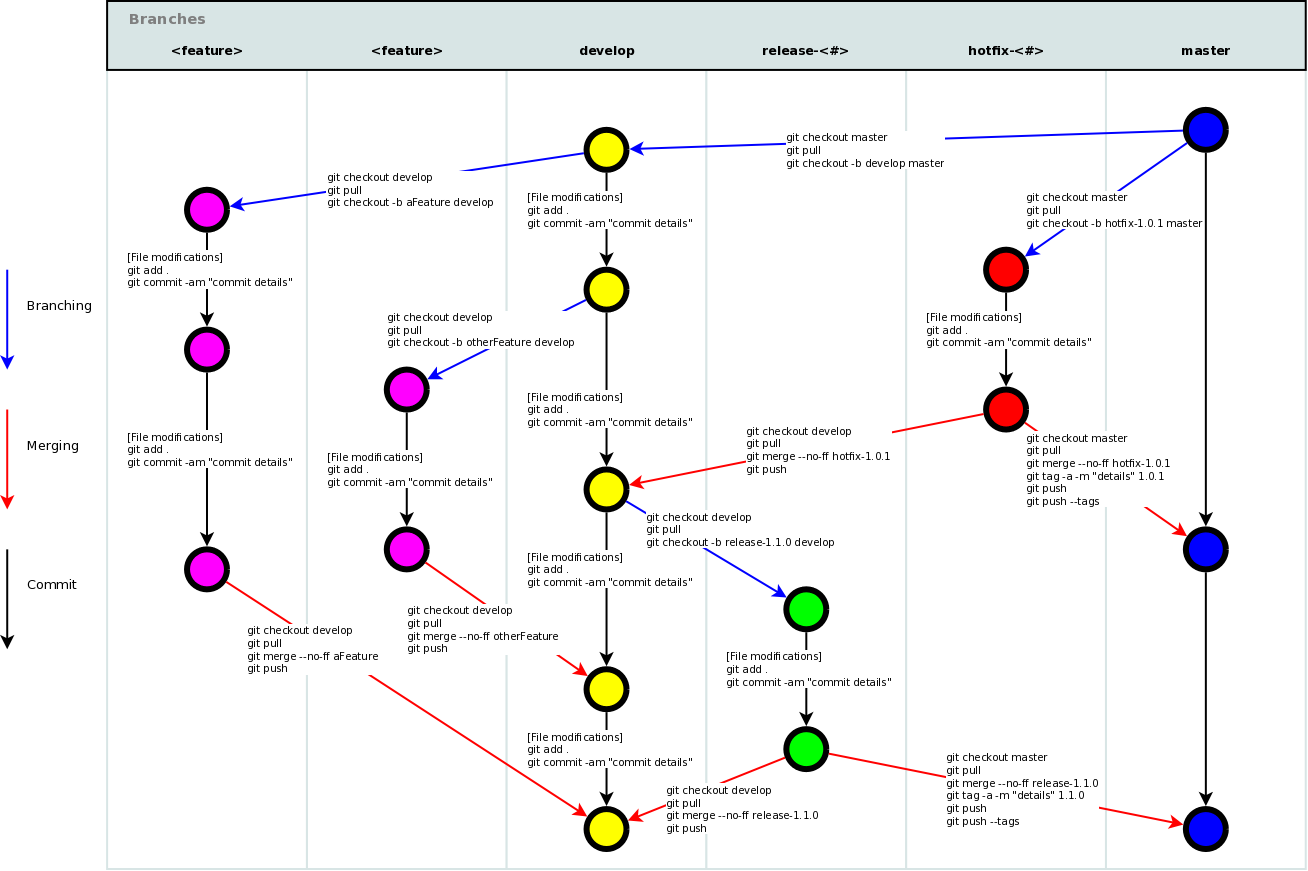
Git Workflow The Picture Speaks For Itself GIS And Remote Sensing
Web Oct 1 2013 nbsp 0183 32 6 In my case PyCharm there was one particular project that refused to open while other projects worked perfectly Deleting the idea folder did not fix the issue The fix that worked for me File gt Invalidate Caches gt Select all gt Invalidate and Restart This will remove caches and indices for all projects and new caches will be built

Web Select quot Open Module Settings quot Select the Module that is not shown in the tree view Select the first tab labeled quot Sources quot Press the quot Add Content Root quot link Select the root folder where the files for this module are located Once the folder has been scanned press the OK button and you will see the Module appear
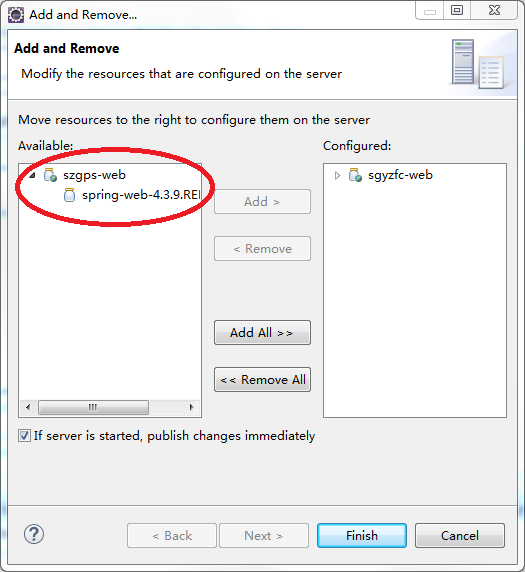
Web Jun 16 2014 nbsp 0183 32 All files in the project have a red J icon and will not open by any means clicking or drag and drop If I try to create a new file like a JavaScript file the dialog stays open and does not create the file I have re installed Intellij 3 times erasing all previous configurations Recreated created new projects

Web Jun 23 2018 nbsp 0183 32 2 Answers You can try to Invalidate Caches Restart from intellij You can try to increase memory assigned to intellij Your project may need more memory than is assigned to the ide You can try to import some other similar project to

Web Oct 17 2016 nbsp 0183 32 One solution that works for me Click on the file button in the upper left corner Click on the Project Structure button Go to the Modules category If you do not have any modules with the name of your project click the quot plus quot sign button at the top Click on the New module button Choose your language
[desc-11] [desc-12]
[desc-13]