Intellij Git Not Showing Changes Git VS Code Not Showing Changes And Staged Files Showing As Blank Git VS Code Not Showing Changes And Staged Files Showing As Blank Manage Git Branches MPS IntelliJ IDEA 2020 1 Mac SOZY TOP Set Up A Git Repository IntelliJ IDEA Web Sep 5 2023 nbsp 0183 32 Open the file in the editor or select it in the Project tool window and choose lt VCS gt Show History from the context menu The History tab for the selected file appears in the Version Control tool
Web Sep 8 2023 nbsp 0183 32 In IntelliJ IDEA you can trace back all changes in your project gt This helps you locate the author of any change review the differences between file versions or Web Apr 29 2019 nbsp 0183 32 IntelliJ does not show me the changed files at all when I try to make a commit It only shows me the xml files not my Java classes How can I add them
Set Up A Git Repository IntelliJ IDEA Intellij The Local Changes Tab Does Not Show Up In The Intellij Git Why Old Posts Are Showing Up In Elementor And How To Fix It ThemeWaves Jetbrains Ide How To Show Parallel Lines UI For Git Branches In Visual Studio Code Git Commits View Not Showing In VSCode Source Control Source Code With Git In Visual Studio Code 2023 Hot Sex Picture Resolve GIT Conflicts In IntelliJ YouTube Commit Changes To A Git Repository TestingDocs Intellij Idea
Intellij Git Not Showing Changes
 Intellij Git Not Showing Changes
https://i.stack.imgur.com/5RW0R.jpg
Web Sep 7 2023 nbsp 0183 32 If a file is added to Git but not committed you can right click it in the Changes view and choose Rollback Git lets you list ignored file patterns in two kinds of
Templates are pre-designed files or files that can be used for various purposes. They can save time and effort by offering a ready-made format and layout for creating various kinds of material. Templates can be used for individual or expert tasks, such as resumes, invitations, leaflets, newsletters, reports, discussions, and more.
Intellij Git Not Showing Changes

Git Log Not Displaying Any History IDEs Support IntelliJ Platform

Intellij The Local Changes Tab Does Not Show Up In The Intellij Git

Why Old Posts Are Showing Up In Elementor And How To Fix It ThemeWaves

Jetbrains Ide How To Show Parallel Lines UI For Git Branches In
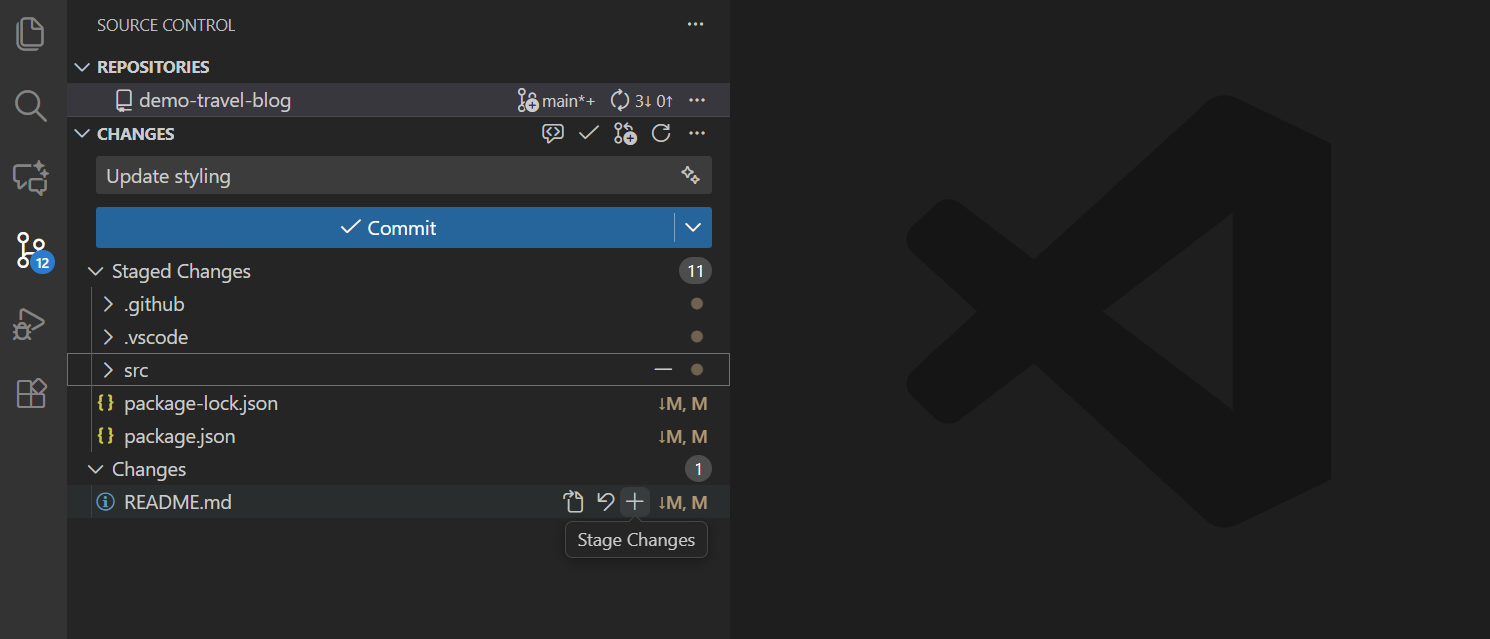
Control Source Code With Git In Visual Studio Code 2023 Hot Sex Picture
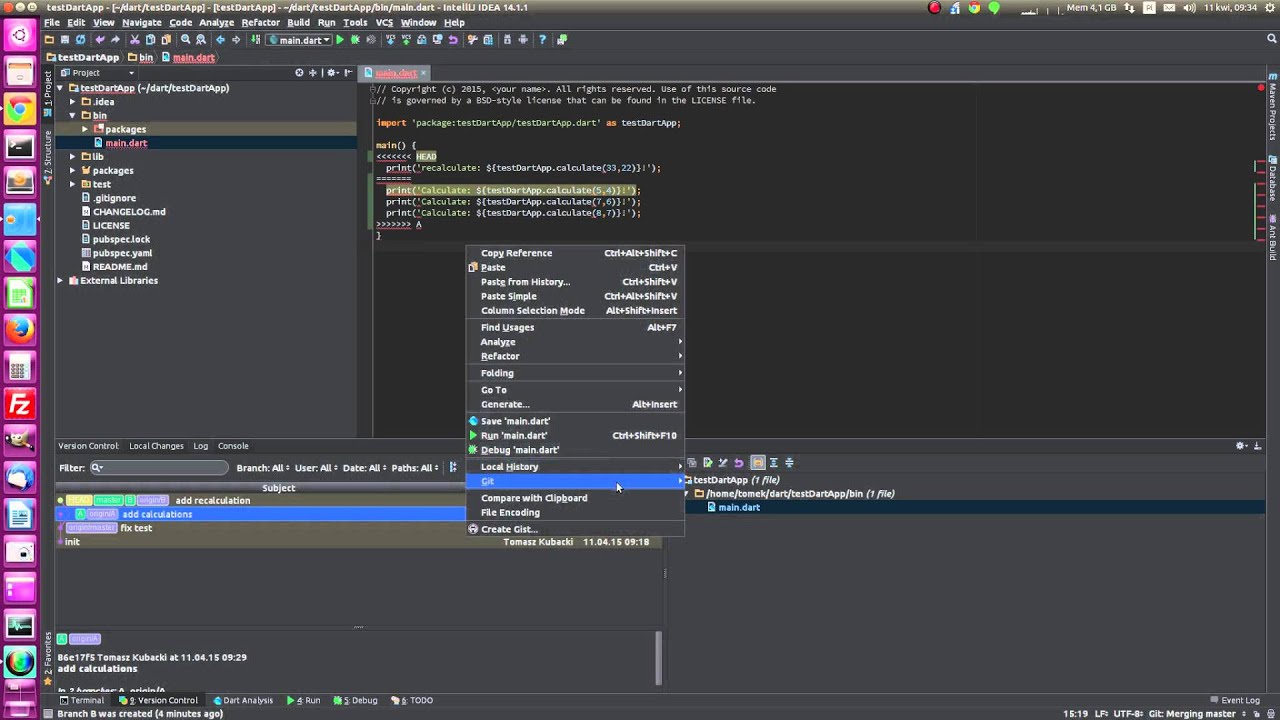
Resolve GIT Conflicts In IntelliJ YouTube

Web Jun 8 2013 nbsp 0183 32 1 you stashed your changes to fix type git stash pop 2 you had changes and you committed them you should be able to see your commit in git log 3 you had

Web Aug 29 2020 nbsp 0183 32 You may disable quot Use non modal commit interface quot option in quot Settings Preferences Version Control Commit quot to revert to old layout So now it looks like IntelliJ has a commit window shortcut 0 that
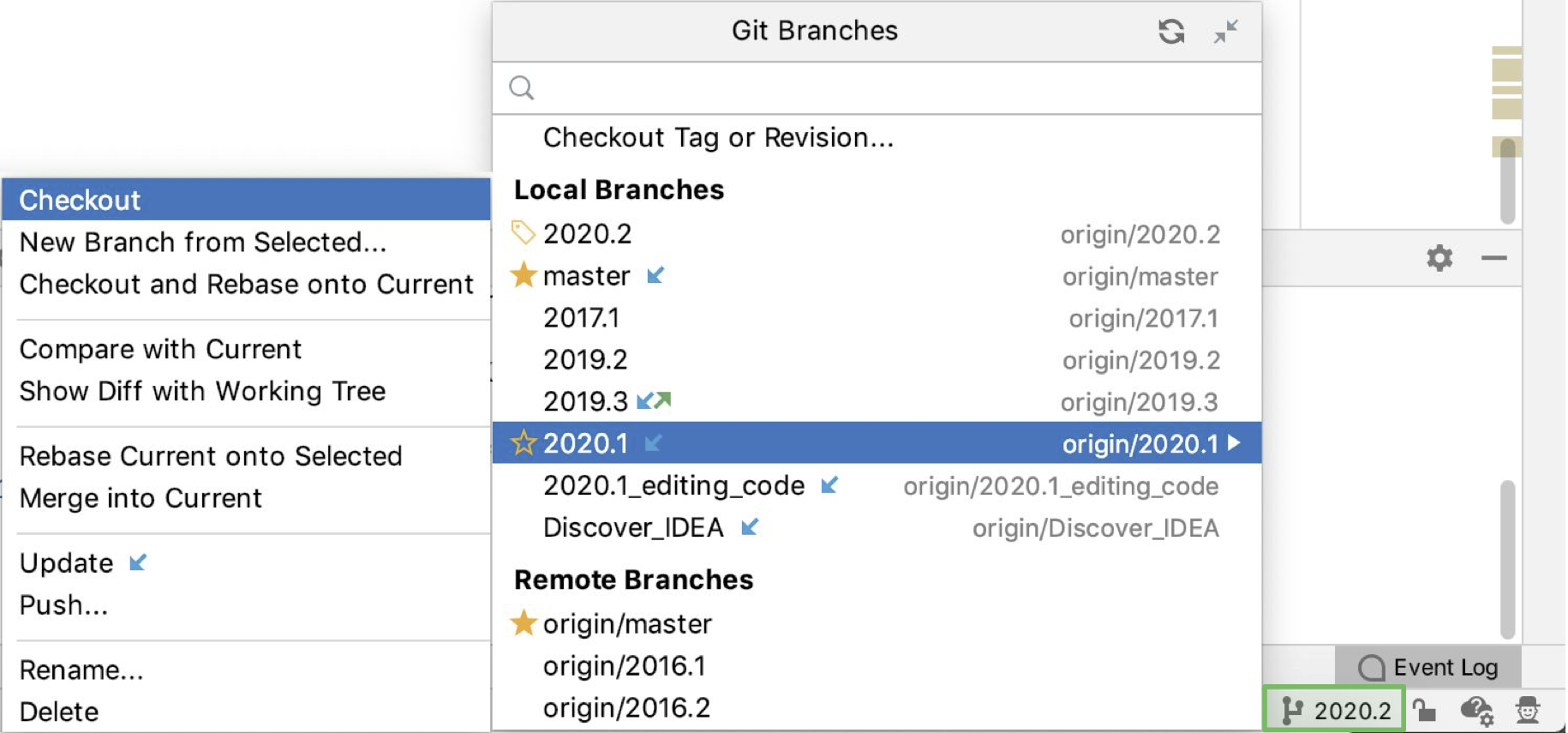
Web Mar 23 2018 nbsp 0183 32 When the Use non modal commit interface option is enabled there is the Commit toolwindow on the left that shows the Local Changes where Default changelist resides and allows committing from there See
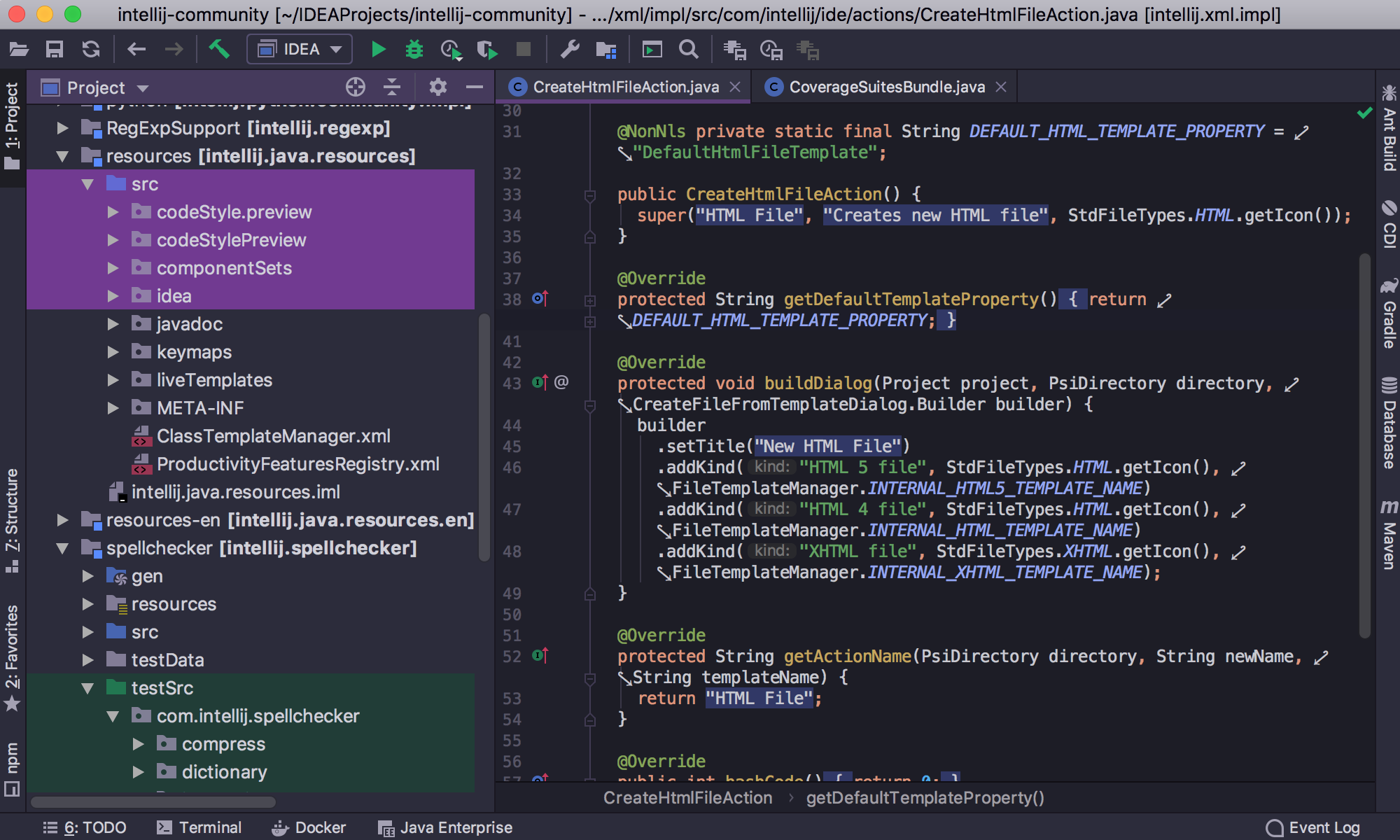
Web Sep 8 2023 nbsp 0183 32 Open the vertical Commit tool window Alt 00 located on the left As your changes are ready to be committed select the corresponding files or an entire changelist If you press Ctrl 0K the entire active
Web Sep 11 2023 nbsp 0183 32 IntelliJ IDEA will pull changes from the remote branch and will rebase or merge them into the local branch depending on which update method is selected in
Web Sep 29 2014 nbsp 0183 32 In the Terminal tool window the git command shows changes all right but the VCS tools don t pick up anything edited files show just as if no changes were made Web Apr 17 2019 nbsp 0183 32 you can go to settings ctrl alt s gt version control gt confirmation change the options of quot when files are created quot also if it doesn t solved the issue you can right
Web May 13 2020 nbsp 0183 32 Official comment Hello Local Changes and Shelf have been moved to a separate Commit tool window on the left See