Installing Node Using Node Version Manager Nvm How To Install Node js As A Non Root User Using NVM A Step by Step How To Use Node Version Manager nvm YouTube Installing Node js With NVM Using NVM To Juggle Node js Versions By Why You Should Use NVM Node Version Manager And How To Install It How To Install Node And NPM Using Node Version Manager NVM In MacOS Jul 25 2023 nbsp 0183 32 My WSL installation on windows10 is failing with below error code gt wsl exe install d Ubuntu Installing Ubuntu An error occurred during installation
New on Android Explore tailored features We re excited to share new Android features From custom icons in group chats to new Emoji Kitchen sticker combinations experience Jun 19 2020 nbsp 0183 32 8 I managed to get the full Ubuntu 20 04 Unity desktop GUI running using VcXsrv by installing the GNOME Desktop the ubuntu wsl2 systemd script and then appending a script
How To Install Node And NPM Using Node Version Manager NVM In MacOS Nvm Install Node Version Senturinlib Windows Downgrade Node Js Version Better Node js Install Management With Node Version Manager Installing Node With NVM Node Version Manager Devpeel Installing Multiple Versions Of Node js Using Nvm SitePoint How To Install And Use NVM Node Version Manager Linode Node Version Manager NVM For Windows Tutorial YouTube Upgrade Node From 6 To 8 Using Nvm
Installing Node Using Node Version Manager Nvm
 Installing Node Using Node Version Manager Nvm
https://res.cloudinary.com/practicaldev/image/fetch/s--6bDYVJf6--/c_imagga_scale,f_auto,fl_progressive,h_420,q_auto,w_1000/https://dev-to-uploads.s3.amazonaws.com/uploads/articles/tns0q1sn1n531uk9e8mt.png
Official Google Chrome Help Center where you can find tips and tutorials on using Google Chrome and other answers to frequently asked questions
Templates are pre-designed documents or files that can be utilized for different functions. They can conserve time and effort by supplying a ready-made format and design for producing different sort of content. Templates can be used for personal or professional projects, such as resumes, invites, flyers, newsletters, reports, presentations, and more.
Installing Node Using Node Version Manager Nvm

Installing Node LTS With The Latest NPM Using NVM Chris Wiegman
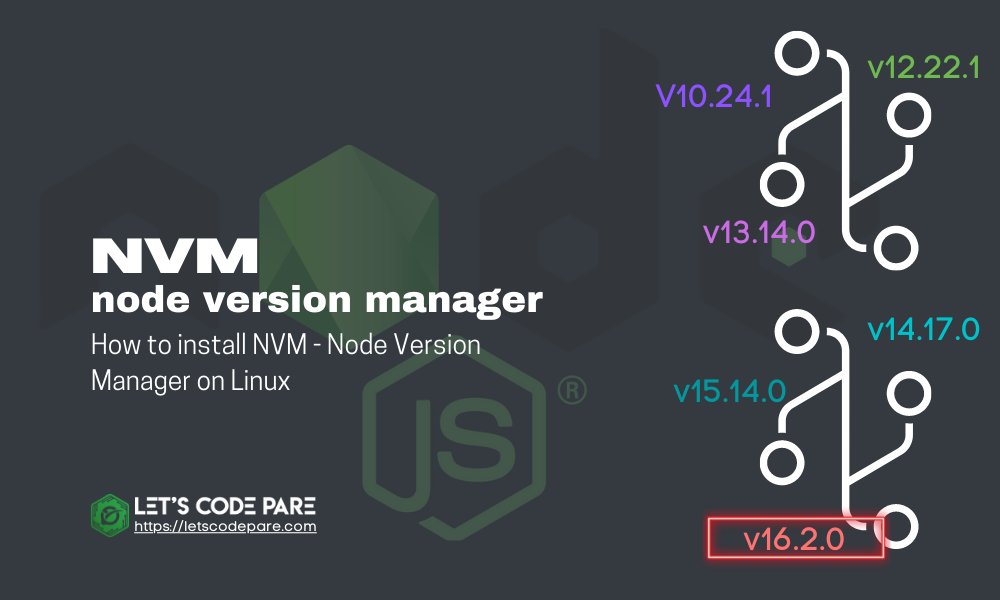
Nvm Install Node Version Senturinlib

Windows Downgrade Node Js Version

Better Node js Install Management With Node Version Manager

Installing Multiple Versions Of Node js Using Nvm SitePoint
How To Install And Use NVM Node Version Manager Linode

Open files on your desktop When you install Drive for desktop on your computer it creates a drive in My Computer or a location in Finder named Google Drive All of your Drive files appear here

You can download and install the Chrome web browser at no charge and use it to browse the web
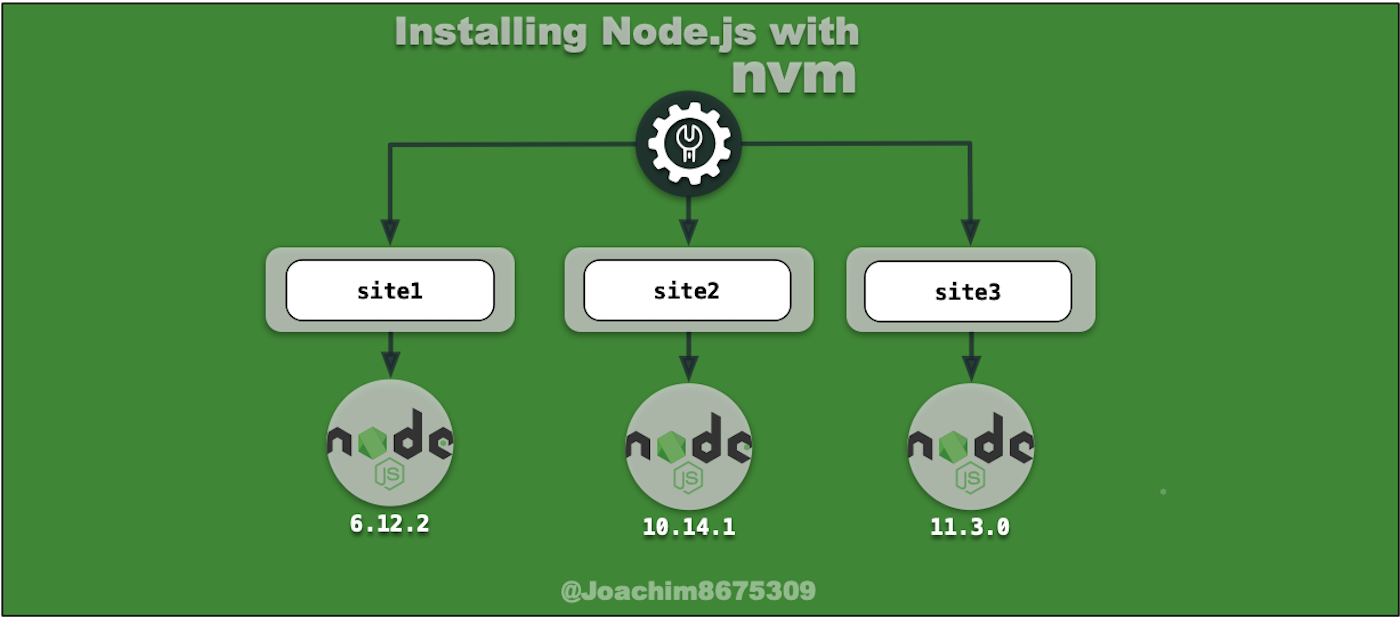
This article will guide you through setting up and using Drive for desktop To get started follow these steps Learn about Drive for desktop benefits

Some antivirus software can prevent Chrome from installing on the computer If you can t install Chrome with your antivirus software turned off you need to upgrade your antivirus software

Feb 12 2011 nbsp 0183 32 Installing from the Software Center is much more secure much easier and will allow the app to get updates from Ubuntu That said how to install tar packages The best way
[desc-11] [desc-12]
[desc-13]