Install Zabbix Proxy Centos 7 How To Install Zabbix 3 0 Beta On CentOS 6 Zabbix Blog Como Configurar Um Servidor Zabbix Proxy 3 0 No CentOS 7 Data Unique Install Zabbix Proxy On CentOS 7 Dilli s Oracle MySQL Linux Blog Squid 3 5 Transparent Proxy Centos 7 Instalar Zabbix Proxy Centos 7 Download and install Zabbix Zabbix Packages Zabbix Cloud Images Zabbix Containers Zabbix Appliance Zabbix Sources Zabbix Agents Choose your platform Zabbix version 6 4 6 0 LTS 5 0 LTS 7 0 PRE RELEASE OS Distribution Alma Linux CentOS Debian OpenSUSE Leap Oracle Linux Raspberry Pi OS Red Hat Enterprise Linux Rocky Linux SUSE Linux Enterprise Server
How To Install and Configure Zabbix to Securely Monitor Remote Servers on CentOS 7 Updated on May 29 2019 Apache MySQL Monitoring Networking High Availability System Tools PHP MariaDB CentOS Open Source By Vadym Kalsin Not using CentOS 7 Choose a different version or distribution CentOS 7 Once we have opened the shell go to the ansible directory where we have all of our Ansible files present cd ansible With the previous blog post we executed the zabbix server yml playbook Now we use the zabbix proxy yml playbook The playbook will deploy a MySQL database on node 3 and also installs the Zabbix
Instalar Zabbix Proxy Centos 7 Animeultima Proxy HOW TO INSTALL ZABBIX 3 4 SERVER ON CENTOS 7 RHEL 7 Cong Nghe Thong Set Proxy Pip Install Como Instalar O Agente Do Zabbix 5 No Centos 7 Coffops Install Dante Socks Proxy Centos 7 Limfaresort Install Zabbix Proxy On CentOS 8 RHEL 8 In 10 Minutes How To Setup Zabbix Proxy Server For Different Network Monitor zabbix zabbix proxy Chuyio
Install Zabbix Proxy Centos 7
 Install Zabbix Proxy Centos 7
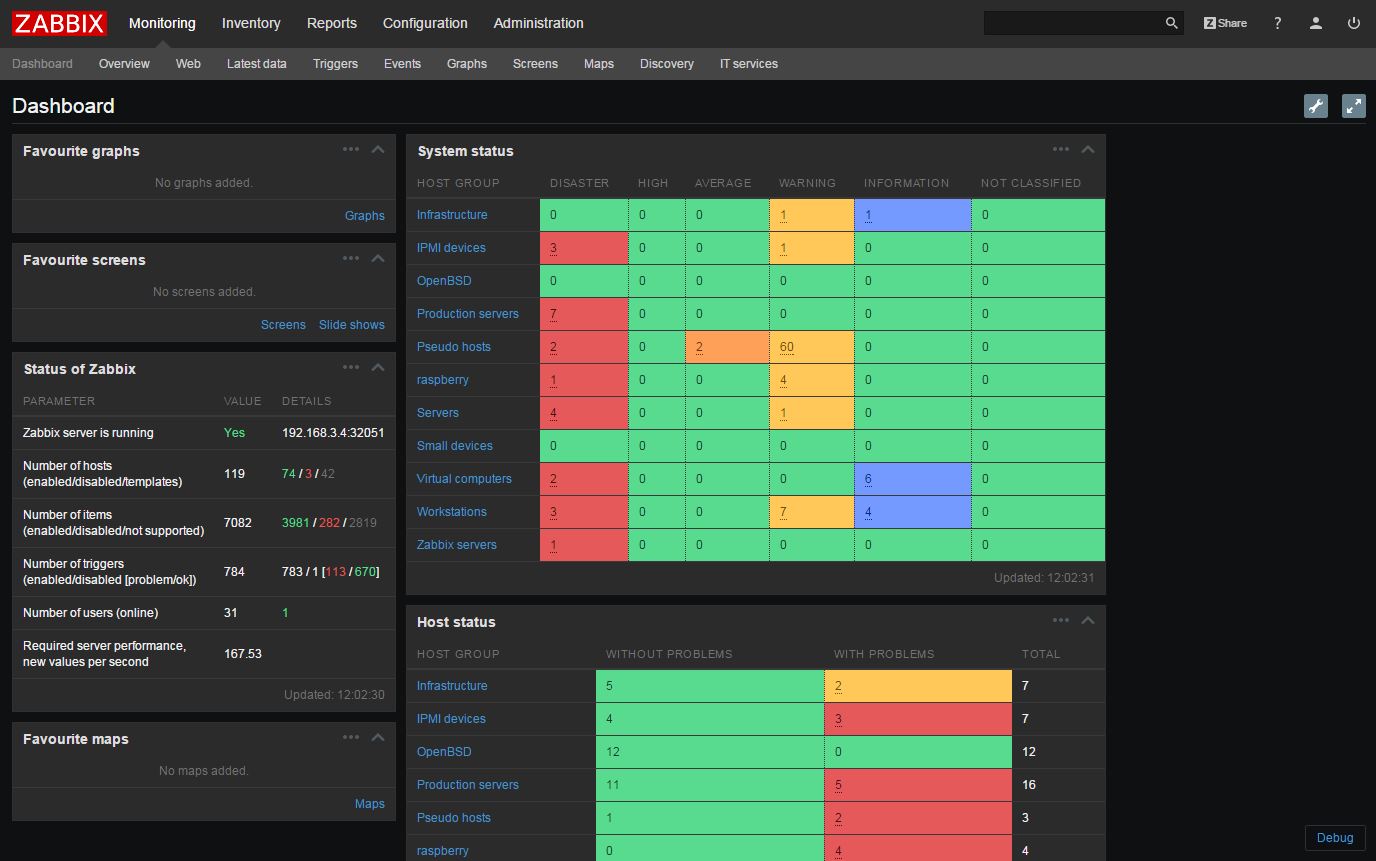
https://blog.zabbix.com/wp-content/uploads/2016/01/3.0-dark-dashboard.jpg
You can get the installer from https www raspberrypi software Raspberry Pi OS Lite doesn t enable SSH by default Read Troubleshooting Raspberry Pi OS before continuing since there are potentially breaking changes since April 2022
Templates are pre-designed documents or files that can be used for numerous purposes. They can conserve effort and time by offering a ready-made format and layout for developing various type of content. Templates can be utilized for personal or professional projects, such as resumes, invitations, leaflets, newsletters, reports, presentations, and more.
Install Zabbix Proxy Centos 7

How To Install Zabbix Proxy On Ubuntu

Animeultima Proxy

HOW TO INSTALL ZABBIX 3 4 SERVER ON CENTOS 7 RHEL 7 Cong Nghe Thong
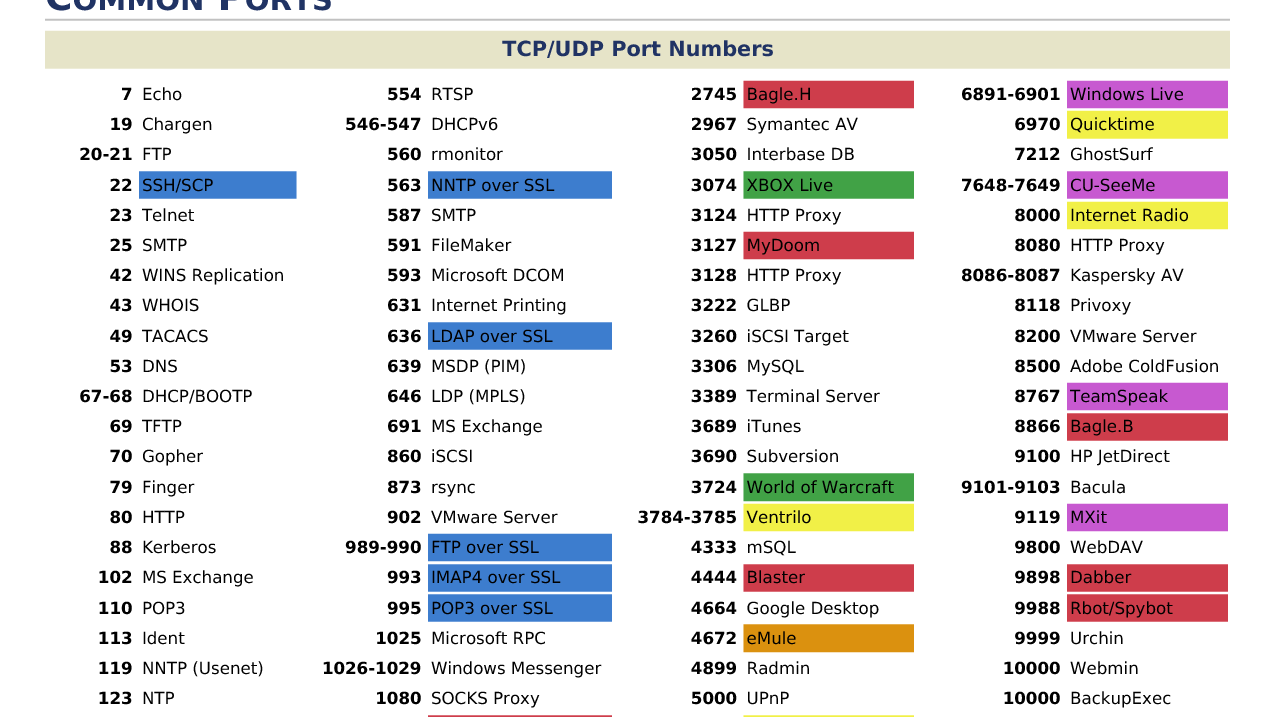
Set Proxy Pip Install
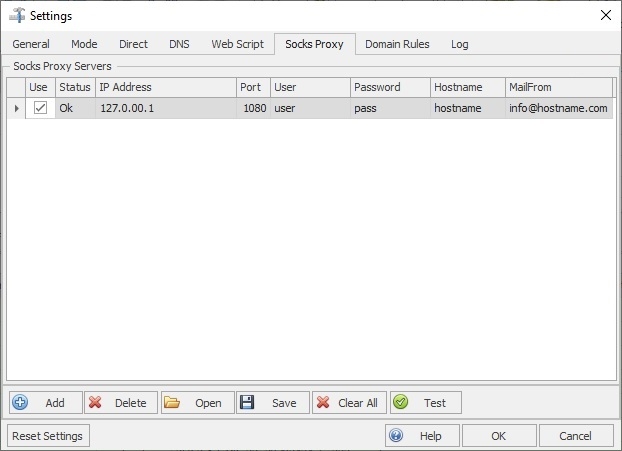
Install Dante Socks Proxy Centos 7 Limfaresort

Install Zabbix Proxy On CentOS 8 RHEL 8 In 10 Minutes

Creating proxy database Starting Zabbix proxy process Common configuration Database configuration for Zabbix proxy 5 Proxy installation For this procedure Zabbix repository provides choice of 3 packages named as follows zabbix proxy mysql zabbix proxy pgsql zabbix proxy sqlite3

1 Installing Zabbix Download the latest Zabbix repository rpm package with following wget command wget https repo zabbix zabbix 4 rhel 7 x86 64 zabbix release 4 1 el7 noarch rpm Once the file is downloaded add the Zabbix repository to your CentOS 7 system by typing sudo yum localinstall zabbix release 4 1 el7 noarch rpm

Step 1 Set SELinux to permissive mode Step 2 Configure firewall Step 3 Install Zabbix Proxy on CentOS RHEL Step 4 Configure database a Install and start MariaDB 10 6 b Reset root password for database c Create database d Import initial database schema Step 5 Zabbix Proxy configuration Step 6 Start and enable Zabbix Proxy service

For the purpose of the installation of a proxy we need a user super administrator rights If you didn t yet installed a Zabbix server Check our previous tutorials to learn how to install Zabbix Server on CentOS 7 RHEL 7 server or Ubuntu 16 04 LTS server How To Install Zabbix 3 4 Monitoring Server On Ubuntu 16 04 LTS

1 Welcome to our guide on how to install Zabbix Server 5 0 on CentOS 7 Server Our previous guide was on the installation of How to Install Zabbix Server on Ubuntu Zabbix is a powerful open source monitoring solution used to monitor server applications systems Network devices Hardware appliances IoT devices e t c
Step 1 Install Apache Web Server and PHP 1 First update the software packages and then install Apache Web Server alongside PHP and its extensions in order to provide the web backed functionality for Zabbix Server by issuing the following command Zabbix Agent collects the data from the client machine and sends them to the Zabbix Server We will install the Zabbix agent on the Ubuntu machine to monitor it Execute following commands to install the agent on Ubuntu 18 04 LTS As usual replace the URL with the latest from the official website
Install proxy and make sure to insert correct database type value for database type yum install zabbix proxy database type Creating proxy database Create Zabbix proxy database and its user For instructions on doing that see examples from server installation with MySQL or PostgreSQL and mind peculiarity of the SQLite creation