Install Xorg Centos 7 3 Options To List All Installed Packages In CentOS Easiest Way How To Remove GNOME Environment And Xorg Server On CentOS 7 8 9 Unix Linux Xorg server 1 16 On CentOS 7 2 Solutions BENISNOUS I Recently Upgraded My Pc And Decided To Do A Fresh Arch Linux Install CentOS7 When you install Drive for desktop on your computer it creates a drive in My Computer or a location in Finder named Google Drive All of your Drive files appear here Any new files or
Como instalar o Chrome Importante antes de baixar confira se o Chrome 233 compat 237 vel com seu sistema operacional e outros requisitos do sistema Install and set up Drive for desktop Install amp set up Drive for desktop for Windows Important Before you start check that your operating system is compatible with Drive for desktop Tip If
CentOS7 Install Xorg X11 Window System On Arch Linux DominicM CentOS SSH X11 Forwarding GUI Passpark Twt IT CentOS 7 6 Xorg 1 20 Segfaults Issue 26014 MicrosoftDocs azure SERVIDOR DE CORREO ZIMBRA Mayo 2012 centOS 1920 1080 Siukwan How To Install Xorg On Centos Repositories Badpop SSH X11 Forwarding GUI Passpark Twt IT
Install Xorg Centos 7
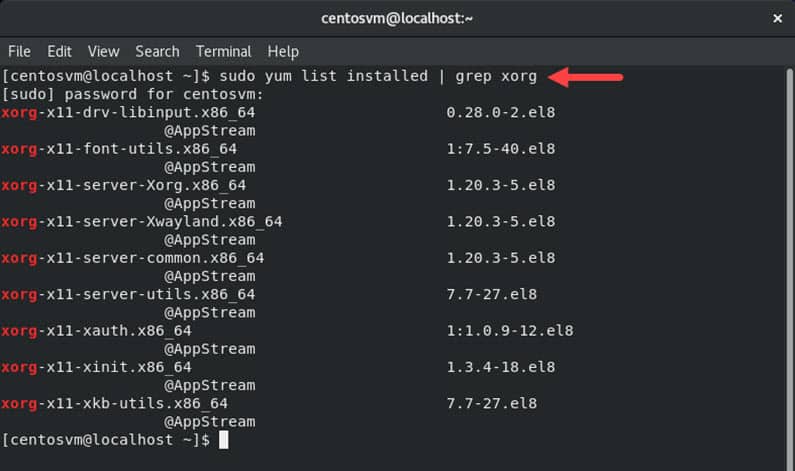 Install Xorg Centos 7
https://phoenixnap.com/kb/wp-content/uploads/2021/04/yum-command-list-grep-xorg.jpg
Dec 30 2024 nbsp 0183 32 I just purchased office home 2024 I need help to download and install
Templates are pre-designed files or files that can be utilized for various functions. They can conserve effort and time by offering a ready-made format and layout for creating different sort of content. Templates can be used for personal or expert projects, such as resumes, invites, leaflets, newsletters, reports, discussions, and more.
Install Xorg Centos 7
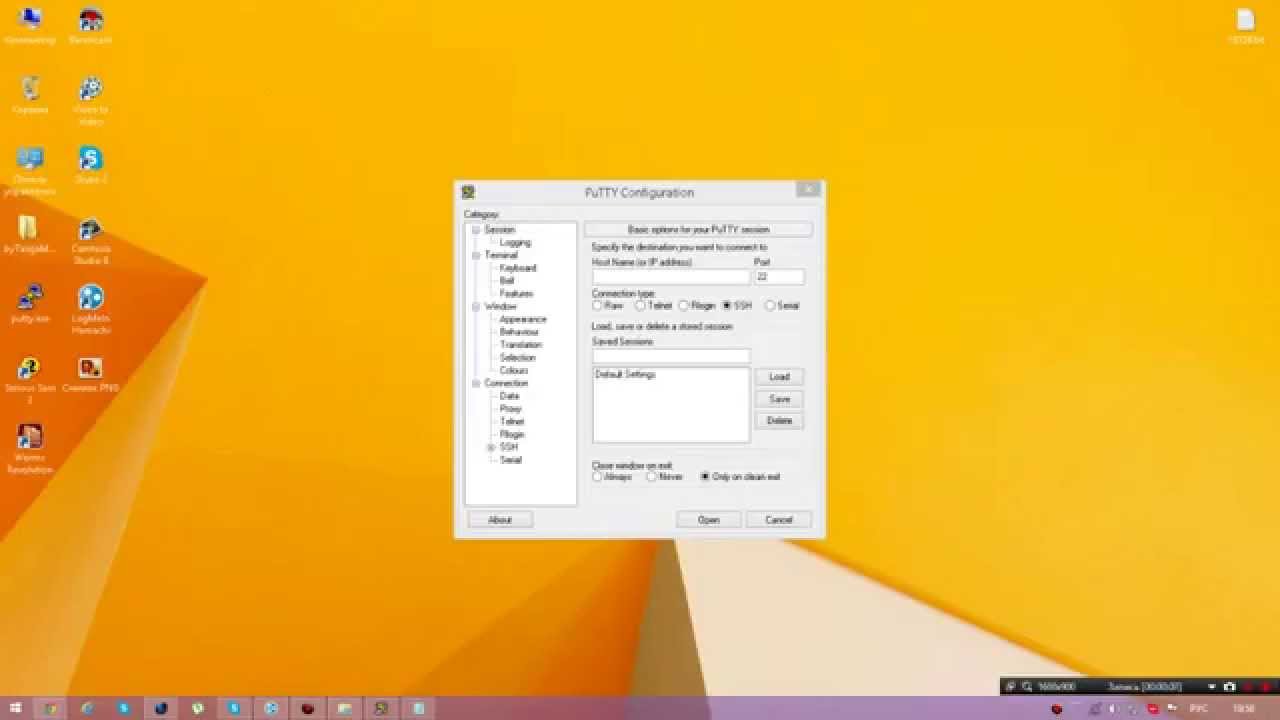
How To Install XRDP GUI On Centos

Install Xorg X11 Window System On Arch Linux DominicM

CentOS
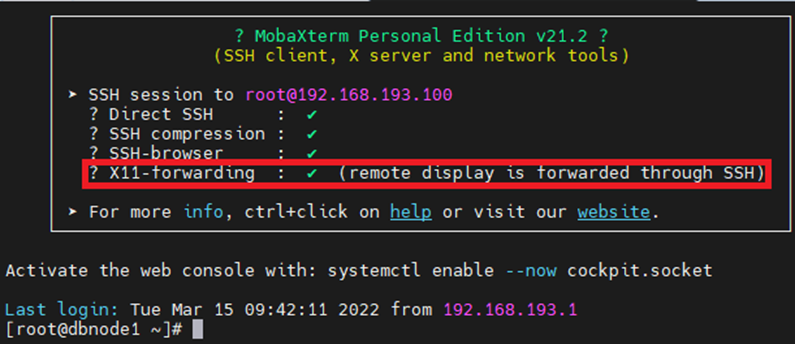
SSH X11 Forwarding GUI Passpark Twt IT

SERVIDOR DE CORREO ZIMBRA Mayo 2012
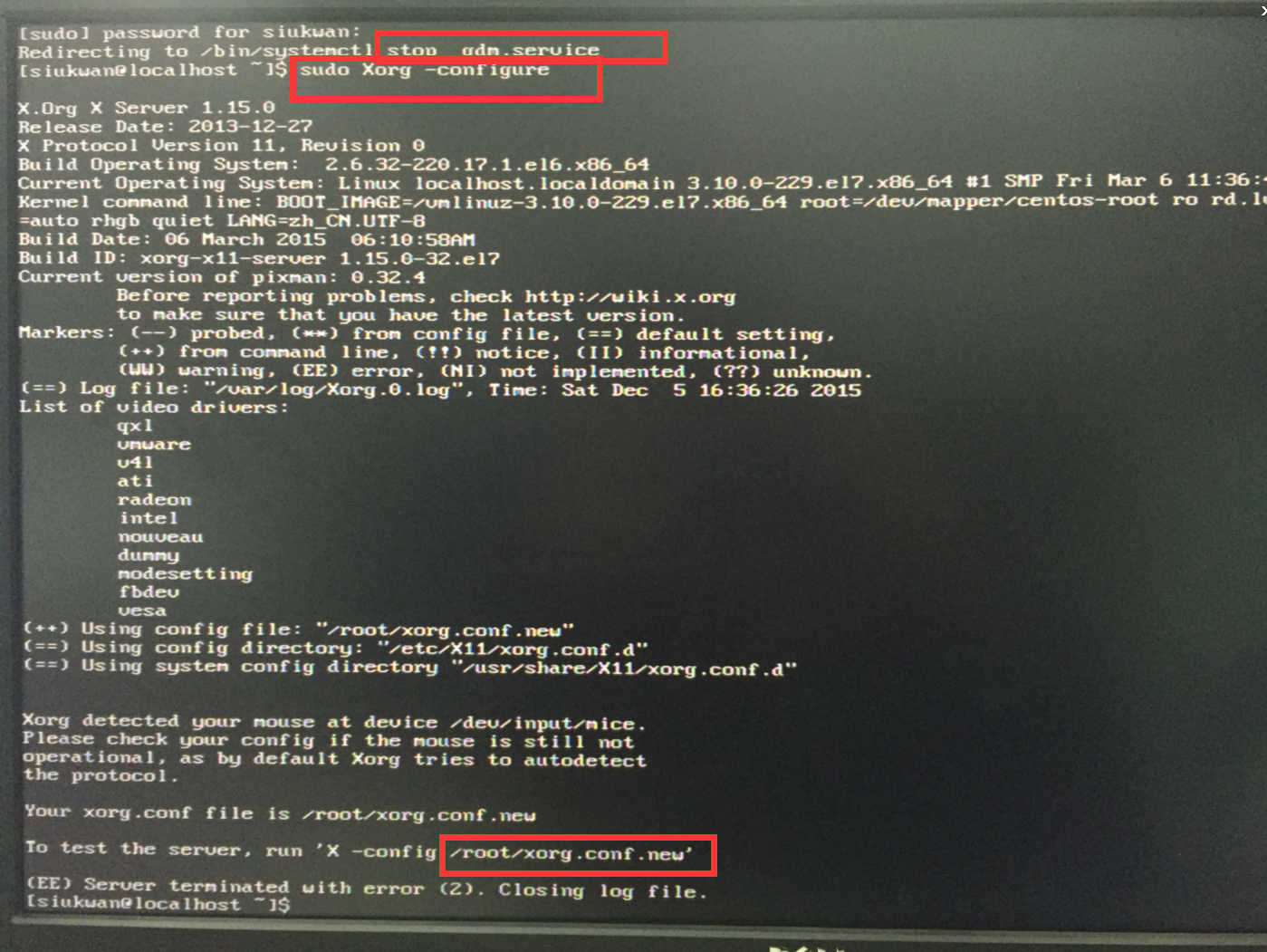
centOS 1920 1080 Siukwan
Installer Chrome Important Avant de t 233 l 233 charger Chrome vous pouvez v 233 rifier s il est compatible avec votre syst 232 me d exploitation et les autres configurations syst 232 me requises

Official Google Chrome Help Center where you can find tips and tutorials on using Google Chrome and other answers to frequently asked questions

On your iPhone or iPad open App Store In the search bar enter Chrome Tap Get To install follow the on screen instructions If prompted enter your Apple ID password To start

On your device go to the Apps section Tap Google Play Store The app will open and you can search and browse for content to download
You can download and install the Chrome web browser at no charge and use it to browse the web Get Google Chrome Download Chrome for Android phones and tablets
[desc-11] [desc-12]
[desc-13]